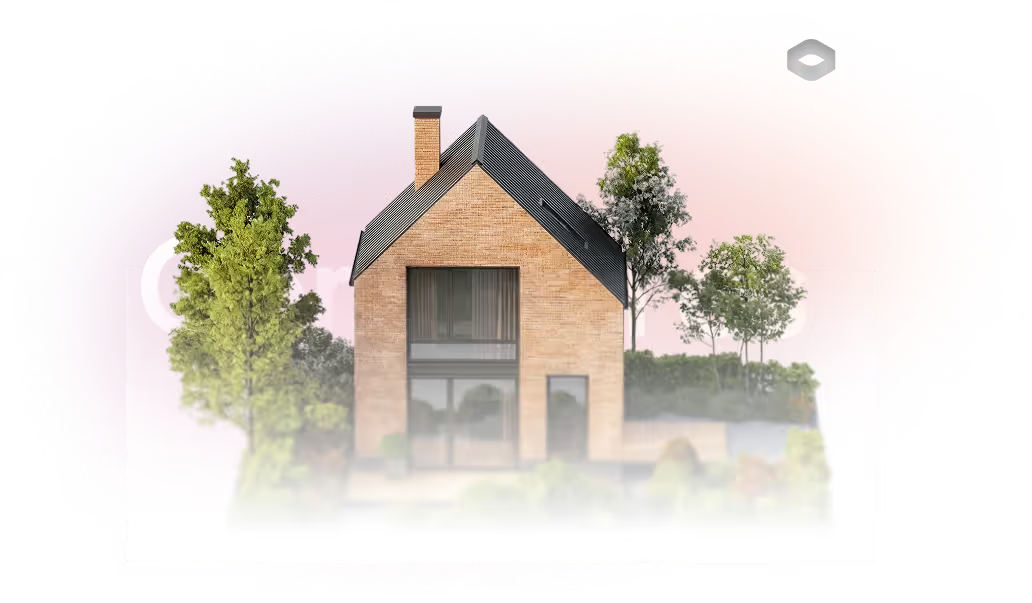
Generate images and videos with the best AI for brokers

Use AI to delight your customers, sell more, and highlight your images and videos in ads and marketplaces.

Real estate agencies across Brazil use our implementation method and result with AI.

[

What is Redraw?

]

We are the largest AI software for architecture in Latin America

And now, we present Redraw for brokers, an AI Hub that will force you to generate images that actually sell.

[

AI for Brokers

]

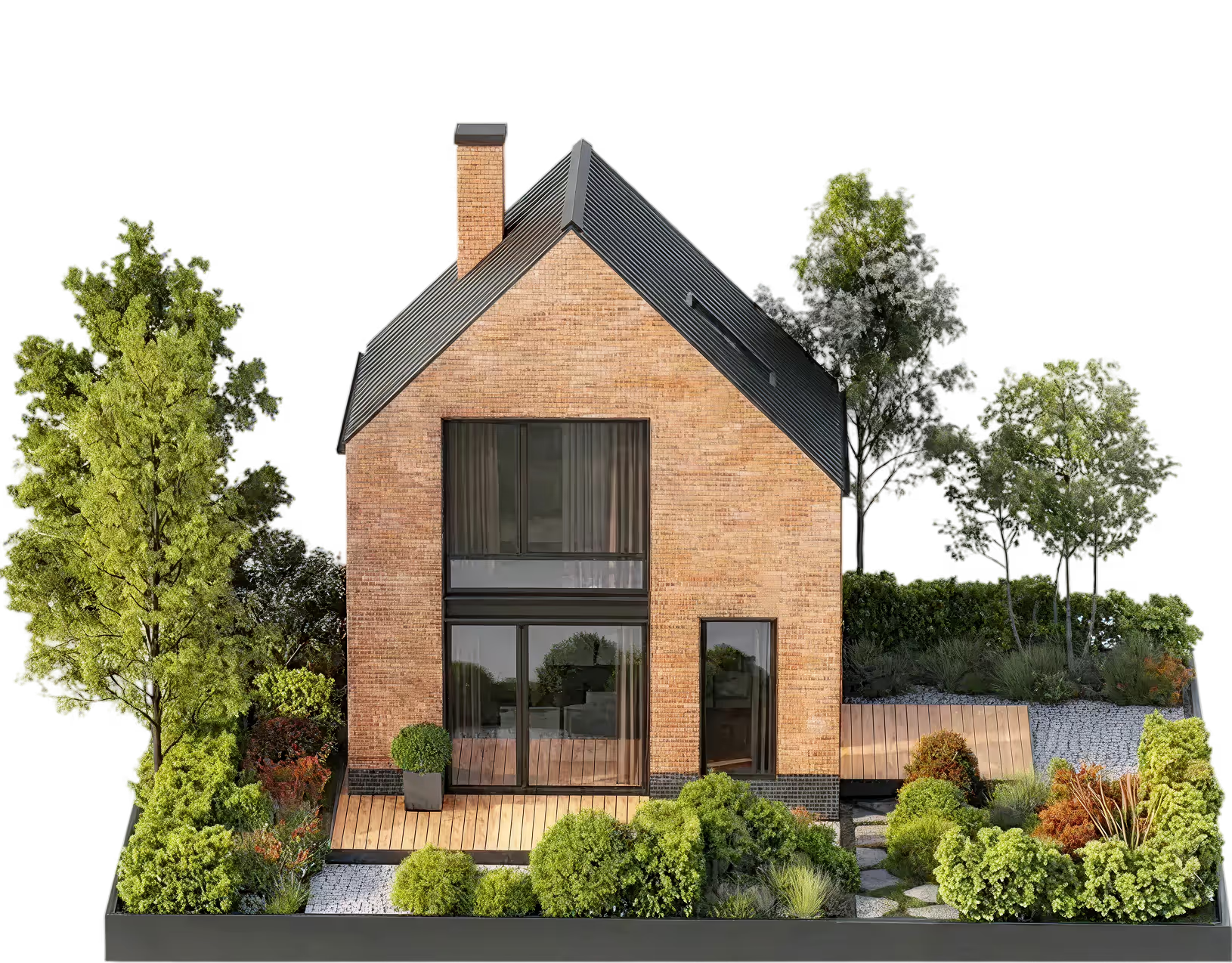
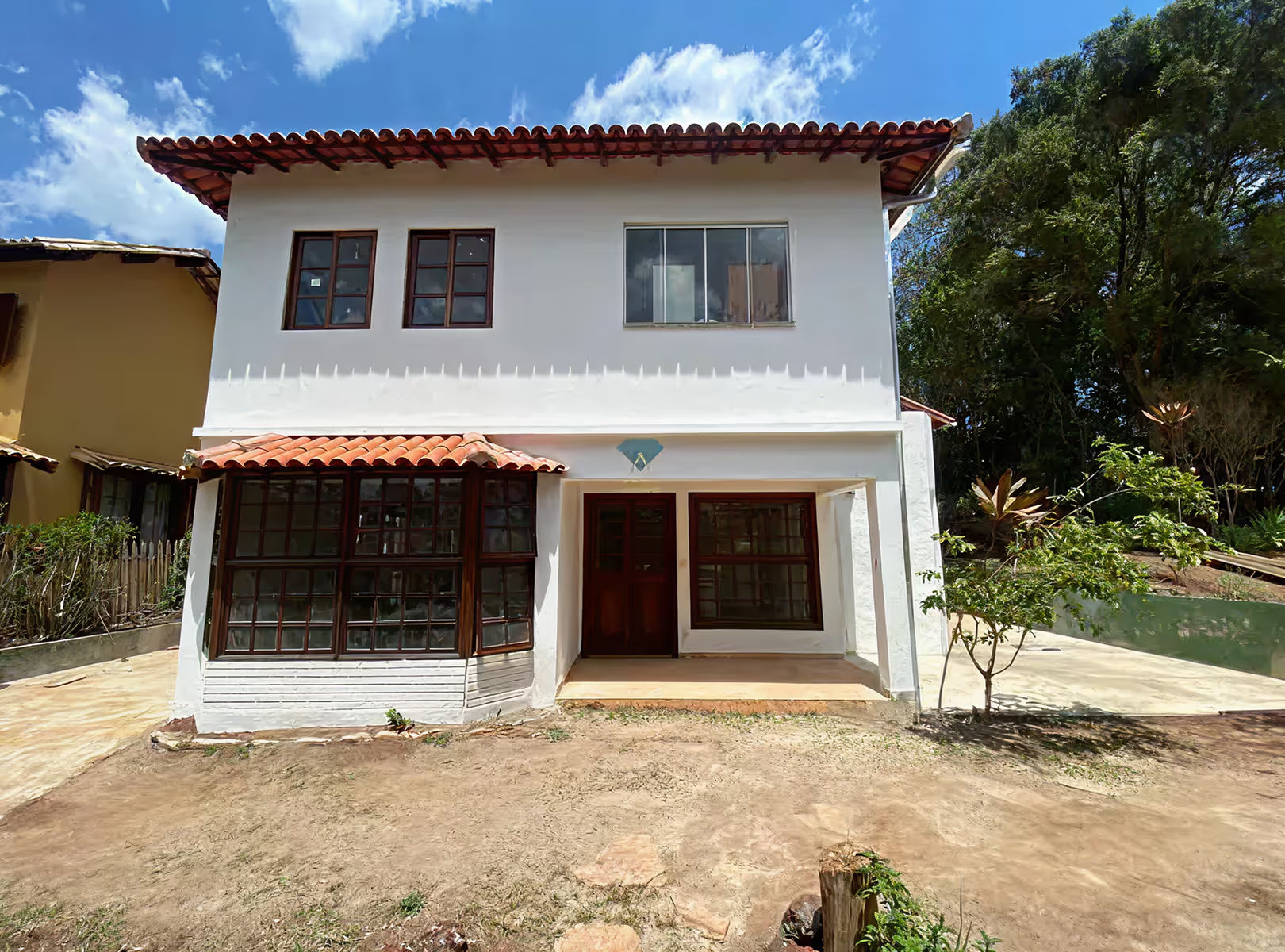
How to apply AI to the Broker's daily life? Take a look at the examples:
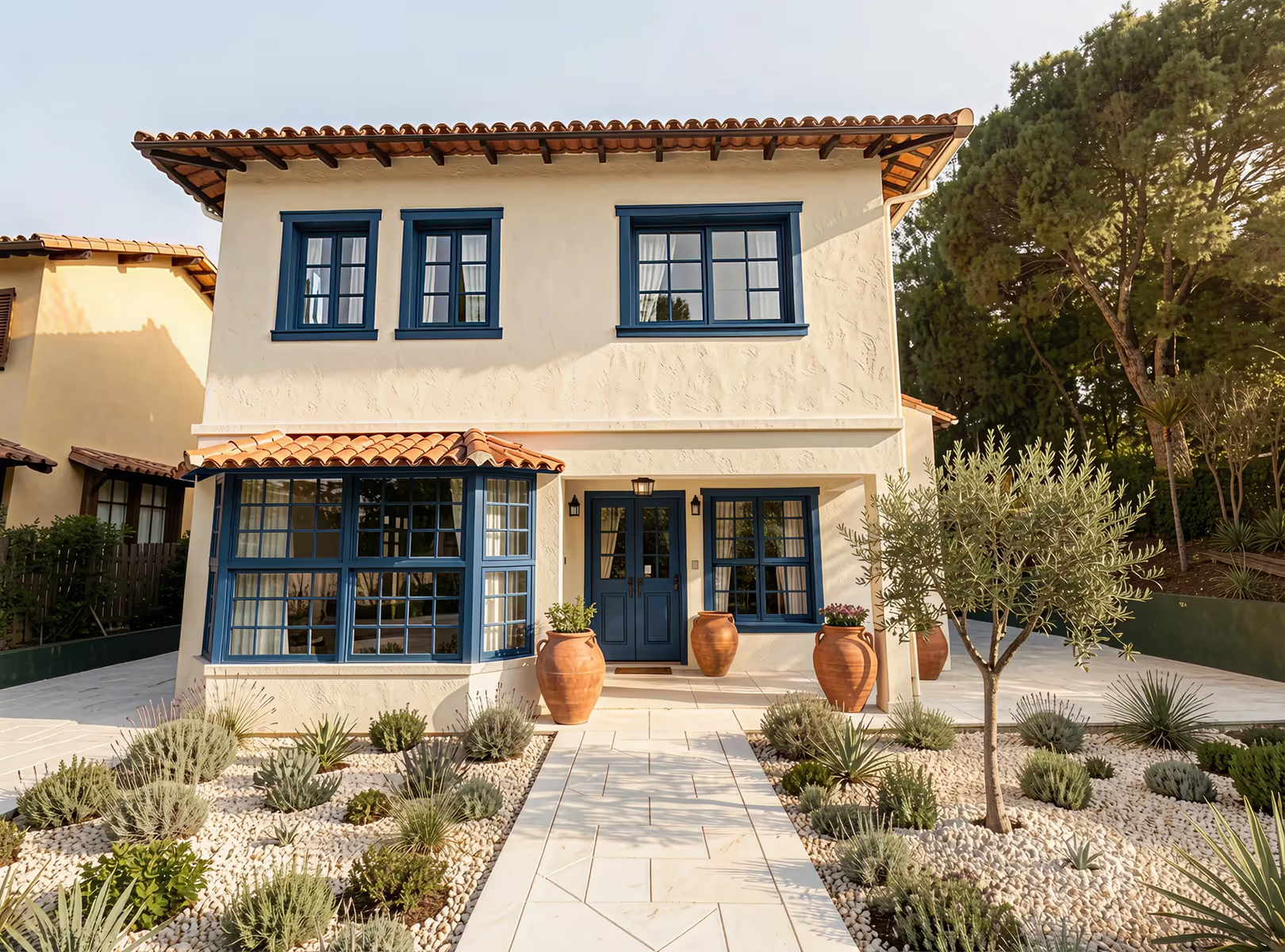
Before
After

AI for Brokers

Reform
houses:

With AI, you can generate new proposals, or even fix image details to sell more.
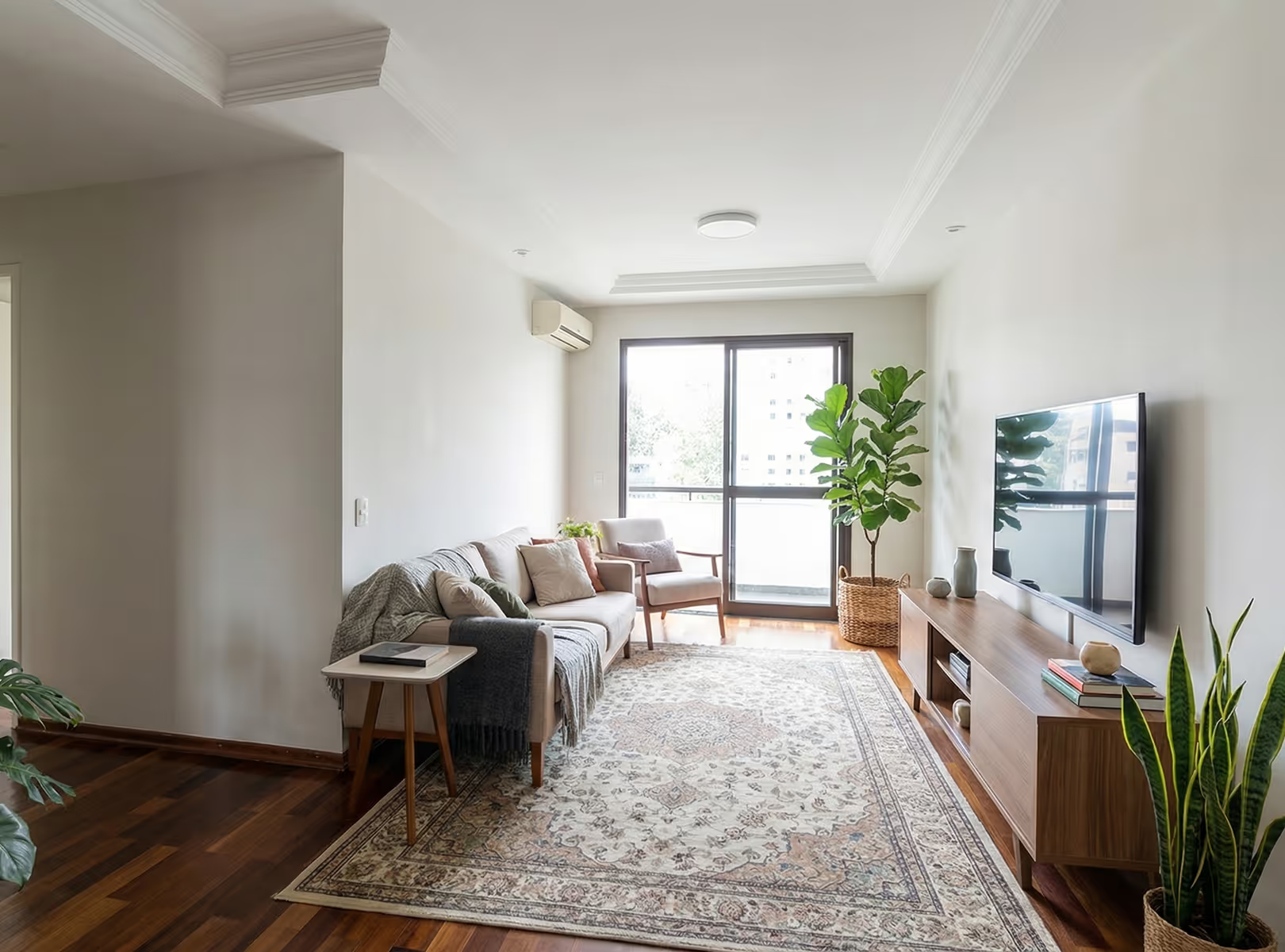
Before
After

AI for Brokers

Introduce
new proposals:

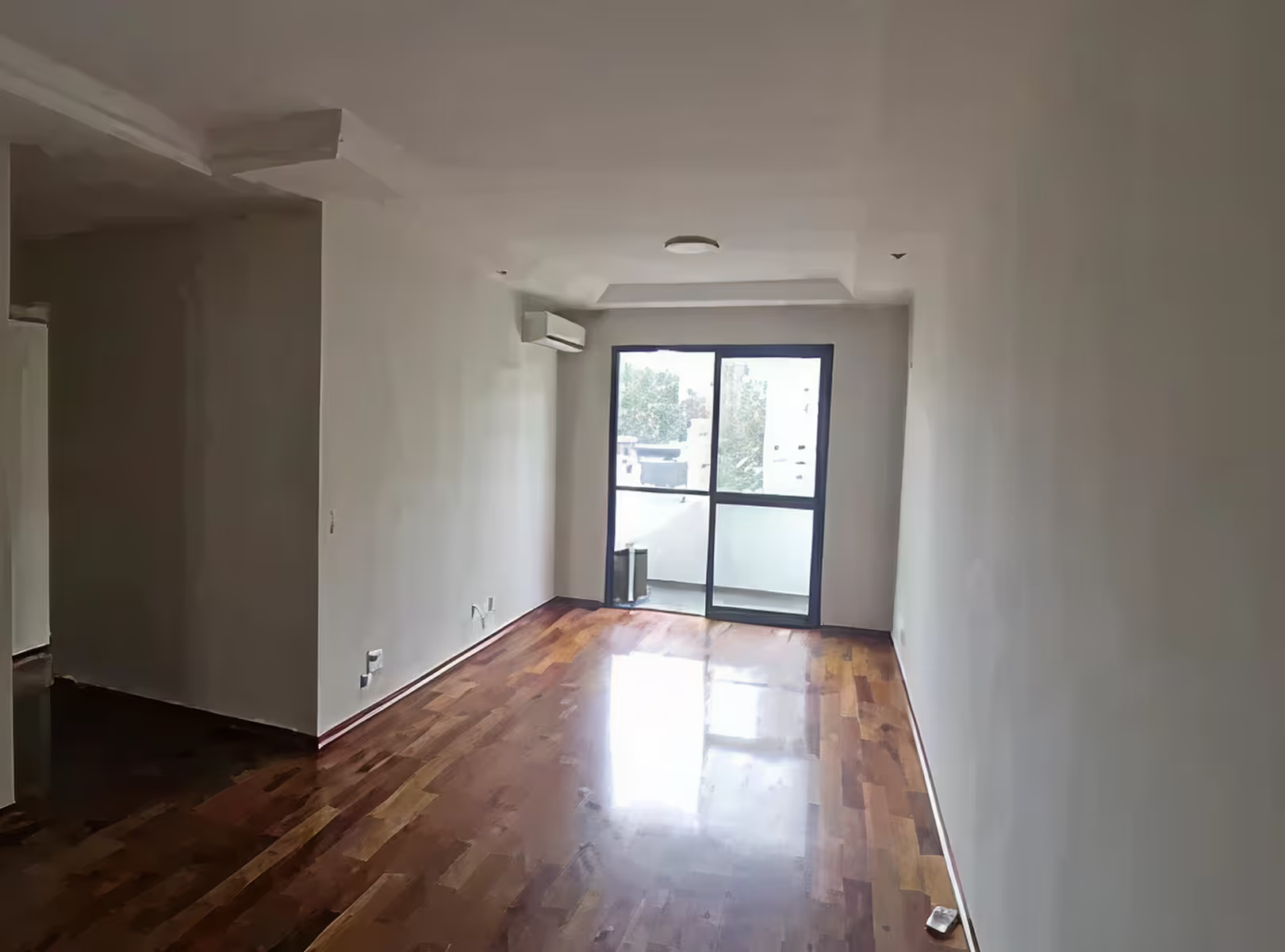
Do you know when the customer doesn't know if that place fits what they want? Or even just an image of the empty room doesn't convince him? Imagine showing what everything will look like in the future for him, with personalized options

AI for Brokers

Create videos from
presentation:

Video speaks for itself, show proposals and enchant your client, stand out with creative videos that talk to your client on their own.

[

Example

]

See some of the possibilities below

Quickly transform images of environments into realistic scenes to present proposals that impress your client without relying on complex software.

Add the customer

You can insert the client's real photo directly into the apartment being presented. The AI positions the image in the environment with natural integration of scale, perspective, and lighting, creating a realistic and personalized scene.

Before
After

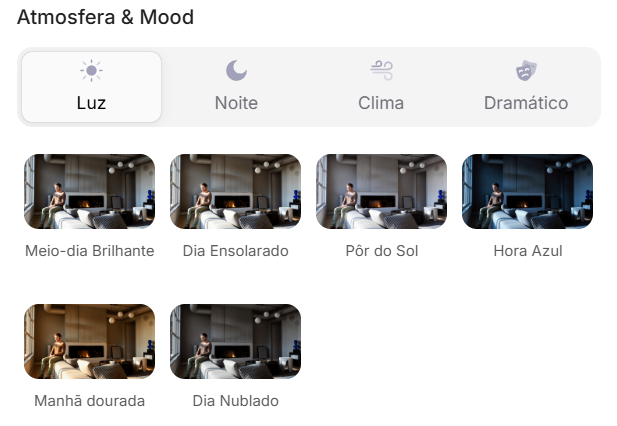
Create lighting variation

Redraw uses artificial intelligence to simulate varying light conditions without altering your original model, helping you explore moodboards, styles, and atmospheres before the final work or proposal.

Before
After

Customize property style

With a few clicks, transform the empty or decorated environment into different visual proposals: modern, minimalist, sophisticated or classic.

Simulate different moments

Simulate morning light, sunset, or a more cozy night environment to reveal different sensations of the same space.

[

IAs HUB

]

The Redraw is
an IAs HUB

AI Tools

Workflow used by Redraw

For one Affordable value you have access to the best IAs on the market, tools designed to help you sell more and save time

Nano Bana Pro

Transforme cenários, adicione elementos e ajuste detalhes em segundos com o Gemini 3

Kling

Crie vídeos e imagens com realismo fotográfico, simulando movimentos complexos e cenas naturais com alta fidelidade e precisão

Magnific

Aumente a resolução com controle total: mantenha a fidelidade exata com Precision ou adicione riqueza visual e novos elementos com Creative

OpenAI

Edite e crie imagens que respeitam cada detalhe do seu texto com o ChatGPT e vídeos que ganham vida através do Sora 2, unindo visual cinematográfico e áudio realista

The game has changed, now anyone using AI can create presentations on another level, you don't have to be different.
Redraw Academy

Get access to personalized classes, teaching you step-by-step to generate images and videos that break the standard and make you stand out from the competition.

Access Redraw Academy
[

Blog

]

Redraw Updates and Trends

Access Blog
Tips
01.04.2026

Desvendando os Coins do Redraw: Seu Guia Completo para Otimizar o Uso

Alexandre Kuhn
5 min of reading

O que são os Coins e por que são importantes?

No universo do Redraw, os coins são a moeda que impulsiona a sua criatividade. Eles funcionam como créditos que permitem o acesso a todas as poderosas ferramentas de inteligência artificial da plataforma, desde a renderização de imagens até a criação de vídeos. Entender como os coins funcionam é fundamental para otimizar seus projetos, garantir o melhor aproveitamento do seu plano e, consequentemente, alcançar resultados extraordinários.

Neste artigo, vamos mergulhar fundo no sistema de coins do Redraw, esclarecendo as principais dúvidas e oferecendo dicas valiosas para você extrair o máximo da plataforma.

Renovação Mensal: Como Funciona o Ciclo dos Seus Coins?

Uma das principais características do sistema de coins do Redraw é a sua renovação mensal. Isso significa que, a cada mês, o seu saldo de coins é zerado e renovado de acordo com o plano contratado. Por exemplo, se você assinou o plano no dia 15, no dia 15 do mês seguinte, seus coins serão renovados.

É importante ressaltar que os coins não são acumulativos. Ou seja, se você não utilizar todos os seus coins dentro do ciclo de um mês, eles não serão transferidos para o próximo. Portanto, é essencial planejar o uso dos seus coins para aproveitar ao máximo o seu investimento.

Todas as Gerações são Cobradas: Entenda o Custo do Processamento

É fundamental compreender que todas as gerações realizadas na plataforma consomem coins, independentemente do resultado final. Mesmo que uma imagem não atinja a qualidade desejada, o processamento já foi realizado e, por isso, o custo em coins é debitado da sua conta.

O Redraw não oferece reembolso por gerações que não foram satisfatórias. No entanto, se ocorrer um erro na plataforma e a geração não for concluída, mas mesmo assim houver a cobrança de coins, você pode e deve entrar em contato com a equipe de suporte para solucionar o problema.

Para evitar o desperdício de coins, recomendamos que você analise cuidadosamente as configurações de cada ferramenta antes de gerar uma imagem ou vídeo. Se tiver dúvidas, não hesite em contatar o suporte para obter orientação e garantir que você está utilizando as melhores opções para o seu projeto.

Extrato de Gerações: Como Acompanhar o Uso dos Seus Coins

Para facilitar o controle e a gestão dos seus coins, o Redraw oferece um extrato detalhado de todas as suas gerações. Para acessá-lo, basta clicar no seu perfil, no canto superior direito da tela, e selecionar a opção "Meus Redraw Coins".

Nessa seção, você encontrará um histórico completo de todas as suas transações, incluindo:

  • A data de cada geração
  • A ferramenta utilizada
  • O custo em coins de cada operação

Essa funcionalidade é extremamente útil para você entender como está utilizando seus coins, identificar possíveis otimizações e, se necessário, entrar em contato com o suporte com informações precisas sobre qualquer problema ou dúvida.

Conclusão: Otimize seu Fluxo de Trabalho e Potencialize seus Resultados

O sistema de coins do Redraw foi projetado para ser simples, transparente e eficiente. Ao entender como funciona a renovação mensal, a cobrança por geração e o extrato de transações, você estará mais preparado para otimizar seu fluxo de trabalho, evitar desperdícios e, o mais importante, potencializar seus resultados.

Lembre-se que a equipe de suporte do Redraw está sempre à disposição para ajudá-lo a extrair o máximo da plataforma. Não hesite em contatá-los para esclarecer dúvidas, obter dicas e garantir que seus projetos alcancem um novo patamar de qualidade e realismo.

Render
01.04.2026

Prompt to Render with Nano Banana - Google Gemini

Alexandre Kuhn
5 min of reading

Generative artificial intelligence has transformed the way in which architects and designers view their projects. Tools such as Nano Banana, with the integration of Veo 3, opened up a universe of possibilities for creating conceptual images. However, this flexibility comes with a steep learning curve and a process that can be frustrating: the art of writing Perfect Prompt. While a generic prompt can be powerful, it requires the architect to become an expert in prompt engineering, shifting focus away from what really matters: design.


In this article, we will demystify the process of creating prompts for rendering in tools like Google's Nano Banana, explain what the mysterious “seeds” are, and show why the Redraw represents the natural evolution of this technology, offering a solution where the architect does not have to be a programmer to create spectacular images.


The Nano Banana Prompt Challenge

Transforming Ideas into Commands


To generate an accurate architectural image in Nano Banana, it's not enough to describe the scene. A detailed instruction manual for the AI must be provided. An effective prompt must be a combination of multiple commands, specifying every detail to avoid ambiguities.

Let's analyze an example of a complex prompt to generate a modern house facade:

“Photograph of a modern two-story house with exposed concrete façade and cumaru wood paneling, large floor-to-ceiling glass windows, black pivoting entrance door. The lighting should be dramatic, with late afternoon sunlight creating long shadows (golden hour). The house is surrounded by a minimalist garden with grass and an olive tree. Architectural photography style, Canon EOS 5D Mark IV camera with 35mm lens, f/8. The climate is serene and luxurious.”

This level of detail is necessary because AI lacks the context of an architect. You must specify:

  • Subject: The house and its materials.
  • Style: Architectural photography.
  • Lighting: Golden Hour, Long Shadows.
  • Environment: Minimalist garden.
  • Technical Parameters: Type of camera, lens, and aperture.

Any omission may result in an image that does not match the professional's vision, generating rework and wasting time.

What are Seeds

Why Did You Need to Worry About Them?

Another technical concept that haunts users of generic image generators is the “seed” (headquarters). The seed is a number that serves as a starting point for AI randomness. Think of it as the “DNA” of an image. If you use the same prompt and the same seed, the AI will generate the exact same image every time.


This is useful for maintaining consistency or for making small changes to a result that you liked. However, managing seeds is yet another layer of complexity. You need to find the seed of an image you liked, save it, and reinsert it with each new generation. Recently, OpenAI itself removed the ability to customize seeds in DALL-E 3, signaling that even for creators, this is a complex and unintuitive functionality for the end user.

The Solution without Prompt

Redraw was created to eliminate this technical barrier. We understand that architects and designers need a tool that speaks their language, that understands materials, lighting and architectural styles without the need for an instruction manual at every command.

In Redraw, the prompt is simplified because our AI is already an expert in architecture.

You don't have to specify that you want an “architectural photograph” or detail the type of lens. The platform is trained with a vast database of high-quality architectural images, allowing it to understand direct commands such as:

“It's as simple as relaxing and selecting the options that make sense for your project. Redraw builds the best prompt for you through examples.” Sergio Santos - Co-founder of Redraw - Specialist in Generative AI.

Redraw bridges the gaps with its expertise, delivering high-fidelity results with a fraction of the effort. And most importantly: On Redraw, you don't have to worry about seeds. Our technology was developed to offer consistency and high-quality variations in an intuitive way, through a simple and visual interface, allowing you to refine your projects without requiring technical programming knowledge.

Conclusion

Let AI Work for You, Not the Other Way Around

Generic imaging tools are powerful, but they require the professional to adapt to them. The result is a workflow where the architect spends more time learning to “talk to the machine” than designing.


O Redraw reverses this logic. We teach the machine to understand architecture so you can focus on your creative vision. We believe that technology should be an extension of your creativity, not an obstacle. By simplifying the prompt and eliminating the need to manage technicalities such as seeds, Redraw gives power back to the architect, ensuring that the only skill needed to create incredible renders is their passion for design.


Are you ready to abandon complexity and focus on what really matters? Try Redraw and transform the way you view your projects.

Render
01.04.2026

Prompt to Render: Why ChatGPT Complicates and Redraw Simplifies for Architects

Alexandre Kuhn
5 min of reading

Generative artificial intelligence has transformed the way in which architects and designers view their projects. Tools such as ChatGPT, with the integration of DALL-E, opened up a universe of possibilities for creating conceptual images. However, that flexibility comes with a steep learning curve and a process that can be frustrating: the art of writing Perfect Prompt. While a generic prompt can be powerful, it requires the architect to become an expert in prompt engineering, shifting focus away from what really matters: design.


In this article, we will demystify the process of creating prompts for rendering in tools like ChatGPT, explain what the mysterious “seeds” are, and show why Redraw represents the natural evolution of this technology, offering a solution where the architect does not have to be a programmer to create spectacular images.


The Prompt Challenge in ChatGPT

Transforming Ideas into Commands


To generate an accurate architectural image in ChatGPT, it is not enough to describe the scene. A detailed instruction manual for the AI must be provided. An effective prompt must be a combination of multiple commands, specifying every detail to avoid ambiguities.

Let's analyze an example of a complex prompt to generate a modern house facade:

“Photograph of a modern two-story house with exposed concrete façade and cumaru wood paneling, large floor-to-ceiling glass windows, black pivoting entrance door. The lighting should be dramatic, with late afternoon sunlight creating long shadows (golden hour). The house is surrounded by a minimalist garden with grass and an olive tree. Architectural photography style, Canon EOS 5D Mark IV camera with 35mm lens, f/8. The climate is serene and luxurious.”

This level of detail is necessary because AI lacks the context of an architect. You must specify:

  • Subject: The house and its materials.
  • Style: Architectural photography.
  • Lighting: Golden Hour, Long Shadows.
  • Environment: Minimalist garden.
  • Technical Parameters: Type of camera, lens, and aperture.

Any omission may result in an image that does not match the professional's vision, generating rework and wasting time.

What are Seeds

Why Did You Need to Worry About Them?

Another technical concept that haunts users of generic image generators is the “seed” (headquarters). The seed is a number that serves as a starting point for AI randomness. Think of it as the “DNA” of an image. If you use the same prompt and the same seed, the AI will generate the exact same image every time.


This is useful for maintaining consistency or for making small changes to a result that you liked. However, managing seeds is yet another layer of complexity. You need to find the seed of an image you liked, save it, and reinsert it with each new generation. Recently, OpenAI itself removed the ability to customize seeds in DALL-E 3, signaling that even for creators, this is a complex and unintuitive functionality for the end user.

The Solution without Prompt

Redraw was created to eliminate this technical barrier. We understand that architects and designers need a tool that speaks their language, that understands materials, lighting and architectural styles without the need for an instruction manual at every command.

In Redraw, the prompt is simplified because our AI is already an expert in architecture.

You don't have to specify that you want an “architectural photograph” or detail the type of lens. The platform is trained with a vast database of high-quality architectural images, allowing it to understand direct commands such as:

“It's as simple as relaxing and selecting the options that make sense for your project. Redraw builds the best prompt for you through examples.” Sergio Santos - Co-founder of Redraw - Specialist in Generative AI.

Redraw bridges the gaps with its expertise, delivering high-fidelity results with a fraction of the effort. And most importantly: On Redraw, you don't have to worry about seeds. Our technology was developed to offer consistency and high-quality variations in an intuitive way, through a simple and visual interface, allowing you to refine your projects without requiring technical programming knowledge.

Conclusion

Let AI Work for You, Not the Other Way Around

Generic imaging tools are powerful, but they require the professional to adapt to them. The result is a workflow where the architect spends more time learning to “talk to the machine” than designing.


O Redraw reverses this logic. We teach the machine to understand architecture so you can focus on your creative vision. We believe that technology should be an extension of your creativity, not an obstacle. By simplifying the prompt and eliminating the need to manage technicalities such as seeds, Redraw gives power back to the architect, ensuring that the only skill needed to create incredible renders is their passion for design.


Are you ready to abandon complexity and focus on what really matters? Try Redraw and transform the way you view your projects.

[

Have questions about Redraw?

]

FAQs

Everything you need to know about Redraw, from purchase to usability.

WhatsApp

Do you want a closer contact with us? Talk to our team.

Call on WhatsApp

Is Redraw for me, realtor?

Yes. Redraw was designed to help brokers value properties with more attractive, professional and impactful images, increasing interest and accelerating sales.

Do you teach how to use?

Yes. We have a dedicated video for brokers in our Academy, where we teach you the best ways to apply AI to your work.
In addition, our team constantly posts content on social networks showing new possibilities and practical applications.

Is it free?

Yes. You get some free coins to test the tool.
Some more advanced features or specific versions may require a subscription, with affordable plans designed for different moments in your career.

Do I have support to answer my questions?

Of course. Our team is available on service channels to help you with:

Questions about subscription

Use of the platform

Strategic applications in everyday life

Can I improve photos of ready-made properties?

Yes. You can improve the quality, lighting, sharpness, and presentation of images to make them more professional and attractive.

Can I transform empty properties into furnished environments?

Yes. You can generate realistic environments to help the client visualize the potential of the property.

How long does it take to receive the result?

In a few seconds you can see the transformation of the image.

Does Redraw really help you sell more?

Better images generate more clicks, more visits, and more perception of value.

Brokers who use good images stand out from the competition - and this directly impacts closing opportunities.