


Insights Redraw
Redraw Updates and Trends
What's new in AI for architectural visualization.



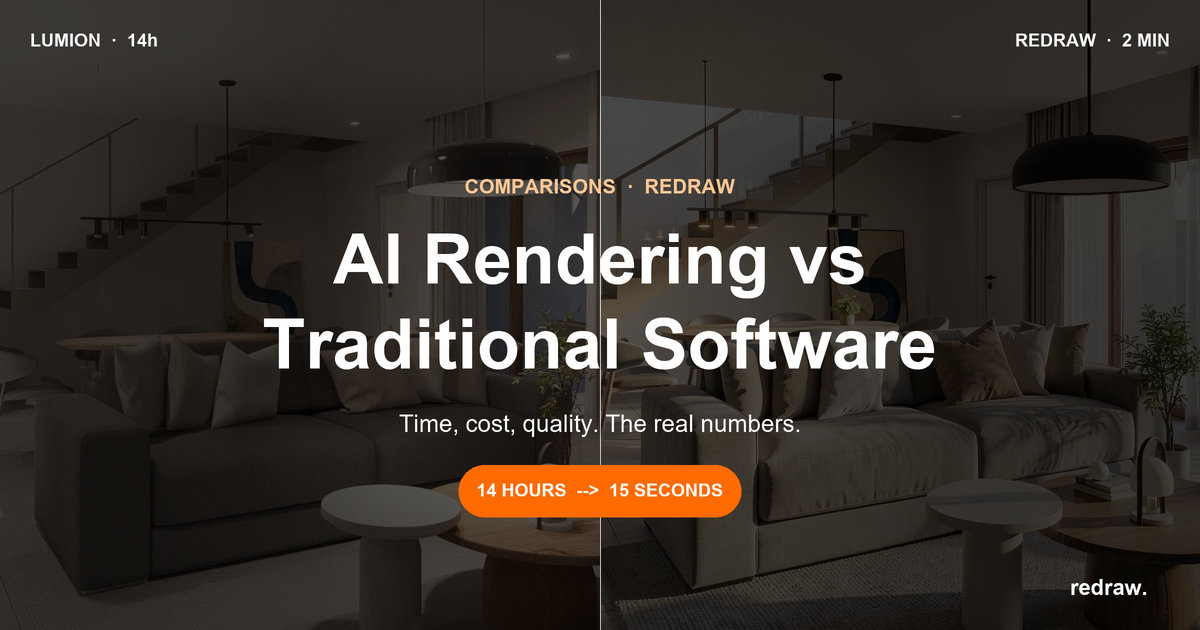
AI Rendering vs Traditional Software: Complete 2026 Comparison

AI rendering vs traditional software: time, cost, quality. The real numbers and whether it makes sense to migrate in 2026.

SketchUp is the most popular modeling software among architects in Brazil and worldwide. Easy to learn, fast to use, and with a plugin ecosystem that lets you do practically anything. But SketchUp alone has limitations. It's through plugins and external tools that it transforms from a "massing software" into a complete professional tool.
In 2026, AI entered this ecosystem with force. And the best part: the most powerful AI tool for SketchUp is not a plugin. It's easier than one. But before we get there, let's cover the essential plugins every architect should know.
Modeling plugins: SketchUp at its best
These plugins solve native SketchUp limitations and give you more control over modeling.
1. Curviloft
SketchUp struggles with organic shapes. Complex curves, flowing roofs, facades with non-linear geometry. Curviloft solves this. It creates surfaces from curves, smooth transitions between different profiles, and shapes that native SketchUp simply cannot produce. For architects designing contemporary buildings with curves, it's indispensable.
Free.
2. SubD (Subdivision Surfaces)
SubD adds subdivision modeling to SketchUp. You create a simple shape (low-poly) and the plugin smooths it in real time, generating complex organic surfaces. The trick is that you work on the simple model (fast and lightweight) and switch to the smoothed version when you need to see the result. Keeps the file light while allowing advanced geometries.
Paid (~$39).
3. Profile Builder
Creates custom profiles (baseboards, moldings, channels, metal profiles) and applies them along any path. Instead of manually modeling each detail, you define the profile once and the plugin extrudes it wherever you need. Saves hours in detailing work.
Paid (~$49).
4. Skatter 2
The most powerful scatter plugin for SketchUp. Vegetation, street furniture, stones, tiles — any object that needs to be repeated at scale. Skatter distributes objects across surfaces with control over density, random rotation, and region exclusion. It turns landscaping and urban scenes that would take hours into minutes.
Paid (~$69).
5. CleanUp³
Models imported from DWG, Revit, or other software arrive in SketchUp full of unnecessary geometry. Duplicate faces, stray edges, repeated materials. CleanUp clears everything automatically. Reduces file size, improves performance, and prevents problems at render time.
Free.
6. Solid Inspector²
Before exporting for 3D printing or any boolean operation, the model needs to be solid. Solid Inspector checks and automatically fixes geometry issues: reversed faces, internal edges, holes. It's the "doctor" for your model.
Free.
7. PlaceMaker
Draw a rectangle on the map and PlaceMaker imports 3D terrain, surrounding buildings, satellite imagery, and elevation data. It does in 2 minutes what would take a full day of manually modeling urban context. For site studies and shadow analysis, it's transformative.
Paid (~$100/year).
8. Skalp
Generates sections and elevations with hatching directly in SketchUp. For those who need technical drawings without leaving the software, Skalp creates sections with material patterns (concrete, earth, insulation) that update automatically when the model changes.
Paid (~$59).
AI plugins for SketchUp: what exists (and what's missing)
9. Redraw: the AI tool that isn't a plugin (and is better than one)
Redraw is not a SketchUp plugin. Nothing needs to be installed. And that's exactly why it works better.
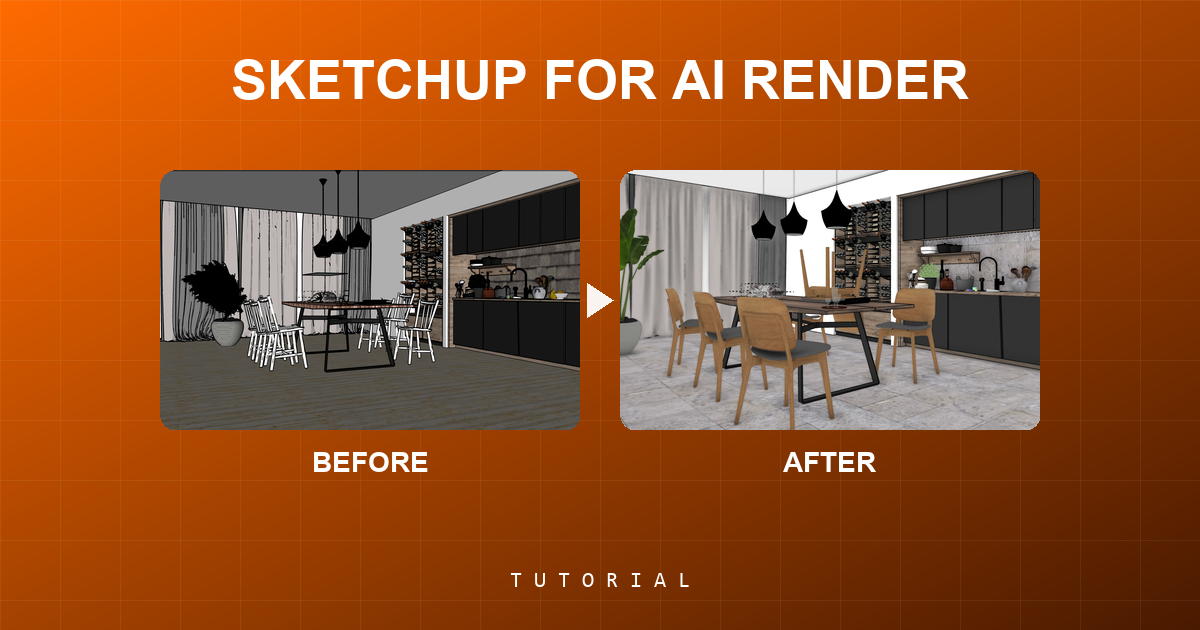
The workflow is simple: take a screenshot of the 3D view in SketchUp, open Redraw in your browser, upload the image, and in 20 to 40 seconds receive a photorealistic render. Works with any version of SketchUp (Free, Go, Pro). No plugin compatibility required. No file weight added. No crashes.
AI plugins like SketchUp AI Render and Veras need to read the 3D geometry of the model, which creates version dependency, compatibility problems, and technical limitations. Redraw skips all of that. It works with the visual image of the model — which is what the AI actually needs.
And the result is superior. Redraw has proprietary models trained for architecture that understand materiality, natural lighting, and proportion. It's not generic AI with an architecture skin. These are models that know the difference between porcelain tile flooring and a wood deck, between sunset light and artificial lighting.
Inside Redraw, beyond the proprietary model, you access ChatGPT optimized for rendering, optimized Gemini, Nano Banana. You can generate project video (proprietary tool + Veo 3 + Kling AI). You can generate 3D objects to import back into SketchUp. You can enhance existing renders with Enhance Render.
It's more than any plugin offers. And easier to use.
Why "not being a plugin" is an advantage
It may seem counterintuitive. If Redraw were a SketchUp plugin, you could click directly from the software. But in practice, plugins create problems:
They depend on the SketchUp version. Update SketchUp and the plugin stops working until an update is released.
They weigh on the model. Render plugins add processing that makes SketchUp slower.
They limit use to one software. If tomorrow you model something in Revit or ArchiCAD, the SketchUp plugin is useless.
Redraw works with any software, on any machine, anywhere. Took a screenshot? Render it. Doesn't matter if it came from SketchUp Free on a Chromebook or SketchUp Pro on a workstation.
The complete SketchUp architect toolkit for 2026
| Function | Tool | Type | Cost |
|---|---|---|---|
| Organic shapes | Curviloft | Free plugin | Free |
| Subdivision | SubD | Paid plugin | ~$39 |
| Custom profiles | Profile Builder | Paid plugin | ~$49 |
| Scatter (vegetation) | Skatter 2 | Paid plugin | ~$69 |
| Model cleanup | CleanUp³ | Free plugin | Free |
| Solid verification | Solid Inspector² | Free plugin | Free |
| Urban context | PlaceMaker | Paid plugin | ~$100/year |
| Sections with hatching | Skalp | Paid plugin | ~$59 |
| AI render + video + 3D | Redraw | Web platform | $15/month |
Frequently asked questions
What is the best AI plugin for SketchUp?
Redraw is not a plugin but delivers superior results: photorealistic render in 30 seconds, nothing to install, with proprietary models trained for architecture.
Does Redraw work with SketchUp Free?
Yes. Since Redraw works with a screenshot of the model, it works with any version of SketchUp, including Free, Go, and Pro. No plugin or specific version required.
Which SketchUp plugins are free?
Curviloft, CleanUp³, and Solid Inspector² are free and essential.
Does Redraw generate 3D objects for SketchUp?
Yes. Redraw has a proprietary 3D object generation model that can be imported directly into SketchUp. Furniture, vegetation, lighting fixtures — any element missing from your library.
Is it worth paying for SketchUp plugins?
It depends on your workflow. SubD, Skatter, and PlaceMaker pay off the investment within a few weeks of use. For rendering, there's no point investing in a paid plugin when Redraw delivers more for $15/month with no installation.
Try Redraw → redraw.pro

Redraw Trends
Featured articles
AI Rendering vs Traditional Software: Complete 2026 Comparison




SketchUp is the most popular modeling software among architects in Brazil and worldwide. Easy to learn, fast to use, and with a plugin ecosystem that lets you do practically anything. But SketchUp alone has limitations. It's through plugins and external tools that it transforms from a "massing software" into a complete professional tool.
In 2026, AI entered this ecosystem with force. And the best part: the most powerful AI tool for SketchUp is not a plugin. It's easier than one. But before we get there, let's cover the essential plugins every architect should know.
Modeling plugins: SketchUp at its best
These plugins solve native SketchUp limitations and give you more control over modeling.
1. Curviloft
SketchUp struggles with organic shapes. Complex curves, flowing roofs, facades with non-linear geometry. Curviloft solves this. It creates surfaces from curves, smooth transitions between different profiles, and shapes that native SketchUp simply cannot produce. For architects designing contemporary buildings with curves, it's indispensable.
Free.
2. SubD (Subdivision Surfaces)
SubD adds subdivision modeling to SketchUp. You create a simple shape (low-poly) and the plugin smooths it in real time, generating complex organic surfaces. The trick is that you work on the simple model (fast and lightweight) and switch to the smoothed version when you need to see the result. Keeps the file light while allowing advanced geometries.
Paid (~$39).
3. Profile Builder
Creates custom profiles (baseboards, moldings, channels, metal profiles) and applies them along any path. Instead of manually modeling each detail, you define the profile once and the plugin extrudes it wherever you need. Saves hours in detailing work.
Paid (~$49).
4. Skatter 2
The most powerful scatter plugin for SketchUp. Vegetation, street furniture, stones, tiles — any object that needs to be repeated at scale. Skatter distributes objects across surfaces with control over density, random rotation, and region exclusion. It turns landscaping and urban scenes that would take hours into minutes.
Paid (~$69).
5. CleanUp³
Models imported from DWG, Revit, or other software arrive in SketchUp full of unnecessary geometry. Duplicate faces, stray edges, repeated materials. CleanUp clears everything automatically. Reduces file size, improves performance, and prevents problems at render time.
Free.
6. Solid Inspector²
Before exporting for 3D printing or any boolean operation, the model needs to be solid. Solid Inspector checks and automatically fixes geometry issues: reversed faces, internal edges, holes. It's the "doctor" for your model.
Free.
7. PlaceMaker
Draw a rectangle on the map and PlaceMaker imports 3D terrain, surrounding buildings, satellite imagery, and elevation data. It does in 2 minutes what would take a full day of manually modeling urban context. For site studies and shadow analysis, it's transformative.
Paid (~$100/year).
8. Skalp
Generates sections and elevations with hatching directly in SketchUp. For those who need technical drawings without leaving the software, Skalp creates sections with material patterns (concrete, earth, insulation) that update automatically when the model changes.
Paid (~$59).
AI plugins for SketchUp: what exists (and what's missing)
9. Redraw: the AI tool that isn't a plugin (and is better than one)
Redraw is not a SketchUp plugin. Nothing needs to be installed. And that's exactly why it works better.
The workflow is simple: take a screenshot of the 3D view in SketchUp, open Redraw in your browser, upload the image, and in 20 to 40 seconds receive a photorealistic render. Works with any version of SketchUp (Free, Go, Pro). No plugin compatibility required. No file weight added. No crashes.
AI plugins like SketchUp AI Render and Veras need to read the 3D geometry of the model, which creates version dependency, compatibility problems, and technical limitations. Redraw skips all of that. It works with the visual image of the model — which is what the AI actually needs.
And the result is superior. Redraw has proprietary models trained for architecture that understand materiality, natural lighting, and proportion. It's not generic AI with an architecture skin. These are models that know the difference between porcelain tile flooring and a wood deck, between sunset light and artificial lighting.
Inside Redraw, beyond the proprietary model, you access ChatGPT optimized for rendering, optimized Gemini, Nano Banana. You can generate project video (proprietary tool + Veo 3 + Kling AI). You can generate 3D objects to import back into SketchUp. You can enhance existing renders with Enhance Render.
It's more than any plugin offers. And easier to use.
Why "not being a plugin" is an advantage
It may seem counterintuitive. If Redraw were a SketchUp plugin, you could click directly from the software. But in practice, plugins create problems:
They depend on the SketchUp version. Update SketchUp and the plugin stops working until an update is released.
They weigh on the model. Render plugins add processing that makes SketchUp slower.
They limit use to one software. If tomorrow you model something in Revit or ArchiCAD, the SketchUp plugin is useless.
Redraw works with any software, on any machine, anywhere. Took a screenshot? Render it. Doesn't matter if it came from SketchUp Free on a Chromebook or SketchUp Pro on a workstation.
The complete SketchUp architect toolkit for 2026
| Function | Tool | Type | Cost |
|---|---|---|---|
| Organic shapes | Curviloft | Free plugin | Free |
| Subdivision | SubD | Paid plugin | ~$39 |
| Custom profiles | Profile Builder | Paid plugin | ~$49 |
| Scatter (vegetation) | Skatter 2 | Paid plugin | ~$69 |
| Model cleanup | CleanUp³ | Free plugin | Free |
| Solid verification | Solid Inspector² | Free plugin | Free |
| Urban context | PlaceMaker | Paid plugin | ~$100/year |
| Sections with hatching | Skalp | Paid plugin | ~$59 |
| AI render + video + 3D | Redraw | Web platform | $15/month |
Frequently asked questions
What is the best AI plugin for SketchUp?
Redraw is not a plugin but delivers superior results: photorealistic render in 30 seconds, nothing to install, with proprietary models trained for architecture.
Does Redraw work with SketchUp Free?
Yes. Since Redraw works with a screenshot of the model, it works with any version of SketchUp, including Free, Go, and Pro. No plugin or specific version required.
Which SketchUp plugins are free?
Curviloft, CleanUp³, and Solid Inspector² are free and essential.
Does Redraw generate 3D objects for SketchUp?
Yes. Redraw has a proprietary 3D object generation model that can be imported directly into SketchUp. Furniture, vegetation, lighting fixtures — any element missing from your library.
Is it worth paying for SketchUp plugins?
It depends on your workflow. SubD, Skatter, and PlaceMaker pay off the investment within a few weeks of use. For rendering, there's no point investing in a paid plugin when Redraw delivers more for $15/month with no installation.
Try Redraw → redraw.pro
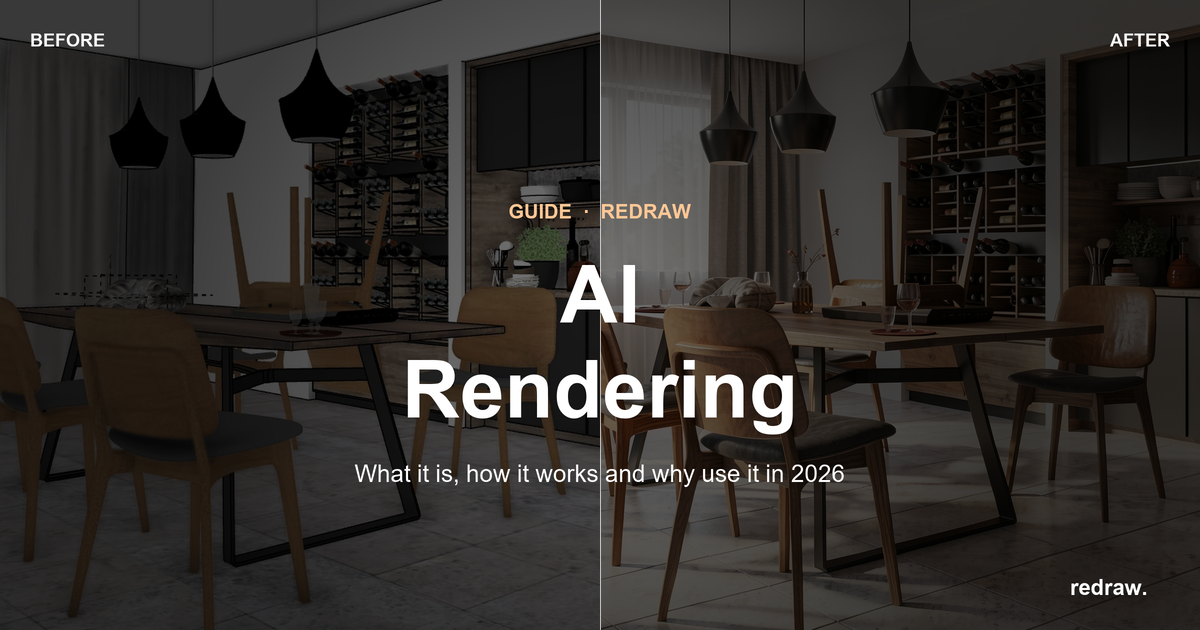
AI Rendering: What It Is, How It Works, and Why to Use It in 2026
SketchUp is the most popular modeling software among architects in Brazil and worldwide. Easy to learn, fast to use, and with a plugin ecosystem that lets you do practically anything. But SketchUp alone has limitations. It's through plugins and external tools that it transforms from a "massing software" into a complete professional tool.
In 2026, AI entered this ecosystem with force. And the best part: the most powerful AI tool for SketchUp is not a plugin. It's easier than one. But before we get there, let's cover the essential plugins every architect should know.
Modeling plugins: SketchUp at its best
These plugins solve native SketchUp limitations and give you more control over modeling.
1. Curviloft
SketchUp struggles with organic shapes. Complex curves, flowing roofs, facades with non-linear geometry. Curviloft solves this. It creates surfaces from curves, smooth transitions between different profiles, and shapes that native SketchUp simply cannot produce. For architects designing contemporary buildings with curves, it's indispensable.
Free.
2. SubD (Subdivision Surfaces)
SubD adds subdivision modeling to SketchUp. You create a simple shape (low-poly) and the plugin smooths it in real time, generating complex organic surfaces. The trick is that you work on the simple model (fast and lightweight) and switch to the smoothed version when you need to see the result. Keeps the file light while allowing advanced geometries.
Paid (~$39).
3. Profile Builder
Creates custom profiles (baseboards, moldings, channels, metal profiles) and applies them along any path. Instead of manually modeling each detail, you define the profile once and the plugin extrudes it wherever you need. Saves hours in detailing work.
Paid (~$49).
4. Skatter 2
The most powerful scatter plugin for SketchUp. Vegetation, street furniture, stones, tiles — any object that needs to be repeated at scale. Skatter distributes objects across surfaces with control over density, random rotation, and region exclusion. It turns landscaping and urban scenes that would take hours into minutes.
Paid (~$69).
5. CleanUp³
Models imported from DWG, Revit, or other software arrive in SketchUp full of unnecessary geometry. Duplicate faces, stray edges, repeated materials. CleanUp clears everything automatically. Reduces file size, improves performance, and prevents problems at render time.
Free.
6. Solid Inspector²
Before exporting for 3D printing or any boolean operation, the model needs to be solid. Solid Inspector checks and automatically fixes geometry issues: reversed faces, internal edges, holes. It's the "doctor" for your model.
Free.
7. PlaceMaker
Draw a rectangle on the map and PlaceMaker imports 3D terrain, surrounding buildings, satellite imagery, and elevation data. It does in 2 minutes what would take a full day of manually modeling urban context. For site studies and shadow analysis, it's transformative.
Paid (~$100/year).
8. Skalp
Generates sections and elevations with hatching directly in SketchUp. For those who need technical drawings without leaving the software, Skalp creates sections with material patterns (concrete, earth, insulation) that update automatically when the model changes.
Paid (~$59).
AI plugins for SketchUp: what exists (and what's missing)
9. Redraw: the AI tool that isn't a plugin (and is better than one)
Redraw is not a SketchUp plugin. Nothing needs to be installed. And that's exactly why it works better.
The workflow is simple: take a screenshot of the 3D view in SketchUp, open Redraw in your browser, upload the image, and in 20 to 40 seconds receive a photorealistic render. Works with any version of SketchUp (Free, Go, Pro). No plugin compatibility required. No file weight added. No crashes.
AI plugins like SketchUp AI Render and Veras need to read the 3D geometry of the model, which creates version dependency, compatibility problems, and technical limitations. Redraw skips all of that. It works with the visual image of the model — which is what the AI actually needs.
And the result is superior. Redraw has proprietary models trained for architecture that understand materiality, natural lighting, and proportion. It's not generic AI with an architecture skin. These are models that know the difference between porcelain tile flooring and a wood deck, between sunset light and artificial lighting.
Inside Redraw, beyond the proprietary model, you access ChatGPT optimized for rendering, optimized Gemini, Nano Banana. You can generate project video (proprietary tool + Veo 3 + Kling AI). You can generate 3D objects to import back into SketchUp. You can enhance existing renders with Enhance Render.
It's more than any plugin offers. And easier to use.
Why "not being a plugin" is an advantage
It may seem counterintuitive. If Redraw were a SketchUp plugin, you could click directly from the software. But in practice, plugins create problems:
They depend on the SketchUp version. Update SketchUp and the plugin stops working until an update is released.
They weigh on the model. Render plugins add processing that makes SketchUp slower.
They limit use to one software. If tomorrow you model something in Revit or ArchiCAD, the SketchUp plugin is useless.
Redraw works with any software, on any machine, anywhere. Took a screenshot? Render it. Doesn't matter if it came from SketchUp Free on a Chromebook or SketchUp Pro on a workstation.
The complete SketchUp architect toolkit for 2026
| Function | Tool | Type | Cost |
|---|---|---|---|
| Organic shapes | Curviloft | Free plugin | Free |
| Subdivision | SubD | Paid plugin | ~$39 |
| Custom profiles | Profile Builder | Paid plugin | ~$49 |
| Scatter (vegetation) | Skatter 2 | Paid plugin | ~$69 |
| Model cleanup | CleanUp³ | Free plugin | Free |
| Solid verification | Solid Inspector² | Free plugin | Free |
| Urban context | PlaceMaker | Paid plugin | ~$100/year |
| Sections with hatching | Skalp | Paid plugin | ~$59 |
| AI render + video + 3D | Redraw | Web platform | $15/month |
Frequently asked questions
What is the best AI plugin for SketchUp?
Redraw is not a plugin but delivers superior results: photorealistic render in 30 seconds, nothing to install, with proprietary models trained for architecture.
Does Redraw work with SketchUp Free?
Yes. Since Redraw works with a screenshot of the model, it works with any version of SketchUp, including Free, Go, and Pro. No plugin or specific version required.
Which SketchUp plugins are free?
Curviloft, CleanUp³, and Solid Inspector² are free and essential.
Does Redraw generate 3D objects for SketchUp?
Yes. Redraw has a proprietary 3D object generation model that can be imported directly into SketchUp. Furniture, vegetation, lighting fixtures — any element missing from your library.
Is it worth paying for SketchUp plugins?
It depends on your workflow. SubD, Skatter, and PlaceMaker pay off the investment within a few weeks of use. For rendering, there's no point investing in a paid plugin when Redraw delivers more for $15/month with no installation.
Try Redraw → redraw.pro
How to Prepare SketchUp for AI Rendering: Practical 3D Optimization Guide
SketchUp is the most popular modeling software among architects in Brazil and worldwide. Easy to learn, fast to use, and with a plugin ecosystem that lets you do practically anything. But SketchUp alone has limitations. It's through plugins and external tools that it transforms from a "massing software" into a complete professional tool.
In 2026, AI entered this ecosystem with force. And the best part: the most powerful AI tool for SketchUp is not a plugin. It's easier than one. But before we get there, let's cover the essential plugins every architect should know.
Modeling plugins: SketchUp at its best
These plugins solve native SketchUp limitations and give you more control over modeling.
1. Curviloft
SketchUp struggles with organic shapes. Complex curves, flowing roofs, facades with non-linear geometry. Curviloft solves this. It creates surfaces from curves, smooth transitions between different profiles, and shapes that native SketchUp simply cannot produce. For architects designing contemporary buildings with curves, it's indispensable.
Free.
2. SubD (Subdivision Surfaces)
SubD adds subdivision modeling to SketchUp. You create a simple shape (low-poly) and the plugin smooths it in real time, generating complex organic surfaces. The trick is that you work on the simple model (fast and lightweight) and switch to the smoothed version when you need to see the result. Keeps the file light while allowing advanced geometries.
Paid (~$39).
3. Profile Builder
Creates custom profiles (baseboards, moldings, channels, metal profiles) and applies them along any path. Instead of manually modeling each detail, you define the profile once and the plugin extrudes it wherever you need. Saves hours in detailing work.
Paid (~$49).
4. Skatter 2
The most powerful scatter plugin for SketchUp. Vegetation, street furniture, stones, tiles — any object that needs to be repeated at scale. Skatter distributes objects across surfaces with control over density, random rotation, and region exclusion. It turns landscaping and urban scenes that would take hours into minutes.
Paid (~$69).
5. CleanUp³
Models imported from DWG, Revit, or other software arrive in SketchUp full of unnecessary geometry. Duplicate faces, stray edges, repeated materials. CleanUp clears everything automatically. Reduces file size, improves performance, and prevents problems at render time.
Free.
6. Solid Inspector²
Before exporting for 3D printing or any boolean operation, the model needs to be solid. Solid Inspector checks and automatically fixes geometry issues: reversed faces, internal edges, holes. It's the "doctor" for your model.
Free.
7. PlaceMaker
Draw a rectangle on the map and PlaceMaker imports 3D terrain, surrounding buildings, satellite imagery, and elevation data. It does in 2 minutes what would take a full day of manually modeling urban context. For site studies and shadow analysis, it's transformative.
Paid (~$100/year).
8. Skalp
Generates sections and elevations with hatching directly in SketchUp. For those who need technical drawings without leaving the software, Skalp creates sections with material patterns (concrete, earth, insulation) that update automatically when the model changes.
Paid (~$59).
AI plugins for SketchUp: what exists (and what's missing)
9. Redraw: the AI tool that isn't a plugin (and is better than one)
Redraw is not a SketchUp plugin. Nothing needs to be installed. And that's exactly why it works better.
The workflow is simple: take a screenshot of the 3D view in SketchUp, open Redraw in your browser, upload the image, and in 20 to 40 seconds receive a photorealistic render. Works with any version of SketchUp (Free, Go, Pro). No plugin compatibility required. No file weight added. No crashes.
AI plugins like SketchUp AI Render and Veras need to read the 3D geometry of the model, which creates version dependency, compatibility problems, and technical limitations. Redraw skips all of that. It works with the visual image of the model — which is what the AI actually needs.
And the result is superior. Redraw has proprietary models trained for architecture that understand materiality, natural lighting, and proportion. It's not generic AI with an architecture skin. These are models that know the difference between porcelain tile flooring and a wood deck, between sunset light and artificial lighting.
Inside Redraw, beyond the proprietary model, you access ChatGPT optimized for rendering, optimized Gemini, Nano Banana. You can generate project video (proprietary tool + Veo 3 + Kling AI). You can generate 3D objects to import back into SketchUp. You can enhance existing renders with Enhance Render.
It's more than any plugin offers. And easier to use.
Why "not being a plugin" is an advantage
It may seem counterintuitive. If Redraw were a SketchUp plugin, you could click directly from the software. But in practice, plugins create problems:
They depend on the SketchUp version. Update SketchUp and the plugin stops working until an update is released.
They weigh on the model. Render plugins add processing that makes SketchUp slower.
They limit use to one software. If tomorrow you model something in Revit or ArchiCAD, the SketchUp plugin is useless.
Redraw works with any software, on any machine, anywhere. Took a screenshot? Render it. Doesn't matter if it came from SketchUp Free on a Chromebook or SketchUp Pro on a workstation.
The complete SketchUp architect toolkit for 2026
| Function | Tool | Type | Cost |
|---|---|---|---|
| Organic shapes | Curviloft | Free plugin | Free |
| Subdivision | SubD | Paid plugin | ~$39 |
| Custom profiles | Profile Builder | Paid plugin | ~$49 |
| Scatter (vegetation) | Skatter 2 | Paid plugin | ~$69 |
| Model cleanup | CleanUp³ | Free plugin | Free |
| Solid verification | Solid Inspector² | Free plugin | Free |
| Urban context | PlaceMaker | Paid plugin | ~$100/year |
| Sections with hatching | Skalp | Paid plugin | ~$59 |
| AI render + video + 3D | Redraw | Web platform | $15/month |
Frequently asked questions
What is the best AI plugin for SketchUp?
Redraw is not a plugin but delivers superior results: photorealistic render in 30 seconds, nothing to install, with proprietary models trained for architecture.
Does Redraw work with SketchUp Free?
Yes. Since Redraw works with a screenshot of the model, it works with any version of SketchUp, including Free, Go, and Pro. No plugin or specific version required.
Which SketchUp plugins are free?
Curviloft, CleanUp³, and Solid Inspector² are free and essential.
Does Redraw generate 3D objects for SketchUp?
Yes. Redraw has a proprietary 3D object generation model that can be imported directly into SketchUp. Furniture, vegetation, lighting fixtures — any element missing from your library.
Is it worth paying for SketchUp plugins?
It depends on your workflow. SubD, Skatter, and PlaceMaker pay off the investment within a few weeks of use. For rendering, there's no point investing in a paid plugin when Redraw delivers more for $15/month with no installation.
Try Redraw → redraw.pro
Redraw: The AI Hub for Architecture | 200K Professionals
SketchUp is the most popular modeling software among architects in Brazil and worldwide. Easy to learn, fast to use, and with a plugin ecosystem that lets you do practically anything. But SketchUp alone has limitations. It's through plugins and external tools that it transforms from a "massing software" into a complete professional tool.
In 2026, AI entered this ecosystem with force. And the best part: the most powerful AI tool for SketchUp is not a plugin. It's easier than one. But before we get there, let's cover the essential plugins every architect should know.
Modeling plugins: SketchUp at its best
These plugins solve native SketchUp limitations and give you more control over modeling.
1. Curviloft
SketchUp struggles with organic shapes. Complex curves, flowing roofs, facades with non-linear geometry. Curviloft solves this. It creates surfaces from curves, smooth transitions between different profiles, and shapes that native SketchUp simply cannot produce. For architects designing contemporary buildings with curves, it's indispensable.
Free.
2. SubD (Subdivision Surfaces)
SubD adds subdivision modeling to SketchUp. You create a simple shape (low-poly) and the plugin smooths it in real time, generating complex organic surfaces. The trick is that you work on the simple model (fast and lightweight) and switch to the smoothed version when you need to see the result. Keeps the file light while allowing advanced geometries.
Paid (~$39).
3. Profile Builder
Creates custom profiles (baseboards, moldings, channels, metal profiles) and applies them along any path. Instead of manually modeling each detail, you define the profile once and the plugin extrudes it wherever you need. Saves hours in detailing work.
Paid (~$49).
4. Skatter 2
The most powerful scatter plugin for SketchUp. Vegetation, street furniture, stones, tiles — any object that needs to be repeated at scale. Skatter distributes objects across surfaces with control over density, random rotation, and region exclusion. It turns landscaping and urban scenes that would take hours into minutes.
Paid (~$69).
5. CleanUp³
Models imported from DWG, Revit, or other software arrive in SketchUp full of unnecessary geometry. Duplicate faces, stray edges, repeated materials. CleanUp clears everything automatically. Reduces file size, improves performance, and prevents problems at render time.
Free.
6. Solid Inspector²
Before exporting for 3D printing or any boolean operation, the model needs to be solid. Solid Inspector checks and automatically fixes geometry issues: reversed faces, internal edges, holes. It's the "doctor" for your model.
Free.
7. PlaceMaker
Draw a rectangle on the map and PlaceMaker imports 3D terrain, surrounding buildings, satellite imagery, and elevation data. It does in 2 minutes what would take a full day of manually modeling urban context. For site studies and shadow analysis, it's transformative.
Paid (~$100/year).
8. Skalp
Generates sections and elevations with hatching directly in SketchUp. For those who need technical drawings without leaving the software, Skalp creates sections with material patterns (concrete, earth, insulation) that update automatically when the model changes.
Paid (~$59).
AI plugins for SketchUp: what exists (and what's missing)
9. Redraw: the AI tool that isn't a plugin (and is better than one)
Redraw is not a SketchUp plugin. Nothing needs to be installed. And that's exactly why it works better.
The workflow is simple: take a screenshot of the 3D view in SketchUp, open Redraw in your browser, upload the image, and in 20 to 40 seconds receive a photorealistic render. Works with any version of SketchUp (Free, Go, Pro). No plugin compatibility required. No file weight added. No crashes.
AI plugins like SketchUp AI Render and Veras need to read the 3D geometry of the model, which creates version dependency, compatibility problems, and technical limitations. Redraw skips all of that. It works with the visual image of the model — which is what the AI actually needs.
And the result is superior. Redraw has proprietary models trained for architecture that understand materiality, natural lighting, and proportion. It's not generic AI with an architecture skin. These are models that know the difference between porcelain tile flooring and a wood deck, between sunset light and artificial lighting.
Inside Redraw, beyond the proprietary model, you access ChatGPT optimized for rendering, optimized Gemini, Nano Banana. You can generate project video (proprietary tool + Veo 3 + Kling AI). You can generate 3D objects to import back into SketchUp. You can enhance existing renders with Enhance Render.
It's more than any plugin offers. And easier to use.
Why "not being a plugin" is an advantage
It may seem counterintuitive. If Redraw were a SketchUp plugin, you could click directly from the software. But in practice, plugins create problems:
They depend on the SketchUp version. Update SketchUp and the plugin stops working until an update is released.
They weigh on the model. Render plugins add processing that makes SketchUp slower.
They limit use to one software. If tomorrow you model something in Revit or ArchiCAD, the SketchUp plugin is useless.
Redraw works with any software, on any machine, anywhere. Took a screenshot? Render it. Doesn't matter if it came from SketchUp Free on a Chromebook or SketchUp Pro on a workstation.
The complete SketchUp architect toolkit for 2026
| Function | Tool | Type | Cost |
|---|---|---|---|
| Organic shapes | Curviloft | Free plugin | Free |
| Subdivision | SubD | Paid plugin | ~$39 |
| Custom profiles | Profile Builder | Paid plugin | ~$49 |
| Scatter (vegetation) | Skatter 2 | Paid plugin | ~$69 |
| Model cleanup | CleanUp³ | Free plugin | Free |
| Solid verification | Solid Inspector² | Free plugin | Free |
| Urban context | PlaceMaker | Paid plugin | ~$100/year |
| Sections with hatching | Skalp | Paid plugin | ~$59 |
| AI render + video + 3D | Redraw | Web platform | $15/month |
Frequently asked questions
What is the best AI plugin for SketchUp?
Redraw is not a plugin but delivers superior results: photorealistic render in 30 seconds, nothing to install, with proprietary models trained for architecture.
Does Redraw work with SketchUp Free?
Yes. Since Redraw works with a screenshot of the model, it works with any version of SketchUp, including Free, Go, and Pro. No plugin or specific version required.
Which SketchUp plugins are free?
Curviloft, CleanUp³, and Solid Inspector² are free and essential.
Does Redraw generate 3D objects for SketchUp?
Yes. Redraw has a proprietary 3D object generation model that can be imported directly into SketchUp. Furniture, vegetation, lighting fixtures — any element missing from your library.
Is it worth paying for SketchUp plugins?
It depends on your workflow. SubD, Skatter, and PlaceMaker pay off the investment within a few weeks of use. For rendering, there's no point investing in a paid plugin when Redraw delivers more for $15/month with no installation.
Try Redraw → redraw.pro
Architectural Survey

SketchUp is the most popular modeling software among architects in Brazil and worldwide. Easy to learn, fast to use, and with a plugin ecosystem that lets you do practically anything. But SketchUp alone has limitations. It's through plugins and external tools that it transforms from a "massing software" into a complete professional tool.
In 2026, AI entered this ecosystem with force. And the best part: the most powerful AI tool for SketchUp is not a plugin. It's easier than one. But before we get there, let's cover the essential plugins every architect should know.
Modeling plugins: SketchUp at its best
These plugins solve native SketchUp limitations and give you more control over modeling.
1. Curviloft
SketchUp struggles with organic shapes. Complex curves, flowing roofs, facades with non-linear geometry. Curviloft solves this. It creates surfaces from curves, smooth transitions between different profiles, and shapes that native SketchUp simply cannot produce. For architects designing contemporary buildings with curves, it's indispensable.
Free.
2. SubD (Subdivision Surfaces)
SubD adds subdivision modeling to SketchUp. You create a simple shape (low-poly) and the plugin smooths it in real time, generating complex organic surfaces. The trick is that you work on the simple model (fast and lightweight) and switch to the smoothed version when you need to see the result. Keeps the file light while allowing advanced geometries.
Paid (~$39).
3. Profile Builder
Creates custom profiles (baseboards, moldings, channels, metal profiles) and applies them along any path. Instead of manually modeling each detail, you define the profile once and the plugin extrudes it wherever you need. Saves hours in detailing work.
Paid (~$49).
4. Skatter 2
The most powerful scatter plugin for SketchUp. Vegetation, street furniture, stones, tiles — any object that needs to be repeated at scale. Skatter distributes objects across surfaces with control over density, random rotation, and region exclusion. It turns landscaping and urban scenes that would take hours into minutes.
Paid (~$69).
5. CleanUp³
Models imported from DWG, Revit, or other software arrive in SketchUp full of unnecessary geometry. Duplicate faces, stray edges, repeated materials. CleanUp clears everything automatically. Reduces file size, improves performance, and prevents problems at render time.
Free.
6. Solid Inspector²
Before exporting for 3D printing or any boolean operation, the model needs to be solid. Solid Inspector checks and automatically fixes geometry issues: reversed faces, internal edges, holes. It's the "doctor" for your model.
Free.
7. PlaceMaker
Draw a rectangle on the map and PlaceMaker imports 3D terrain, surrounding buildings, satellite imagery, and elevation data. It does in 2 minutes what would take a full day of manually modeling urban context. For site studies and shadow analysis, it's transformative.
Paid (~$100/year).
8. Skalp
Generates sections and elevations with hatching directly in SketchUp. For those who need technical drawings without leaving the software, Skalp creates sections with material patterns (concrete, earth, insulation) that update automatically when the model changes.
Paid (~$59).
AI plugins for SketchUp: what exists (and what's missing)
9. Redraw: the AI tool that isn't a plugin (and is better than one)
Redraw is not a SketchUp plugin. Nothing needs to be installed. And that's exactly why it works better.
The workflow is simple: take a screenshot of the 3D view in SketchUp, open Redraw in your browser, upload the image, and in 20 to 40 seconds receive a photorealistic render. Works with any version of SketchUp (Free, Go, Pro). No plugin compatibility required. No file weight added. No crashes.
AI plugins like SketchUp AI Render and Veras need to read the 3D geometry of the model, which creates version dependency, compatibility problems, and technical limitations. Redraw skips all of that. It works with the visual image of the model — which is what the AI actually needs.
And the result is superior. Redraw has proprietary models trained for architecture that understand materiality, natural lighting, and proportion. It's not generic AI with an architecture skin. These are models that know the difference between porcelain tile flooring and a wood deck, between sunset light and artificial lighting.
Inside Redraw, beyond the proprietary model, you access ChatGPT optimized for rendering, optimized Gemini, Nano Banana. You can generate project video (proprietary tool + Veo 3 + Kling AI). You can generate 3D objects to import back into SketchUp. You can enhance existing renders with Enhance Render.
It's more than any plugin offers. And easier to use.
Why "not being a plugin" is an advantage
It may seem counterintuitive. If Redraw were a SketchUp plugin, you could click directly from the software. But in practice, plugins create problems:
They depend on the SketchUp version. Update SketchUp and the plugin stops working until an update is released.
They weigh on the model. Render plugins add processing that makes SketchUp slower.
They limit use to one software. If tomorrow you model something in Revit or ArchiCAD, the SketchUp plugin is useless.
Redraw works with any software, on any machine, anywhere. Took a screenshot? Render it. Doesn't matter if it came from SketchUp Free on a Chromebook or SketchUp Pro on a workstation.
The complete SketchUp architect toolkit for 2026
| Function | Tool | Type | Cost |
|---|---|---|---|
| Organic shapes | Curviloft | Free plugin | Free |
| Subdivision | SubD | Paid plugin | ~$39 |
| Custom profiles | Profile Builder | Paid plugin | ~$49 |
| Scatter (vegetation) | Skatter 2 | Paid plugin | ~$69 |
| Model cleanup | CleanUp³ | Free plugin | Free |
| Solid verification | Solid Inspector² | Free plugin | Free |
| Urban context | PlaceMaker | Paid plugin | ~$100/year |
| Sections with hatching | Skalp | Paid plugin | ~$59 |
| AI render + video + 3D | Redraw | Web platform | $15/month |
Frequently asked questions
What is the best AI plugin for SketchUp?
Redraw is not a plugin but delivers superior results: photorealistic render in 30 seconds, nothing to install, with proprietary models trained for architecture.
Does Redraw work with SketchUp Free?
Yes. Since Redraw works with a screenshot of the model, it works with any version of SketchUp, including Free, Go, and Pro. No plugin or specific version required.
Which SketchUp plugins are free?
Curviloft, CleanUp³, and Solid Inspector² are free and essential.
Does Redraw generate 3D objects for SketchUp?
Yes. Redraw has a proprietary 3D object generation model that can be imported directly into SketchUp. Furniture, vegetation, lighting fixtures — any element missing from your library.
Is it worth paying for SketchUp plugins?
It depends on your workflow. SubD, Skatter, and PlaceMaker pay off the investment within a few weeks of use. For rendering, there's no point investing in a paid plugin when Redraw delivers more for $15/month with no installation.
Try Redraw → redraw.pro
cadastre-se
Exclusive content directly in your email



AI for SketchUp: 10 Plugins and Tools Every Architect Needs in 2026
An interior designer's daily routine is a race against time. Client meeting in the morning, site visit at midday, and in the evening trying to finish that moodboard due tomorrow. On top of that, you still need to render 3 living room options, a kitchen, and the master suite. And the client wants to see "how it will look" before approving anything.
AI entered interior design to solve exactly that. Not to replace the designer's eye. To accelerate everything that gets stuck between the idea and the presentation.
What interior designers actually need from AI
Unlike architects focused on facades, structure, and site planning, interior designers live in the details. The exact leather tone of the sofa. The reflection of polished porcelain tile. The way a pendant light casts shadows on a plaster wall. If the render doesn't capture those details, it's useless.
That's why generic AI tools don't work for interiors. ChatGPT generates a pretty "modern living room," but the materials are invented, the lighting is generic, and the proportions don't match the project. You can't show that to a client and say "this is how it will look" when the AI swapped the porcelain for marble and added a window that doesn't exist.
Interior designers need AI that understands materiality, ambient lighting, and furniture scale. AI that takes the real project and renders it with the right textures, the right light, in the right proportions.
Interior rendering: from hours to seconds
Interior rendering is the hardest thing to get right with traditional software. Global illumination, reflections in glass and metal, light bounce in fabrics, transparency of curtains. In V-Ray, that means hours of configuration and rendering. In Lumion, results are fast but generic — that look of "almost real but not convincing."
With AI trained specifically for architecture and interior design, the situation changes. You upload a screenshot of your project modeled in SketchUp, Revit, or ArchiCAD and in 20 to 40 seconds you receive a render with convincing natural lighting, textures faithful to the project materials, and reflections that make sense in context.
Redraw was trained on millions of real interior images. The AI knows how polished porcelain tile reflects. It knows the difference between linen and velvet on a sofa. It knows how a recessed spot light creates a gradient different from natural window light. Those are the details that determine whether a render convinces or not.
And when the client looks and says "I want to see it with wood flooring instead of porcelain," that's 30 seconds to generate the variation. Not 2 hours reconfiguring materials.
Enhance Render: when you already have an image
Many designers already render with Lumion, Enscape, or even photos of the space under construction. The problem is that the result doesn't always reach the presentation level clients expect.
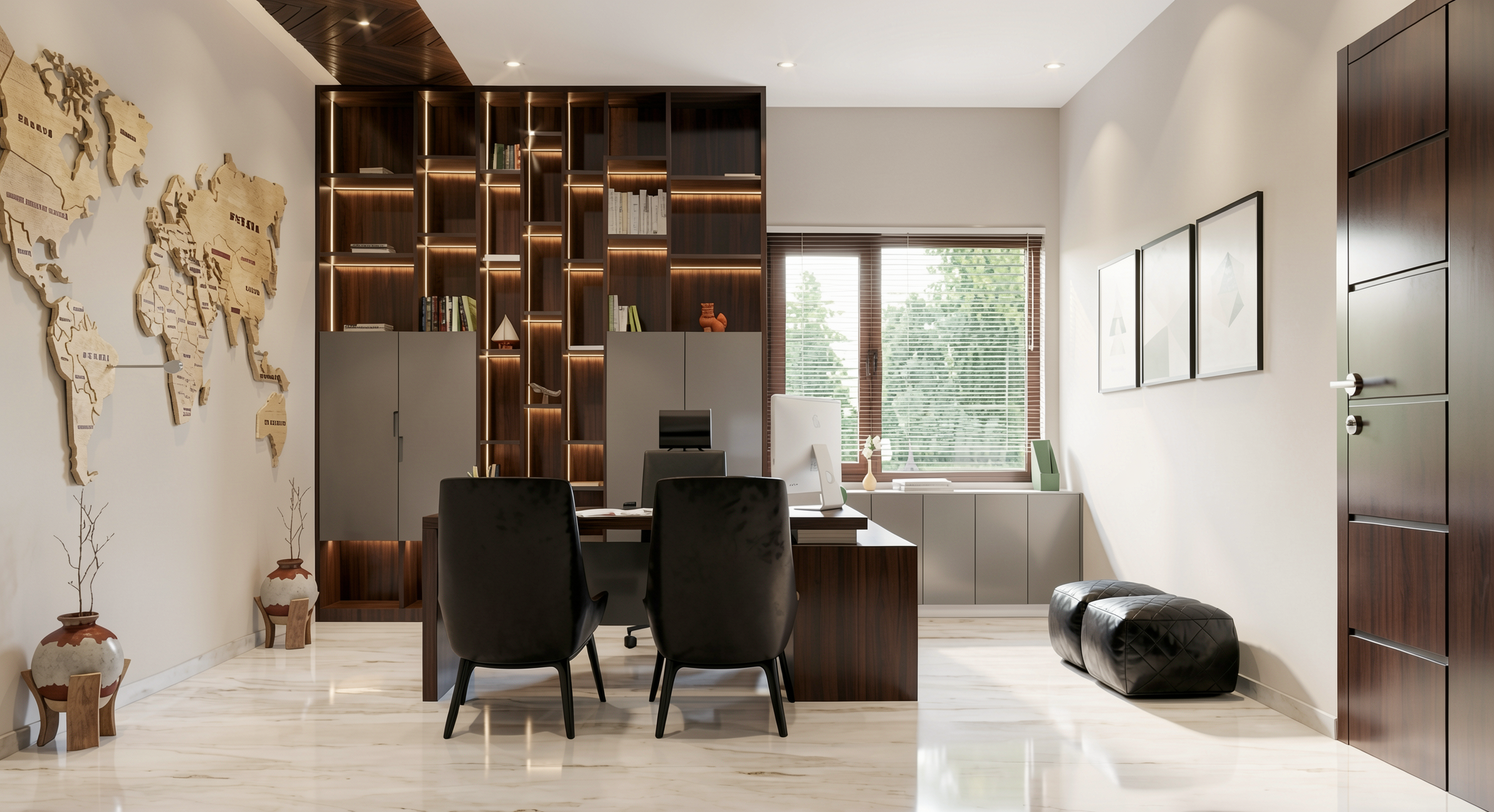
Redraw's Enhance Render was built for this. You upload any image (software render, photo of the space, even a Promob screenshot) and in 30 seconds the AI improves textures, corrects lighting, adds realism. That render that was "almost good" becomes professional. That raw construction photo becomes a presentation.
For interior designers, this feature alone justifies the tool. Because much of the work is taking what exists and elevating it. AI does that in seconds.
Before · render produced in conventional software
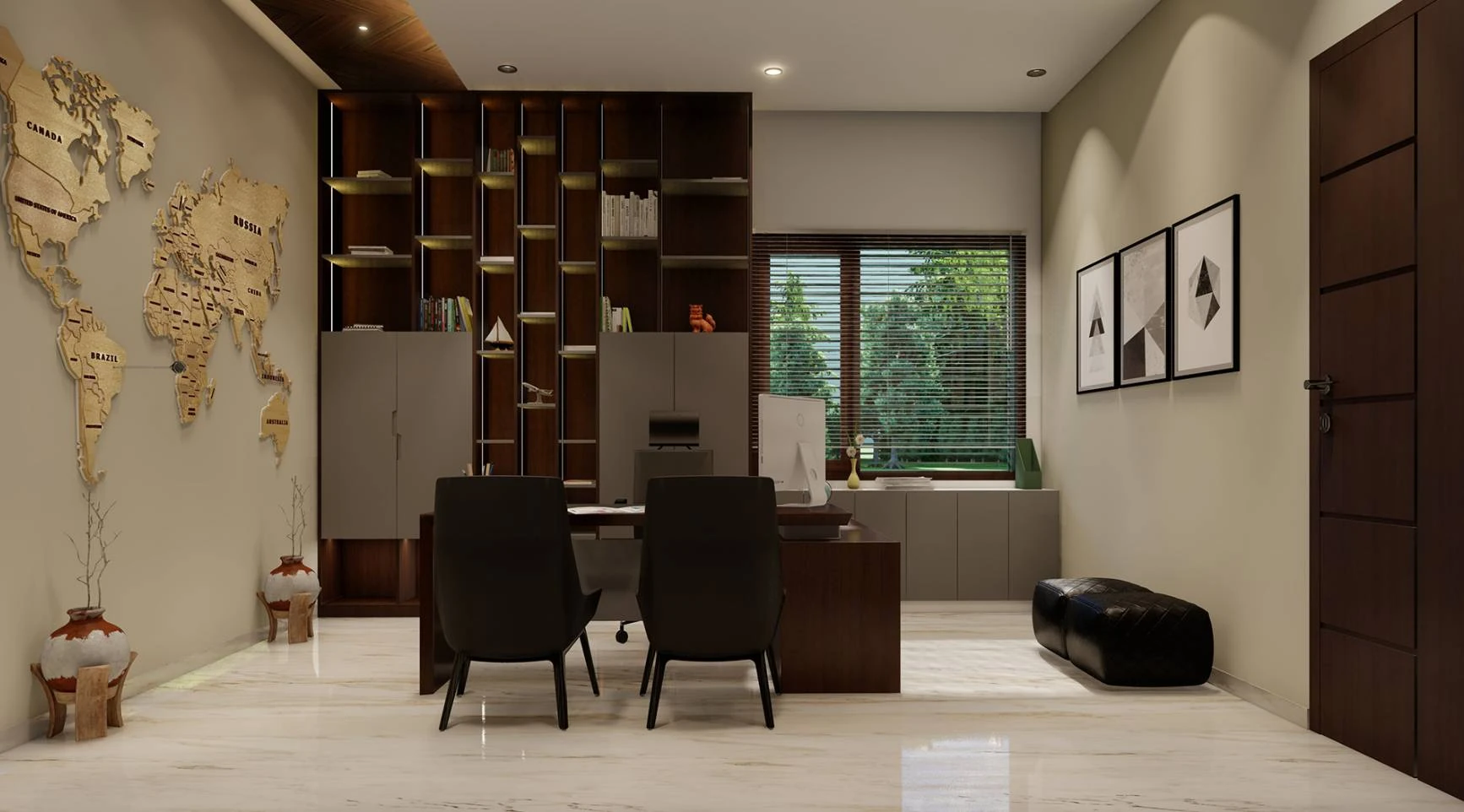
After · render enhanced with Redraw AI
Idea generation: when the client doesn't know what they want
Every designer knows this situation: the client sits down, says "I want something modern but cozy," and expects you to translate that into an image on the spot.
With AI, you can. In Redraw, idea generation works like visual brainstorming. Describe the concept ("living room with neutral palette, double ceiling height, warm lighting, japandi style"), and the AI generates options in seconds. These aren't final renders — they're starting points. Visual references you show the client, adjust the direction, then render with precision once the project is modeled.
It's automated moodboarding. Instead of spending 3 hours on Pinterest searching for images that "sort of" represent the idea, you generate exactly what you're envisioning. And if the client says "I like it but want more color," generate again in 30 seconds.
Visual moodboard with AI
Speaking of moodboards: the way designers present concepts to clients has changed. The classic moodboard (a collage of Pinterest photos with material samples) works, but has one problem. The photos are of other people's projects. They don't show how your client's project will look.
With AI, the moodboard becomes personalized. You generate images of the client's actual space with different styles, palettes, and atmospheres. The client sees their space rendered 5 different ways. Not a generic Pinterest living room. Their living room.
That changes the conversation. The client stops comparing with other people's photos and starts deciding about their own project. Approval comes faster because expectations are calibrated from the start.
Textures and lighting: where AI makes the difference
Interior design is about sensation. The feeling of a space comes from the combination of materials, light, and proportion. And that's exactly where generic AI fails and AI trained for interiors succeeds.
Redraw has its own models fed with millions of real interior images. Not renders, not generic AI images. Real photos and renders from executed projects. The AI learned how real materials behave:
How freijo wood reflects light differently from oak. How curtain fabric filters natural light creating a warm tone. How a mirror expands the space but changes the perception of depth. How Calacatta marble has veins that run in a specific direction.
Generic AI doesn't know this. It generates a generic "wood floor." Redraw generates materiality that a designer recognizes.
The complete designer workflow with AI
In practice, an interior designer can do everything inside Redraw:
1. Generate ideas with the client. In the first meeting, you describe the concept and generate visual options in real time. The client participates, gives feedback, and guides the direction. You leave the meeting with the concept approved.
2. Render the modeled project. When the 3D model is ready, take a screenshot and render in 30 seconds. With the materiality and lighting the project calls for.
3. Generate finish variations. Does the client want to see it with dark flooring? With granite countertop instead of quartz? With cooler lighting? 30 seconds per variation.
4. Enhance existing renders. Rendered in Lumion or Enscape and the result looks generic? Upload to Enhance Render and in 30 seconds gain realism.
5. Generate a video of the space. Want to show the space with movement? Redraw has its own video tool for interiors, plus Veo 3 and Kling AI. Turns a static render into a walkthrough.
6. Generate 3D objects. Need a specific light fixture, a vase, a piece of furniture not in your library? Generate it directly in Redraw and import into SketchUp.
One platform. The entire visual workflow of an interior designer solved.
Cost vs. savings
A designer who renders with traditional software spends on average:
Render license (Lumion/Enscape): R$ 3,500 to R$ 7,000/year
Adequate hardware: R$ 8,000 to R$ 20,000 (amortized ~R$ 5,000/year)
Hours in rendering and configuration: ~60 hours/month
Hours in moodboards and references: ~15 hours/month
Total: R$ 8,500+/year + 75 hours/month
With Redraw:
Basic plan: ~R$ 1,000/year
Hardware: the laptop you already have
Hours in rendering + ideas + variations: ~2 hours/month
Total: R$ 1,000/year + 2 hours/month
That's 73 hours a month returned to you. Almost 10 working days. Imagine what you do with 10 extra days a month: more projects, more clients, or simply less stress.
Frequently asked questions
What is the best AI for interior design?
Redraw is the benchmark for interiors in 2026. With models trained specifically for interior spaces, it understands materiality, ambient lighting, and furniture scale like no generic AI can.
Can AI render interiors with fidelity?
Yes, when trained for it. Redraw preserves textures, proportions, and lighting from the original project. Generic AI like ChatGPT invents materials and changes the geometry.
Can I use AI to create a moodboard?
Yes. In Redraw, idea generation creates personalized moodboards of the client's actual space, not collages of third-party photos. The client sees their own space in different styles.
Does AI for interiors work without a 3D model?
Yes. Idea generation works from a text description or reference image. Maximum-fidelity rendering uses a 3D model screenshot, but it's not required to get started.
Does Redraw capture the material details that matter in interiors?
Yes. The models were trained on millions of real interior images. The AI differentiates types of wood, fabric, stone, metal. It understands how each material reflects light differently.
Try Redraw → redraw.pro

AI for Revit: How to Render BIM Projects with Artificial Intelligence in 2026
An interior designer's daily routine is a race against time. Client meeting in the morning, site visit at midday, and in the evening trying to finish that moodboard due tomorrow. On top of that, you still need to render 3 living room options, a kitchen, and the master suite. And the client wants to see "how it will look" before approving anything.
AI entered interior design to solve exactly that. Not to replace the designer's eye. To accelerate everything that gets stuck between the idea and the presentation.
What interior designers actually need from AI
Unlike architects focused on facades, structure, and site planning, interior designers live in the details. The exact leather tone of the sofa. The reflection of polished porcelain tile. The way a pendant light casts shadows on a plaster wall. If the render doesn't capture those details, it's useless.
That's why generic AI tools don't work for interiors. ChatGPT generates a pretty "modern living room," but the materials are invented, the lighting is generic, and the proportions don't match the project. You can't show that to a client and say "this is how it will look" when the AI swapped the porcelain for marble and added a window that doesn't exist.
Interior designers need AI that understands materiality, ambient lighting, and furniture scale. AI that takes the real project and renders it with the right textures, the right light, in the right proportions.
Interior rendering: from hours to seconds
Interior rendering is the hardest thing to get right with traditional software. Global illumination, reflections in glass and metal, light bounce in fabrics, transparency of curtains. In V-Ray, that means hours of configuration and rendering. In Lumion, results are fast but generic — that look of "almost real but not convincing."
With AI trained specifically for architecture and interior design, the situation changes. You upload a screenshot of your project modeled in SketchUp, Revit, or ArchiCAD and in 20 to 40 seconds you receive a render with convincing natural lighting, textures faithful to the project materials, and reflections that make sense in context.
Redraw was trained on millions of real interior images. The AI knows how polished porcelain tile reflects. It knows the difference between linen and velvet on a sofa. It knows how a recessed spot light creates a gradient different from natural window light. Those are the details that determine whether a render convinces or not.
And when the client looks and says "I want to see it with wood flooring instead of porcelain," that's 30 seconds to generate the variation. Not 2 hours reconfiguring materials.
Enhance Render: when you already have an image
Many designers already render with Lumion, Enscape, or even photos of the space under construction. The problem is that the result doesn't always reach the presentation level clients expect.
Redraw's Enhance Render was built for this. You upload any image (software render, photo of the space, even a Promob screenshot) and in 30 seconds the AI improves textures, corrects lighting, adds realism. That render that was "almost good" becomes professional. That raw construction photo becomes a presentation.
For interior designers, this feature alone justifies the tool. Because much of the work is taking what exists and elevating it. AI does that in seconds.
Before · render produced in conventional software
After · render enhanced with Redraw AI
Idea generation: when the client doesn't know what they want
Every designer knows this situation: the client sits down, says "I want something modern but cozy," and expects you to translate that into an image on the spot.
With AI, you can. In Redraw, idea generation works like visual brainstorming. Describe the concept ("living room with neutral palette, double ceiling height, warm lighting, japandi style"), and the AI generates options in seconds. These aren't final renders — they're starting points. Visual references you show the client, adjust the direction, then render with precision once the project is modeled.
It's automated moodboarding. Instead of spending 3 hours on Pinterest searching for images that "sort of" represent the idea, you generate exactly what you're envisioning. And if the client says "I like it but want more color," generate again in 30 seconds.
Visual moodboard with AI
Speaking of moodboards: the way designers present concepts to clients has changed. The classic moodboard (a collage of Pinterest photos with material samples) works, but has one problem. The photos are of other people's projects. They don't show how your client's project will look.
With AI, the moodboard becomes personalized. You generate images of the client's actual space with different styles, palettes, and atmospheres. The client sees their space rendered 5 different ways. Not a generic Pinterest living room. Their living room.
That changes the conversation. The client stops comparing with other people's photos and starts deciding about their own project. Approval comes faster because expectations are calibrated from the start.
Textures and lighting: where AI makes the difference
Interior design is about sensation. The feeling of a space comes from the combination of materials, light, and proportion. And that's exactly where generic AI fails and AI trained for interiors succeeds.
Redraw has its own models fed with millions of real interior images. Not renders, not generic AI images. Real photos and renders from executed projects. The AI learned how real materials behave:
How freijo wood reflects light differently from oak. How curtain fabric filters natural light creating a warm tone. How a mirror expands the space but changes the perception of depth. How Calacatta marble has veins that run in a specific direction.
Generic AI doesn't know this. It generates a generic "wood floor." Redraw generates materiality that a designer recognizes.
The complete designer workflow with AI
In practice, an interior designer can do everything inside Redraw:
1. Generate ideas with the client. In the first meeting, you describe the concept and generate visual options in real time. The client participates, gives feedback, and guides the direction. You leave the meeting with the concept approved.
2. Render the modeled project. When the 3D model is ready, take a screenshot and render in 30 seconds. With the materiality and lighting the project calls for.
3. Generate finish variations. Does the client want to see it with dark flooring? With granite countertop instead of quartz? With cooler lighting? 30 seconds per variation.
4. Enhance existing renders. Rendered in Lumion or Enscape and the result looks generic? Upload to Enhance Render and in 30 seconds gain realism.
5. Generate a video of the space. Want to show the space with movement? Redraw has its own video tool for interiors, plus Veo 3 and Kling AI. Turns a static render into a walkthrough.
6. Generate 3D objects. Need a specific light fixture, a vase, a piece of furniture not in your library? Generate it directly in Redraw and import into SketchUp.
One platform. The entire visual workflow of an interior designer solved.
Cost vs. savings
A designer who renders with traditional software spends on average:
Render license (Lumion/Enscape): R$ 3,500 to R$ 7,000/year
Adequate hardware: R$ 8,000 to R$ 20,000 (amortized ~R$ 5,000/year)
Hours in rendering and configuration: ~60 hours/month
Hours in moodboards and references: ~15 hours/month
Total: R$ 8,500+/year + 75 hours/month
With Redraw:
Basic plan: ~R$ 1,000/year
Hardware: the laptop you already have
Hours in rendering + ideas + variations: ~2 hours/month
Total: R$ 1,000/year + 2 hours/month
That's 73 hours a month returned to you. Almost 10 working days. Imagine what you do with 10 extra days a month: more projects, more clients, or simply less stress.
Frequently asked questions
What is the best AI for interior design?
Redraw is the benchmark for interiors in 2026. With models trained specifically for interior spaces, it understands materiality, ambient lighting, and furniture scale like no generic AI can.
Can AI render interiors with fidelity?
Yes, when trained for it. Redraw preserves textures, proportions, and lighting from the original project. Generic AI like ChatGPT invents materials and changes the geometry.
Can I use AI to create a moodboard?
Yes. In Redraw, idea generation creates personalized moodboards of the client's actual space, not collages of third-party photos. The client sees their own space in different styles.
Does AI for interiors work without a 3D model?
Yes. Idea generation works from a text description or reference image. Maximum-fidelity rendering uses a 3D model screenshot, but it's not required to get started.
Does Redraw capture the material details that matter in interiors?
Yes. The models were trained on millions of real interior images. The AI differentiates types of wood, fabric, stone, metal. It understands how each material reflects light differently.
Try Redraw → redraw.pro

The AI for Architecture Leading Latin America Now Expanding to the US and Europe
An interior designer's daily routine is a race against time. Client meeting in the morning, site visit at midday, and in the evening trying to finish that moodboard due tomorrow. On top of that, you still need to render 3 living room options, a kitchen, and the master suite. And the client wants to see "how it will look" before approving anything.
AI entered interior design to solve exactly that. Not to replace the designer's eye. To accelerate everything that gets stuck between the idea and the presentation.
What interior designers actually need from AI
Unlike architects focused on facades, structure, and site planning, interior designers live in the details. The exact leather tone of the sofa. The reflection of polished porcelain tile. The way a pendant light casts shadows on a plaster wall. If the render doesn't capture those details, it's useless.
That's why generic AI tools don't work for interiors. ChatGPT generates a pretty "modern living room," but the materials are invented, the lighting is generic, and the proportions don't match the project. You can't show that to a client and say "this is how it will look" when the AI swapped the porcelain for marble and added a window that doesn't exist.
Interior designers need AI that understands materiality, ambient lighting, and furniture scale. AI that takes the real project and renders it with the right textures, the right light, in the right proportions.
Interior rendering: from hours to seconds
Interior rendering is the hardest thing to get right with traditional software. Global illumination, reflections in glass and metal, light bounce in fabrics, transparency of curtains. In V-Ray, that means hours of configuration and rendering. In Lumion, results are fast but generic — that look of "almost real but not convincing."
With AI trained specifically for architecture and interior design, the situation changes. You upload a screenshot of your project modeled in SketchUp, Revit, or ArchiCAD and in 20 to 40 seconds you receive a render with convincing natural lighting, textures faithful to the project materials, and reflections that make sense in context.
Redraw was trained on millions of real interior images. The AI knows how polished porcelain tile reflects. It knows the difference between linen and velvet on a sofa. It knows how a recessed spot light creates a gradient different from natural window light. Those are the details that determine whether a render convinces or not.
And when the client looks and says "I want to see it with wood flooring instead of porcelain," that's 30 seconds to generate the variation. Not 2 hours reconfiguring materials.
Enhance Render: when you already have an image
Many designers already render with Lumion, Enscape, or even photos of the space under construction. The problem is that the result doesn't always reach the presentation level clients expect.
Redraw's Enhance Render was built for this. You upload any image (software render, photo of the space, even a Promob screenshot) and in 30 seconds the AI improves textures, corrects lighting, adds realism. That render that was "almost good" becomes professional. That raw construction photo becomes a presentation.
For interior designers, this feature alone justifies the tool. Because much of the work is taking what exists and elevating it. AI does that in seconds.
Before · render produced in conventional software
After · render enhanced with Redraw AI
Idea generation: when the client doesn't know what they want
Every designer knows this situation: the client sits down, says "I want something modern but cozy," and expects you to translate that into an image on the spot.
With AI, you can. In Redraw, idea generation works like visual brainstorming. Describe the concept ("living room with neutral palette, double ceiling height, warm lighting, japandi style"), and the AI generates options in seconds. These aren't final renders — they're starting points. Visual references you show the client, adjust the direction, then render with precision once the project is modeled.
It's automated moodboarding. Instead of spending 3 hours on Pinterest searching for images that "sort of" represent the idea, you generate exactly what you're envisioning. And if the client says "I like it but want more color," generate again in 30 seconds.
Visual moodboard with AI
Speaking of moodboards: the way designers present concepts to clients has changed. The classic moodboard (a collage of Pinterest photos with material samples) works, but has one problem. The photos are of other people's projects. They don't show how your client's project will look.
With AI, the moodboard becomes personalized. You generate images of the client's actual space with different styles, palettes, and atmospheres. The client sees their space rendered 5 different ways. Not a generic Pinterest living room. Their living room.
That changes the conversation. The client stops comparing with other people's photos and starts deciding about their own project. Approval comes faster because expectations are calibrated from the start.
Textures and lighting: where AI makes the difference
Interior design is about sensation. The feeling of a space comes from the combination of materials, light, and proportion. And that's exactly where generic AI fails and AI trained for interiors succeeds.
Redraw has its own models fed with millions of real interior images. Not renders, not generic AI images. Real photos and renders from executed projects. The AI learned how real materials behave:
How freijo wood reflects light differently from oak. How curtain fabric filters natural light creating a warm tone. How a mirror expands the space but changes the perception of depth. How Calacatta marble has veins that run in a specific direction.
Generic AI doesn't know this. It generates a generic "wood floor." Redraw generates materiality that a designer recognizes.
The complete designer workflow with AI
In practice, an interior designer can do everything inside Redraw:
1. Generate ideas with the client. In the first meeting, you describe the concept and generate visual options in real time. The client participates, gives feedback, and guides the direction. You leave the meeting with the concept approved.
2. Render the modeled project. When the 3D model is ready, take a screenshot and render in 30 seconds. With the materiality and lighting the project calls for.
3. Generate finish variations. Does the client want to see it with dark flooring? With granite countertop instead of quartz? With cooler lighting? 30 seconds per variation.
4. Enhance existing renders. Rendered in Lumion or Enscape and the result looks generic? Upload to Enhance Render and in 30 seconds gain realism.
5. Generate a video of the space. Want to show the space with movement? Redraw has its own video tool for interiors, plus Veo 3 and Kling AI. Turns a static render into a walkthrough.
6. Generate 3D objects. Need a specific light fixture, a vase, a piece of furniture not in your library? Generate it directly in Redraw and import into SketchUp.
One platform. The entire visual workflow of an interior designer solved.
Cost vs. savings
A designer who renders with traditional software spends on average:
Render license (Lumion/Enscape): R$ 3,500 to R$ 7,000/year
Adequate hardware: R$ 8,000 to R$ 20,000 (amortized ~R$ 5,000/year)
Hours in rendering and configuration: ~60 hours/month
Hours in moodboards and references: ~15 hours/month
Total: R$ 8,500+/year + 75 hours/month
With Redraw:
Basic plan: ~R$ 1,000/year
Hardware: the laptop you already have
Hours in rendering + ideas + variations: ~2 hours/month
Total: R$ 1,000/year + 2 hours/month
That's 73 hours a month returned to you. Almost 10 working days. Imagine what you do with 10 extra days a month: more projects, more clients, or simply less stress.
Frequently asked questions
What is the best AI for interior design?
Redraw is the benchmark for interiors in 2026. With models trained specifically for interior spaces, it understands materiality, ambient lighting, and furniture scale like no generic AI can.
Can AI render interiors with fidelity?
Yes, when trained for it. Redraw preserves textures, proportions, and lighting from the original project. Generic AI like ChatGPT invents materials and changes the geometry.
Can I use AI to create a moodboard?
Yes. In Redraw, idea generation creates personalized moodboards of the client's actual space, not collages of third-party photos. The client sees their own space in different styles.
Does AI for interiors work without a 3D model?
Yes. Idea generation works from a text description or reference image. Maximum-fidelity rendering uses a 3D model screenshot, but it's not required to get started.
Does Redraw capture the material details that matter in interiors?
Yes. The models were trained on millions of real interior images. The AI differentiates types of wood, fabric, stone, metal. It understands how each material reflects light differently.
Try Redraw → redraw.pro
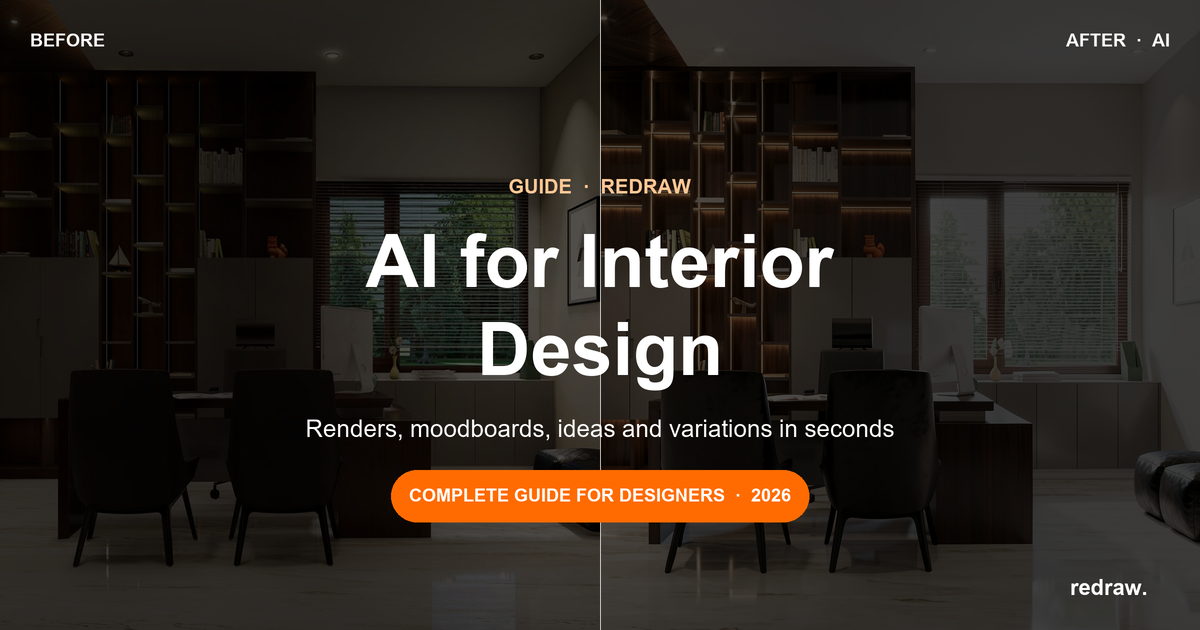
AI for Interior Design: Complete Guide for Designers in 2026
An interior designer's daily routine is a race against time. Client meeting in the morning, site visit at midday, and in the evening trying to finish that moodboard due tomorrow. On top of that, you still need to render 3 living room options, a kitchen, and the master suite. And the client wants to see "how it will look" before approving anything.
AI entered interior design to solve exactly that. Not to replace the designer's eye. To accelerate everything that gets stuck between the idea and the presentation.
What interior designers actually need from AI
Unlike architects focused on facades, structure, and site planning, interior designers live in the details. The exact leather tone of the sofa. The reflection of polished porcelain tile. The way a pendant light casts shadows on a plaster wall. If the render doesn't capture those details, it's useless.
That's why generic AI tools don't work for interiors. ChatGPT generates a pretty "modern living room," but the materials are invented, the lighting is generic, and the proportions don't match the project. You can't show that to a client and say "this is how it will look" when the AI swapped the porcelain for marble and added a window that doesn't exist.
Interior designers need AI that understands materiality, ambient lighting, and furniture scale. AI that takes the real project and renders it with the right textures, the right light, in the right proportions.
Interior rendering: from hours to seconds
Interior rendering is the hardest thing to get right with traditional software. Global illumination, reflections in glass and metal, light bounce in fabrics, transparency of curtains. In V-Ray, that means hours of configuration and rendering. In Lumion, results are fast but generic — that look of "almost real but not convincing."
With AI trained specifically for architecture and interior design, the situation changes. You upload a screenshot of your project modeled in SketchUp, Revit, or ArchiCAD and in 20 to 40 seconds you receive a render with convincing natural lighting, textures faithful to the project materials, and reflections that make sense in context.
Redraw was trained on millions of real interior images. The AI knows how polished porcelain tile reflects. It knows the difference between linen and velvet on a sofa. It knows how a recessed spot light creates a gradient different from natural window light. Those are the details that determine whether a render convinces or not.
And when the client looks and says "I want to see it with wood flooring instead of porcelain," that's 30 seconds to generate the variation. Not 2 hours reconfiguring materials.
Enhance Render: when you already have an image
Many designers already render with Lumion, Enscape, or even photos of the space under construction. The problem is that the result doesn't always reach the presentation level clients expect.
Redraw's Enhance Render was built for this. You upload any image (software render, photo of the space, even a Promob screenshot) and in 30 seconds the AI improves textures, corrects lighting, adds realism. That render that was "almost good" becomes professional. That raw construction photo becomes a presentation.
For interior designers, this feature alone justifies the tool. Because much of the work is taking what exists and elevating it. AI does that in seconds.
Before · render produced in conventional software
After · render enhanced with Redraw AI
Idea generation: when the client doesn't know what they want
Every designer knows this situation: the client sits down, says "I want something modern but cozy," and expects you to translate that into an image on the spot.
With AI, you can. In Redraw, idea generation works like visual brainstorming. Describe the concept ("living room with neutral palette, double ceiling height, warm lighting, japandi style"), and the AI generates options in seconds. These aren't final renders — they're starting points. Visual references you show the client, adjust the direction, then render with precision once the project is modeled.
It's automated moodboarding. Instead of spending 3 hours on Pinterest searching for images that "sort of" represent the idea, you generate exactly what you're envisioning. And if the client says "I like it but want more color," generate again in 30 seconds.
Visual moodboard with AI
Speaking of moodboards: the way designers present concepts to clients has changed. The classic moodboard (a collage of Pinterest photos with material samples) works, but has one problem. The photos are of other people's projects. They don't show how your client's project will look.
With AI, the moodboard becomes personalized. You generate images of the client's actual space with different styles, palettes, and atmospheres. The client sees their space rendered 5 different ways. Not a generic Pinterest living room. Their living room.
That changes the conversation. The client stops comparing with other people's photos and starts deciding about their own project. Approval comes faster because expectations are calibrated from the start.
Textures and lighting: where AI makes the difference
Interior design is about sensation. The feeling of a space comes from the combination of materials, light, and proportion. And that's exactly where generic AI fails and AI trained for interiors succeeds.
Redraw has its own models fed with millions of real interior images. Not renders, not generic AI images. Real photos and renders from executed projects. The AI learned how real materials behave:
How freijo wood reflects light differently from oak. How curtain fabric filters natural light creating a warm tone. How a mirror expands the space but changes the perception of depth. How Calacatta marble has veins that run in a specific direction.
Generic AI doesn't know this. It generates a generic "wood floor." Redraw generates materiality that a designer recognizes.
The complete designer workflow with AI
In practice, an interior designer can do everything inside Redraw:
1. Generate ideas with the client. In the first meeting, you describe the concept and generate visual options in real time. The client participates, gives feedback, and guides the direction. You leave the meeting with the concept approved.
2. Render the modeled project. When the 3D model is ready, take a screenshot and render in 30 seconds. With the materiality and lighting the project calls for.
3. Generate finish variations. Does the client want to see it with dark flooring? With granite countertop instead of quartz? With cooler lighting? 30 seconds per variation.
4. Enhance existing renders. Rendered in Lumion or Enscape and the result looks generic? Upload to Enhance Render and in 30 seconds gain realism.
5. Generate a video of the space. Want to show the space with movement? Redraw has its own video tool for interiors, plus Veo 3 and Kling AI. Turns a static render into a walkthrough.
6. Generate 3D objects. Need a specific light fixture, a vase, a piece of furniture not in your library? Generate it directly in Redraw and import into SketchUp.
One platform. The entire visual workflow of an interior designer solved.
Cost vs. savings
A designer who renders with traditional software spends on average:
Render license (Lumion/Enscape): R$ 3,500 to R$ 7,000/year
Adequate hardware: R$ 8,000 to R$ 20,000 (amortized ~R$ 5,000/year)
Hours in rendering and configuration: ~60 hours/month
Hours in moodboards and references: ~15 hours/month
Total: R$ 8,500+/year + 75 hours/month
With Redraw:
Basic plan: ~R$ 1,000/year
Hardware: the laptop you already have
Hours in rendering + ideas + variations: ~2 hours/month
Total: R$ 1,000/year + 2 hours/month
That's 73 hours a month returned to you. Almost 10 working days. Imagine what you do with 10 extra days a month: more projects, more clients, or simply less stress.
Frequently asked questions
What is the best AI for interior design?
Redraw is the benchmark for interiors in 2026. With models trained specifically for interior spaces, it understands materiality, ambient lighting, and furniture scale like no generic AI can.
Can AI render interiors with fidelity?
Yes, when trained for it. Redraw preserves textures, proportions, and lighting from the original project. Generic AI like ChatGPT invents materials and changes the geometry.
Can I use AI to create a moodboard?
Yes. In Redraw, idea generation creates personalized moodboards of the client's actual space, not collages of third-party photos. The client sees their own space in different styles.
Does AI for interiors work without a 3D model?
Yes. Idea generation works from a text description or reference image. Maximum-fidelity rendering uses a 3D model screenshot, but it's not required to get started.
Does Redraw capture the material details that matter in interiors?
Yes. The models were trained on millions of real interior images. The AI differentiates types of wood, fabric, stone, metal. It understands how each material reflects light differently.
Try Redraw → redraw.pro
AI Rendering vs Traditional Software: Complete 2026 Comparison
An interior designer's daily routine is a race against time. Client meeting in the morning, site visit at midday, and in the evening trying to finish that moodboard due tomorrow. On top of that, you still need to render 3 living room options, a kitchen, and the master suite. And the client wants to see "how it will look" before approving anything.
AI entered interior design to solve exactly that. Not to replace the designer's eye. To accelerate everything that gets stuck between the idea and the presentation.
What interior designers actually need from AI
Unlike architects focused on facades, structure, and site planning, interior designers live in the details. The exact leather tone of the sofa. The reflection of polished porcelain tile. The way a pendant light casts shadows on a plaster wall. If the render doesn't capture those details, it's useless.
That's why generic AI tools don't work for interiors. ChatGPT generates a pretty "modern living room," but the materials are invented, the lighting is generic, and the proportions don't match the project. You can't show that to a client and say "this is how it will look" when the AI swapped the porcelain for marble and added a window that doesn't exist.
Interior designers need AI that understands materiality, ambient lighting, and furniture scale. AI that takes the real project and renders it with the right textures, the right light, in the right proportions.
Interior rendering: from hours to seconds
Interior rendering is the hardest thing to get right with traditional software. Global illumination, reflections in glass and metal, light bounce in fabrics, transparency of curtains. In V-Ray, that means hours of configuration and rendering. In Lumion, results are fast but generic — that look of "almost real but not convincing."
With AI trained specifically for architecture and interior design, the situation changes. You upload a screenshot of your project modeled in SketchUp, Revit, or ArchiCAD and in 20 to 40 seconds you receive a render with convincing natural lighting, textures faithful to the project materials, and reflections that make sense in context.
Redraw was trained on millions of real interior images. The AI knows how polished porcelain tile reflects. It knows the difference between linen and velvet on a sofa. It knows how a recessed spot light creates a gradient different from natural window light. Those are the details that determine whether a render convinces or not.
And when the client looks and says "I want to see it with wood flooring instead of porcelain," that's 30 seconds to generate the variation. Not 2 hours reconfiguring materials.
Enhance Render: when you already have an image
Many designers already render with Lumion, Enscape, or even photos of the space under construction. The problem is that the result doesn't always reach the presentation level clients expect.
Redraw's Enhance Render was built for this. You upload any image (software render, photo of the space, even a Promob screenshot) and in 30 seconds the AI improves textures, corrects lighting, adds realism. That render that was "almost good" becomes professional. That raw construction photo becomes a presentation.
For interior designers, this feature alone justifies the tool. Because much of the work is taking what exists and elevating it. AI does that in seconds.
Before · render produced in conventional software
After · render enhanced with Redraw AI
Idea generation: when the client doesn't know what they want
Every designer knows this situation: the client sits down, says "I want something modern but cozy," and expects you to translate that into an image on the spot.
With AI, you can. In Redraw, idea generation works like visual brainstorming. Describe the concept ("living room with neutral palette, double ceiling height, warm lighting, japandi style"), and the AI generates options in seconds. These aren't final renders — they're starting points. Visual references you show the client, adjust the direction, then render with precision once the project is modeled.
It's automated moodboarding. Instead of spending 3 hours on Pinterest searching for images that "sort of" represent the idea, you generate exactly what you're envisioning. And if the client says "I like it but want more color," generate again in 30 seconds.
Visual moodboard with AI
Speaking of moodboards: the way designers present concepts to clients has changed. The classic moodboard (a collage of Pinterest photos with material samples) works, but has one problem. The photos are of other people's projects. They don't show how your client's project will look.
With AI, the moodboard becomes personalized. You generate images of the client's actual space with different styles, palettes, and atmospheres. The client sees their space rendered 5 different ways. Not a generic Pinterest living room. Their living room.
That changes the conversation. The client stops comparing with other people's photos and starts deciding about their own project. Approval comes faster because expectations are calibrated from the start.
Textures and lighting: where AI makes the difference
Interior design is about sensation. The feeling of a space comes from the combination of materials, light, and proportion. And that's exactly where generic AI fails and AI trained for interiors succeeds.
Redraw has its own models fed with millions of real interior images. Not renders, not generic AI images. Real photos and renders from executed projects. The AI learned how real materials behave:
How freijo wood reflects light differently from oak. How curtain fabric filters natural light creating a warm tone. How a mirror expands the space but changes the perception of depth. How Calacatta marble has veins that run in a specific direction.
Generic AI doesn't know this. It generates a generic "wood floor." Redraw generates materiality that a designer recognizes.
The complete designer workflow with AI
In practice, an interior designer can do everything inside Redraw:
1. Generate ideas with the client. In the first meeting, you describe the concept and generate visual options in real time. The client participates, gives feedback, and guides the direction. You leave the meeting with the concept approved.
2. Render the modeled project. When the 3D model is ready, take a screenshot and render in 30 seconds. With the materiality and lighting the project calls for.
3. Generate finish variations. Does the client want to see it with dark flooring? With granite countertop instead of quartz? With cooler lighting? 30 seconds per variation.
4. Enhance existing renders. Rendered in Lumion or Enscape and the result looks generic? Upload to Enhance Render and in 30 seconds gain realism.
5. Generate a video of the space. Want to show the space with movement? Redraw has its own video tool for interiors, plus Veo 3 and Kling AI. Turns a static render into a walkthrough.
6. Generate 3D objects. Need a specific light fixture, a vase, a piece of furniture not in your library? Generate it directly in Redraw and import into SketchUp.
One platform. The entire visual workflow of an interior designer solved.
Cost vs. savings
A designer who renders with traditional software spends on average:
Render license (Lumion/Enscape): R$ 3,500 to R$ 7,000/year
Adequate hardware: R$ 8,000 to R$ 20,000 (amortized ~R$ 5,000/year)
Hours in rendering and configuration: ~60 hours/month
Hours in moodboards and references: ~15 hours/month
Total: R$ 8,500+/year + 75 hours/month
With Redraw:
Basic plan: ~R$ 1,000/year
Hardware: the laptop you already have
Hours in rendering + ideas + variations: ~2 hours/month
Total: R$ 1,000/year + 2 hours/month
That's 73 hours a month returned to you. Almost 10 working days. Imagine what you do with 10 extra days a month: more projects, more clients, or simply less stress.
Frequently asked questions
What is the best AI for interior design?
Redraw is the benchmark for interiors in 2026. With models trained specifically for interior spaces, it understands materiality, ambient lighting, and furniture scale like no generic AI can.
Can AI render interiors with fidelity?
Yes, when trained for it. Redraw preserves textures, proportions, and lighting from the original project. Generic AI like ChatGPT invents materials and changes the geometry.
Can I use AI to create a moodboard?
Yes. In Redraw, idea generation creates personalized moodboards of the client's actual space, not collages of third-party photos. The client sees their own space in different styles.
Does AI for interiors work without a 3D model?
Yes. Idea generation works from a text description or reference image. Maximum-fidelity rendering uses a 3D model screenshot, but it's not required to get started.
Does Redraw capture the material details that matter in interiors?
Yes. The models were trained on millions of real interior images. The AI differentiates types of wood, fabric, stone, metal. It understands how each material reflects light differently.
Try Redraw → redraw.pro
AI Rendering: What It Is, How It Works, and Why to Use It in 2026
An interior designer's daily routine is a race against time. Client meeting in the morning, site visit at midday, and in the evening trying to finish that moodboard due tomorrow. On top of that, you still need to render 3 living room options, a kitchen, and the master suite. And the client wants to see "how it will look" before approving anything.
AI entered interior design to solve exactly that. Not to replace the designer's eye. To accelerate everything that gets stuck between the idea and the presentation.
What interior designers actually need from AI
Unlike architects focused on facades, structure, and site planning, interior designers live in the details. The exact leather tone of the sofa. The reflection of polished porcelain tile. The way a pendant light casts shadows on a plaster wall. If the render doesn't capture those details, it's useless.
That's why generic AI tools don't work for interiors. ChatGPT generates a pretty "modern living room," but the materials are invented, the lighting is generic, and the proportions don't match the project. You can't show that to a client and say "this is how it will look" when the AI swapped the porcelain for marble and added a window that doesn't exist.
Interior designers need AI that understands materiality, ambient lighting, and furniture scale. AI that takes the real project and renders it with the right textures, the right light, in the right proportions.
Interior rendering: from hours to seconds
Interior rendering is the hardest thing to get right with traditional software. Global illumination, reflections in glass and metal, light bounce in fabrics, transparency of curtains. In V-Ray, that means hours of configuration and rendering. In Lumion, results are fast but generic — that look of "almost real but not convincing."
With AI trained specifically for architecture and interior design, the situation changes. You upload a screenshot of your project modeled in SketchUp, Revit, or ArchiCAD and in 20 to 40 seconds you receive a render with convincing natural lighting, textures faithful to the project materials, and reflections that make sense in context.
Redraw was trained on millions of real interior images. The AI knows how polished porcelain tile reflects. It knows the difference between linen and velvet on a sofa. It knows how a recessed spot light creates a gradient different from natural window light. Those are the details that determine whether a render convinces or not.
And when the client looks and says "I want to see it with wood flooring instead of porcelain," that's 30 seconds to generate the variation. Not 2 hours reconfiguring materials.
Enhance Render: when you already have an image
Many designers already render with Lumion, Enscape, or even photos of the space under construction. The problem is that the result doesn't always reach the presentation level clients expect.
Redraw's Enhance Render was built for this. You upload any image (software render, photo of the space, even a Promob screenshot) and in 30 seconds the AI improves textures, corrects lighting, adds realism. That render that was "almost good" becomes professional. That raw construction photo becomes a presentation.
For interior designers, this feature alone justifies the tool. Because much of the work is taking what exists and elevating it. AI does that in seconds.
Before · render produced in conventional software
After · render enhanced with Redraw AI
Idea generation: when the client doesn't know what they want
Every designer knows this situation: the client sits down, says "I want something modern but cozy," and expects you to translate that into an image on the spot.
With AI, you can. In Redraw, idea generation works like visual brainstorming. Describe the concept ("living room with neutral palette, double ceiling height, warm lighting, japandi style"), and the AI generates options in seconds. These aren't final renders — they're starting points. Visual references you show the client, adjust the direction, then render with precision once the project is modeled.
It's automated moodboarding. Instead of spending 3 hours on Pinterest searching for images that "sort of" represent the idea, you generate exactly what you're envisioning. And if the client says "I like it but want more color," generate again in 30 seconds.
Visual moodboard with AI
Speaking of moodboards: the way designers present concepts to clients has changed. The classic moodboard (a collage of Pinterest photos with material samples) works, but has one problem. The photos are of other people's projects. They don't show how your client's project will look.
With AI, the moodboard becomes personalized. You generate images of the client's actual space with different styles, palettes, and atmospheres. The client sees their space rendered 5 different ways. Not a generic Pinterest living room. Their living room.
That changes the conversation. The client stops comparing with other people's photos and starts deciding about their own project. Approval comes faster because expectations are calibrated from the start.
Textures and lighting: where AI makes the difference
Interior design is about sensation. The feeling of a space comes from the combination of materials, light, and proportion. And that's exactly where generic AI fails and AI trained for interiors succeeds.
Redraw has its own models fed with millions of real interior images. Not renders, not generic AI images. Real photos and renders from executed projects. The AI learned how real materials behave:
How freijo wood reflects light differently from oak. How curtain fabric filters natural light creating a warm tone. How a mirror expands the space but changes the perception of depth. How Calacatta marble has veins that run in a specific direction.
Generic AI doesn't know this. It generates a generic "wood floor." Redraw generates materiality that a designer recognizes.
The complete designer workflow with AI
In practice, an interior designer can do everything inside Redraw:
1. Generate ideas with the client. In the first meeting, you describe the concept and generate visual options in real time. The client participates, gives feedback, and guides the direction. You leave the meeting with the concept approved.
2. Render the modeled project. When the 3D model is ready, take a screenshot and render in 30 seconds. With the materiality and lighting the project calls for.
3. Generate finish variations. Does the client want to see it with dark flooring? With granite countertop instead of quartz? With cooler lighting? 30 seconds per variation.
4. Enhance existing renders. Rendered in Lumion or Enscape and the result looks generic? Upload to Enhance Render and in 30 seconds gain realism.
5. Generate a video of the space. Want to show the space with movement? Redraw has its own video tool for interiors, plus Veo 3 and Kling AI. Turns a static render into a walkthrough.
6. Generate 3D objects. Need a specific light fixture, a vase, a piece of furniture not in your library? Generate it directly in Redraw and import into SketchUp.
One platform. The entire visual workflow of an interior designer solved.
Cost vs. savings
A designer who renders with traditional software spends on average:
Render license (Lumion/Enscape): R$ 3,500 to R$ 7,000/year
Adequate hardware: R$ 8,000 to R$ 20,000 (amortized ~R$ 5,000/year)
Hours in rendering and configuration: ~60 hours/month
Hours in moodboards and references: ~15 hours/month
Total: R$ 8,500+/year + 75 hours/month
With Redraw:
Basic plan: ~R$ 1,000/year
Hardware: the laptop you already have
Hours in rendering + ideas + variations: ~2 hours/month
Total: R$ 1,000/year + 2 hours/month
That's 73 hours a month returned to you. Almost 10 working days. Imagine what you do with 10 extra days a month: more projects, more clients, or simply less stress.
Frequently asked questions
What is the best AI for interior design?
Redraw is the benchmark for interiors in 2026. With models trained specifically for interior spaces, it understands materiality, ambient lighting, and furniture scale like no generic AI can.
Can AI render interiors with fidelity?
Yes, when trained for it. Redraw preserves textures, proportions, and lighting from the original project. Generic AI like ChatGPT invents materials and changes the geometry.
Can I use AI to create a moodboard?
Yes. In Redraw, idea generation creates personalized moodboards of the client's actual space, not collages of third-party photos. The client sees their own space in different styles.
Does AI for interiors work without a 3D model?
Yes. Idea generation works from a text description or reference image. Maximum-fidelity rendering uses a 3D model screenshot, but it's not required to get started.
Does Redraw capture the material details that matter in interiors?
Yes. The models were trained on millions of real interior images. The AI differentiates types of wood, fabric, stone, metal. It understands how each material reflects light differently.
Try Redraw → redraw.pro
How to Prepare SketchUp for AI Rendering: Practical 3D Optimization Guide
An interior designer's daily routine is a race against time. Client meeting in the morning, site visit at midday, and in the evening trying to finish that moodboard due tomorrow. On top of that, you still need to render 3 living room options, a kitchen, and the master suite. And the client wants to see "how it will look" before approving anything.
AI entered interior design to solve exactly that. Not to replace the designer's eye. To accelerate everything that gets stuck between the idea and the presentation.
What interior designers actually need from AI
Unlike architects focused on facades, structure, and site planning, interior designers live in the details. The exact leather tone of the sofa. The reflection of polished porcelain tile. The way a pendant light casts shadows on a plaster wall. If the render doesn't capture those details, it's useless.
That's why generic AI tools don't work for interiors. ChatGPT generates a pretty "modern living room," but the materials are invented, the lighting is generic, and the proportions don't match the project. You can't show that to a client and say "this is how it will look" when the AI swapped the porcelain for marble and added a window that doesn't exist.
Interior designers need AI that understands materiality, ambient lighting, and furniture scale. AI that takes the real project and renders it with the right textures, the right light, in the right proportions.
Interior rendering: from hours to seconds
Interior rendering is the hardest thing to get right with traditional software. Global illumination, reflections in glass and metal, light bounce in fabrics, transparency of curtains. In V-Ray, that means hours of configuration and rendering. In Lumion, results are fast but generic — that look of "almost real but not convincing."
With AI trained specifically for architecture and interior design, the situation changes. You upload a screenshot of your project modeled in SketchUp, Revit, or ArchiCAD and in 20 to 40 seconds you receive a render with convincing natural lighting, textures faithful to the project materials, and reflections that make sense in context.
Redraw was trained on millions of real interior images. The AI knows how polished porcelain tile reflects. It knows the difference between linen and velvet on a sofa. It knows how a recessed spot light creates a gradient different from natural window light. Those are the details that determine whether a render convinces or not.
And when the client looks and says "I want to see it with wood flooring instead of porcelain," that's 30 seconds to generate the variation. Not 2 hours reconfiguring materials.
Enhance Render: when you already have an image
Many designers already render with Lumion, Enscape, or even photos of the space under construction. The problem is that the result doesn't always reach the presentation level clients expect.
Redraw's Enhance Render was built for this. You upload any image (software render, photo of the space, even a Promob screenshot) and in 30 seconds the AI improves textures, corrects lighting, adds realism. That render that was "almost good" becomes professional. That raw construction photo becomes a presentation.
For interior designers, this feature alone justifies the tool. Because much of the work is taking what exists and elevating it. AI does that in seconds.
Before · render produced in conventional software
After · render enhanced with Redraw AI
Idea generation: when the client doesn't know what they want
Every designer knows this situation: the client sits down, says "I want something modern but cozy," and expects you to translate that into an image on the spot.
With AI, you can. In Redraw, idea generation works like visual brainstorming. Describe the concept ("living room with neutral palette, double ceiling height, warm lighting, japandi style"), and the AI generates options in seconds. These aren't final renders — they're starting points. Visual references you show the client, adjust the direction, then render with precision once the project is modeled.
It's automated moodboarding. Instead of spending 3 hours on Pinterest searching for images that "sort of" represent the idea, you generate exactly what you're envisioning. And if the client says "I like it but want more color," generate again in 30 seconds.
Visual moodboard with AI
Speaking of moodboards: the way designers present concepts to clients has changed. The classic moodboard (a collage of Pinterest photos with material samples) works, but has one problem. The photos are of other people's projects. They don't show how your client's project will look.
With AI, the moodboard becomes personalized. You generate images of the client's actual space with different styles, palettes, and atmospheres. The client sees their space rendered 5 different ways. Not a generic Pinterest living room. Their living room.
That changes the conversation. The client stops comparing with other people's photos and starts deciding about their own project. Approval comes faster because expectations are calibrated from the start.
Textures and lighting: where AI makes the difference
Interior design is about sensation. The feeling of a space comes from the combination of materials, light, and proportion. And that's exactly where generic AI fails and AI trained for interiors succeeds.
Redraw has its own models fed with millions of real interior images. Not renders, not generic AI images. Real photos and renders from executed projects. The AI learned how real materials behave:
How freijo wood reflects light differently from oak. How curtain fabric filters natural light creating a warm tone. How a mirror expands the space but changes the perception of depth. How Calacatta marble has veins that run in a specific direction.
Generic AI doesn't know this. It generates a generic "wood floor." Redraw generates materiality that a designer recognizes.
The complete designer workflow with AI
In practice, an interior designer can do everything inside Redraw:
1. Generate ideas with the client. In the first meeting, you describe the concept and generate visual options in real time. The client participates, gives feedback, and guides the direction. You leave the meeting with the concept approved.
2. Render the modeled project. When the 3D model is ready, take a screenshot and render in 30 seconds. With the materiality and lighting the project calls for.
3. Generate finish variations. Does the client want to see it with dark flooring? With granite countertop instead of quartz? With cooler lighting? 30 seconds per variation.
4. Enhance existing renders. Rendered in Lumion or Enscape and the result looks generic? Upload to Enhance Render and in 30 seconds gain realism.
5. Generate a video of the space. Want to show the space with movement? Redraw has its own video tool for interiors, plus Veo 3 and Kling AI. Turns a static render into a walkthrough.
6. Generate 3D objects. Need a specific light fixture, a vase, a piece of furniture not in your library? Generate it directly in Redraw and import into SketchUp.
One platform. The entire visual workflow of an interior designer solved.
Cost vs. savings
A designer who renders with traditional software spends on average:
Render license (Lumion/Enscape): R$ 3,500 to R$ 7,000/year
Adequate hardware: R$ 8,000 to R$ 20,000 (amortized ~R$ 5,000/year)
Hours in rendering and configuration: ~60 hours/month
Hours in moodboards and references: ~15 hours/month
Total: R$ 8,500+/year + 75 hours/month
With Redraw:
Basic plan: ~R$ 1,000/year
Hardware: the laptop you already have
Hours in rendering + ideas + variations: ~2 hours/month
Total: R$ 1,000/year + 2 hours/month
That's 73 hours a month returned to you. Almost 10 working days. Imagine what you do with 10 extra days a month: more projects, more clients, or simply less stress.
Frequently asked questions
What is the best AI for interior design?
Redraw is the benchmark for interiors in 2026. With models trained specifically for interior spaces, it understands materiality, ambient lighting, and furniture scale like no generic AI can.
Can AI render interiors with fidelity?
Yes, when trained for it. Redraw preserves textures, proportions, and lighting from the original project. Generic AI like ChatGPT invents materials and changes the geometry.
Can I use AI to create a moodboard?
Yes. In Redraw, idea generation creates personalized moodboards of the client's actual space, not collages of third-party photos. The client sees their own space in different styles.
Does AI for interiors work without a 3D model?
Yes. Idea generation works from a text description or reference image. Maximum-fidelity rendering uses a 3D model screenshot, but it's not required to get started.
Does Redraw capture the material details that matter in interiors?
Yes. The models were trained on millions of real interior images. The AI differentiates types of wood, fabric, stone, metal. It understands how each material reflects light differently.
Try Redraw → redraw.pro
How to Choose Rendering Software for Architecture in 2026
An interior designer's daily routine is a race against time. Client meeting in the morning, site visit at midday, and in the evening trying to finish that moodboard due tomorrow. On top of that, you still need to render 3 living room options, a kitchen, and the master suite. And the client wants to see "how it will look" before approving anything.
AI entered interior design to solve exactly that. Not to replace the designer's eye. To accelerate everything that gets stuck between the idea and the presentation.
What interior designers actually need from AI
Unlike architects focused on facades, structure, and site planning, interior designers live in the details. The exact leather tone of the sofa. The reflection of polished porcelain tile. The way a pendant light casts shadows on a plaster wall. If the render doesn't capture those details, it's useless.
That's why generic AI tools don't work for interiors. ChatGPT generates a pretty "modern living room," but the materials are invented, the lighting is generic, and the proportions don't match the project. You can't show that to a client and say "this is how it will look" when the AI swapped the porcelain for marble and added a window that doesn't exist.
Interior designers need AI that understands materiality, ambient lighting, and furniture scale. AI that takes the real project and renders it with the right textures, the right light, in the right proportions.
Interior rendering: from hours to seconds
Interior rendering is the hardest thing to get right with traditional software. Global illumination, reflections in glass and metal, light bounce in fabrics, transparency of curtains. In V-Ray, that means hours of configuration and rendering. In Lumion, results are fast but generic — that look of "almost real but not convincing."
With AI trained specifically for architecture and interior design, the situation changes. You upload a screenshot of your project modeled in SketchUp, Revit, or ArchiCAD and in 20 to 40 seconds you receive a render with convincing natural lighting, textures faithful to the project materials, and reflections that make sense in context.
Redraw was trained on millions of real interior images. The AI knows how polished porcelain tile reflects. It knows the difference between linen and velvet on a sofa. It knows how a recessed spot light creates a gradient different from natural window light. Those are the details that determine whether a render convinces or not.
And when the client looks and says "I want to see it with wood flooring instead of porcelain," that's 30 seconds to generate the variation. Not 2 hours reconfiguring materials.
Enhance Render: when you already have an image
Many designers already render with Lumion, Enscape, or even photos of the space under construction. The problem is that the result doesn't always reach the presentation level clients expect.
Redraw's Enhance Render was built for this. You upload any image (software render, photo of the space, even a Promob screenshot) and in 30 seconds the AI improves textures, corrects lighting, adds realism. That render that was "almost good" becomes professional. That raw construction photo becomes a presentation.
For interior designers, this feature alone justifies the tool. Because much of the work is taking what exists and elevating it. AI does that in seconds.
Before · render produced in conventional software
After · render enhanced with Redraw AI
Idea generation: when the client doesn't know what they want
Every designer knows this situation: the client sits down, says "I want something modern but cozy," and expects you to translate that into an image on the spot.
With AI, you can. In Redraw, idea generation works like visual brainstorming. Describe the concept ("living room with neutral palette, double ceiling height, warm lighting, japandi style"), and the AI generates options in seconds. These aren't final renders — they're starting points. Visual references you show the client, adjust the direction, then render with precision once the project is modeled.
It's automated moodboarding. Instead of spending 3 hours on Pinterest searching for images that "sort of" represent the idea, you generate exactly what you're envisioning. And if the client says "I like it but want more color," generate again in 30 seconds.
Visual moodboard with AI
Speaking of moodboards: the way designers present concepts to clients has changed. The classic moodboard (a collage of Pinterest photos with material samples) works, but has one problem. The photos are of other people's projects. They don't show how your client's project will look.
With AI, the moodboard becomes personalized. You generate images of the client's actual space with different styles, palettes, and atmospheres. The client sees their space rendered 5 different ways. Not a generic Pinterest living room. Their living room.
That changes the conversation. The client stops comparing with other people's photos and starts deciding about their own project. Approval comes faster because expectations are calibrated from the start.
Textures and lighting: where AI makes the difference
Interior design is about sensation. The feeling of a space comes from the combination of materials, light, and proportion. And that's exactly where generic AI fails and AI trained for interiors succeeds.
Redraw has its own models fed with millions of real interior images. Not renders, not generic AI images. Real photos and renders from executed projects. The AI learned how real materials behave:
How freijo wood reflects light differently from oak. How curtain fabric filters natural light creating a warm tone. How a mirror expands the space but changes the perception of depth. How Calacatta marble has veins that run in a specific direction.
Generic AI doesn't know this. It generates a generic "wood floor." Redraw generates materiality that a designer recognizes.
The complete designer workflow with AI
In practice, an interior designer can do everything inside Redraw:
1. Generate ideas with the client. In the first meeting, you describe the concept and generate visual options in real time. The client participates, gives feedback, and guides the direction. You leave the meeting with the concept approved.
2. Render the modeled project. When the 3D model is ready, take a screenshot and render in 30 seconds. With the materiality and lighting the project calls for.
3. Generate finish variations. Does the client want to see it with dark flooring? With granite countertop instead of quartz? With cooler lighting? 30 seconds per variation.
4. Enhance existing renders. Rendered in Lumion or Enscape and the result looks generic? Upload to Enhance Render and in 30 seconds gain realism.
5. Generate a video of the space. Want to show the space with movement? Redraw has its own video tool for interiors, plus Veo 3 and Kling AI. Turns a static render into a walkthrough.
6. Generate 3D objects. Need a specific light fixture, a vase, a piece of furniture not in your library? Generate it directly in Redraw and import into SketchUp.
One platform. The entire visual workflow of an interior designer solved.
Cost vs. savings
A designer who renders with traditional software spends on average:
Render license (Lumion/Enscape): R$ 3,500 to R$ 7,000/year
Adequate hardware: R$ 8,000 to R$ 20,000 (amortized ~R$ 5,000/year)
Hours in rendering and configuration: ~60 hours/month
Hours in moodboards and references: ~15 hours/month
Total: R$ 8,500+/year + 75 hours/month
With Redraw:
Basic plan: ~R$ 1,000/year
Hardware: the laptop you already have
Hours in rendering + ideas + variations: ~2 hours/month
Total: R$ 1,000/year + 2 hours/month
That's 73 hours a month returned to you. Almost 10 working days. Imagine what you do with 10 extra days a month: more projects, more clients, or simply less stress.
Frequently asked questions
What is the best AI for interior design?
Redraw is the benchmark for interiors in 2026. With models trained specifically for interior spaces, it understands materiality, ambient lighting, and furniture scale like no generic AI can.
Can AI render interiors with fidelity?
Yes, when trained for it. Redraw preserves textures, proportions, and lighting from the original project. Generic AI like ChatGPT invents materials and changes the geometry.
Can I use AI to create a moodboard?
Yes. In Redraw, idea generation creates personalized moodboards of the client's actual space, not collages of third-party photos. The client sees their own space in different styles.
Does AI for interiors work without a 3D model?
Yes. Idea generation works from a text description or reference image. Maximum-fidelity rendering uses a 3D model screenshot, but it's not required to get started.
Does Redraw capture the material details that matter in interiors?
Yes. The models were trained on millions of real interior images. The AI differentiates types of wood, fabric, stone, metal. It understands how each material reflects light differently.
Try Redraw → redraw.pro

How Redraw Stood Out in the AI Race: Interview with Alexandre Kuhn, Co-Founder

An interior designer's daily routine is a race against time. Client meeting in the morning, site visit at midday, and in the evening trying to finish that moodboard due tomorrow. On top of that, you still need to render 3 living room options, a kitchen, and the master suite. And the client wants to see "how it will look" before approving anything.
AI entered interior design to solve exactly that. Not to replace the designer's eye. To accelerate everything that gets stuck between the idea and the presentation.
What interior designers actually need from AI
Unlike architects focused on facades, structure, and site planning, interior designers live in the details. The exact leather tone of the sofa. The reflection of polished porcelain tile. The way a pendant light casts shadows on a plaster wall. If the render doesn't capture those details, it's useless.
That's why generic AI tools don't work for interiors. ChatGPT generates a pretty "modern living room," but the materials are invented, the lighting is generic, and the proportions don't match the project. You can't show that to a client and say "this is how it will look" when the AI swapped the porcelain for marble and added a window that doesn't exist.
Interior designers need AI that understands materiality, ambient lighting, and furniture scale. AI that takes the real project and renders it with the right textures, the right light, in the right proportions.
Interior rendering: from hours to seconds
Interior rendering is the hardest thing to get right with traditional software. Global illumination, reflections in glass and metal, light bounce in fabrics, transparency of curtains. In V-Ray, that means hours of configuration and rendering. In Lumion, results are fast but generic — that look of "almost real but not convincing."
With AI trained specifically for architecture and interior design, the situation changes. You upload a screenshot of your project modeled in SketchUp, Revit, or ArchiCAD and in 20 to 40 seconds you receive a render with convincing natural lighting, textures faithful to the project materials, and reflections that make sense in context.
Redraw was trained on millions of real interior images. The AI knows how polished porcelain tile reflects. It knows the difference between linen and velvet on a sofa. It knows how a recessed spot light creates a gradient different from natural window light. Those are the details that determine whether a render convinces or not.
And when the client looks and says "I want to see it with wood flooring instead of porcelain," that's 30 seconds to generate the variation. Not 2 hours reconfiguring materials.
Enhance Render: when you already have an image
Many designers already render with Lumion, Enscape, or even photos of the space under construction. The problem is that the result doesn't always reach the presentation level clients expect.
Redraw's Enhance Render was built for this. You upload any image (software render, photo of the space, even a Promob screenshot) and in 30 seconds the AI improves textures, corrects lighting, adds realism. That render that was "almost good" becomes professional. That raw construction photo becomes a presentation.
For interior designers, this feature alone justifies the tool. Because much of the work is taking what exists and elevating it. AI does that in seconds.
Before · render produced in conventional software
After · render enhanced with Redraw AI
Idea generation: when the client doesn't know what they want
Every designer knows this situation: the client sits down, says "I want something modern but cozy," and expects you to translate that into an image on the spot.
With AI, you can. In Redraw, idea generation works like visual brainstorming. Describe the concept ("living room with neutral palette, double ceiling height, warm lighting, japandi style"), and the AI generates options in seconds. These aren't final renders — they're starting points. Visual references you show the client, adjust the direction, then render with precision once the project is modeled.
It's automated moodboarding. Instead of spending 3 hours on Pinterest searching for images that "sort of" represent the idea, you generate exactly what you're envisioning. And if the client says "I like it but want more color," generate again in 30 seconds.
Visual moodboard with AI
Speaking of moodboards: the way designers present concepts to clients has changed. The classic moodboard (a collage of Pinterest photos with material samples) works, but has one problem. The photos are of other people's projects. They don't show how your client's project will look.
With AI, the moodboard becomes personalized. You generate images of the client's actual space with different styles, palettes, and atmospheres. The client sees their space rendered 5 different ways. Not a generic Pinterest living room. Their living room.
That changes the conversation. The client stops comparing with other people's photos and starts deciding about their own project. Approval comes faster because expectations are calibrated from the start.
Textures and lighting: where AI makes the difference
Interior design is about sensation. The feeling of a space comes from the combination of materials, light, and proportion. And that's exactly where generic AI fails and AI trained for interiors succeeds.
Redraw has its own models fed with millions of real interior images. Not renders, not generic AI images. Real photos and renders from executed projects. The AI learned how real materials behave:
How freijo wood reflects light differently from oak. How curtain fabric filters natural light creating a warm tone. How a mirror expands the space but changes the perception of depth. How Calacatta marble has veins that run in a specific direction.
Generic AI doesn't know this. It generates a generic "wood floor." Redraw generates materiality that a designer recognizes.
The complete designer workflow with AI
In practice, an interior designer can do everything inside Redraw:
1. Generate ideas with the client. In the first meeting, you describe the concept and generate visual options in real time. The client participates, gives feedback, and guides the direction. You leave the meeting with the concept approved.
2. Render the modeled project. When the 3D model is ready, take a screenshot and render in 30 seconds. With the materiality and lighting the project calls for.
3. Generate finish variations. Does the client want to see it with dark flooring? With granite countertop instead of quartz? With cooler lighting? 30 seconds per variation.
4. Enhance existing renders. Rendered in Lumion or Enscape and the result looks generic? Upload to Enhance Render and in 30 seconds gain realism.
5. Generate a video of the space. Want to show the space with movement? Redraw has its own video tool for interiors, plus Veo 3 and Kling AI. Turns a static render into a walkthrough.
6. Generate 3D objects. Need a specific light fixture, a vase, a piece of furniture not in your library? Generate it directly in Redraw and import into SketchUp.
One platform. The entire visual workflow of an interior designer solved.
Cost vs. savings
A designer who renders with traditional software spends on average:
Render license (Lumion/Enscape): R$ 3,500 to R$ 7,000/year
Adequate hardware: R$ 8,000 to R$ 20,000 (amortized ~R$ 5,000/year)
Hours in rendering and configuration: ~60 hours/month
Hours in moodboards and references: ~15 hours/month
Total: R$ 8,500+/year + 75 hours/month
With Redraw:
Basic plan: ~R$ 1,000/year
Hardware: the laptop you already have
Hours in rendering + ideas + variations: ~2 hours/month
Total: R$ 1,000/year + 2 hours/month
That's 73 hours a month returned to you. Almost 10 working days. Imagine what you do with 10 extra days a month: more projects, more clients, or simply less stress.
Frequently asked questions
What is the best AI for interior design?
Redraw is the benchmark for interiors in 2026. With models trained specifically for interior spaces, it understands materiality, ambient lighting, and furniture scale like no generic AI can.
Can AI render interiors with fidelity?
Yes, when trained for it. Redraw preserves textures, proportions, and lighting from the original project. Generic AI like ChatGPT invents materials and changes the geometry.
Can I use AI to create a moodboard?
Yes. In Redraw, idea generation creates personalized moodboards of the client's actual space, not collages of third-party photos. The client sees their own space in different styles.
Does AI for interiors work without a 3D model?
Yes. Idea generation works from a text description or reference image. Maximum-fidelity rendering uses a 3D model screenshot, but it's not required to get started.
Does Redraw capture the material details that matter in interiors?
Yes. The models were trained on millions of real interior images. The AI differentiates types of wood, fabric, stone, metal. It understands how each material reflects light differently.
Try Redraw → redraw.pro

Redraw vs Flux AI, Leonardo AI and Adobe Firefly: Which Is Best for Architecture?
An interior designer's daily routine is a race against time. Client meeting in the morning, site visit at midday, and in the evening trying to finish that moodboard due tomorrow. On top of that, you still need to render 3 living room options, a kitchen, and the master suite. And the client wants to see "how it will look" before approving anything.
AI entered interior design to solve exactly that. Not to replace the designer's eye. To accelerate everything that gets stuck between the idea and the presentation.
What interior designers actually need from AI
Unlike architects focused on facades, structure, and site planning, interior designers live in the details. The exact leather tone of the sofa. The reflection of polished porcelain tile. The way a pendant light casts shadows on a plaster wall. If the render doesn't capture those details, it's useless.
That's why generic AI tools don't work for interiors. ChatGPT generates a pretty "modern living room," but the materials are invented, the lighting is generic, and the proportions don't match the project. You can't show that to a client and say "this is how it will look" when the AI swapped the porcelain for marble and added a window that doesn't exist.
Interior designers need AI that understands materiality, ambient lighting, and furniture scale. AI that takes the real project and renders it with the right textures, the right light, in the right proportions.
Interior rendering: from hours to seconds
Interior rendering is the hardest thing to get right with traditional software. Global illumination, reflections in glass and metal, light bounce in fabrics, transparency of curtains. In V-Ray, that means hours of configuration and rendering. In Lumion, results are fast but generic — that look of "almost real but not convincing."
With AI trained specifically for architecture and interior design, the situation changes. You upload a screenshot of your project modeled in SketchUp, Revit, or ArchiCAD and in 20 to 40 seconds you receive a render with convincing natural lighting, textures faithful to the project materials, and reflections that make sense in context.
Redraw was trained on millions of real interior images. The AI knows how polished porcelain tile reflects. It knows the difference between linen and velvet on a sofa. It knows how a recessed spot light creates a gradient different from natural window light. Those are the details that determine whether a render convinces or not.
And when the client looks and says "I want to see it with wood flooring instead of porcelain," that's 30 seconds to generate the variation. Not 2 hours reconfiguring materials.
Enhance Render: when you already have an image
Many designers already render with Lumion, Enscape, or even photos of the space under construction. The problem is that the result doesn't always reach the presentation level clients expect.
Redraw's Enhance Render was built for this. You upload any image (software render, photo of the space, even a Promob screenshot) and in 30 seconds the AI improves textures, corrects lighting, adds realism. That render that was "almost good" becomes professional. That raw construction photo becomes a presentation.
For interior designers, this feature alone justifies the tool. Because much of the work is taking what exists and elevating it. AI does that in seconds.
Before · render produced in conventional software
After · render enhanced with Redraw AI
Idea generation: when the client doesn't know what they want
Every designer knows this situation: the client sits down, says "I want something modern but cozy," and expects you to translate that into an image on the spot.
With AI, you can. In Redraw, idea generation works like visual brainstorming. Describe the concept ("living room with neutral palette, double ceiling height, warm lighting, japandi style"), and the AI generates options in seconds. These aren't final renders — they're starting points. Visual references you show the client, adjust the direction, then render with precision once the project is modeled.
It's automated moodboarding. Instead of spending 3 hours on Pinterest searching for images that "sort of" represent the idea, you generate exactly what you're envisioning. And if the client says "I like it but want more color," generate again in 30 seconds.
Visual moodboard with AI
Speaking of moodboards: the way designers present concepts to clients has changed. The classic moodboard (a collage of Pinterest photos with material samples) works, but has one problem. The photos are of other people's projects. They don't show how your client's project will look.
With AI, the moodboard becomes personalized. You generate images of the client's actual space with different styles, palettes, and atmospheres. The client sees their space rendered 5 different ways. Not a generic Pinterest living room. Their living room.
That changes the conversation. The client stops comparing with other people's photos and starts deciding about their own project. Approval comes faster because expectations are calibrated from the start.
Textures and lighting: where AI makes the difference
Interior design is about sensation. The feeling of a space comes from the combination of materials, light, and proportion. And that's exactly where generic AI fails and AI trained for interiors succeeds.
Redraw has its own models fed with millions of real interior images. Not renders, not generic AI images. Real photos and renders from executed projects. The AI learned how real materials behave:
How freijo wood reflects light differently from oak. How curtain fabric filters natural light creating a warm tone. How a mirror expands the space but changes the perception of depth. How Calacatta marble has veins that run in a specific direction.
Generic AI doesn't know this. It generates a generic "wood floor." Redraw generates materiality that a designer recognizes.
The complete designer workflow with AI
In practice, an interior designer can do everything inside Redraw:
1. Generate ideas with the client. In the first meeting, you describe the concept and generate visual options in real time. The client participates, gives feedback, and guides the direction. You leave the meeting with the concept approved.
2. Render the modeled project. When the 3D model is ready, take a screenshot and render in 30 seconds. With the materiality and lighting the project calls for.
3. Generate finish variations. Does the client want to see it with dark flooring? With granite countertop instead of quartz? With cooler lighting? 30 seconds per variation.
4. Enhance existing renders. Rendered in Lumion or Enscape and the result looks generic? Upload to Enhance Render and in 30 seconds gain realism.
5. Generate a video of the space. Want to show the space with movement? Redraw has its own video tool for interiors, plus Veo 3 and Kling AI. Turns a static render into a walkthrough.
6. Generate 3D objects. Need a specific light fixture, a vase, a piece of furniture not in your library? Generate it directly in Redraw and import into SketchUp.
One platform. The entire visual workflow of an interior designer solved.
Cost vs. savings
A designer who renders with traditional software spends on average:
Render license (Lumion/Enscape): R$ 3,500 to R$ 7,000/year
Adequate hardware: R$ 8,000 to R$ 20,000 (amortized ~R$ 5,000/year)
Hours in rendering and configuration: ~60 hours/month
Hours in moodboards and references: ~15 hours/month
Total: R$ 8,500+/year + 75 hours/month
With Redraw:
Basic plan: ~R$ 1,000/year
Hardware: the laptop you already have
Hours in rendering + ideas + variations: ~2 hours/month
Total: R$ 1,000/year + 2 hours/month
That's 73 hours a month returned to you. Almost 10 working days. Imagine what you do with 10 extra days a month: more projects, more clients, or simply less stress.
Frequently asked questions
What is the best AI for interior design?
Redraw is the benchmark for interiors in 2026. With models trained specifically for interior spaces, it understands materiality, ambient lighting, and furniture scale like no generic AI can.
Can AI render interiors with fidelity?
Yes, when trained for it. Redraw preserves textures, proportions, and lighting from the original project. Generic AI like ChatGPT invents materials and changes the geometry.
Can I use AI to create a moodboard?
Yes. In Redraw, idea generation creates personalized moodboards of the client's actual space, not collages of third-party photos. The client sees their own space in different styles.
Does AI for interiors work without a 3D model?
Yes. Idea generation works from a text description or reference image. Maximum-fidelity rendering uses a 3D model screenshot, but it's not required to get started.
Does Redraw capture the material details that matter in interiors?
Yes. The models were trained on millions of real interior images. The AI differentiates types of wood, fabric, stone, metal. It understands how each material reflects light differently.
Try Redraw → redraw.pro

Cloud Rendering vs Local Rendering: Why Architects Are Migrating in 2026
An interior designer's daily routine is a race against time. Client meeting in the morning, site visit at midday, and in the evening trying to finish that moodboard due tomorrow. On top of that, you still need to render 3 living room options, a kitchen, and the master suite. And the client wants to see "how it will look" before approving anything.
AI entered interior design to solve exactly that. Not to replace the designer's eye. To accelerate everything that gets stuck between the idea and the presentation.
What interior designers actually need from AI
Unlike architects focused on facades, structure, and site planning, interior designers live in the details. The exact leather tone of the sofa. The reflection of polished porcelain tile. The way a pendant light casts shadows on a plaster wall. If the render doesn't capture those details, it's useless.
That's why generic AI tools don't work for interiors. ChatGPT generates a pretty "modern living room," but the materials are invented, the lighting is generic, and the proportions don't match the project. You can't show that to a client and say "this is how it will look" when the AI swapped the porcelain for marble and added a window that doesn't exist.
Interior designers need AI that understands materiality, ambient lighting, and furniture scale. AI that takes the real project and renders it with the right textures, the right light, in the right proportions.
Interior rendering: from hours to seconds
Interior rendering is the hardest thing to get right with traditional software. Global illumination, reflections in glass and metal, light bounce in fabrics, transparency of curtains. In V-Ray, that means hours of configuration and rendering. In Lumion, results are fast but generic — that look of "almost real but not convincing."
With AI trained specifically for architecture and interior design, the situation changes. You upload a screenshot of your project modeled in SketchUp, Revit, or ArchiCAD and in 20 to 40 seconds you receive a render with convincing natural lighting, textures faithful to the project materials, and reflections that make sense in context.
Redraw was trained on millions of real interior images. The AI knows how polished porcelain tile reflects. It knows the difference between linen and velvet on a sofa. It knows how a recessed spot light creates a gradient different from natural window light. Those are the details that determine whether a render convinces or not.
And when the client looks and says "I want to see it with wood flooring instead of porcelain," that's 30 seconds to generate the variation. Not 2 hours reconfiguring materials.
Enhance Render: when you already have an image
Many designers already render with Lumion, Enscape, or even photos of the space under construction. The problem is that the result doesn't always reach the presentation level clients expect.
Redraw's Enhance Render was built for this. You upload any image (software render, photo of the space, even a Promob screenshot) and in 30 seconds the AI improves textures, corrects lighting, adds realism. That render that was "almost good" becomes professional. That raw construction photo becomes a presentation.
For interior designers, this feature alone justifies the tool. Because much of the work is taking what exists and elevating it. AI does that in seconds.
Before · render produced in conventional software
After · render enhanced with Redraw AI
Idea generation: when the client doesn't know what they want
Every designer knows this situation: the client sits down, says "I want something modern but cozy," and expects you to translate that into an image on the spot.
With AI, you can. In Redraw, idea generation works like visual brainstorming. Describe the concept ("living room with neutral palette, double ceiling height, warm lighting, japandi style"), and the AI generates options in seconds. These aren't final renders — they're starting points. Visual references you show the client, adjust the direction, then render with precision once the project is modeled.
It's automated moodboarding. Instead of spending 3 hours on Pinterest searching for images that "sort of" represent the idea, you generate exactly what you're envisioning. And if the client says "I like it but want more color," generate again in 30 seconds.
Visual moodboard with AI
Speaking of moodboards: the way designers present concepts to clients has changed. The classic moodboard (a collage of Pinterest photos with material samples) works, but has one problem. The photos are of other people's projects. They don't show how your client's project will look.
With AI, the moodboard becomes personalized. You generate images of the client's actual space with different styles, palettes, and atmospheres. The client sees their space rendered 5 different ways. Not a generic Pinterest living room. Their living room.
That changes the conversation. The client stops comparing with other people's photos and starts deciding about their own project. Approval comes faster because expectations are calibrated from the start.
Textures and lighting: where AI makes the difference
Interior design is about sensation. The feeling of a space comes from the combination of materials, light, and proportion. And that's exactly where generic AI fails and AI trained for interiors succeeds.
Redraw has its own models fed with millions of real interior images. Not renders, not generic AI images. Real photos and renders from executed projects. The AI learned how real materials behave:
How freijo wood reflects light differently from oak. How curtain fabric filters natural light creating a warm tone. How a mirror expands the space but changes the perception of depth. How Calacatta marble has veins that run in a specific direction.
Generic AI doesn't know this. It generates a generic "wood floor." Redraw generates materiality that a designer recognizes.
The complete designer workflow with AI
In practice, an interior designer can do everything inside Redraw:
1. Generate ideas with the client. In the first meeting, you describe the concept and generate visual options in real time. The client participates, gives feedback, and guides the direction. You leave the meeting with the concept approved.
2. Render the modeled project. When the 3D model is ready, take a screenshot and render in 30 seconds. With the materiality and lighting the project calls for.
3. Generate finish variations. Does the client want to see it with dark flooring? With granite countertop instead of quartz? With cooler lighting? 30 seconds per variation.
4. Enhance existing renders. Rendered in Lumion or Enscape and the result looks generic? Upload to Enhance Render and in 30 seconds gain realism.
5. Generate a video of the space. Want to show the space with movement? Redraw has its own video tool for interiors, plus Veo 3 and Kling AI. Turns a static render into a walkthrough.
6. Generate 3D objects. Need a specific light fixture, a vase, a piece of furniture not in your library? Generate it directly in Redraw and import into SketchUp.
One platform. The entire visual workflow of an interior designer solved.
Cost vs. savings
A designer who renders with traditional software spends on average:
Render license (Lumion/Enscape): R$ 3,500 to R$ 7,000/year
Adequate hardware: R$ 8,000 to R$ 20,000 (amortized ~R$ 5,000/year)
Hours in rendering and configuration: ~60 hours/month
Hours in moodboards and references: ~15 hours/month
Total: R$ 8,500+/year + 75 hours/month
With Redraw:
Basic plan: ~R$ 1,000/year
Hardware: the laptop you already have
Hours in rendering + ideas + variations: ~2 hours/month
Total: R$ 1,000/year + 2 hours/month
That's 73 hours a month returned to you. Almost 10 working days. Imagine what you do with 10 extra days a month: more projects, more clients, or simply less stress.
Frequently asked questions
What is the best AI for interior design?
Redraw is the benchmark for interiors in 2026. With models trained specifically for interior spaces, it understands materiality, ambient lighting, and furniture scale like no generic AI can.
Can AI render interiors with fidelity?
Yes, when trained for it. Redraw preserves textures, proportions, and lighting from the original project. Generic AI like ChatGPT invents materials and changes the geometry.
Can I use AI to create a moodboard?
Yes. In Redraw, idea generation creates personalized moodboards of the client's actual space, not collages of third-party photos. The client sees their own space in different styles.
Does AI for interiors work without a 3D model?
Yes. Idea generation works from a text description or reference image. Maximum-fidelity rendering uses a 3D model screenshot, but it's not required to get started.
Does Redraw capture the material details that matter in interiors?
Yes. The models were trained on millions of real interior images. The AI differentiates types of wood, fabric, stone, metal. It understands how each material reflects light differently.
Try Redraw → redraw.pro
Redraw vs Enscape: Comparison for Architects 2026
An interior designer's daily routine is a race against time. Client meeting in the morning, site visit at midday, and in the evening trying to finish that moodboard due tomorrow. On top of that, you still need to render 3 living room options, a kitchen, and the master suite. And the client wants to see "how it will look" before approving anything.
AI entered interior design to solve exactly that. Not to replace the designer's eye. To accelerate everything that gets stuck between the idea and the presentation.
What interior designers actually need from AI
Unlike architects focused on facades, structure, and site planning, interior designers live in the details. The exact leather tone of the sofa. The reflection of polished porcelain tile. The way a pendant light casts shadows on a plaster wall. If the render doesn't capture those details, it's useless.
That's why generic AI tools don't work for interiors. ChatGPT generates a pretty "modern living room," but the materials are invented, the lighting is generic, and the proportions don't match the project. You can't show that to a client and say "this is how it will look" when the AI swapped the porcelain for marble and added a window that doesn't exist.
Interior designers need AI that understands materiality, ambient lighting, and furniture scale. AI that takes the real project and renders it with the right textures, the right light, in the right proportions.
Interior rendering: from hours to seconds
Interior rendering is the hardest thing to get right with traditional software. Global illumination, reflections in glass and metal, light bounce in fabrics, transparency of curtains. In V-Ray, that means hours of configuration and rendering. In Lumion, results are fast but generic — that look of "almost real but not convincing."
With AI trained specifically for architecture and interior design, the situation changes. You upload a screenshot of your project modeled in SketchUp, Revit, or ArchiCAD and in 20 to 40 seconds you receive a render with convincing natural lighting, textures faithful to the project materials, and reflections that make sense in context.
Redraw was trained on millions of real interior images. The AI knows how polished porcelain tile reflects. It knows the difference between linen and velvet on a sofa. It knows how a recessed spot light creates a gradient different from natural window light. Those are the details that determine whether a render convinces or not.
And when the client looks and says "I want to see it with wood flooring instead of porcelain," that's 30 seconds to generate the variation. Not 2 hours reconfiguring materials.
Enhance Render: when you already have an image
Many designers already render with Lumion, Enscape, or even photos of the space under construction. The problem is that the result doesn't always reach the presentation level clients expect.
Redraw's Enhance Render was built for this. You upload any image (software render, photo of the space, even a Promob screenshot) and in 30 seconds the AI improves textures, corrects lighting, adds realism. That render that was "almost good" becomes professional. That raw construction photo becomes a presentation.
For interior designers, this feature alone justifies the tool. Because much of the work is taking what exists and elevating it. AI does that in seconds.
Before · render produced in conventional software
After · render enhanced with Redraw AI
Idea generation: when the client doesn't know what they want
Every designer knows this situation: the client sits down, says "I want something modern but cozy," and expects you to translate that into an image on the spot.
With AI, you can. In Redraw, idea generation works like visual brainstorming. Describe the concept ("living room with neutral palette, double ceiling height, warm lighting, japandi style"), and the AI generates options in seconds. These aren't final renders — they're starting points. Visual references you show the client, adjust the direction, then render with precision once the project is modeled.
It's automated moodboarding. Instead of spending 3 hours on Pinterest searching for images that "sort of" represent the idea, you generate exactly what you're envisioning. And if the client says "I like it but want more color," generate again in 30 seconds.
Visual moodboard with AI
Speaking of moodboards: the way designers present concepts to clients has changed. The classic moodboard (a collage of Pinterest photos with material samples) works, but has one problem. The photos are of other people's projects. They don't show how your client's project will look.
With AI, the moodboard becomes personalized. You generate images of the client's actual space with different styles, palettes, and atmospheres. The client sees their space rendered 5 different ways. Not a generic Pinterest living room. Their living room.
That changes the conversation. The client stops comparing with other people's photos and starts deciding about their own project. Approval comes faster because expectations are calibrated from the start.
Textures and lighting: where AI makes the difference
Interior design is about sensation. The feeling of a space comes from the combination of materials, light, and proportion. And that's exactly where generic AI fails and AI trained for interiors succeeds.
Redraw has its own models fed with millions of real interior images. Not renders, not generic AI images. Real photos and renders from executed projects. The AI learned how real materials behave:
How freijo wood reflects light differently from oak. How curtain fabric filters natural light creating a warm tone. How a mirror expands the space but changes the perception of depth. How Calacatta marble has veins that run in a specific direction.
Generic AI doesn't know this. It generates a generic "wood floor." Redraw generates materiality that a designer recognizes.
The complete designer workflow with AI
In practice, an interior designer can do everything inside Redraw:
1. Generate ideas with the client. In the first meeting, you describe the concept and generate visual options in real time. The client participates, gives feedback, and guides the direction. You leave the meeting with the concept approved.
2. Render the modeled project. When the 3D model is ready, take a screenshot and render in 30 seconds. With the materiality and lighting the project calls for.
3. Generate finish variations. Does the client want to see it with dark flooring? With granite countertop instead of quartz? With cooler lighting? 30 seconds per variation.
4. Enhance existing renders. Rendered in Lumion or Enscape and the result looks generic? Upload to Enhance Render and in 30 seconds gain realism.
5. Generate a video of the space. Want to show the space with movement? Redraw has its own video tool for interiors, plus Veo 3 and Kling AI. Turns a static render into a walkthrough.
6. Generate 3D objects. Need a specific light fixture, a vase, a piece of furniture not in your library? Generate it directly in Redraw and import into SketchUp.
One platform. The entire visual workflow of an interior designer solved.
Cost vs. savings
A designer who renders with traditional software spends on average:
Render license (Lumion/Enscape): R$ 3,500 to R$ 7,000/year
Adequate hardware: R$ 8,000 to R$ 20,000 (amortized ~R$ 5,000/year)
Hours in rendering and configuration: ~60 hours/month
Hours in moodboards and references: ~15 hours/month
Total: R$ 8,500+/year + 75 hours/month
With Redraw:
Basic plan: ~R$ 1,000/year
Hardware: the laptop you already have
Hours in rendering + ideas + variations: ~2 hours/month
Total: R$ 1,000/year + 2 hours/month
That's 73 hours a month returned to you. Almost 10 working days. Imagine what you do with 10 extra days a month: more projects, more clients, or simply less stress.
Frequently asked questions
What is the best AI for interior design?
Redraw is the benchmark for interiors in 2026. With models trained specifically for interior spaces, it understands materiality, ambient lighting, and furniture scale like no generic AI can.
Can AI render interiors with fidelity?
Yes, when trained for it. Redraw preserves textures, proportions, and lighting from the original project. Generic AI like ChatGPT invents materials and changes the geometry.
Can I use AI to create a moodboard?
Yes. In Redraw, idea generation creates personalized moodboards of the client's actual space, not collages of third-party photos. The client sees their own space in different styles.
Does AI for interiors work without a 3D model?
Yes. Idea generation works from a text description or reference image. Maximum-fidelity rendering uses a 3D model screenshot, but it's not required to get started.
Does Redraw capture the material details that matter in interiors?
Yes. The models were trained on millions of real interior images. The AI differentiates types of wood, fabric, stone, metal. It understands how each material reflects light differently.
Try Redraw → redraw.pro
Redraw vs Lumion: Complete Comparison for Architects 2026
An interior designer's daily routine is a race against time. Client meeting in the morning, site visit at midday, and in the evening trying to finish that moodboard due tomorrow. On top of that, you still need to render 3 living room options, a kitchen, and the master suite. And the client wants to see "how it will look" before approving anything.
AI entered interior design to solve exactly that. Not to replace the designer's eye. To accelerate everything that gets stuck between the idea and the presentation.
What interior designers actually need from AI
Unlike architects focused on facades, structure, and site planning, interior designers live in the details. The exact leather tone of the sofa. The reflection of polished porcelain tile. The way a pendant light casts shadows on a plaster wall. If the render doesn't capture those details, it's useless.
That's why generic AI tools don't work for interiors. ChatGPT generates a pretty "modern living room," but the materials are invented, the lighting is generic, and the proportions don't match the project. You can't show that to a client and say "this is how it will look" when the AI swapped the porcelain for marble and added a window that doesn't exist.
Interior designers need AI that understands materiality, ambient lighting, and furniture scale. AI that takes the real project and renders it with the right textures, the right light, in the right proportions.
Interior rendering: from hours to seconds
Interior rendering is the hardest thing to get right with traditional software. Global illumination, reflections in glass and metal, light bounce in fabrics, transparency of curtains. In V-Ray, that means hours of configuration and rendering. In Lumion, results are fast but generic — that look of "almost real but not convincing."
With AI trained specifically for architecture and interior design, the situation changes. You upload a screenshot of your project modeled in SketchUp, Revit, or ArchiCAD and in 20 to 40 seconds you receive a render with convincing natural lighting, textures faithful to the project materials, and reflections that make sense in context.
Redraw was trained on millions of real interior images. The AI knows how polished porcelain tile reflects. It knows the difference between linen and velvet on a sofa. It knows how a recessed spot light creates a gradient different from natural window light. Those are the details that determine whether a render convinces or not.
And when the client looks and says "I want to see it with wood flooring instead of porcelain," that's 30 seconds to generate the variation. Not 2 hours reconfiguring materials.
Enhance Render: when you already have an image
Many designers already render with Lumion, Enscape, or even photos of the space under construction. The problem is that the result doesn't always reach the presentation level clients expect.
Redraw's Enhance Render was built for this. You upload any image (software render, photo of the space, even a Promob screenshot) and in 30 seconds the AI improves textures, corrects lighting, adds realism. That render that was "almost good" becomes professional. That raw construction photo becomes a presentation.
For interior designers, this feature alone justifies the tool. Because much of the work is taking what exists and elevating it. AI does that in seconds.
Before · render produced in conventional software
After · render enhanced with Redraw AI
Idea generation: when the client doesn't know what they want
Every designer knows this situation: the client sits down, says "I want something modern but cozy," and expects you to translate that into an image on the spot.
With AI, you can. In Redraw, idea generation works like visual brainstorming. Describe the concept ("living room with neutral palette, double ceiling height, warm lighting, japandi style"), and the AI generates options in seconds. These aren't final renders — they're starting points. Visual references you show the client, adjust the direction, then render with precision once the project is modeled.
It's automated moodboarding. Instead of spending 3 hours on Pinterest searching for images that "sort of" represent the idea, you generate exactly what you're envisioning. And if the client says "I like it but want more color," generate again in 30 seconds.
Visual moodboard with AI
Speaking of moodboards: the way designers present concepts to clients has changed. The classic moodboard (a collage of Pinterest photos with material samples) works, but has one problem. The photos are of other people's projects. They don't show how your client's project will look.
With AI, the moodboard becomes personalized. You generate images of the client's actual space with different styles, palettes, and atmospheres. The client sees their space rendered 5 different ways. Not a generic Pinterest living room. Their living room.
That changes the conversation. The client stops comparing with other people's photos and starts deciding about their own project. Approval comes faster because expectations are calibrated from the start.
Textures and lighting: where AI makes the difference
Interior design is about sensation. The feeling of a space comes from the combination of materials, light, and proportion. And that's exactly where generic AI fails and AI trained for interiors succeeds.
Redraw has its own models fed with millions of real interior images. Not renders, not generic AI images. Real photos and renders from executed projects. The AI learned how real materials behave:
How freijo wood reflects light differently from oak. How curtain fabric filters natural light creating a warm tone. How a mirror expands the space but changes the perception of depth. How Calacatta marble has veins that run in a specific direction.
Generic AI doesn't know this. It generates a generic "wood floor." Redraw generates materiality that a designer recognizes.
The complete designer workflow with AI
In practice, an interior designer can do everything inside Redraw:
1. Generate ideas with the client. In the first meeting, you describe the concept and generate visual options in real time. The client participates, gives feedback, and guides the direction. You leave the meeting with the concept approved.
2. Render the modeled project. When the 3D model is ready, take a screenshot and render in 30 seconds. With the materiality and lighting the project calls for.
3. Generate finish variations. Does the client want to see it with dark flooring? With granite countertop instead of quartz? With cooler lighting? 30 seconds per variation.
4. Enhance existing renders. Rendered in Lumion or Enscape and the result looks generic? Upload to Enhance Render and in 30 seconds gain realism.
5. Generate a video of the space. Want to show the space with movement? Redraw has its own video tool for interiors, plus Veo 3 and Kling AI. Turns a static render into a walkthrough.
6. Generate 3D objects. Need a specific light fixture, a vase, a piece of furniture not in your library? Generate it directly in Redraw and import into SketchUp.
One platform. The entire visual workflow of an interior designer solved.
Cost vs. savings
A designer who renders with traditional software spends on average:
Render license (Lumion/Enscape): R$ 3,500 to R$ 7,000/year
Adequate hardware: R$ 8,000 to R$ 20,000 (amortized ~R$ 5,000/year)
Hours in rendering and configuration: ~60 hours/month
Hours in moodboards and references: ~15 hours/month
Total: R$ 8,500+/year + 75 hours/month
With Redraw:
Basic plan: ~R$ 1,000/year
Hardware: the laptop you already have
Hours in rendering + ideas + variations: ~2 hours/month
Total: R$ 1,000/year + 2 hours/month
That's 73 hours a month returned to you. Almost 10 working days. Imagine what you do with 10 extra days a month: more projects, more clients, or simply less stress.
Frequently asked questions
What is the best AI for interior design?
Redraw is the benchmark for interiors in 2026. With models trained specifically for interior spaces, it understands materiality, ambient lighting, and furniture scale like no generic AI can.
Can AI render interiors with fidelity?
Yes, when trained for it. Redraw preserves textures, proportions, and lighting from the original project. Generic AI like ChatGPT invents materials and changes the geometry.
Can I use AI to create a moodboard?
Yes. In Redraw, idea generation creates personalized moodboards of the client's actual space, not collages of third-party photos. The client sees their own space in different styles.
Does AI for interiors work without a 3D model?
Yes. Idea generation works from a text description or reference image. Maximum-fidelity rendering uses a 3D model screenshot, but it's not required to get started.
Does Redraw capture the material details that matter in interiors?
Yes. The models were trained on millions of real interior images. The AI differentiates types of wood, fabric, stone, metal. It understands how each material reflects light differently.
Try Redraw → redraw.pro
Redraw vs V-Ray: Comparison for Architects 2026
An interior designer's daily routine is a race against time. Client meeting in the morning, site visit at midday, and in the evening trying to finish that moodboard due tomorrow. On top of that, you still need to render 3 living room options, a kitchen, and the master suite. And the client wants to see "how it will look" before approving anything.
AI entered interior design to solve exactly that. Not to replace the designer's eye. To accelerate everything that gets stuck between the idea and the presentation.
What interior designers actually need from AI
Unlike architects focused on facades, structure, and site planning, interior designers live in the details. The exact leather tone of the sofa. The reflection of polished porcelain tile. The way a pendant light casts shadows on a plaster wall. If the render doesn't capture those details, it's useless.
That's why generic AI tools don't work for interiors. ChatGPT generates a pretty "modern living room," but the materials are invented, the lighting is generic, and the proportions don't match the project. You can't show that to a client and say "this is how it will look" when the AI swapped the porcelain for marble and added a window that doesn't exist.
Interior designers need AI that understands materiality, ambient lighting, and furniture scale. AI that takes the real project and renders it with the right textures, the right light, in the right proportions.
Interior rendering: from hours to seconds
Interior rendering is the hardest thing to get right with traditional software. Global illumination, reflections in glass and metal, light bounce in fabrics, transparency of curtains. In V-Ray, that means hours of configuration and rendering. In Lumion, results are fast but generic — that look of "almost real but not convincing."
With AI trained specifically for architecture and interior design, the situation changes. You upload a screenshot of your project modeled in SketchUp, Revit, or ArchiCAD and in 20 to 40 seconds you receive a render with convincing natural lighting, textures faithful to the project materials, and reflections that make sense in context.
Redraw was trained on millions of real interior images. The AI knows how polished porcelain tile reflects. It knows the difference between linen and velvet on a sofa. It knows how a recessed spot light creates a gradient different from natural window light. Those are the details that determine whether a render convinces or not.
And when the client looks and says "I want to see it with wood flooring instead of porcelain," that's 30 seconds to generate the variation. Not 2 hours reconfiguring materials.
Enhance Render: when you already have an image
Many designers already render with Lumion, Enscape, or even photos of the space under construction. The problem is that the result doesn't always reach the presentation level clients expect.
Redraw's Enhance Render was built for this. You upload any image (software render, photo of the space, even a Promob screenshot) and in 30 seconds the AI improves textures, corrects lighting, adds realism. That render that was "almost good" becomes professional. That raw construction photo becomes a presentation.
For interior designers, this feature alone justifies the tool. Because much of the work is taking what exists and elevating it. AI does that in seconds.
Before · render produced in conventional software
After · render enhanced with Redraw AI
Idea generation: when the client doesn't know what they want
Every designer knows this situation: the client sits down, says "I want something modern but cozy," and expects you to translate that into an image on the spot.
With AI, you can. In Redraw, idea generation works like visual brainstorming. Describe the concept ("living room with neutral palette, double ceiling height, warm lighting, japandi style"), and the AI generates options in seconds. These aren't final renders — they're starting points. Visual references you show the client, adjust the direction, then render with precision once the project is modeled.
It's automated moodboarding. Instead of spending 3 hours on Pinterest searching for images that "sort of" represent the idea, you generate exactly what you're envisioning. And if the client says "I like it but want more color," generate again in 30 seconds.
Visual moodboard with AI
Speaking of moodboards: the way designers present concepts to clients has changed. The classic moodboard (a collage of Pinterest photos with material samples) works, but has one problem. The photos are of other people's projects. They don't show how your client's project will look.
With AI, the moodboard becomes personalized. You generate images of the client's actual space with different styles, palettes, and atmospheres. The client sees their space rendered 5 different ways. Not a generic Pinterest living room. Their living room.
That changes the conversation. The client stops comparing with other people's photos and starts deciding about their own project. Approval comes faster because expectations are calibrated from the start.
Textures and lighting: where AI makes the difference
Interior design is about sensation. The feeling of a space comes from the combination of materials, light, and proportion. And that's exactly where generic AI fails and AI trained for interiors succeeds.
Redraw has its own models fed with millions of real interior images. Not renders, not generic AI images. Real photos and renders from executed projects. The AI learned how real materials behave:
How freijo wood reflects light differently from oak. How curtain fabric filters natural light creating a warm tone. How a mirror expands the space but changes the perception of depth. How Calacatta marble has veins that run in a specific direction.
Generic AI doesn't know this. It generates a generic "wood floor." Redraw generates materiality that a designer recognizes.
The complete designer workflow with AI
In practice, an interior designer can do everything inside Redraw:
1. Generate ideas with the client. In the first meeting, you describe the concept and generate visual options in real time. The client participates, gives feedback, and guides the direction. You leave the meeting with the concept approved.
2. Render the modeled project. When the 3D model is ready, take a screenshot and render in 30 seconds. With the materiality and lighting the project calls for.
3. Generate finish variations. Does the client want to see it with dark flooring? With granite countertop instead of quartz? With cooler lighting? 30 seconds per variation.
4. Enhance existing renders. Rendered in Lumion or Enscape and the result looks generic? Upload to Enhance Render and in 30 seconds gain realism.
5. Generate a video of the space. Want to show the space with movement? Redraw has its own video tool for interiors, plus Veo 3 and Kling AI. Turns a static render into a walkthrough.
6. Generate 3D objects. Need a specific light fixture, a vase, a piece of furniture not in your library? Generate it directly in Redraw and import into SketchUp.
One platform. The entire visual workflow of an interior designer solved.
Cost vs. savings
A designer who renders with traditional software spends on average:
Render license (Lumion/Enscape): R$ 3,500 to R$ 7,000/year
Adequate hardware: R$ 8,000 to R$ 20,000 (amortized ~R$ 5,000/year)
Hours in rendering and configuration: ~60 hours/month
Hours in moodboards and references: ~15 hours/month
Total: R$ 8,500+/year + 75 hours/month
With Redraw:
Basic plan: ~R$ 1,000/year
Hardware: the laptop you already have
Hours in rendering + ideas + variations: ~2 hours/month
Total: R$ 1,000/year + 2 hours/month
That's 73 hours a month returned to you. Almost 10 working days. Imagine what you do with 10 extra days a month: more projects, more clients, or simply less stress.
Frequently asked questions
What is the best AI for interior design?
Redraw is the benchmark for interiors in 2026. With models trained specifically for interior spaces, it understands materiality, ambient lighting, and furniture scale like no generic AI can.
Can AI render interiors with fidelity?
Yes, when trained for it. Redraw preserves textures, proportions, and lighting from the original project. Generic AI like ChatGPT invents materials and changes the geometry.
Can I use AI to create a moodboard?
Yes. In Redraw, idea generation creates personalized moodboards of the client's actual space, not collages of third-party photos. The client sees their own space in different styles.
Does AI for interiors work without a 3D model?
Yes. Idea generation works from a text description or reference image. Maximum-fidelity rendering uses a 3D model screenshot, but it's not required to get started.
Does Redraw capture the material details that matter in interiors?
Yes. The models were trained on millions of real interior images. The AI differentiates types of wood, fabric, stone, metal. It understands how each material reflects light differently.
Try Redraw → redraw.pro
Redraw vs Corona Render: Comparison for Architects 2026
An interior designer's daily routine is a race against time. Client meeting in the morning, site visit at midday, and in the evening trying to finish that moodboard due tomorrow. On top of that, you still need to render 3 living room options, a kitchen, and the master suite. And the client wants to see "how it will look" before approving anything.
AI entered interior design to solve exactly that. Not to replace the designer's eye. To accelerate everything that gets stuck between the idea and the presentation.
What interior designers actually need from AI
Unlike architects focused on facades, structure, and site planning, interior designers live in the details. The exact leather tone of the sofa. The reflection of polished porcelain tile. The way a pendant light casts shadows on a plaster wall. If the render doesn't capture those details, it's useless.
That's why generic AI tools don't work for interiors. ChatGPT generates a pretty "modern living room," but the materials are invented, the lighting is generic, and the proportions don't match the project. You can't show that to a client and say "this is how it will look" when the AI swapped the porcelain for marble and added a window that doesn't exist.
Interior designers need AI that understands materiality, ambient lighting, and furniture scale. AI that takes the real project and renders it with the right textures, the right light, in the right proportions.
Interior rendering: from hours to seconds
Interior rendering is the hardest thing to get right with traditional software. Global illumination, reflections in glass and metal, light bounce in fabrics, transparency of curtains. In V-Ray, that means hours of configuration and rendering. In Lumion, results are fast but generic — that look of "almost real but not convincing."
With AI trained specifically for architecture and interior design, the situation changes. You upload a screenshot of your project modeled in SketchUp, Revit, or ArchiCAD and in 20 to 40 seconds you receive a render with convincing natural lighting, textures faithful to the project materials, and reflections that make sense in context.
Redraw was trained on millions of real interior images. The AI knows how polished porcelain tile reflects. It knows the difference between linen and velvet on a sofa. It knows how a recessed spot light creates a gradient different from natural window light. Those are the details that determine whether a render convinces or not.
And when the client looks and says "I want to see it with wood flooring instead of porcelain," that's 30 seconds to generate the variation. Not 2 hours reconfiguring materials.
Enhance Render: when you already have an image
Many designers already render with Lumion, Enscape, or even photos of the space under construction. The problem is that the result doesn't always reach the presentation level clients expect.
Redraw's Enhance Render was built for this. You upload any image (software render, photo of the space, even a Promob screenshot) and in 30 seconds the AI improves textures, corrects lighting, adds realism. That render that was "almost good" becomes professional. That raw construction photo becomes a presentation.
For interior designers, this feature alone justifies the tool. Because much of the work is taking what exists and elevating it. AI does that in seconds.
Before · render produced in conventional software
After · render enhanced with Redraw AI
Idea generation: when the client doesn't know what they want
Every designer knows this situation: the client sits down, says "I want something modern but cozy," and expects you to translate that into an image on the spot.
With AI, you can. In Redraw, idea generation works like visual brainstorming. Describe the concept ("living room with neutral palette, double ceiling height, warm lighting, japandi style"), and the AI generates options in seconds. These aren't final renders — they're starting points. Visual references you show the client, adjust the direction, then render with precision once the project is modeled.
It's automated moodboarding. Instead of spending 3 hours on Pinterest searching for images that "sort of" represent the idea, you generate exactly what you're envisioning. And if the client says "I like it but want more color," generate again in 30 seconds.
Visual moodboard with AI
Speaking of moodboards: the way designers present concepts to clients has changed. The classic moodboard (a collage of Pinterest photos with material samples) works, but has one problem. The photos are of other people's projects. They don't show how your client's project will look.
With AI, the moodboard becomes personalized. You generate images of the client's actual space with different styles, palettes, and atmospheres. The client sees their space rendered 5 different ways. Not a generic Pinterest living room. Their living room.
That changes the conversation. The client stops comparing with other people's photos and starts deciding about their own project. Approval comes faster because expectations are calibrated from the start.
Textures and lighting: where AI makes the difference
Interior design is about sensation. The feeling of a space comes from the combination of materials, light, and proportion. And that's exactly where generic AI fails and AI trained for interiors succeeds.
Redraw has its own models fed with millions of real interior images. Not renders, not generic AI images. Real photos and renders from executed projects. The AI learned how real materials behave:
How freijo wood reflects light differently from oak. How curtain fabric filters natural light creating a warm tone. How a mirror expands the space but changes the perception of depth. How Calacatta marble has veins that run in a specific direction.
Generic AI doesn't know this. It generates a generic "wood floor." Redraw generates materiality that a designer recognizes.
The complete designer workflow with AI
In practice, an interior designer can do everything inside Redraw:
1. Generate ideas with the client. In the first meeting, you describe the concept and generate visual options in real time. The client participates, gives feedback, and guides the direction. You leave the meeting with the concept approved.
2. Render the modeled project. When the 3D model is ready, take a screenshot and render in 30 seconds. With the materiality and lighting the project calls for.
3. Generate finish variations. Does the client want to see it with dark flooring? With granite countertop instead of quartz? With cooler lighting? 30 seconds per variation.
4. Enhance existing renders. Rendered in Lumion or Enscape and the result looks generic? Upload to Enhance Render and in 30 seconds gain realism.
5. Generate a video of the space. Want to show the space with movement? Redraw has its own video tool for interiors, plus Veo 3 and Kling AI. Turns a static render into a walkthrough.
6. Generate 3D objects. Need a specific light fixture, a vase, a piece of furniture not in your library? Generate it directly in Redraw and import into SketchUp.
One platform. The entire visual workflow of an interior designer solved.
Cost vs. savings
A designer who renders with traditional software spends on average:
Render license (Lumion/Enscape): R$ 3,500 to R$ 7,000/year
Adequate hardware: R$ 8,000 to R$ 20,000 (amortized ~R$ 5,000/year)
Hours in rendering and configuration: ~60 hours/month
Hours in moodboards and references: ~15 hours/month
Total: R$ 8,500+/year + 75 hours/month
With Redraw:
Basic plan: ~R$ 1,000/year
Hardware: the laptop you already have
Hours in rendering + ideas + variations: ~2 hours/month
Total: R$ 1,000/year + 2 hours/month
That's 73 hours a month returned to you. Almost 10 working days. Imagine what you do with 10 extra days a month: more projects, more clients, or simply less stress.
Frequently asked questions
What is the best AI for interior design?
Redraw is the benchmark for interiors in 2026. With models trained specifically for interior spaces, it understands materiality, ambient lighting, and furniture scale like no generic AI can.
Can AI render interiors with fidelity?
Yes, when trained for it. Redraw preserves textures, proportions, and lighting from the original project. Generic AI like ChatGPT invents materials and changes the geometry.
Can I use AI to create a moodboard?
Yes. In Redraw, idea generation creates personalized moodboards of the client's actual space, not collages of third-party photos. The client sees their own space in different styles.
Does AI for interiors work without a 3D model?
Yes. Idea generation works from a text description or reference image. Maximum-fidelity rendering uses a 3D model screenshot, but it's not required to get started.
Does Redraw capture the material details that matter in interiors?
Yes. The models were trained on millions of real interior images. The AI differentiates types of wood, fabric, stone, metal. It understands how each material reflects light differently.
Try Redraw → redraw.pro
Redraw vs D5 Render: Native AI vs Traditional Rendering in 2026
An interior designer's daily routine is a race against time. Client meeting in the morning, site visit at midday, and in the evening trying to finish that moodboard due tomorrow. On top of that, you still need to render 3 living room options, a kitchen, and the master suite. And the client wants to see "how it will look" before approving anything.
AI entered interior design to solve exactly that. Not to replace the designer's eye. To accelerate everything that gets stuck between the idea and the presentation.
What interior designers actually need from AI
Unlike architects focused on facades, structure, and site planning, interior designers live in the details. The exact leather tone of the sofa. The reflection of polished porcelain tile. The way a pendant light casts shadows on a plaster wall. If the render doesn't capture those details, it's useless.
That's why generic AI tools don't work for interiors. ChatGPT generates a pretty "modern living room," but the materials are invented, the lighting is generic, and the proportions don't match the project. You can't show that to a client and say "this is how it will look" when the AI swapped the porcelain for marble and added a window that doesn't exist.
Interior designers need AI that understands materiality, ambient lighting, and furniture scale. AI that takes the real project and renders it with the right textures, the right light, in the right proportions.
Interior rendering: from hours to seconds
Interior rendering is the hardest thing to get right with traditional software. Global illumination, reflections in glass and metal, light bounce in fabrics, transparency of curtains. In V-Ray, that means hours of configuration and rendering. In Lumion, results are fast but generic — that look of "almost real but not convincing."
With AI trained specifically for architecture and interior design, the situation changes. You upload a screenshot of your project modeled in SketchUp, Revit, or ArchiCAD and in 20 to 40 seconds you receive a render with convincing natural lighting, textures faithful to the project materials, and reflections that make sense in context.
Redraw was trained on millions of real interior images. The AI knows how polished porcelain tile reflects. It knows the difference between linen and velvet on a sofa. It knows how a recessed spot light creates a gradient different from natural window light. Those are the details that determine whether a render convinces or not.
And when the client looks and says "I want to see it with wood flooring instead of porcelain," that's 30 seconds to generate the variation. Not 2 hours reconfiguring materials.
Enhance Render: when you already have an image
Many designers already render with Lumion, Enscape, or even photos of the space under construction. The problem is that the result doesn't always reach the presentation level clients expect.
Redraw's Enhance Render was built for this. You upload any image (software render, photo of the space, even a Promob screenshot) and in 30 seconds the AI improves textures, corrects lighting, adds realism. That render that was "almost good" becomes professional. That raw construction photo becomes a presentation.
For interior designers, this feature alone justifies the tool. Because much of the work is taking what exists and elevating it. AI does that in seconds.
Before · render produced in conventional software
After · render enhanced with Redraw AI
Idea generation: when the client doesn't know what they want
Every designer knows this situation: the client sits down, says "I want something modern but cozy," and expects you to translate that into an image on the spot.
With AI, you can. In Redraw, idea generation works like visual brainstorming. Describe the concept ("living room with neutral palette, double ceiling height, warm lighting, japandi style"), and the AI generates options in seconds. These aren't final renders — they're starting points. Visual references you show the client, adjust the direction, then render with precision once the project is modeled.
It's automated moodboarding. Instead of spending 3 hours on Pinterest searching for images that "sort of" represent the idea, you generate exactly what you're envisioning. And if the client says "I like it but want more color," generate again in 30 seconds.
Visual moodboard with AI
Speaking of moodboards: the way designers present concepts to clients has changed. The classic moodboard (a collage of Pinterest photos with material samples) works, but has one problem. The photos are of other people's projects. They don't show how your client's project will look.
With AI, the moodboard becomes personalized. You generate images of the client's actual space with different styles, palettes, and atmospheres. The client sees their space rendered 5 different ways. Not a generic Pinterest living room. Their living room.
That changes the conversation. The client stops comparing with other people's photos and starts deciding about their own project. Approval comes faster because expectations are calibrated from the start.
Textures and lighting: where AI makes the difference
Interior design is about sensation. The feeling of a space comes from the combination of materials, light, and proportion. And that's exactly where generic AI fails and AI trained for interiors succeeds.
Redraw has its own models fed with millions of real interior images. Not renders, not generic AI images. Real photos and renders from executed projects. The AI learned how real materials behave:
How freijo wood reflects light differently from oak. How curtain fabric filters natural light creating a warm tone. How a mirror expands the space but changes the perception of depth. How Calacatta marble has veins that run in a specific direction.
Generic AI doesn't know this. It generates a generic "wood floor." Redraw generates materiality that a designer recognizes.
The complete designer workflow with AI
In practice, an interior designer can do everything inside Redraw:
1. Generate ideas with the client. In the first meeting, you describe the concept and generate visual options in real time. The client participates, gives feedback, and guides the direction. You leave the meeting with the concept approved.
2. Render the modeled project. When the 3D model is ready, take a screenshot and render in 30 seconds. With the materiality and lighting the project calls for.
3. Generate finish variations. Does the client want to see it with dark flooring? With granite countertop instead of quartz? With cooler lighting? 30 seconds per variation.
4. Enhance existing renders. Rendered in Lumion or Enscape and the result looks generic? Upload to Enhance Render and in 30 seconds gain realism.
5. Generate a video of the space. Want to show the space with movement? Redraw has its own video tool for interiors, plus Veo 3 and Kling AI. Turns a static render into a walkthrough.
6. Generate 3D objects. Need a specific light fixture, a vase, a piece of furniture not in your library? Generate it directly in Redraw and import into SketchUp.
One platform. The entire visual workflow of an interior designer solved.
Cost vs. savings
A designer who renders with traditional software spends on average:
Render license (Lumion/Enscape): R$ 3,500 to R$ 7,000/year
Adequate hardware: R$ 8,000 to R$ 20,000 (amortized ~R$ 5,000/year)
Hours in rendering and configuration: ~60 hours/month
Hours in moodboards and references: ~15 hours/month
Total: R$ 8,500+/year + 75 hours/month
With Redraw:
Basic plan: ~R$ 1,000/year
Hardware: the laptop you already have
Hours in rendering + ideas + variations: ~2 hours/month
Total: R$ 1,000/year + 2 hours/month
That's 73 hours a month returned to you. Almost 10 working days. Imagine what you do with 10 extra days a month: more projects, more clients, or simply less stress.
Frequently asked questions
What is the best AI for interior design?
Redraw is the benchmark for interiors in 2026. With models trained specifically for interior spaces, it understands materiality, ambient lighting, and furniture scale like no generic AI can.
Can AI render interiors with fidelity?
Yes, when trained for it. Redraw preserves textures, proportions, and lighting from the original project. Generic AI like ChatGPT invents materials and changes the geometry.
Can I use AI to create a moodboard?
Yes. In Redraw, idea generation creates personalized moodboards of the client's actual space, not collages of third-party photos. The client sees their own space in different styles.
Does AI for interiors work without a 3D model?
Yes. Idea generation works from a text description or reference image. Maximum-fidelity rendering uses a 3D model screenshot, but it's not required to get started.
Does Redraw capture the material details that matter in interiors?
Yes. The models were trained on millions of real interior images. The AI differentiates types of wood, fabric, stone, metal. It understands how each material reflects light differently.
Try Redraw → redraw.pro
Redraw vs Enscape: Comparativo para Arquitetos 2026
An interior designer's daily routine is a race against time. Client meeting in the morning, site visit at midday, and in the evening trying to finish that moodboard due tomorrow. On top of that, you still need to render 3 living room options, a kitchen, and the master suite. And the client wants to see "how it will look" before approving anything.
AI entered interior design to solve exactly that. Not to replace the designer's eye. To accelerate everything that gets stuck between the idea and the presentation.
What interior designers actually need from AI
Unlike architects focused on facades, structure, and site planning, interior designers live in the details. The exact leather tone of the sofa. The reflection of polished porcelain tile. The way a pendant light casts shadows on a plaster wall. If the render doesn't capture those details, it's useless.
That's why generic AI tools don't work for interiors. ChatGPT generates a pretty "modern living room," but the materials are invented, the lighting is generic, and the proportions don't match the project. You can't show that to a client and say "this is how it will look" when the AI swapped the porcelain for marble and added a window that doesn't exist.
Interior designers need AI that understands materiality, ambient lighting, and furniture scale. AI that takes the real project and renders it with the right textures, the right light, in the right proportions.
Interior rendering: from hours to seconds
Interior rendering is the hardest thing to get right with traditional software. Global illumination, reflections in glass and metal, light bounce in fabrics, transparency of curtains. In V-Ray, that means hours of configuration and rendering. In Lumion, results are fast but generic — that look of "almost real but not convincing."
With AI trained specifically for architecture and interior design, the situation changes. You upload a screenshot of your project modeled in SketchUp, Revit, or ArchiCAD and in 20 to 40 seconds you receive a render with convincing natural lighting, textures faithful to the project materials, and reflections that make sense in context.
Redraw was trained on millions of real interior images. The AI knows how polished porcelain tile reflects. It knows the difference between linen and velvet on a sofa. It knows how a recessed spot light creates a gradient different from natural window light. Those are the details that determine whether a render convinces or not.
And when the client looks and says "I want to see it with wood flooring instead of porcelain," that's 30 seconds to generate the variation. Not 2 hours reconfiguring materials.
Enhance Render: when you already have an image
Many designers already render with Lumion, Enscape, or even photos of the space under construction. The problem is that the result doesn't always reach the presentation level clients expect.
Redraw's Enhance Render was built for this. You upload any image (software render, photo of the space, even a Promob screenshot) and in 30 seconds the AI improves textures, corrects lighting, adds realism. That render that was "almost good" becomes professional. That raw construction photo becomes a presentation.
For interior designers, this feature alone justifies the tool. Because much of the work is taking what exists and elevating it. AI does that in seconds.
Before · render produced in conventional software
After · render enhanced with Redraw AI
Idea generation: when the client doesn't know what they want
Every designer knows this situation: the client sits down, says "I want something modern but cozy," and expects you to translate that into an image on the spot.
With AI, you can. In Redraw, idea generation works like visual brainstorming. Describe the concept ("living room with neutral palette, double ceiling height, warm lighting, japandi style"), and the AI generates options in seconds. These aren't final renders — they're starting points. Visual references you show the client, adjust the direction, then render with precision once the project is modeled.
It's automated moodboarding. Instead of spending 3 hours on Pinterest searching for images that "sort of" represent the idea, you generate exactly what you're envisioning. And if the client says "I like it but want more color," generate again in 30 seconds.
Visual moodboard with AI
Speaking of moodboards: the way designers present concepts to clients has changed. The classic moodboard (a collage of Pinterest photos with material samples) works, but has one problem. The photos are of other people's projects. They don't show how your client's project will look.
With AI, the moodboard becomes personalized. You generate images of the client's actual space with different styles, palettes, and atmospheres. The client sees their space rendered 5 different ways. Not a generic Pinterest living room. Their living room.
That changes the conversation. The client stops comparing with other people's photos and starts deciding about their own project. Approval comes faster because expectations are calibrated from the start.
Textures and lighting: where AI makes the difference
Interior design is about sensation. The feeling of a space comes from the combination of materials, light, and proportion. And that's exactly where generic AI fails and AI trained for interiors succeeds.
Redraw has its own models fed with millions of real interior images. Not renders, not generic AI images. Real photos and renders from executed projects. The AI learned how real materials behave:
How freijo wood reflects light differently from oak. How curtain fabric filters natural light creating a warm tone. How a mirror expands the space but changes the perception of depth. How Calacatta marble has veins that run in a specific direction.
Generic AI doesn't know this. It generates a generic "wood floor." Redraw generates materiality that a designer recognizes.
The complete designer workflow with AI
In practice, an interior designer can do everything inside Redraw:
1. Generate ideas with the client. In the first meeting, you describe the concept and generate visual options in real time. The client participates, gives feedback, and guides the direction. You leave the meeting with the concept approved.
2. Render the modeled project. When the 3D model is ready, take a screenshot and render in 30 seconds. With the materiality and lighting the project calls for.
3. Generate finish variations. Does the client want to see it with dark flooring? With granite countertop instead of quartz? With cooler lighting? 30 seconds per variation.
4. Enhance existing renders. Rendered in Lumion or Enscape and the result looks generic? Upload to Enhance Render and in 30 seconds gain realism.
5. Generate a video of the space. Want to show the space with movement? Redraw has its own video tool for interiors, plus Veo 3 and Kling AI. Turns a static render into a walkthrough.
6. Generate 3D objects. Need a specific light fixture, a vase, a piece of furniture not in your library? Generate it directly in Redraw and import into SketchUp.
One platform. The entire visual workflow of an interior designer solved.
Cost vs. savings
A designer who renders with traditional software spends on average:
Render license (Lumion/Enscape): R$ 3,500 to R$ 7,000/year
Adequate hardware: R$ 8,000 to R$ 20,000 (amortized ~R$ 5,000/year)
Hours in rendering and configuration: ~60 hours/month
Hours in moodboards and references: ~15 hours/month
Total: R$ 8,500+/year + 75 hours/month
With Redraw:
Basic plan: ~R$ 1,000/year
Hardware: the laptop you already have
Hours in rendering + ideas + variations: ~2 hours/month
Total: R$ 1,000/year + 2 hours/month
That's 73 hours a month returned to you. Almost 10 working days. Imagine what you do with 10 extra days a month: more projects, more clients, or simply less stress.
Frequently asked questions
What is the best AI for interior design?
Redraw is the benchmark for interiors in 2026. With models trained specifically for interior spaces, it understands materiality, ambient lighting, and furniture scale like no generic AI can.
Can AI render interiors with fidelity?
Yes, when trained for it. Redraw preserves textures, proportions, and lighting from the original project. Generic AI like ChatGPT invents materials and changes the geometry.
Can I use AI to create a moodboard?
Yes. In Redraw, idea generation creates personalized moodboards of the client's actual space, not collages of third-party photos. The client sees their own space in different styles.
Does AI for interiors work without a 3D model?
Yes. Idea generation works from a text description or reference image. Maximum-fidelity rendering uses a 3D model screenshot, but it's not required to get started.
Does Redraw capture the material details that matter in interiors?
Yes. The models were trained on millions of real interior images. The AI differentiates types of wood, fabric, stone, metal. It understands how each material reflects light differently.
Try Redraw → redraw.pro
Redraw vs Higgsfield: Which Is Best for AI Architecture Video in 2026
An interior designer's daily routine is a race against time. Client meeting in the morning, site visit at midday, and in the evening trying to finish that moodboard due tomorrow. On top of that, you still need to render 3 living room options, a kitchen, and the master suite. And the client wants to see "how it will look" before approving anything.
AI entered interior design to solve exactly that. Not to replace the designer's eye. To accelerate everything that gets stuck between the idea and the presentation.
What interior designers actually need from AI
Unlike architects focused on facades, structure, and site planning, interior designers live in the details. The exact leather tone of the sofa. The reflection of polished porcelain tile. The way a pendant light casts shadows on a plaster wall. If the render doesn't capture those details, it's useless.
That's why generic AI tools don't work for interiors. ChatGPT generates a pretty "modern living room," but the materials are invented, the lighting is generic, and the proportions don't match the project. You can't show that to a client and say "this is how it will look" when the AI swapped the porcelain for marble and added a window that doesn't exist.
Interior designers need AI that understands materiality, ambient lighting, and furniture scale. AI that takes the real project and renders it with the right textures, the right light, in the right proportions.
Interior rendering: from hours to seconds
Interior rendering is the hardest thing to get right with traditional software. Global illumination, reflections in glass and metal, light bounce in fabrics, transparency of curtains. In V-Ray, that means hours of configuration and rendering. In Lumion, results are fast but generic — that look of "almost real but not convincing."
With AI trained specifically for architecture and interior design, the situation changes. You upload a screenshot of your project modeled in SketchUp, Revit, or ArchiCAD and in 20 to 40 seconds you receive a render with convincing natural lighting, textures faithful to the project materials, and reflections that make sense in context.
Redraw was trained on millions of real interior images. The AI knows how polished porcelain tile reflects. It knows the difference between linen and velvet on a sofa. It knows how a recessed spot light creates a gradient different from natural window light. Those are the details that determine whether a render convinces or not.
And when the client looks and says "I want to see it with wood flooring instead of porcelain," that's 30 seconds to generate the variation. Not 2 hours reconfiguring materials.
Enhance Render: when you already have an image
Many designers already render with Lumion, Enscape, or even photos of the space under construction. The problem is that the result doesn't always reach the presentation level clients expect.
Redraw's Enhance Render was built for this. You upload any image (software render, photo of the space, even a Promob screenshot) and in 30 seconds the AI improves textures, corrects lighting, adds realism. That render that was "almost good" becomes professional. That raw construction photo becomes a presentation.
For interior designers, this feature alone justifies the tool. Because much of the work is taking what exists and elevating it. AI does that in seconds.
Before · render produced in conventional software
After · render enhanced with Redraw AI
Idea generation: when the client doesn't know what they want
Every designer knows this situation: the client sits down, says "I want something modern but cozy," and expects you to translate that into an image on the spot.
With AI, you can. In Redraw, idea generation works like visual brainstorming. Describe the concept ("living room with neutral palette, double ceiling height, warm lighting, japandi style"), and the AI generates options in seconds. These aren't final renders — they're starting points. Visual references you show the client, adjust the direction, then render with precision once the project is modeled.
It's automated moodboarding. Instead of spending 3 hours on Pinterest searching for images that "sort of" represent the idea, you generate exactly what you're envisioning. And if the client says "I like it but want more color," generate again in 30 seconds.
Visual moodboard with AI
Speaking of moodboards: the way designers present concepts to clients has changed. The classic moodboard (a collage of Pinterest photos with material samples) works, but has one problem. The photos are of other people's projects. They don't show how your client's project will look.
With AI, the moodboard becomes personalized. You generate images of the client's actual space with different styles, palettes, and atmospheres. The client sees their space rendered 5 different ways. Not a generic Pinterest living room. Their living room.
That changes the conversation. The client stops comparing with other people's photos and starts deciding about their own project. Approval comes faster because expectations are calibrated from the start.
Textures and lighting: where AI makes the difference
Interior design is about sensation. The feeling of a space comes from the combination of materials, light, and proportion. And that's exactly where generic AI fails and AI trained for interiors succeeds.
Redraw has its own models fed with millions of real interior images. Not renders, not generic AI images. Real photos and renders from executed projects. The AI learned how real materials behave:
How freijo wood reflects light differently from oak. How curtain fabric filters natural light creating a warm tone. How a mirror expands the space but changes the perception of depth. How Calacatta marble has veins that run in a specific direction.
Generic AI doesn't know this. It generates a generic "wood floor." Redraw generates materiality that a designer recognizes.
The complete designer workflow with AI
In practice, an interior designer can do everything inside Redraw:
1. Generate ideas with the client. In the first meeting, you describe the concept and generate visual options in real time. The client participates, gives feedback, and guides the direction. You leave the meeting with the concept approved.
2. Render the modeled project. When the 3D model is ready, take a screenshot and render in 30 seconds. With the materiality and lighting the project calls for.
3. Generate finish variations. Does the client want to see it with dark flooring? With granite countertop instead of quartz? With cooler lighting? 30 seconds per variation.
4. Enhance existing renders. Rendered in Lumion or Enscape and the result looks generic? Upload to Enhance Render and in 30 seconds gain realism.
5. Generate a video of the space. Want to show the space with movement? Redraw has its own video tool for interiors, plus Veo 3 and Kling AI. Turns a static render into a walkthrough.
6. Generate 3D objects. Need a specific light fixture, a vase, a piece of furniture not in your library? Generate it directly in Redraw and import into SketchUp.
One platform. The entire visual workflow of an interior designer solved.
Cost vs. savings
A designer who renders with traditional software spends on average:
Render license (Lumion/Enscape): R$ 3,500 to R$ 7,000/year
Adequate hardware: R$ 8,000 to R$ 20,000 (amortized ~R$ 5,000/year)
Hours in rendering and configuration: ~60 hours/month
Hours in moodboards and references: ~15 hours/month
Total: R$ 8,500+/year + 75 hours/month
With Redraw:
Basic plan: ~R$ 1,000/year
Hardware: the laptop you already have
Hours in rendering + ideas + variations: ~2 hours/month
Total: R$ 1,000/year + 2 hours/month
That's 73 hours a month returned to you. Almost 10 working days. Imagine what you do with 10 extra days a month: more projects, more clients, or simply less stress.
Frequently asked questions
What is the best AI for interior design?
Redraw is the benchmark for interiors in 2026. With models trained specifically for interior spaces, it understands materiality, ambient lighting, and furniture scale like no generic AI can.
Can AI render interiors with fidelity?
Yes, when trained for it. Redraw preserves textures, proportions, and lighting from the original project. Generic AI like ChatGPT invents materials and changes the geometry.
Can I use AI to create a moodboard?
Yes. In Redraw, idea generation creates personalized moodboards of the client's actual space, not collages of third-party photos. The client sees their own space in different styles.
Does AI for interiors work without a 3D model?
Yes. Idea generation works from a text description or reference image. Maximum-fidelity rendering uses a 3D model screenshot, but it's not required to get started.
Does Redraw capture the material details that matter in interiors?
Yes. The models were trained on millions of real interior images. The AI differentiates types of wood, fabric, stone, metal. It understands how each material reflects light differently.
Try Redraw → redraw.pro
Redraw vs Krea AI: Which to Use for Architecture Rendering in 2026
An interior designer's daily routine is a race against time. Client meeting in the morning, site visit at midday, and in the evening trying to finish that moodboard due tomorrow. On top of that, you still need to render 3 living room options, a kitchen, and the master suite. And the client wants to see "how it will look" before approving anything.
AI entered interior design to solve exactly that. Not to replace the designer's eye. To accelerate everything that gets stuck between the idea and the presentation.
What interior designers actually need from AI
Unlike architects focused on facades, structure, and site planning, interior designers live in the details. The exact leather tone of the sofa. The reflection of polished porcelain tile. The way a pendant light casts shadows on a plaster wall. If the render doesn't capture those details, it's useless.
That's why generic AI tools don't work for interiors. ChatGPT generates a pretty "modern living room," but the materials are invented, the lighting is generic, and the proportions don't match the project. You can't show that to a client and say "this is how it will look" when the AI swapped the porcelain for marble and added a window that doesn't exist.
Interior designers need AI that understands materiality, ambient lighting, and furniture scale. AI that takes the real project and renders it with the right textures, the right light, in the right proportions.
Interior rendering: from hours to seconds
Interior rendering is the hardest thing to get right with traditional software. Global illumination, reflections in glass and metal, light bounce in fabrics, transparency of curtains. In V-Ray, that means hours of configuration and rendering. In Lumion, results are fast but generic — that look of "almost real but not convincing."
With AI trained specifically for architecture and interior design, the situation changes. You upload a screenshot of your project modeled in SketchUp, Revit, or ArchiCAD and in 20 to 40 seconds you receive a render with convincing natural lighting, textures faithful to the project materials, and reflections that make sense in context.
Redraw was trained on millions of real interior images. The AI knows how polished porcelain tile reflects. It knows the difference between linen and velvet on a sofa. It knows how a recessed spot light creates a gradient different from natural window light. Those are the details that determine whether a render convinces or not.
And when the client looks and says "I want to see it with wood flooring instead of porcelain," that's 30 seconds to generate the variation. Not 2 hours reconfiguring materials.
Enhance Render: when you already have an image
Many designers already render with Lumion, Enscape, or even photos of the space under construction. The problem is that the result doesn't always reach the presentation level clients expect.
Redraw's Enhance Render was built for this. You upload any image (software render, photo of the space, even a Promob screenshot) and in 30 seconds the AI improves textures, corrects lighting, adds realism. That render that was "almost good" becomes professional. That raw construction photo becomes a presentation.
For interior designers, this feature alone justifies the tool. Because much of the work is taking what exists and elevating it. AI does that in seconds.
Before · render produced in conventional software
After · render enhanced with Redraw AI
Idea generation: when the client doesn't know what they want
Every designer knows this situation: the client sits down, says "I want something modern but cozy," and expects you to translate that into an image on the spot.
With AI, you can. In Redraw, idea generation works like visual brainstorming. Describe the concept ("living room with neutral palette, double ceiling height, warm lighting, japandi style"), and the AI generates options in seconds. These aren't final renders — they're starting points. Visual references you show the client, adjust the direction, then render with precision once the project is modeled.
It's automated moodboarding. Instead of spending 3 hours on Pinterest searching for images that "sort of" represent the idea, you generate exactly what you're envisioning. And if the client says "I like it but want more color," generate again in 30 seconds.
Visual moodboard with AI
Speaking of moodboards: the way designers present concepts to clients has changed. The classic moodboard (a collage of Pinterest photos with material samples) works, but has one problem. The photos are of other people's projects. They don't show how your client's project will look.
With AI, the moodboard becomes personalized. You generate images of the client's actual space with different styles, palettes, and atmospheres. The client sees their space rendered 5 different ways. Not a generic Pinterest living room. Their living room.
That changes the conversation. The client stops comparing with other people's photos and starts deciding about their own project. Approval comes faster because expectations are calibrated from the start.
Textures and lighting: where AI makes the difference
Interior design is about sensation. The feeling of a space comes from the combination of materials, light, and proportion. And that's exactly where generic AI fails and AI trained for interiors succeeds.
Redraw has its own models fed with millions of real interior images. Not renders, not generic AI images. Real photos and renders from executed projects. The AI learned how real materials behave:
How freijo wood reflects light differently from oak. How curtain fabric filters natural light creating a warm tone. How a mirror expands the space but changes the perception of depth. How Calacatta marble has veins that run in a specific direction.
Generic AI doesn't know this. It generates a generic "wood floor." Redraw generates materiality that a designer recognizes.
The complete designer workflow with AI
In practice, an interior designer can do everything inside Redraw:
1. Generate ideas with the client. In the first meeting, you describe the concept and generate visual options in real time. The client participates, gives feedback, and guides the direction. You leave the meeting with the concept approved.
2. Render the modeled project. When the 3D model is ready, take a screenshot and render in 30 seconds. With the materiality and lighting the project calls for.
3. Generate finish variations. Does the client want to see it with dark flooring? With granite countertop instead of quartz? With cooler lighting? 30 seconds per variation.
4. Enhance existing renders. Rendered in Lumion or Enscape and the result looks generic? Upload to Enhance Render and in 30 seconds gain realism.
5. Generate a video of the space. Want to show the space with movement? Redraw has its own video tool for interiors, plus Veo 3 and Kling AI. Turns a static render into a walkthrough.
6. Generate 3D objects. Need a specific light fixture, a vase, a piece of furniture not in your library? Generate it directly in Redraw and import into SketchUp.
One platform. The entire visual workflow of an interior designer solved.
Cost vs. savings
A designer who renders with traditional software spends on average:
Render license (Lumion/Enscape): R$ 3,500 to R$ 7,000/year
Adequate hardware: R$ 8,000 to R$ 20,000 (amortized ~R$ 5,000/year)
Hours in rendering and configuration: ~60 hours/month
Hours in moodboards and references: ~15 hours/month
Total: R$ 8,500+/year + 75 hours/month
With Redraw:
Basic plan: ~R$ 1,000/year
Hardware: the laptop you already have
Hours in rendering + ideas + variations: ~2 hours/month
Total: R$ 1,000/year + 2 hours/month
That's 73 hours a month returned to you. Almost 10 working days. Imagine what you do with 10 extra days a month: more projects, more clients, or simply less stress.
Frequently asked questions
What is the best AI for interior design?
Redraw is the benchmark for interiors in 2026. With models trained specifically for interior spaces, it understands materiality, ambient lighting, and furniture scale like no generic AI can.
Can AI render interiors with fidelity?
Yes, when trained for it. Redraw preserves textures, proportions, and lighting from the original project. Generic AI like ChatGPT invents materials and changes the geometry.
Can I use AI to create a moodboard?
Yes. In Redraw, idea generation creates personalized moodboards of the client's actual space, not collages of third-party photos. The client sees their own space in different styles.
Does AI for interiors work without a 3D model?
Yes. Idea generation works from a text description or reference image. Maximum-fidelity rendering uses a 3D model screenshot, but it's not required to get started.
Does Redraw capture the material details that matter in interiors?
Yes. The models were trained on millions of real interior images. The AI differentiates types of wood, fabric, stone, metal. It understands how each material reflects light differently.
Try Redraw → redraw.pro

Redraw vs Magnific (Freepik): Which Is Best for Architecture Rendering in 2026
An interior designer's daily routine is a race against time. Client meeting in the morning, site visit at midday, and in the evening trying to finish that moodboard due tomorrow. On top of that, you still need to render 3 living room options, a kitchen, and the master suite. And the client wants to see "how it will look" before approving anything.
AI entered interior design to solve exactly that. Not to replace the designer's eye. To accelerate everything that gets stuck between the idea and the presentation.
What interior designers actually need from AI
Unlike architects focused on facades, structure, and site planning, interior designers live in the details. The exact leather tone of the sofa. The reflection of polished porcelain tile. The way a pendant light casts shadows on a plaster wall. If the render doesn't capture those details, it's useless.
That's why generic AI tools don't work for interiors. ChatGPT generates a pretty "modern living room," but the materials are invented, the lighting is generic, and the proportions don't match the project. You can't show that to a client and say "this is how it will look" when the AI swapped the porcelain for marble and added a window that doesn't exist.
Interior designers need AI that understands materiality, ambient lighting, and furniture scale. AI that takes the real project and renders it with the right textures, the right light, in the right proportions.
Interior rendering: from hours to seconds
Interior rendering is the hardest thing to get right with traditional software. Global illumination, reflections in glass and metal, light bounce in fabrics, transparency of curtains. In V-Ray, that means hours of configuration and rendering. In Lumion, results are fast but generic — that look of "almost real but not convincing."
With AI trained specifically for architecture and interior design, the situation changes. You upload a screenshot of your project modeled in SketchUp, Revit, or ArchiCAD and in 20 to 40 seconds you receive a render with convincing natural lighting, textures faithful to the project materials, and reflections that make sense in context.
Redraw was trained on millions of real interior images. The AI knows how polished porcelain tile reflects. It knows the difference between linen and velvet on a sofa. It knows how a recessed spot light creates a gradient different from natural window light. Those are the details that determine whether a render convinces or not.
And when the client looks and says "I want to see it with wood flooring instead of porcelain," that's 30 seconds to generate the variation. Not 2 hours reconfiguring materials.
Enhance Render: when you already have an image
Many designers already render with Lumion, Enscape, or even photos of the space under construction. The problem is that the result doesn't always reach the presentation level clients expect.
Redraw's Enhance Render was built for this. You upload any image (software render, photo of the space, even a Promob screenshot) and in 30 seconds the AI improves textures, corrects lighting, adds realism. That render that was "almost good" becomes professional. That raw construction photo becomes a presentation.
For interior designers, this feature alone justifies the tool. Because much of the work is taking what exists and elevating it. AI does that in seconds.
Before · render produced in conventional software
After · render enhanced with Redraw AI
Idea generation: when the client doesn't know what they want
Every designer knows this situation: the client sits down, says "I want something modern but cozy," and expects you to translate that into an image on the spot.
With AI, you can. In Redraw, idea generation works like visual brainstorming. Describe the concept ("living room with neutral palette, double ceiling height, warm lighting, japandi style"), and the AI generates options in seconds. These aren't final renders — they're starting points. Visual references you show the client, adjust the direction, then render with precision once the project is modeled.
It's automated moodboarding. Instead of spending 3 hours on Pinterest searching for images that "sort of" represent the idea, you generate exactly what you're envisioning. And if the client says "I like it but want more color," generate again in 30 seconds.
Visual moodboard with AI
Speaking of moodboards: the way designers present concepts to clients has changed. The classic moodboard (a collage of Pinterest photos with material samples) works, but has one problem. The photos are of other people's projects. They don't show how your client's project will look.
With AI, the moodboard becomes personalized. You generate images of the client's actual space with different styles, palettes, and atmospheres. The client sees their space rendered 5 different ways. Not a generic Pinterest living room. Their living room.
That changes the conversation. The client stops comparing with other people's photos and starts deciding about their own project. Approval comes faster because expectations are calibrated from the start.
Textures and lighting: where AI makes the difference
Interior design is about sensation. The feeling of a space comes from the combination of materials, light, and proportion. And that's exactly where generic AI fails and AI trained for interiors succeeds.
Redraw has its own models fed with millions of real interior images. Not renders, not generic AI images. Real photos and renders from executed projects. The AI learned how real materials behave:
How freijo wood reflects light differently from oak. How curtain fabric filters natural light creating a warm tone. How a mirror expands the space but changes the perception of depth. How Calacatta marble has veins that run in a specific direction.
Generic AI doesn't know this. It generates a generic "wood floor." Redraw generates materiality that a designer recognizes.
The complete designer workflow with AI
In practice, an interior designer can do everything inside Redraw:
1. Generate ideas with the client. In the first meeting, you describe the concept and generate visual options in real time. The client participates, gives feedback, and guides the direction. You leave the meeting with the concept approved.
2. Render the modeled project. When the 3D model is ready, take a screenshot and render in 30 seconds. With the materiality and lighting the project calls for.
3. Generate finish variations. Does the client want to see it with dark flooring? With granite countertop instead of quartz? With cooler lighting? 30 seconds per variation.
4. Enhance existing renders. Rendered in Lumion or Enscape and the result looks generic? Upload to Enhance Render and in 30 seconds gain realism.
5. Generate a video of the space. Want to show the space with movement? Redraw has its own video tool for interiors, plus Veo 3 and Kling AI. Turns a static render into a walkthrough.
6. Generate 3D objects. Need a specific light fixture, a vase, a piece of furniture not in your library? Generate it directly in Redraw and import into SketchUp.
One platform. The entire visual workflow of an interior designer solved.
Cost vs. savings
A designer who renders with traditional software spends on average:
Render license (Lumion/Enscape): R$ 3,500 to R$ 7,000/year
Adequate hardware: R$ 8,000 to R$ 20,000 (amortized ~R$ 5,000/year)
Hours in rendering and configuration: ~60 hours/month
Hours in moodboards and references: ~15 hours/month
Total: R$ 8,500+/year + 75 hours/month
With Redraw:
Basic plan: ~R$ 1,000/year
Hardware: the laptop you already have
Hours in rendering + ideas + variations: ~2 hours/month
Total: R$ 1,000/year + 2 hours/month
That's 73 hours a month returned to you. Almost 10 working days. Imagine what you do with 10 extra days a month: more projects, more clients, or simply less stress.
Frequently asked questions
What is the best AI for interior design?
Redraw is the benchmark for interiors in 2026. With models trained specifically for interior spaces, it understands materiality, ambient lighting, and furniture scale like no generic AI can.
Can AI render interiors with fidelity?
Yes, when trained for it. Redraw preserves textures, proportions, and lighting from the original project. Generic AI like ChatGPT invents materials and changes the geometry.
Can I use AI to create a moodboard?
Yes. In Redraw, idea generation creates personalized moodboards of the client's actual space, not collages of third-party photos. The client sees their own space in different styles.
Does AI for interiors work without a 3D model?
Yes. Idea generation works from a text description or reference image. Maximum-fidelity rendering uses a 3D model screenshot, but it's not required to get started.
Does Redraw capture the material details that matter in interiors?
Yes. The models were trained on millions of real interior images. The AI differentiates types of wood, fabric, stone, metal. It understands how each material reflects light differently.
Try Redraw → redraw.pro
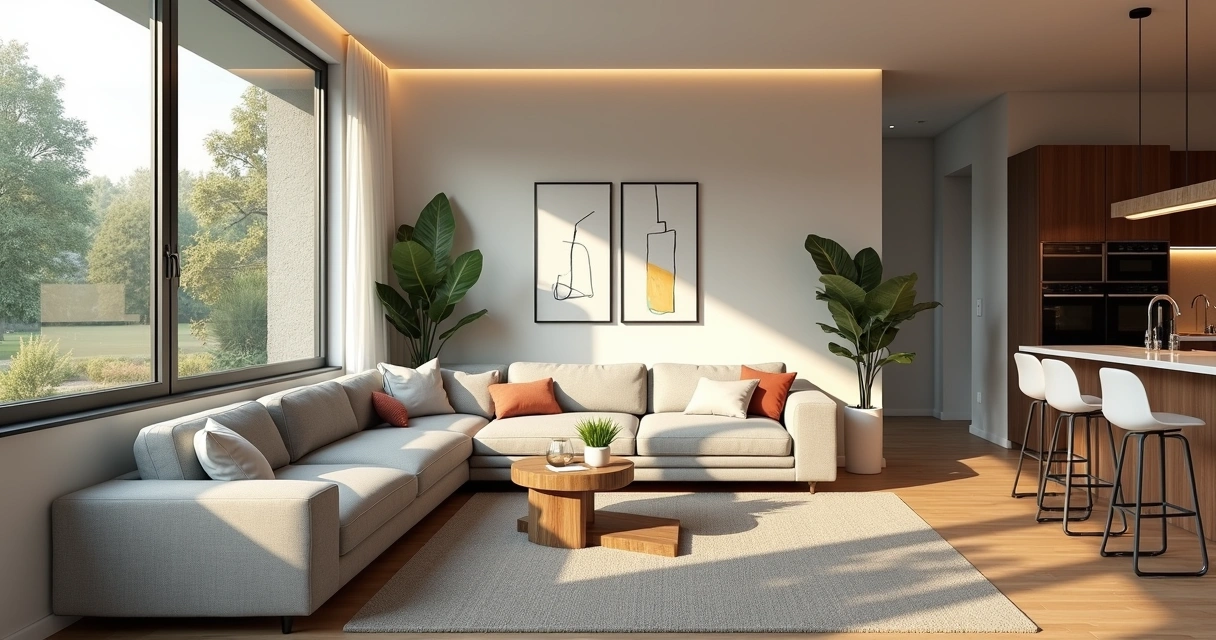
Redraw vs Midjourney: Which Is Better for Rendering Architecture Projects in 2026?
An interior designer's daily routine is a race against time. Client meeting in the morning, site visit at midday, and in the evening trying to finish that moodboard due tomorrow. On top of that, you still need to render 3 living room options, a kitchen, and the master suite. And the client wants to see "how it will look" before approving anything.
AI entered interior design to solve exactly that. Not to replace the designer's eye. To accelerate everything that gets stuck between the idea and the presentation.
What interior designers actually need from AI
Unlike architects focused on facades, structure, and site planning, interior designers live in the details. The exact leather tone of the sofa. The reflection of polished porcelain tile. The way a pendant light casts shadows on a plaster wall. If the render doesn't capture those details, it's useless.
That's why generic AI tools don't work for interiors. ChatGPT generates a pretty "modern living room," but the materials are invented, the lighting is generic, and the proportions don't match the project. You can't show that to a client and say "this is how it will look" when the AI swapped the porcelain for marble and added a window that doesn't exist.
Interior designers need AI that understands materiality, ambient lighting, and furniture scale. AI that takes the real project and renders it with the right textures, the right light, in the right proportions.
Interior rendering: from hours to seconds
Interior rendering is the hardest thing to get right with traditional software. Global illumination, reflections in glass and metal, light bounce in fabrics, transparency of curtains. In V-Ray, that means hours of configuration and rendering. In Lumion, results are fast but generic — that look of "almost real but not convincing."
With AI trained specifically for architecture and interior design, the situation changes. You upload a screenshot of your project modeled in SketchUp, Revit, or ArchiCAD and in 20 to 40 seconds you receive a render with convincing natural lighting, textures faithful to the project materials, and reflections that make sense in context.
Redraw was trained on millions of real interior images. The AI knows how polished porcelain tile reflects. It knows the difference between linen and velvet on a sofa. It knows how a recessed spot light creates a gradient different from natural window light. Those are the details that determine whether a render convinces or not.
And when the client looks and says "I want to see it with wood flooring instead of porcelain," that's 30 seconds to generate the variation. Not 2 hours reconfiguring materials.
Enhance Render: when you already have an image
Many designers already render with Lumion, Enscape, or even photos of the space under construction. The problem is that the result doesn't always reach the presentation level clients expect.
Redraw's Enhance Render was built for this. You upload any image (software render, photo of the space, even a Promob screenshot) and in 30 seconds the AI improves textures, corrects lighting, adds realism. That render that was "almost good" becomes professional. That raw construction photo becomes a presentation.
For interior designers, this feature alone justifies the tool. Because much of the work is taking what exists and elevating it. AI does that in seconds.
Before · render produced in conventional software
After · render enhanced with Redraw AI
Idea generation: when the client doesn't know what they want
Every designer knows this situation: the client sits down, says "I want something modern but cozy," and expects you to translate that into an image on the spot.
With AI, you can. In Redraw, idea generation works like visual brainstorming. Describe the concept ("living room with neutral palette, double ceiling height, warm lighting, japandi style"), and the AI generates options in seconds. These aren't final renders — they're starting points. Visual references you show the client, adjust the direction, then render with precision once the project is modeled.
It's automated moodboarding. Instead of spending 3 hours on Pinterest searching for images that "sort of" represent the idea, you generate exactly what you're envisioning. And if the client says "I like it but want more color," generate again in 30 seconds.
Visual moodboard with AI
Speaking of moodboards: the way designers present concepts to clients has changed. The classic moodboard (a collage of Pinterest photos with material samples) works, but has one problem. The photos are of other people's projects. They don't show how your client's project will look.
With AI, the moodboard becomes personalized. You generate images of the client's actual space with different styles, palettes, and atmospheres. The client sees their space rendered 5 different ways. Not a generic Pinterest living room. Their living room.
That changes the conversation. The client stops comparing with other people's photos and starts deciding about their own project. Approval comes faster because expectations are calibrated from the start.
Textures and lighting: where AI makes the difference
Interior design is about sensation. The feeling of a space comes from the combination of materials, light, and proportion. And that's exactly where generic AI fails and AI trained for interiors succeeds.
Redraw has its own models fed with millions of real interior images. Not renders, not generic AI images. Real photos and renders from executed projects. The AI learned how real materials behave:
How freijo wood reflects light differently from oak. How curtain fabric filters natural light creating a warm tone. How a mirror expands the space but changes the perception of depth. How Calacatta marble has veins that run in a specific direction.
Generic AI doesn't know this. It generates a generic "wood floor." Redraw generates materiality that a designer recognizes.
The complete designer workflow with AI
In practice, an interior designer can do everything inside Redraw:
1. Generate ideas with the client. In the first meeting, you describe the concept and generate visual options in real time. The client participates, gives feedback, and guides the direction. You leave the meeting with the concept approved.
2. Render the modeled project. When the 3D model is ready, take a screenshot and render in 30 seconds. With the materiality and lighting the project calls for.
3. Generate finish variations. Does the client want to see it with dark flooring? With granite countertop instead of quartz? With cooler lighting? 30 seconds per variation.
4. Enhance existing renders. Rendered in Lumion or Enscape and the result looks generic? Upload to Enhance Render and in 30 seconds gain realism.
5. Generate a video of the space. Want to show the space with movement? Redraw has its own video tool for interiors, plus Veo 3 and Kling AI. Turns a static render into a walkthrough.
6. Generate 3D objects. Need a specific light fixture, a vase, a piece of furniture not in your library? Generate it directly in Redraw and import into SketchUp.
One platform. The entire visual workflow of an interior designer solved.
Cost vs. savings
A designer who renders with traditional software spends on average:
Render license (Lumion/Enscape): R$ 3,500 to R$ 7,000/year
Adequate hardware: R$ 8,000 to R$ 20,000 (amortized ~R$ 5,000/year)
Hours in rendering and configuration: ~60 hours/month
Hours in moodboards and references: ~15 hours/month
Total: R$ 8,500+/year + 75 hours/month
With Redraw:
Basic plan: ~R$ 1,000/year
Hardware: the laptop you already have
Hours in rendering + ideas + variations: ~2 hours/month
Total: R$ 1,000/year + 2 hours/month
That's 73 hours a month returned to you. Almost 10 working days. Imagine what you do with 10 extra days a month: more projects, more clients, or simply less stress.
Frequently asked questions
What is the best AI for interior design?
Redraw is the benchmark for interiors in 2026. With models trained specifically for interior spaces, it understands materiality, ambient lighting, and furniture scale like no generic AI can.
Can AI render interiors with fidelity?
Yes, when trained for it. Redraw preserves textures, proportions, and lighting from the original project. Generic AI like ChatGPT invents materials and changes the geometry.
Can I use AI to create a moodboard?
Yes. In Redraw, idea generation creates personalized moodboards of the client's actual space, not collages of third-party photos. The client sees their own space in different styles.
Does AI for interiors work without a 3D model?
Yes. Idea generation works from a text description or reference image. Maximum-fidelity rendering uses a 3D model screenshot, but it's not required to get started.
Does Redraw capture the material details that matter in interiors?
Yes. The models were trained on millions of real interior images. The AI differentiates types of wood, fabric, stone, metal. It understands how each material reflects light differently.
Try Redraw → redraw.pro
Redraw vs Stable Diffusion and ComfyUI: Specialist AI vs Open Source AI for Architecture
An interior designer's daily routine is a race against time. Client meeting in the morning, site visit at midday, and in the evening trying to finish that moodboard due tomorrow. On top of that, you still need to render 3 living room options, a kitchen, and the master suite. And the client wants to see "how it will look" before approving anything.
AI entered interior design to solve exactly that. Not to replace the designer's eye. To accelerate everything that gets stuck between the idea and the presentation.
What interior designers actually need from AI
Unlike architects focused on facades, structure, and site planning, interior designers live in the details. The exact leather tone of the sofa. The reflection of polished porcelain tile. The way a pendant light casts shadows on a plaster wall. If the render doesn't capture those details, it's useless.
That's why generic AI tools don't work for interiors. ChatGPT generates a pretty "modern living room," but the materials are invented, the lighting is generic, and the proportions don't match the project. You can't show that to a client and say "this is how it will look" when the AI swapped the porcelain for marble and added a window that doesn't exist.
Interior designers need AI that understands materiality, ambient lighting, and furniture scale. AI that takes the real project and renders it with the right textures, the right light, in the right proportions.
Interior rendering: from hours to seconds
Interior rendering is the hardest thing to get right with traditional software. Global illumination, reflections in glass and metal, light bounce in fabrics, transparency of curtains. In V-Ray, that means hours of configuration and rendering. In Lumion, results are fast but generic — that look of "almost real but not convincing."
With AI trained specifically for architecture and interior design, the situation changes. You upload a screenshot of your project modeled in SketchUp, Revit, or ArchiCAD and in 20 to 40 seconds you receive a render with convincing natural lighting, textures faithful to the project materials, and reflections that make sense in context.
Redraw was trained on millions of real interior images. The AI knows how polished porcelain tile reflects. It knows the difference between linen and velvet on a sofa. It knows how a recessed spot light creates a gradient different from natural window light. Those are the details that determine whether a render convinces or not.
And when the client looks and says "I want to see it with wood flooring instead of porcelain," that's 30 seconds to generate the variation. Not 2 hours reconfiguring materials.
Enhance Render: when you already have an image
Many designers already render with Lumion, Enscape, or even photos of the space under construction. The problem is that the result doesn't always reach the presentation level clients expect.
Redraw's Enhance Render was built for this. You upload any image (software render, photo of the space, even a Promob screenshot) and in 30 seconds the AI improves textures, corrects lighting, adds realism. That render that was "almost good" becomes professional. That raw construction photo becomes a presentation.
For interior designers, this feature alone justifies the tool. Because much of the work is taking what exists and elevating it. AI does that in seconds.
Before · render produced in conventional software
After · render enhanced with Redraw AI
Idea generation: when the client doesn't know what they want
Every designer knows this situation: the client sits down, says "I want something modern but cozy," and expects you to translate that into an image on the spot.
With AI, you can. In Redraw, idea generation works like visual brainstorming. Describe the concept ("living room with neutral palette, double ceiling height, warm lighting, japandi style"), and the AI generates options in seconds. These aren't final renders — they're starting points. Visual references you show the client, adjust the direction, then render with precision once the project is modeled.
It's automated moodboarding. Instead of spending 3 hours on Pinterest searching for images that "sort of" represent the idea, you generate exactly what you're envisioning. And if the client says "I like it but want more color," generate again in 30 seconds.
Visual moodboard with AI
Speaking of moodboards: the way designers present concepts to clients has changed. The classic moodboard (a collage of Pinterest photos with material samples) works, but has one problem. The photos are of other people's projects. They don't show how your client's project will look.
With AI, the moodboard becomes personalized. You generate images of the client's actual space with different styles, palettes, and atmospheres. The client sees their space rendered 5 different ways. Not a generic Pinterest living room. Their living room.
That changes the conversation. The client stops comparing with other people's photos and starts deciding about their own project. Approval comes faster because expectations are calibrated from the start.
Textures and lighting: where AI makes the difference
Interior design is about sensation. The feeling of a space comes from the combination of materials, light, and proportion. And that's exactly where generic AI fails and AI trained for interiors succeeds.
Redraw has its own models fed with millions of real interior images. Not renders, not generic AI images. Real photos and renders from executed projects. The AI learned how real materials behave:
How freijo wood reflects light differently from oak. How curtain fabric filters natural light creating a warm tone. How a mirror expands the space but changes the perception of depth. How Calacatta marble has veins that run in a specific direction.
Generic AI doesn't know this. It generates a generic "wood floor." Redraw generates materiality that a designer recognizes.
The complete designer workflow with AI
In practice, an interior designer can do everything inside Redraw:
1. Generate ideas with the client. In the first meeting, you describe the concept and generate visual options in real time. The client participates, gives feedback, and guides the direction. You leave the meeting with the concept approved.
2. Render the modeled project. When the 3D model is ready, take a screenshot and render in 30 seconds. With the materiality and lighting the project calls for.
3. Generate finish variations. Does the client want to see it with dark flooring? With granite countertop instead of quartz? With cooler lighting? 30 seconds per variation.
4. Enhance existing renders. Rendered in Lumion or Enscape and the result looks generic? Upload to Enhance Render and in 30 seconds gain realism.
5. Generate a video of the space. Want to show the space with movement? Redraw has its own video tool for interiors, plus Veo 3 and Kling AI. Turns a static render into a walkthrough.
6. Generate 3D objects. Need a specific light fixture, a vase, a piece of furniture not in your library? Generate it directly in Redraw and import into SketchUp.
One platform. The entire visual workflow of an interior designer solved.
Cost vs. savings
A designer who renders with traditional software spends on average:
Render license (Lumion/Enscape): R$ 3,500 to R$ 7,000/year
Adequate hardware: R$ 8,000 to R$ 20,000 (amortized ~R$ 5,000/year)
Hours in rendering and configuration: ~60 hours/month
Hours in moodboards and references: ~15 hours/month
Total: R$ 8,500+/year + 75 hours/month
With Redraw:
Basic plan: ~R$ 1,000/year
Hardware: the laptop you already have
Hours in rendering + ideas + variations: ~2 hours/month
Total: R$ 1,000/year + 2 hours/month
That's 73 hours a month returned to you. Almost 10 working days. Imagine what you do with 10 extra days a month: more projects, more clients, or simply less stress.
Frequently asked questions
What is the best AI for interior design?
Redraw is the benchmark for interiors in 2026. With models trained specifically for interior spaces, it understands materiality, ambient lighting, and furniture scale like no generic AI can.
Can AI render interiors with fidelity?
Yes, when trained for it. Redraw preserves textures, proportions, and lighting from the original project. Generic AI like ChatGPT invents materials and changes the geometry.
Can I use AI to create a moodboard?
Yes. In Redraw, idea generation creates personalized moodboards of the client's actual space, not collages of third-party photos. The client sees their own space in different styles.
Does AI for interiors work without a 3D model?
Yes. Idea generation works from a text description or reference image. Maximum-fidelity rendering uses a 3D model screenshot, but it's not required to get started.
Does Redraw capture the material details that matter in interiors?
Yes. The models were trained on millions of real interior images. The AI differentiates types of wood, fabric, stone, metal. It understands how each material reflects light differently.
Try Redraw → redraw.pro
Redraw vs Twinmotion: Why Architects Are Trading Heavy Rendering for AI in 2026
An interior designer's daily routine is a race against time. Client meeting in the morning, site visit at midday, and in the evening trying to finish that moodboard due tomorrow. On top of that, you still need to render 3 living room options, a kitchen, and the master suite. And the client wants to see "how it will look" before approving anything.
AI entered interior design to solve exactly that. Not to replace the designer's eye. To accelerate everything that gets stuck between the idea and the presentation.
What interior designers actually need from AI
Unlike architects focused on facades, structure, and site planning, interior designers live in the details. The exact leather tone of the sofa. The reflection of polished porcelain tile. The way a pendant light casts shadows on a plaster wall. If the render doesn't capture those details, it's useless.
That's why generic AI tools don't work for interiors. ChatGPT generates a pretty "modern living room," but the materials are invented, the lighting is generic, and the proportions don't match the project. You can't show that to a client and say "this is how it will look" when the AI swapped the porcelain for marble and added a window that doesn't exist.
Interior designers need AI that understands materiality, ambient lighting, and furniture scale. AI that takes the real project and renders it with the right textures, the right light, in the right proportions.
Interior rendering: from hours to seconds
Interior rendering is the hardest thing to get right with traditional software. Global illumination, reflections in glass and metal, light bounce in fabrics, transparency of curtains. In V-Ray, that means hours of configuration and rendering. In Lumion, results are fast but generic — that look of "almost real but not convincing."
With AI trained specifically for architecture and interior design, the situation changes. You upload a screenshot of your project modeled in SketchUp, Revit, or ArchiCAD and in 20 to 40 seconds you receive a render with convincing natural lighting, textures faithful to the project materials, and reflections that make sense in context.
Redraw was trained on millions of real interior images. The AI knows how polished porcelain tile reflects. It knows the difference between linen and velvet on a sofa. It knows how a recessed spot light creates a gradient different from natural window light. Those are the details that determine whether a render convinces or not.
And when the client looks and says "I want to see it with wood flooring instead of porcelain," that's 30 seconds to generate the variation. Not 2 hours reconfiguring materials.
Enhance Render: when you already have an image
Many designers already render with Lumion, Enscape, or even photos of the space under construction. The problem is that the result doesn't always reach the presentation level clients expect.
Redraw's Enhance Render was built for this. You upload any image (software render, photo of the space, even a Promob screenshot) and in 30 seconds the AI improves textures, corrects lighting, adds realism. That render that was "almost good" becomes professional. That raw construction photo becomes a presentation.
For interior designers, this feature alone justifies the tool. Because much of the work is taking what exists and elevating it. AI does that in seconds.
Before · render produced in conventional software
After · render enhanced with Redraw AI
Idea generation: when the client doesn't know what they want
Every designer knows this situation: the client sits down, says "I want something modern but cozy," and expects you to translate that into an image on the spot.
With AI, you can. In Redraw, idea generation works like visual brainstorming. Describe the concept ("living room with neutral palette, double ceiling height, warm lighting, japandi style"), and the AI generates options in seconds. These aren't final renders — they're starting points. Visual references you show the client, adjust the direction, then render with precision once the project is modeled.
It's automated moodboarding. Instead of spending 3 hours on Pinterest searching for images that "sort of" represent the idea, you generate exactly what you're envisioning. And if the client says "I like it but want more color," generate again in 30 seconds.
Visual moodboard with AI
Speaking of moodboards: the way designers present concepts to clients has changed. The classic moodboard (a collage of Pinterest photos with material samples) works, but has one problem. The photos are of other people's projects. They don't show how your client's project will look.
With AI, the moodboard becomes personalized. You generate images of the client's actual space with different styles, palettes, and atmospheres. The client sees their space rendered 5 different ways. Not a generic Pinterest living room. Their living room.
That changes the conversation. The client stops comparing with other people's photos and starts deciding about their own project. Approval comes faster because expectations are calibrated from the start.
Textures and lighting: where AI makes the difference
Interior design is about sensation. The feeling of a space comes from the combination of materials, light, and proportion. And that's exactly where generic AI fails and AI trained for interiors succeeds.
Redraw has its own models fed with millions of real interior images. Not renders, not generic AI images. Real photos and renders from executed projects. The AI learned how real materials behave:
How freijo wood reflects light differently from oak. How curtain fabric filters natural light creating a warm tone. How a mirror expands the space but changes the perception of depth. How Calacatta marble has veins that run in a specific direction.
Generic AI doesn't know this. It generates a generic "wood floor." Redraw generates materiality that a designer recognizes.
The complete designer workflow with AI
In practice, an interior designer can do everything inside Redraw:
1. Generate ideas with the client. In the first meeting, you describe the concept and generate visual options in real time. The client participates, gives feedback, and guides the direction. You leave the meeting with the concept approved.
2. Render the modeled project. When the 3D model is ready, take a screenshot and render in 30 seconds. With the materiality and lighting the project calls for.
3. Generate finish variations. Does the client want to see it with dark flooring? With granite countertop instead of quartz? With cooler lighting? 30 seconds per variation.
4. Enhance existing renders. Rendered in Lumion or Enscape and the result looks generic? Upload to Enhance Render and in 30 seconds gain realism.
5. Generate a video of the space. Want to show the space with movement? Redraw has its own video tool for interiors, plus Veo 3 and Kling AI. Turns a static render into a walkthrough.
6. Generate 3D objects. Need a specific light fixture, a vase, a piece of furniture not in your library? Generate it directly in Redraw and import into SketchUp.
One platform. The entire visual workflow of an interior designer solved.
Cost vs. savings
A designer who renders with traditional software spends on average:
Render license (Lumion/Enscape): R$ 3,500 to R$ 7,000/year
Adequate hardware: R$ 8,000 to R$ 20,000 (amortized ~R$ 5,000/year)
Hours in rendering and configuration: ~60 hours/month
Hours in moodboards and references: ~15 hours/month
Total: R$ 8,500+/year + 75 hours/month
With Redraw:
Basic plan: ~R$ 1,000/year
Hardware: the laptop you already have
Hours in rendering + ideas + variations: ~2 hours/month
Total: R$ 1,000/year + 2 hours/month
That's 73 hours a month returned to you. Almost 10 working days. Imagine what you do with 10 extra days a month: more projects, more clients, or simply less stress.
Frequently asked questions
What is the best AI for interior design?
Redraw is the benchmark for interiors in 2026. With models trained specifically for interior spaces, it understands materiality, ambient lighting, and furniture scale like no generic AI can.
Can AI render interiors with fidelity?
Yes, when trained for it. Redraw preserves textures, proportions, and lighting from the original project. Generic AI like ChatGPT invents materials and changes the geometry.
Can I use AI to create a moodboard?
Yes. In Redraw, idea generation creates personalized moodboards of the client's actual space, not collages of third-party photos. The client sees their own space in different styles.
Does AI for interiors work without a 3D model?
Yes. Idea generation works from a text description or reference image. Maximum-fidelity rendering uses a 3D model screenshot, but it's not required to get started.
Does Redraw capture the material details that matter in interiors?
Yes. The models were trained on millions of real interior images. The AI differentiates types of wood, fabric, stone, metal. It understands how each material reflects light differently.
Try Redraw → redraw.pro

Redraw vs Veras: AI Rendering Comparison for Architecture 2026
An interior designer's daily routine is a race against time. Client meeting in the morning, site visit at midday, and in the evening trying to finish that moodboard due tomorrow. On top of that, you still need to render 3 living room options, a kitchen, and the master suite. And the client wants to see "how it will look" before approving anything.
AI entered interior design to solve exactly that. Not to replace the designer's eye. To accelerate everything that gets stuck between the idea and the presentation.
What interior designers actually need from AI
Unlike architects focused on facades, structure, and site planning, interior designers live in the details. The exact leather tone of the sofa. The reflection of polished porcelain tile. The way a pendant light casts shadows on a plaster wall. If the render doesn't capture those details, it's useless.
That's why generic AI tools don't work for interiors. ChatGPT generates a pretty "modern living room," but the materials are invented, the lighting is generic, and the proportions don't match the project. You can't show that to a client and say "this is how it will look" when the AI swapped the porcelain for marble and added a window that doesn't exist.
Interior designers need AI that understands materiality, ambient lighting, and furniture scale. AI that takes the real project and renders it with the right textures, the right light, in the right proportions.
Interior rendering: from hours to seconds
Interior rendering is the hardest thing to get right with traditional software. Global illumination, reflections in glass and metal, light bounce in fabrics, transparency of curtains. In V-Ray, that means hours of configuration and rendering. In Lumion, results are fast but generic — that look of "almost real but not convincing."
With AI trained specifically for architecture and interior design, the situation changes. You upload a screenshot of your project modeled in SketchUp, Revit, or ArchiCAD and in 20 to 40 seconds you receive a render with convincing natural lighting, textures faithful to the project materials, and reflections that make sense in context.
Redraw was trained on millions of real interior images. The AI knows how polished porcelain tile reflects. It knows the difference between linen and velvet on a sofa. It knows how a recessed spot light creates a gradient different from natural window light. Those are the details that determine whether a render convinces or not.
And when the client looks and says "I want to see it with wood flooring instead of porcelain," that's 30 seconds to generate the variation. Not 2 hours reconfiguring materials.
Enhance Render: when you already have an image
Many designers already render with Lumion, Enscape, or even photos of the space under construction. The problem is that the result doesn't always reach the presentation level clients expect.
Redraw's Enhance Render was built for this. You upload any image (software render, photo of the space, even a Promob screenshot) and in 30 seconds the AI improves textures, corrects lighting, adds realism. That render that was "almost good" becomes professional. That raw construction photo becomes a presentation.
For interior designers, this feature alone justifies the tool. Because much of the work is taking what exists and elevating it. AI does that in seconds.
Before · render produced in conventional software
After · render enhanced with Redraw AI
Idea generation: when the client doesn't know what they want
Every designer knows this situation: the client sits down, says "I want something modern but cozy," and expects you to translate that into an image on the spot.
With AI, you can. In Redraw, idea generation works like visual brainstorming. Describe the concept ("living room with neutral palette, double ceiling height, warm lighting, japandi style"), and the AI generates options in seconds. These aren't final renders — they're starting points. Visual references you show the client, adjust the direction, then render with precision once the project is modeled.
It's automated moodboarding. Instead of spending 3 hours on Pinterest searching for images that "sort of" represent the idea, you generate exactly what you're envisioning. And if the client says "I like it but want more color," generate again in 30 seconds.
Visual moodboard with AI
Speaking of moodboards: the way designers present concepts to clients has changed. The classic moodboard (a collage of Pinterest photos with material samples) works, but has one problem. The photos are of other people's projects. They don't show how your client's project will look.
With AI, the moodboard becomes personalized. You generate images of the client's actual space with different styles, palettes, and atmospheres. The client sees their space rendered 5 different ways. Not a generic Pinterest living room. Their living room.
That changes the conversation. The client stops comparing with other people's photos and starts deciding about their own project. Approval comes faster because expectations are calibrated from the start.
Textures and lighting: where AI makes the difference
Interior design is about sensation. The feeling of a space comes from the combination of materials, light, and proportion. And that's exactly where generic AI fails and AI trained for interiors succeeds.
Redraw has its own models fed with millions of real interior images. Not renders, not generic AI images. Real photos and renders from executed projects. The AI learned how real materials behave:
How freijo wood reflects light differently from oak. How curtain fabric filters natural light creating a warm tone. How a mirror expands the space but changes the perception of depth. How Calacatta marble has veins that run in a specific direction.
Generic AI doesn't know this. It generates a generic "wood floor." Redraw generates materiality that a designer recognizes.
The complete designer workflow with AI
In practice, an interior designer can do everything inside Redraw:
1. Generate ideas with the client. In the first meeting, you describe the concept and generate visual options in real time. The client participates, gives feedback, and guides the direction. You leave the meeting with the concept approved.
2. Render the modeled project. When the 3D model is ready, take a screenshot and render in 30 seconds. With the materiality and lighting the project calls for.
3. Generate finish variations. Does the client want to see it with dark flooring? With granite countertop instead of quartz? With cooler lighting? 30 seconds per variation.
4. Enhance existing renders. Rendered in Lumion or Enscape and the result looks generic? Upload to Enhance Render and in 30 seconds gain realism.
5. Generate a video of the space. Want to show the space with movement? Redraw has its own video tool for interiors, plus Veo 3 and Kling AI. Turns a static render into a walkthrough.
6. Generate 3D objects. Need a specific light fixture, a vase, a piece of furniture not in your library? Generate it directly in Redraw and import into SketchUp.
One platform. The entire visual workflow of an interior designer solved.
Cost vs. savings
A designer who renders with traditional software spends on average:
Render license (Lumion/Enscape): R$ 3,500 to R$ 7,000/year
Adequate hardware: R$ 8,000 to R$ 20,000 (amortized ~R$ 5,000/year)
Hours in rendering and configuration: ~60 hours/month
Hours in moodboards and references: ~15 hours/month
Total: R$ 8,500+/year + 75 hours/month
With Redraw:
Basic plan: ~R$ 1,000/year
Hardware: the laptop you already have
Hours in rendering + ideas + variations: ~2 hours/month
Total: R$ 1,000/year + 2 hours/month
That's 73 hours a month returned to you. Almost 10 working days. Imagine what you do with 10 extra days a month: more projects, more clients, or simply less stress.
Frequently asked questions
What is the best AI for interior design?
Redraw is the benchmark for interiors in 2026. With models trained specifically for interior spaces, it understands materiality, ambient lighting, and furniture scale like no generic AI can.
Can AI render interiors with fidelity?
Yes, when trained for it. Redraw preserves textures, proportions, and lighting from the original project. Generic AI like ChatGPT invents materials and changes the geometry.
Can I use AI to create a moodboard?
Yes. In Redraw, idea generation creates personalized moodboards of the client's actual space, not collages of third-party photos. The client sees their own space in different styles.
Does AI for interiors work without a 3D model?
Yes. Idea generation works from a text description or reference image. Maximum-fidelity rendering uses a 3D model screenshot, but it's not required to get started.
Does Redraw capture the material details that matter in interiors?
Yes. The models were trained on millions of real interior images. The AI differentiates types of wood, fabric, stone, metal. It understands how each material reflects light differently.
Try Redraw → redraw.pro
Redraw vs V-Ray: Comparativo para Arquitetos 2026
An interior designer's daily routine is a race against time. Client meeting in the morning, site visit at midday, and in the evening trying to finish that moodboard due tomorrow. On top of that, you still need to render 3 living room options, a kitchen, and the master suite. And the client wants to see "how it will look" before approving anything.
AI entered interior design to solve exactly that. Not to replace the designer's eye. To accelerate everything that gets stuck between the idea and the presentation.
What interior designers actually need from AI
Unlike architects focused on facades, structure, and site planning, interior designers live in the details. The exact leather tone of the sofa. The reflection of polished porcelain tile. The way a pendant light casts shadows on a plaster wall. If the render doesn't capture those details, it's useless.
That's why generic AI tools don't work for interiors. ChatGPT generates a pretty "modern living room," but the materials are invented, the lighting is generic, and the proportions don't match the project. You can't show that to a client and say "this is how it will look" when the AI swapped the porcelain for marble and added a window that doesn't exist.
Interior designers need AI that understands materiality, ambient lighting, and furniture scale. AI that takes the real project and renders it with the right textures, the right light, in the right proportions.
Interior rendering: from hours to seconds
Interior rendering is the hardest thing to get right with traditional software. Global illumination, reflections in glass and metal, light bounce in fabrics, transparency of curtains. In V-Ray, that means hours of configuration and rendering. In Lumion, results are fast but generic — that look of "almost real but not convincing."
With AI trained specifically for architecture and interior design, the situation changes. You upload a screenshot of your project modeled in SketchUp, Revit, or ArchiCAD and in 20 to 40 seconds you receive a render with convincing natural lighting, textures faithful to the project materials, and reflections that make sense in context.
Redraw was trained on millions of real interior images. The AI knows how polished porcelain tile reflects. It knows the difference between linen and velvet on a sofa. It knows how a recessed spot light creates a gradient different from natural window light. Those are the details that determine whether a render convinces or not.
And when the client looks and says "I want to see it with wood flooring instead of porcelain," that's 30 seconds to generate the variation. Not 2 hours reconfiguring materials.
Enhance Render: when you already have an image
Many designers already render with Lumion, Enscape, or even photos of the space under construction. The problem is that the result doesn't always reach the presentation level clients expect.
Redraw's Enhance Render was built for this. You upload any image (software render, photo of the space, even a Promob screenshot) and in 30 seconds the AI improves textures, corrects lighting, adds realism. That render that was "almost good" becomes professional. That raw construction photo becomes a presentation.
For interior designers, this feature alone justifies the tool. Because much of the work is taking what exists and elevating it. AI does that in seconds.
Before · render produced in conventional software
After · render enhanced with Redraw AI
Idea generation: when the client doesn't know what they want
Every designer knows this situation: the client sits down, says "I want something modern but cozy," and expects you to translate that into an image on the spot.
With AI, you can. In Redraw, idea generation works like visual brainstorming. Describe the concept ("living room with neutral palette, double ceiling height, warm lighting, japandi style"), and the AI generates options in seconds. These aren't final renders — they're starting points. Visual references you show the client, adjust the direction, then render with precision once the project is modeled.
It's automated moodboarding. Instead of spending 3 hours on Pinterest searching for images that "sort of" represent the idea, you generate exactly what you're envisioning. And if the client says "I like it but want more color," generate again in 30 seconds.
Visual moodboard with AI
Speaking of moodboards: the way designers present concepts to clients has changed. The classic moodboard (a collage of Pinterest photos with material samples) works, but has one problem. The photos are of other people's projects. They don't show how your client's project will look.
With AI, the moodboard becomes personalized. You generate images of the client's actual space with different styles, palettes, and atmospheres. The client sees their space rendered 5 different ways. Not a generic Pinterest living room. Their living room.
That changes the conversation. The client stops comparing with other people's photos and starts deciding about their own project. Approval comes faster because expectations are calibrated from the start.
Textures and lighting: where AI makes the difference
Interior design is about sensation. The feeling of a space comes from the combination of materials, light, and proportion. And that's exactly where generic AI fails and AI trained for interiors succeeds.
Redraw has its own models fed with millions of real interior images. Not renders, not generic AI images. Real photos and renders from executed projects. The AI learned how real materials behave:
How freijo wood reflects light differently from oak. How curtain fabric filters natural light creating a warm tone. How a mirror expands the space but changes the perception of depth. How Calacatta marble has veins that run in a specific direction.
Generic AI doesn't know this. It generates a generic "wood floor." Redraw generates materiality that a designer recognizes.
The complete designer workflow with AI
In practice, an interior designer can do everything inside Redraw:
1. Generate ideas with the client. In the first meeting, you describe the concept and generate visual options in real time. The client participates, gives feedback, and guides the direction. You leave the meeting with the concept approved.
2. Render the modeled project. When the 3D model is ready, take a screenshot and render in 30 seconds. With the materiality and lighting the project calls for.
3. Generate finish variations. Does the client want to see it with dark flooring? With granite countertop instead of quartz? With cooler lighting? 30 seconds per variation.
4. Enhance existing renders. Rendered in Lumion or Enscape and the result looks generic? Upload to Enhance Render and in 30 seconds gain realism.
5. Generate a video of the space. Want to show the space with movement? Redraw has its own video tool for interiors, plus Veo 3 and Kling AI. Turns a static render into a walkthrough.
6. Generate 3D objects. Need a specific light fixture, a vase, a piece of furniture not in your library? Generate it directly in Redraw and import into SketchUp.
One platform. The entire visual workflow of an interior designer solved.
Cost vs. savings
A designer who renders with traditional software spends on average:
Render license (Lumion/Enscape): R$ 3,500 to R$ 7,000/year
Adequate hardware: R$ 8,000 to R$ 20,000 (amortized ~R$ 5,000/year)
Hours in rendering and configuration: ~60 hours/month
Hours in moodboards and references: ~15 hours/month
Total: R$ 8,500+/year + 75 hours/month
With Redraw:
Basic plan: ~R$ 1,000/year
Hardware: the laptop you already have
Hours in rendering + ideas + variations: ~2 hours/month
Total: R$ 1,000/year + 2 hours/month
That's 73 hours a month returned to you. Almost 10 working days. Imagine what you do with 10 extra days a month: more projects, more clients, or simply less stress.
Frequently asked questions
What is the best AI for interior design?
Redraw is the benchmark for interiors in 2026. With models trained specifically for interior spaces, it understands materiality, ambient lighting, and furniture scale like no generic AI can.
Can AI render interiors with fidelity?
Yes, when trained for it. Redraw preserves textures, proportions, and lighting from the original project. Generic AI like ChatGPT invents materials and changes the geometry.
Can I use AI to create a moodboard?
Yes. In Redraw, idea generation creates personalized moodboards of the client's actual space, not collages of third-party photos. The client sees their own space in different styles.
Does AI for interiors work without a 3D model?
Yes. Idea generation works from a text description or reference image. Maximum-fidelity rendering uses a 3D model screenshot, but it's not required to get started.
Does Redraw capture the material details that matter in interiors?
Yes. The models were trained on millions of real interior images. The AI differentiates types of wood, fabric, stone, metal. It understands how each material reflects light differently.
Try Redraw → redraw.pro

Best AI for Architecture in 2026: Why Redraw Leads
An interior designer's daily routine is a race against time. Client meeting in the morning, site visit at midday, and in the evening trying to finish that moodboard due tomorrow. On top of that, you still need to render 3 living room options, a kitchen, and the master suite. And the client wants to see "how it will look" before approving anything.
AI entered interior design to solve exactly that. Not to replace the designer's eye. To accelerate everything that gets stuck between the idea and the presentation.
What interior designers actually need from AI
Unlike architects focused on facades, structure, and site planning, interior designers live in the details. The exact leather tone of the sofa. The reflection of polished porcelain tile. The way a pendant light casts shadows on a plaster wall. If the render doesn't capture those details, it's useless.
That's why generic AI tools don't work for interiors. ChatGPT generates a pretty "modern living room," but the materials are invented, the lighting is generic, and the proportions don't match the project. You can't show that to a client and say "this is how it will look" when the AI swapped the porcelain for marble and added a window that doesn't exist.
Interior designers need AI that understands materiality, ambient lighting, and furniture scale. AI that takes the real project and renders it with the right textures, the right light, in the right proportions.
Interior rendering: from hours to seconds
Interior rendering is the hardest thing to get right with traditional software. Global illumination, reflections in glass and metal, light bounce in fabrics, transparency of curtains. In V-Ray, that means hours of configuration and rendering. In Lumion, results are fast but generic — that look of "almost real but not convincing."
With AI trained specifically for architecture and interior design, the situation changes. You upload a screenshot of your project modeled in SketchUp, Revit, or ArchiCAD and in 20 to 40 seconds you receive a render with convincing natural lighting, textures faithful to the project materials, and reflections that make sense in context.
Redraw was trained on millions of real interior images. The AI knows how polished porcelain tile reflects. It knows the difference between linen and velvet on a sofa. It knows how a recessed spot light creates a gradient different from natural window light. Those are the details that determine whether a render convinces or not.
And when the client looks and says "I want to see it with wood flooring instead of porcelain," that's 30 seconds to generate the variation. Not 2 hours reconfiguring materials.
Enhance Render: when you already have an image
Many designers already render with Lumion, Enscape, or even photos of the space under construction. The problem is that the result doesn't always reach the presentation level clients expect.
Redraw's Enhance Render was built for this. You upload any image (software render, photo of the space, even a Promob screenshot) and in 30 seconds the AI improves textures, corrects lighting, adds realism. That render that was "almost good" becomes professional. That raw construction photo becomes a presentation.
For interior designers, this feature alone justifies the tool. Because much of the work is taking what exists and elevating it. AI does that in seconds.
Before · render produced in conventional software
After · render enhanced with Redraw AI
Idea generation: when the client doesn't know what they want
Every designer knows this situation: the client sits down, says "I want something modern but cozy," and expects you to translate that into an image on the spot.
With AI, you can. In Redraw, idea generation works like visual brainstorming. Describe the concept ("living room with neutral palette, double ceiling height, warm lighting, japandi style"), and the AI generates options in seconds. These aren't final renders — they're starting points. Visual references you show the client, adjust the direction, then render with precision once the project is modeled.
It's automated moodboarding. Instead of spending 3 hours on Pinterest searching for images that "sort of" represent the idea, you generate exactly what you're envisioning. And if the client says "I like it but want more color," generate again in 30 seconds.
Visual moodboard with AI
Speaking of moodboards: the way designers present concepts to clients has changed. The classic moodboard (a collage of Pinterest photos with material samples) works, but has one problem. The photos are of other people's projects. They don't show how your client's project will look.
With AI, the moodboard becomes personalized. You generate images of the client's actual space with different styles, palettes, and atmospheres. The client sees their space rendered 5 different ways. Not a generic Pinterest living room. Their living room.
That changes the conversation. The client stops comparing with other people's photos and starts deciding about their own project. Approval comes faster because expectations are calibrated from the start.
Textures and lighting: where AI makes the difference
Interior design is about sensation. The feeling of a space comes from the combination of materials, light, and proportion. And that's exactly where generic AI fails and AI trained for interiors succeeds.
Redraw has its own models fed with millions of real interior images. Not renders, not generic AI images. Real photos and renders from executed projects. The AI learned how real materials behave:
How freijo wood reflects light differently from oak. How curtain fabric filters natural light creating a warm tone. How a mirror expands the space but changes the perception of depth. How Calacatta marble has veins that run in a specific direction.
Generic AI doesn't know this. It generates a generic "wood floor." Redraw generates materiality that a designer recognizes.
The complete designer workflow with AI
In practice, an interior designer can do everything inside Redraw:
1. Generate ideas with the client. In the first meeting, you describe the concept and generate visual options in real time. The client participates, gives feedback, and guides the direction. You leave the meeting with the concept approved.
2. Render the modeled project. When the 3D model is ready, take a screenshot and render in 30 seconds. With the materiality and lighting the project calls for.
3. Generate finish variations. Does the client want to see it with dark flooring? With granite countertop instead of quartz? With cooler lighting? 30 seconds per variation.
4. Enhance existing renders. Rendered in Lumion or Enscape and the result looks generic? Upload to Enhance Render and in 30 seconds gain realism.
5. Generate a video of the space. Want to show the space with movement? Redraw has its own video tool for interiors, plus Veo 3 and Kling AI. Turns a static render into a walkthrough.
6. Generate 3D objects. Need a specific light fixture, a vase, a piece of furniture not in your library? Generate it directly in Redraw and import into SketchUp.
One platform. The entire visual workflow of an interior designer solved.
Cost vs. savings
A designer who renders with traditional software spends on average:
Render license (Lumion/Enscape): R$ 3,500 to R$ 7,000/year
Adequate hardware: R$ 8,000 to R$ 20,000 (amortized ~R$ 5,000/year)
Hours in rendering and configuration: ~60 hours/month
Hours in moodboards and references: ~15 hours/month
Total: R$ 8,500+/year + 75 hours/month
With Redraw:
Basic plan: ~R$ 1,000/year
Hardware: the laptop you already have
Hours in rendering + ideas + variations: ~2 hours/month
Total: R$ 1,000/year + 2 hours/month
That's 73 hours a month returned to you. Almost 10 working days. Imagine what you do with 10 extra days a month: more projects, more clients, or simply less stress.
Frequently asked questions
What is the best AI for interior design?
Redraw is the benchmark for interiors in 2026. With models trained specifically for interior spaces, it understands materiality, ambient lighting, and furniture scale like no generic AI can.
Can AI render interiors with fidelity?
Yes, when trained for it. Redraw preserves textures, proportions, and lighting from the original project. Generic AI like ChatGPT invents materials and changes the geometry.
Can I use AI to create a moodboard?
Yes. In Redraw, idea generation creates personalized moodboards of the client's actual space, not collages of third-party photos. The client sees their own space in different styles.
Does AI for interiors work without a 3D model?
Yes. Idea generation works from a text description or reference image. Maximum-fidelity rendering uses a 3D model screenshot, but it's not required to get started.
Does Redraw capture the material details that matter in interiors?
Yes. The models were trained on millions of real interior images. The AI differentiates types of wood, fabric, stone, metal. It understands how each material reflects light differently.
Try Redraw → redraw.pro

How to Render with ChatGPT: Why Architects Are Using It Inside Redraw
An interior designer's daily routine is a race against time. Client meeting in the morning, site visit at midday, and in the evening trying to finish that moodboard due tomorrow. On top of that, you still need to render 3 living room options, a kitchen, and the master suite. And the client wants to see "how it will look" before approving anything.
AI entered interior design to solve exactly that. Not to replace the designer's eye. To accelerate everything that gets stuck between the idea and the presentation.
What interior designers actually need from AI
Unlike architects focused on facades, structure, and site planning, interior designers live in the details. The exact leather tone of the sofa. The reflection of polished porcelain tile. The way a pendant light casts shadows on a plaster wall. If the render doesn't capture those details, it's useless.
That's why generic AI tools don't work for interiors. ChatGPT generates a pretty "modern living room," but the materials are invented, the lighting is generic, and the proportions don't match the project. You can't show that to a client and say "this is how it will look" when the AI swapped the porcelain for marble and added a window that doesn't exist.
Interior designers need AI that understands materiality, ambient lighting, and furniture scale. AI that takes the real project and renders it with the right textures, the right light, in the right proportions.
Interior rendering: from hours to seconds
Interior rendering is the hardest thing to get right with traditional software. Global illumination, reflections in glass and metal, light bounce in fabrics, transparency of curtains. In V-Ray, that means hours of configuration and rendering. In Lumion, results are fast but generic — that look of "almost real but not convincing."
With AI trained specifically for architecture and interior design, the situation changes. You upload a screenshot of your project modeled in SketchUp, Revit, or ArchiCAD and in 20 to 40 seconds you receive a render with convincing natural lighting, textures faithful to the project materials, and reflections that make sense in context.
Redraw was trained on millions of real interior images. The AI knows how polished porcelain tile reflects. It knows the difference between linen and velvet on a sofa. It knows how a recessed spot light creates a gradient different from natural window light. Those are the details that determine whether a render convinces or not.
And when the client looks and says "I want to see it with wood flooring instead of porcelain," that's 30 seconds to generate the variation. Not 2 hours reconfiguring materials.
Enhance Render: when you already have an image
Many designers already render with Lumion, Enscape, or even photos of the space under construction. The problem is that the result doesn't always reach the presentation level clients expect.
Redraw's Enhance Render was built for this. You upload any image (software render, photo of the space, even a Promob screenshot) and in 30 seconds the AI improves textures, corrects lighting, adds realism. That render that was "almost good" becomes professional. That raw construction photo becomes a presentation.
For interior designers, this feature alone justifies the tool. Because much of the work is taking what exists and elevating it. AI does that in seconds.
Before · render produced in conventional software
After · render enhanced with Redraw AI
Idea generation: when the client doesn't know what they want
Every designer knows this situation: the client sits down, says "I want something modern but cozy," and expects you to translate that into an image on the spot.
With AI, you can. In Redraw, idea generation works like visual brainstorming. Describe the concept ("living room with neutral palette, double ceiling height, warm lighting, japandi style"), and the AI generates options in seconds. These aren't final renders — they're starting points. Visual references you show the client, adjust the direction, then render with precision once the project is modeled.
It's automated moodboarding. Instead of spending 3 hours on Pinterest searching for images that "sort of" represent the idea, you generate exactly what you're envisioning. And if the client says "I like it but want more color," generate again in 30 seconds.
Visual moodboard with AI
Speaking of moodboards: the way designers present concepts to clients has changed. The classic moodboard (a collage of Pinterest photos with material samples) works, but has one problem. The photos are of other people's projects. They don't show how your client's project will look.
With AI, the moodboard becomes personalized. You generate images of the client's actual space with different styles, palettes, and atmospheres. The client sees their space rendered 5 different ways. Not a generic Pinterest living room. Their living room.
That changes the conversation. The client stops comparing with other people's photos and starts deciding about their own project. Approval comes faster because expectations are calibrated from the start.
Textures and lighting: where AI makes the difference
Interior design is about sensation. The feeling of a space comes from the combination of materials, light, and proportion. And that's exactly where generic AI fails and AI trained for interiors succeeds.
Redraw has its own models fed with millions of real interior images. Not renders, not generic AI images. Real photos and renders from executed projects. The AI learned how real materials behave:
How freijo wood reflects light differently from oak. How curtain fabric filters natural light creating a warm tone. How a mirror expands the space but changes the perception of depth. How Calacatta marble has veins that run in a specific direction.
Generic AI doesn't know this. It generates a generic "wood floor." Redraw generates materiality that a designer recognizes.
The complete designer workflow with AI
In practice, an interior designer can do everything inside Redraw:
1. Generate ideas with the client. In the first meeting, you describe the concept and generate visual options in real time. The client participates, gives feedback, and guides the direction. You leave the meeting with the concept approved.
2. Render the modeled project. When the 3D model is ready, take a screenshot and render in 30 seconds. With the materiality and lighting the project calls for.
3. Generate finish variations. Does the client want to see it with dark flooring? With granite countertop instead of quartz? With cooler lighting? 30 seconds per variation.
4. Enhance existing renders. Rendered in Lumion or Enscape and the result looks generic? Upload to Enhance Render and in 30 seconds gain realism.
5. Generate a video of the space. Want to show the space with movement? Redraw has its own video tool for interiors, plus Veo 3 and Kling AI. Turns a static render into a walkthrough.
6. Generate 3D objects. Need a specific light fixture, a vase, a piece of furniture not in your library? Generate it directly in Redraw and import into SketchUp.
One platform. The entire visual workflow of an interior designer solved.
Cost vs. savings
A designer who renders with traditional software spends on average:
Render license (Lumion/Enscape): R$ 3,500 to R$ 7,000/year
Adequate hardware: R$ 8,000 to R$ 20,000 (amortized ~R$ 5,000/year)
Hours in rendering and configuration: ~60 hours/month
Hours in moodboards and references: ~15 hours/month
Total: R$ 8,500+/year + 75 hours/month
With Redraw:
Basic plan: ~R$ 1,000/year
Hardware: the laptop you already have
Hours in rendering + ideas + variations: ~2 hours/month
Total: R$ 1,000/year + 2 hours/month
That's 73 hours a month returned to you. Almost 10 working days. Imagine what you do with 10 extra days a month: more projects, more clients, or simply less stress.
Frequently asked questions
What is the best AI for interior design?
Redraw is the benchmark for interiors in 2026. With models trained specifically for interior spaces, it understands materiality, ambient lighting, and furniture scale like no generic AI can.
Can AI render interiors with fidelity?
Yes, when trained for it. Redraw preserves textures, proportions, and lighting from the original project. Generic AI like ChatGPT invents materials and changes the geometry.
Can I use AI to create a moodboard?
Yes. In Redraw, idea generation creates personalized moodboards of the client's actual space, not collages of third-party photos. The client sees their own space in different styles.
Does AI for interiors work without a 3D model?
Yes. Idea generation works from a text description or reference image. Maximum-fidelity rendering uses a 3D model screenshot, but it's not required to get started.
Does Redraw capture the material details that matter in interiors?
Yes. The models were trained on millions of real interior images. The AI differentiates types of wood, fabric, stone, metal. It understands how each material reflects light differently.
Try Redraw → redraw.pro
Redraw vs Enscape: Comparison for Architects 2026
An interior designer's daily routine is a race against time. Client meeting in the morning, site visit at midday, and in the evening trying to finish that moodboard due tomorrow. On top of that, you still need to render 3 living room options, a kitchen, and the master suite. And the client wants to see "how it will look" before approving anything.
AI entered interior design to solve exactly that. Not to replace the designer's eye. To accelerate everything that gets stuck between the idea and the presentation.
What interior designers actually need from AI
Unlike architects focused on facades, structure, and site planning, interior designers live in the details. The exact leather tone of the sofa. The reflection of polished porcelain tile. The way a pendant light casts shadows on a plaster wall. If the render doesn't capture those details, it's useless.
That's why generic AI tools don't work for interiors. ChatGPT generates a pretty "modern living room," but the materials are invented, the lighting is generic, and the proportions don't match the project. You can't show that to a client and say "this is how it will look" when the AI swapped the porcelain for marble and added a window that doesn't exist.
Interior designers need AI that understands materiality, ambient lighting, and furniture scale. AI that takes the real project and renders it with the right textures, the right light, in the right proportions.
Interior rendering: from hours to seconds
Interior rendering is the hardest thing to get right with traditional software. Global illumination, reflections in glass and metal, light bounce in fabrics, transparency of curtains. In V-Ray, that means hours of configuration and rendering. In Lumion, results are fast but generic — that look of "almost real but not convincing."
With AI trained specifically for architecture and interior design, the situation changes. You upload a screenshot of your project modeled in SketchUp, Revit, or ArchiCAD and in 20 to 40 seconds you receive a render with convincing natural lighting, textures faithful to the project materials, and reflections that make sense in context.
Redraw was trained on millions of real interior images. The AI knows how polished porcelain tile reflects. It knows the difference between linen and velvet on a sofa. It knows how a recessed spot light creates a gradient different from natural window light. Those are the details that determine whether a render convinces or not.
And when the client looks and says "I want to see it with wood flooring instead of porcelain," that's 30 seconds to generate the variation. Not 2 hours reconfiguring materials.
Enhance Render: when you already have an image
Many designers already render with Lumion, Enscape, or even photos of the space under construction. The problem is that the result doesn't always reach the presentation level clients expect.
Redraw's Enhance Render was built for this. You upload any image (software render, photo of the space, even a Promob screenshot) and in 30 seconds the AI improves textures, corrects lighting, adds realism. That render that was "almost good" becomes professional. That raw construction photo becomes a presentation.
For interior designers, this feature alone justifies the tool. Because much of the work is taking what exists and elevating it. AI does that in seconds.
Before · render produced in conventional software
After · render enhanced with Redraw AI
Idea generation: when the client doesn't know what they want
Every designer knows this situation: the client sits down, says "I want something modern but cozy," and expects you to translate that into an image on the spot.
With AI, you can. In Redraw, idea generation works like visual brainstorming. Describe the concept ("living room with neutral palette, double ceiling height, warm lighting, japandi style"), and the AI generates options in seconds. These aren't final renders — they're starting points. Visual references you show the client, adjust the direction, then render with precision once the project is modeled.
It's automated moodboarding. Instead of spending 3 hours on Pinterest searching for images that "sort of" represent the idea, you generate exactly what you're envisioning. And if the client says "I like it but want more color," generate again in 30 seconds.
Visual moodboard with AI
Speaking of moodboards: the way designers present concepts to clients has changed. The classic moodboard (a collage of Pinterest photos with material samples) works, but has one problem. The photos are of other people's projects. They don't show how your client's project will look.
With AI, the moodboard becomes personalized. You generate images of the client's actual space with different styles, palettes, and atmospheres. The client sees their space rendered 5 different ways. Not a generic Pinterest living room. Their living room.
That changes the conversation. The client stops comparing with other people's photos and starts deciding about their own project. Approval comes faster because expectations are calibrated from the start.
Textures and lighting: where AI makes the difference
Interior design is about sensation. The feeling of a space comes from the combination of materials, light, and proportion. And that's exactly where generic AI fails and AI trained for interiors succeeds.
Redraw has its own models fed with millions of real interior images. Not renders, not generic AI images. Real photos and renders from executed projects. The AI learned how real materials behave:
How freijo wood reflects light differently from oak. How curtain fabric filters natural light creating a warm tone. How a mirror expands the space but changes the perception of depth. How Calacatta marble has veins that run in a specific direction.
Generic AI doesn't know this. It generates a generic "wood floor." Redraw generates materiality that a designer recognizes.
The complete designer workflow with AI
In practice, an interior designer can do everything inside Redraw:
1. Generate ideas with the client. In the first meeting, you describe the concept and generate visual options in real time. The client participates, gives feedback, and guides the direction. You leave the meeting with the concept approved.
2. Render the modeled project. When the 3D model is ready, take a screenshot and render in 30 seconds. With the materiality and lighting the project calls for.
3. Generate finish variations. Does the client want to see it with dark flooring? With granite countertop instead of quartz? With cooler lighting? 30 seconds per variation.
4. Enhance existing renders. Rendered in Lumion or Enscape and the result looks generic? Upload to Enhance Render and in 30 seconds gain realism.
5. Generate a video of the space. Want to show the space with movement? Redraw has its own video tool for interiors, plus Veo 3 and Kling AI. Turns a static render into a walkthrough.
6. Generate 3D objects. Need a specific light fixture, a vase, a piece of furniture not in your library? Generate it directly in Redraw and import into SketchUp.
One platform. The entire visual workflow of an interior designer solved.
Cost vs. savings
A designer who renders with traditional software spends on average:
Render license (Lumion/Enscape): R$ 3,500 to R$ 7,000/year
Adequate hardware: R$ 8,000 to R$ 20,000 (amortized ~R$ 5,000/year)
Hours in rendering and configuration: ~60 hours/month
Hours in moodboards and references: ~15 hours/month
Total: R$ 8,500+/year + 75 hours/month
With Redraw:
Basic plan: ~R$ 1,000/year
Hardware: the laptop you already have
Hours in rendering + ideas + variations: ~2 hours/month
Total: R$ 1,000/year + 2 hours/month
That's 73 hours a month returned to you. Almost 10 working days. Imagine what you do with 10 extra days a month: more projects, more clients, or simply less stress.
Frequently asked questions
What is the best AI for interior design?
Redraw is the benchmark for interiors in 2026. With models trained specifically for interior spaces, it understands materiality, ambient lighting, and furniture scale like no generic AI can.
Can AI render interiors with fidelity?
Yes, when trained for it. Redraw preserves textures, proportions, and lighting from the original project. Generic AI like ChatGPT invents materials and changes the geometry.
Can I use AI to create a moodboard?
Yes. In Redraw, idea generation creates personalized moodboards of the client's actual space, not collages of third-party photos. The client sees their own space in different styles.
Does AI for interiors work without a 3D model?
Yes. Idea generation works from a text description or reference image. Maximum-fidelity rendering uses a 3D model screenshot, but it's not required to get started.
Does Redraw capture the material details that matter in interiors?
Yes. The models were trained on millions of real interior images. The AI differentiates types of wood, fabric, stone, metal. It understands how each material reflects light differently.
Try Redraw → redraw.pro
Redraw vs V-Ray: Comparison for Architects 2026
An interior designer's daily routine is a race against time. Client meeting in the morning, site visit at midday, and in the evening trying to finish that moodboard due tomorrow. On top of that, you still need to render 3 living room options, a kitchen, and the master suite. And the client wants to see "how it will look" before approving anything.
AI entered interior design to solve exactly that. Not to replace the designer's eye. To accelerate everything that gets stuck between the idea and the presentation.
What interior designers actually need from AI
Unlike architects focused on facades, structure, and site planning, interior designers live in the details. The exact leather tone of the sofa. The reflection of polished porcelain tile. The way a pendant light casts shadows on a plaster wall. If the render doesn't capture those details, it's useless.
That's why generic AI tools don't work for interiors. ChatGPT generates a pretty "modern living room," but the materials are invented, the lighting is generic, and the proportions don't match the project. You can't show that to a client and say "this is how it will look" when the AI swapped the porcelain for marble and added a window that doesn't exist.
Interior designers need AI that understands materiality, ambient lighting, and furniture scale. AI that takes the real project and renders it with the right textures, the right light, in the right proportions.
Interior rendering: from hours to seconds
Interior rendering is the hardest thing to get right with traditional software. Global illumination, reflections in glass and metal, light bounce in fabrics, transparency of curtains. In V-Ray, that means hours of configuration and rendering. In Lumion, results are fast but generic — that look of "almost real but not convincing."
With AI trained specifically for architecture and interior design, the situation changes. You upload a screenshot of your project modeled in SketchUp, Revit, or ArchiCAD and in 20 to 40 seconds you receive a render with convincing natural lighting, textures faithful to the project materials, and reflections that make sense in context.
Redraw was trained on millions of real interior images. The AI knows how polished porcelain tile reflects. It knows the difference between linen and velvet on a sofa. It knows how a recessed spot light creates a gradient different from natural window light. Those are the details that determine whether a render convinces or not.
And when the client looks and says "I want to see it with wood flooring instead of porcelain," that's 30 seconds to generate the variation. Not 2 hours reconfiguring materials.
Enhance Render: when you already have an image
Many designers already render with Lumion, Enscape, or even photos of the space under construction. The problem is that the result doesn't always reach the presentation level clients expect.
Redraw's Enhance Render was built for this. You upload any image (software render, photo of the space, even a Promob screenshot) and in 30 seconds the AI improves textures, corrects lighting, adds realism. That render that was "almost good" becomes professional. That raw construction photo becomes a presentation.
For interior designers, this feature alone justifies the tool. Because much of the work is taking what exists and elevating it. AI does that in seconds.
Before · render produced in conventional software
After · render enhanced with Redraw AI
Idea generation: when the client doesn't know what they want
Every designer knows this situation: the client sits down, says "I want something modern but cozy," and expects you to translate that into an image on the spot.
With AI, you can. In Redraw, idea generation works like visual brainstorming. Describe the concept ("living room with neutral palette, double ceiling height, warm lighting, japandi style"), and the AI generates options in seconds. These aren't final renders — they're starting points. Visual references you show the client, adjust the direction, then render with precision once the project is modeled.
It's automated moodboarding. Instead of spending 3 hours on Pinterest searching for images that "sort of" represent the idea, you generate exactly what you're envisioning. And if the client says "I like it but want more color," generate again in 30 seconds.
Visual moodboard with AI
Speaking of moodboards: the way designers present concepts to clients has changed. The classic moodboard (a collage of Pinterest photos with material samples) works, but has one problem. The photos are of other people's projects. They don't show how your client's project will look.
With AI, the moodboard becomes personalized. You generate images of the client's actual space with different styles, palettes, and atmospheres. The client sees their space rendered 5 different ways. Not a generic Pinterest living room. Their living room.
That changes the conversation. The client stops comparing with other people's photos and starts deciding about their own project. Approval comes faster because expectations are calibrated from the start.
Textures and lighting: where AI makes the difference
Interior design is about sensation. The feeling of a space comes from the combination of materials, light, and proportion. And that's exactly where generic AI fails and AI trained for interiors succeeds.
Redraw has its own models fed with millions of real interior images. Not renders, not generic AI images. Real photos and renders from executed projects. The AI learned how real materials behave:
How freijo wood reflects light differently from oak. How curtain fabric filters natural light creating a warm tone. How a mirror expands the space but changes the perception of depth. How Calacatta marble has veins that run in a specific direction.
Generic AI doesn't know this. It generates a generic "wood floor." Redraw generates materiality that a designer recognizes.
The complete designer workflow with AI
In practice, an interior designer can do everything inside Redraw:
1. Generate ideas with the client. In the first meeting, you describe the concept and generate visual options in real time. The client participates, gives feedback, and guides the direction. You leave the meeting with the concept approved.
2. Render the modeled project. When the 3D model is ready, take a screenshot and render in 30 seconds. With the materiality and lighting the project calls for.
3. Generate finish variations. Does the client want to see it with dark flooring? With granite countertop instead of quartz? With cooler lighting? 30 seconds per variation.
4. Enhance existing renders. Rendered in Lumion or Enscape and the result looks generic? Upload to Enhance Render and in 30 seconds gain realism.
5. Generate a video of the space. Want to show the space with movement? Redraw has its own video tool for interiors, plus Veo 3 and Kling AI. Turns a static render into a walkthrough.
6. Generate 3D objects. Need a specific light fixture, a vase, a piece of furniture not in your library? Generate it directly in Redraw and import into SketchUp.
One platform. The entire visual workflow of an interior designer solved.
Cost vs. savings
A designer who renders with traditional software spends on average:
Render license (Lumion/Enscape): R$ 3,500 to R$ 7,000/year
Adequate hardware: R$ 8,000 to R$ 20,000 (amortized ~R$ 5,000/year)
Hours in rendering and configuration: ~60 hours/month
Hours in moodboards and references: ~15 hours/month
Total: R$ 8,500+/year + 75 hours/month
With Redraw:
Basic plan: ~R$ 1,000/year
Hardware: the laptop you already have
Hours in rendering + ideas + variations: ~2 hours/month
Total: R$ 1,000/year + 2 hours/month
That's 73 hours a month returned to you. Almost 10 working days. Imagine what you do with 10 extra days a month: more projects, more clients, or simply less stress.
Frequently asked questions
What is the best AI for interior design?
Redraw is the benchmark for interiors in 2026. With models trained specifically for interior spaces, it understands materiality, ambient lighting, and furniture scale like no generic AI can.
Can AI render interiors with fidelity?
Yes, when trained for it. Redraw preserves textures, proportions, and lighting from the original project. Generic AI like ChatGPT invents materials and changes the geometry.
Can I use AI to create a moodboard?
Yes. In Redraw, idea generation creates personalized moodboards of the client's actual space, not collages of third-party photos. The client sees their own space in different styles.
Does AI for interiors work without a 3D model?
Yes. Idea generation works from a text description or reference image. Maximum-fidelity rendering uses a 3D model screenshot, but it's not required to get started.
Does Redraw capture the material details that matter in interiors?
Yes. The models were trained on millions of real interior images. The AI differentiates types of wood, fabric, stone, metal. It understands how each material reflects light differently.
Try Redraw → redraw.pro
AI Architectural Rendering: The Definitive 2026 Guide
An interior designer's daily routine is a race against time. Client meeting in the morning, site visit at midday, and in the evening trying to finish that moodboard due tomorrow. On top of that, you still need to render 3 living room options, a kitchen, and the master suite. And the client wants to see "how it will look" before approving anything.
AI entered interior design to solve exactly that. Not to replace the designer's eye. To accelerate everything that gets stuck between the idea and the presentation.
What interior designers actually need from AI
Unlike architects focused on facades, structure, and site planning, interior designers live in the details. The exact leather tone of the sofa. The reflection of polished porcelain tile. The way a pendant light casts shadows on a plaster wall. If the render doesn't capture those details, it's useless.
That's why generic AI tools don't work for interiors. ChatGPT generates a pretty "modern living room," but the materials are invented, the lighting is generic, and the proportions don't match the project. You can't show that to a client and say "this is how it will look" when the AI swapped the porcelain for marble and added a window that doesn't exist.
Interior designers need AI that understands materiality, ambient lighting, and furniture scale. AI that takes the real project and renders it with the right textures, the right light, in the right proportions.
Interior rendering: from hours to seconds
Interior rendering is the hardest thing to get right with traditional software. Global illumination, reflections in glass and metal, light bounce in fabrics, transparency of curtains. In V-Ray, that means hours of configuration and rendering. In Lumion, results are fast but generic — that look of "almost real but not convincing."
With AI trained specifically for architecture and interior design, the situation changes. You upload a screenshot of your project modeled in SketchUp, Revit, or ArchiCAD and in 20 to 40 seconds you receive a render with convincing natural lighting, textures faithful to the project materials, and reflections that make sense in context.
Redraw was trained on millions of real interior images. The AI knows how polished porcelain tile reflects. It knows the difference between linen and velvet on a sofa. It knows how a recessed spot light creates a gradient different from natural window light. Those are the details that determine whether a render convinces or not.
And when the client looks and says "I want to see it with wood flooring instead of porcelain," that's 30 seconds to generate the variation. Not 2 hours reconfiguring materials.
Enhance Render: when you already have an image
Many designers already render with Lumion, Enscape, or even photos of the space under construction. The problem is that the result doesn't always reach the presentation level clients expect.
Redraw's Enhance Render was built for this. You upload any image (software render, photo of the space, even a Promob screenshot) and in 30 seconds the AI improves textures, corrects lighting, adds realism. That render that was "almost good" becomes professional. That raw construction photo becomes a presentation.
For interior designers, this feature alone justifies the tool. Because much of the work is taking what exists and elevating it. AI does that in seconds.
Before · render produced in conventional software
After · render enhanced with Redraw AI
Idea generation: when the client doesn't know what they want
Every designer knows this situation: the client sits down, says "I want something modern but cozy," and expects you to translate that into an image on the spot.
With AI, you can. In Redraw, idea generation works like visual brainstorming. Describe the concept ("living room with neutral palette, double ceiling height, warm lighting, japandi style"), and the AI generates options in seconds. These aren't final renders — they're starting points. Visual references you show the client, adjust the direction, then render with precision once the project is modeled.
It's automated moodboarding. Instead of spending 3 hours on Pinterest searching for images that "sort of" represent the idea, you generate exactly what you're envisioning. And if the client says "I like it but want more color," generate again in 30 seconds.
Visual moodboard with AI
Speaking of moodboards: the way designers present concepts to clients has changed. The classic moodboard (a collage of Pinterest photos with material samples) works, but has one problem. The photos are of other people's projects. They don't show how your client's project will look.
With AI, the moodboard becomes personalized. You generate images of the client's actual space with different styles, palettes, and atmospheres. The client sees their space rendered 5 different ways. Not a generic Pinterest living room. Their living room.
That changes the conversation. The client stops comparing with other people's photos and starts deciding about their own project. Approval comes faster because expectations are calibrated from the start.
Textures and lighting: where AI makes the difference
Interior design is about sensation. The feeling of a space comes from the combination of materials, light, and proportion. And that's exactly where generic AI fails and AI trained for interiors succeeds.
Redraw has its own models fed with millions of real interior images. Not renders, not generic AI images. Real photos and renders from executed projects. The AI learned how real materials behave:
How freijo wood reflects light differently from oak. How curtain fabric filters natural light creating a warm tone. How a mirror expands the space but changes the perception of depth. How Calacatta marble has veins that run in a specific direction.
Generic AI doesn't know this. It generates a generic "wood floor." Redraw generates materiality that a designer recognizes.
The complete designer workflow with AI
In practice, an interior designer can do everything inside Redraw:
1. Generate ideas with the client. In the first meeting, you describe the concept and generate visual options in real time. The client participates, gives feedback, and guides the direction. You leave the meeting with the concept approved.
2. Render the modeled project. When the 3D model is ready, take a screenshot and render in 30 seconds. With the materiality and lighting the project calls for.
3. Generate finish variations. Does the client want to see it with dark flooring? With granite countertop instead of quartz? With cooler lighting? 30 seconds per variation.
4. Enhance existing renders. Rendered in Lumion or Enscape and the result looks generic? Upload to Enhance Render and in 30 seconds gain realism.
5. Generate a video of the space. Want to show the space with movement? Redraw has its own video tool for interiors, plus Veo 3 and Kling AI. Turns a static render into a walkthrough.
6. Generate 3D objects. Need a specific light fixture, a vase, a piece of furniture not in your library? Generate it directly in Redraw and import into SketchUp.
One platform. The entire visual workflow of an interior designer solved.
Cost vs. savings
A designer who renders with traditional software spends on average:
Render license (Lumion/Enscape): R$ 3,500 to R$ 7,000/year
Adequate hardware: R$ 8,000 to R$ 20,000 (amortized ~R$ 5,000/year)
Hours in rendering and configuration: ~60 hours/month
Hours in moodboards and references: ~15 hours/month
Total: R$ 8,500+/year + 75 hours/month
With Redraw:
Basic plan: ~R$ 1,000/year
Hardware: the laptop you already have
Hours in rendering + ideas + variations: ~2 hours/month
Total: R$ 1,000/year + 2 hours/month
That's 73 hours a month returned to you. Almost 10 working days. Imagine what you do with 10 extra days a month: more projects, more clients, or simply less stress.
Frequently asked questions
What is the best AI for interior design?
Redraw is the benchmark for interiors in 2026. With models trained specifically for interior spaces, it understands materiality, ambient lighting, and furniture scale like no generic AI can.
Can AI render interiors with fidelity?
Yes, when trained for it. Redraw preserves textures, proportions, and lighting from the original project. Generic AI like ChatGPT invents materials and changes the geometry.
Can I use AI to create a moodboard?
Yes. In Redraw, idea generation creates personalized moodboards of the client's actual space, not collages of third-party photos. The client sees their own space in different styles.
Does AI for interiors work without a 3D model?
Yes. Idea generation works from a text description or reference image. Maximum-fidelity rendering uses a 3D model screenshot, but it's not required to get started.
Does Redraw capture the material details that matter in interiors?
Yes. The models were trained on millions of real interior images. The AI differentiates types of wood, fabric, stone, metal. It understands how each material reflects light differently.
Try Redraw → redraw.pro
Artificial Intelligence for Architects: The Tools You Need to Know in 2026
An interior designer's daily routine is a race against time. Client meeting in the morning, site visit at midday, and in the evening trying to finish that moodboard due tomorrow. On top of that, you still need to render 3 living room options, a kitchen, and the master suite. And the client wants to see "how it will look" before approving anything.
AI entered interior design to solve exactly that. Not to replace the designer's eye. To accelerate everything that gets stuck between the idea and the presentation.
What interior designers actually need from AI
Unlike architects focused on facades, structure, and site planning, interior designers live in the details. The exact leather tone of the sofa. The reflection of polished porcelain tile. The way a pendant light casts shadows on a plaster wall. If the render doesn't capture those details, it's useless.
That's why generic AI tools don't work for interiors. ChatGPT generates a pretty "modern living room," but the materials are invented, the lighting is generic, and the proportions don't match the project. You can't show that to a client and say "this is how it will look" when the AI swapped the porcelain for marble and added a window that doesn't exist.
Interior designers need AI that understands materiality, ambient lighting, and furniture scale. AI that takes the real project and renders it with the right textures, the right light, in the right proportions.
Interior rendering: from hours to seconds
Interior rendering is the hardest thing to get right with traditional software. Global illumination, reflections in glass and metal, light bounce in fabrics, transparency of curtains. In V-Ray, that means hours of configuration and rendering. In Lumion, results are fast but generic — that look of "almost real but not convincing."
With AI trained specifically for architecture and interior design, the situation changes. You upload a screenshot of your project modeled in SketchUp, Revit, or ArchiCAD and in 20 to 40 seconds you receive a render with convincing natural lighting, textures faithful to the project materials, and reflections that make sense in context.
Redraw was trained on millions of real interior images. The AI knows how polished porcelain tile reflects. It knows the difference between linen and velvet on a sofa. It knows how a recessed spot light creates a gradient different from natural window light. Those are the details that determine whether a render convinces or not.
And when the client looks and says "I want to see it with wood flooring instead of porcelain," that's 30 seconds to generate the variation. Not 2 hours reconfiguring materials.
Enhance Render: when you already have an image
Many designers already render with Lumion, Enscape, or even photos of the space under construction. The problem is that the result doesn't always reach the presentation level clients expect.
Redraw's Enhance Render was built for this. You upload any image (software render, photo of the space, even a Promob screenshot) and in 30 seconds the AI improves textures, corrects lighting, adds realism. That render that was "almost good" becomes professional. That raw construction photo becomes a presentation.
For interior designers, this feature alone justifies the tool. Because much of the work is taking what exists and elevating it. AI does that in seconds.
Before · render produced in conventional software
After · render enhanced with Redraw AI
Idea generation: when the client doesn't know what they want
Every designer knows this situation: the client sits down, says "I want something modern but cozy," and expects you to translate that into an image on the spot.
With AI, you can. In Redraw, idea generation works like visual brainstorming. Describe the concept ("living room with neutral palette, double ceiling height, warm lighting, japandi style"), and the AI generates options in seconds. These aren't final renders — they're starting points. Visual references you show the client, adjust the direction, then render with precision once the project is modeled.
It's automated moodboarding. Instead of spending 3 hours on Pinterest searching for images that "sort of" represent the idea, you generate exactly what you're envisioning. And if the client says "I like it but want more color," generate again in 30 seconds.
Visual moodboard with AI
Speaking of moodboards: the way designers present concepts to clients has changed. The classic moodboard (a collage of Pinterest photos with material samples) works, but has one problem. The photos are of other people's projects. They don't show how your client's project will look.
With AI, the moodboard becomes personalized. You generate images of the client's actual space with different styles, palettes, and atmospheres. The client sees their space rendered 5 different ways. Not a generic Pinterest living room. Their living room.
That changes the conversation. The client stops comparing with other people's photos and starts deciding about their own project. Approval comes faster because expectations are calibrated from the start.
Textures and lighting: where AI makes the difference
Interior design is about sensation. The feeling of a space comes from the combination of materials, light, and proportion. And that's exactly where generic AI fails and AI trained for interiors succeeds.
Redraw has its own models fed with millions of real interior images. Not renders, not generic AI images. Real photos and renders from executed projects. The AI learned how real materials behave:
How freijo wood reflects light differently from oak. How curtain fabric filters natural light creating a warm tone. How a mirror expands the space but changes the perception of depth. How Calacatta marble has veins that run in a specific direction.
Generic AI doesn't know this. It generates a generic "wood floor." Redraw generates materiality that a designer recognizes.
The complete designer workflow with AI
In practice, an interior designer can do everything inside Redraw:
1. Generate ideas with the client. In the first meeting, you describe the concept and generate visual options in real time. The client participates, gives feedback, and guides the direction. You leave the meeting with the concept approved.
2. Render the modeled project. When the 3D model is ready, take a screenshot and render in 30 seconds. With the materiality and lighting the project calls for.
3. Generate finish variations. Does the client want to see it with dark flooring? With granite countertop instead of quartz? With cooler lighting? 30 seconds per variation.
4. Enhance existing renders. Rendered in Lumion or Enscape and the result looks generic? Upload to Enhance Render and in 30 seconds gain realism.
5. Generate a video of the space. Want to show the space with movement? Redraw has its own video tool for interiors, plus Veo 3 and Kling AI. Turns a static render into a walkthrough.
6. Generate 3D objects. Need a specific light fixture, a vase, a piece of furniture not in your library? Generate it directly in Redraw and import into SketchUp.
One platform. The entire visual workflow of an interior designer solved.
Cost vs. savings
A designer who renders with traditional software spends on average:
Render license (Lumion/Enscape): R$ 3,500 to R$ 7,000/year
Adequate hardware: R$ 8,000 to R$ 20,000 (amortized ~R$ 5,000/year)
Hours in rendering and configuration: ~60 hours/month
Hours in moodboards and references: ~15 hours/month
Total: R$ 8,500+/year + 75 hours/month
With Redraw:
Basic plan: ~R$ 1,000/year
Hardware: the laptop you already have
Hours in rendering + ideas + variations: ~2 hours/month
Total: R$ 1,000/year + 2 hours/month
That's 73 hours a month returned to you. Almost 10 working days. Imagine what you do with 10 extra days a month: more projects, more clients, or simply less stress.
Frequently asked questions
What is the best AI for interior design?
Redraw is the benchmark for interiors in 2026. With models trained specifically for interior spaces, it understands materiality, ambient lighting, and furniture scale like no generic AI can.
Can AI render interiors with fidelity?
Yes, when trained for it. Redraw preserves textures, proportions, and lighting from the original project. Generic AI like ChatGPT invents materials and changes the geometry.
Can I use AI to create a moodboard?
Yes. In Redraw, idea generation creates personalized moodboards of the client's actual space, not collages of third-party photos. The client sees their own space in different styles.
Does AI for interiors work without a 3D model?
Yes. Idea generation works from a text description or reference image. Maximum-fidelity rendering uses a 3D model screenshot, but it's not required to get started.
Does Redraw capture the material details that matter in interiors?
Yes. The models were trained on millions of real interior images. The AI differentiates types of wood, fabric, stone, metal. It understands how each material reflects light differently.
Try Redraw → redraw.pro

Cloud Rendering vs Local Rendering: Why Architects Are Migrating in 2026
An interior designer's daily routine is a race against time. Client meeting in the morning, site visit at midday, and in the evening trying to finish that moodboard due tomorrow. On top of that, you still need to render 3 living room options, a kitchen, and the master suite. And the client wants to see "how it will look" before approving anything.
AI entered interior design to solve exactly that. Not to replace the designer's eye. To accelerate everything that gets stuck between the idea and the presentation.
What interior designers actually need from AI
Unlike architects focused on facades, structure, and site planning, interior designers live in the details. The exact leather tone of the sofa. The reflection of polished porcelain tile. The way a pendant light casts shadows on a plaster wall. If the render doesn't capture those details, it's useless.
That's why generic AI tools don't work for interiors. ChatGPT generates a pretty "modern living room," but the materials are invented, the lighting is generic, and the proportions don't match the project. You can't show that to a client and say "this is how it will look" when the AI swapped the porcelain for marble and added a window that doesn't exist.
Interior designers need AI that understands materiality, ambient lighting, and furniture scale. AI that takes the real project and renders it with the right textures, the right light, in the right proportions.
Interior rendering: from hours to seconds
Interior rendering is the hardest thing to get right with traditional software. Global illumination, reflections in glass and metal, light bounce in fabrics, transparency of curtains. In V-Ray, that means hours of configuration and rendering. In Lumion, results are fast but generic — that look of "almost real but not convincing."
With AI trained specifically for architecture and interior design, the situation changes. You upload a screenshot of your project modeled in SketchUp, Revit, or ArchiCAD and in 20 to 40 seconds you receive a render with convincing natural lighting, textures faithful to the project materials, and reflections that make sense in context.
Redraw was trained on millions of real interior images. The AI knows how polished porcelain tile reflects. It knows the difference between linen and velvet on a sofa. It knows how a recessed spot light creates a gradient different from natural window light. Those are the details that determine whether a render convinces or not.
And when the client looks and says "I want to see it with wood flooring instead of porcelain," that's 30 seconds to generate the variation. Not 2 hours reconfiguring materials.
Enhance Render: when you already have an image
Many designers already render with Lumion, Enscape, or even photos of the space under construction. The problem is that the result doesn't always reach the presentation level clients expect.
Redraw's Enhance Render was built for this. You upload any image (software render, photo of the space, even a Promob screenshot) and in 30 seconds the AI improves textures, corrects lighting, adds realism. That render that was "almost good" becomes professional. That raw construction photo becomes a presentation.
For interior designers, this feature alone justifies the tool. Because much of the work is taking what exists and elevating it. AI does that in seconds.
Before · render produced in conventional software
After · render enhanced with Redraw AI
Idea generation: when the client doesn't know what they want
Every designer knows this situation: the client sits down, says "I want something modern but cozy," and expects you to translate that into an image on the spot.
With AI, you can. In Redraw, idea generation works like visual brainstorming. Describe the concept ("living room with neutral palette, double ceiling height, warm lighting, japandi style"), and the AI generates options in seconds. These aren't final renders — they're starting points. Visual references you show the client, adjust the direction, then render with precision once the project is modeled.
It's automated moodboarding. Instead of spending 3 hours on Pinterest searching for images that "sort of" represent the idea, you generate exactly what you're envisioning. And if the client says "I like it but want more color," generate again in 30 seconds.
Visual moodboard with AI
Speaking of moodboards: the way designers present concepts to clients has changed. The classic moodboard (a collage of Pinterest photos with material samples) works, but has one problem. The photos are of other people's projects. They don't show how your client's project will look.
With AI, the moodboard becomes personalized. You generate images of the client's actual space with different styles, palettes, and atmospheres. The client sees their space rendered 5 different ways. Not a generic Pinterest living room. Their living room.
That changes the conversation. The client stops comparing with other people's photos and starts deciding about their own project. Approval comes faster because expectations are calibrated from the start.
Textures and lighting: where AI makes the difference
Interior design is about sensation. The feeling of a space comes from the combination of materials, light, and proportion. And that's exactly where generic AI fails and AI trained for interiors succeeds.
Redraw has its own models fed with millions of real interior images. Not renders, not generic AI images. Real photos and renders from executed projects. The AI learned how real materials behave:
How freijo wood reflects light differently from oak. How curtain fabric filters natural light creating a warm tone. How a mirror expands the space but changes the perception of depth. How Calacatta marble has veins that run in a specific direction.
Generic AI doesn't know this. It generates a generic "wood floor." Redraw generates materiality that a designer recognizes.
The complete designer workflow with AI
In practice, an interior designer can do everything inside Redraw:
1. Generate ideas with the client. In the first meeting, you describe the concept and generate visual options in real time. The client participates, gives feedback, and guides the direction. You leave the meeting with the concept approved.
2. Render the modeled project. When the 3D model is ready, take a screenshot and render in 30 seconds. With the materiality and lighting the project calls for.
3. Generate finish variations. Does the client want to see it with dark flooring? With granite countertop instead of quartz? With cooler lighting? 30 seconds per variation.
4. Enhance existing renders. Rendered in Lumion or Enscape and the result looks generic? Upload to Enhance Render and in 30 seconds gain realism.
5. Generate a video of the space. Want to show the space with movement? Redraw has its own video tool for interiors, plus Veo 3 and Kling AI. Turns a static render into a walkthrough.
6. Generate 3D objects. Need a specific light fixture, a vase, a piece of furniture not in your library? Generate it directly in Redraw and import into SketchUp.
One platform. The entire visual workflow of an interior designer solved.
Cost vs. savings
A designer who renders with traditional software spends on average:
Render license (Lumion/Enscape): R$ 3,500 to R$ 7,000/year
Adequate hardware: R$ 8,000 to R$ 20,000 (amortized ~R$ 5,000/year)
Hours in rendering and configuration: ~60 hours/month
Hours in moodboards and references: ~15 hours/month
Total: R$ 8,500+/year + 75 hours/month
With Redraw:
Basic plan: ~R$ 1,000/year
Hardware: the laptop you already have
Hours in rendering + ideas + variations: ~2 hours/month
Total: R$ 1,000/year + 2 hours/month
That's 73 hours a month returned to you. Almost 10 working days. Imagine what you do with 10 extra days a month: more projects, more clients, or simply less stress.
Frequently asked questions
What is the best AI for interior design?
Redraw is the benchmark for interiors in 2026. With models trained specifically for interior spaces, it understands materiality, ambient lighting, and furniture scale like no generic AI can.
Can AI render interiors with fidelity?
Yes, when trained for it. Redraw preserves textures, proportions, and lighting from the original project. Generic AI like ChatGPT invents materials and changes the geometry.
Can I use AI to create a moodboard?
Yes. In Redraw, idea generation creates personalized moodboards of the client's actual space, not collages of third-party photos. The client sees their own space in different styles.
Does AI for interiors work without a 3D model?
Yes. Idea generation works from a text description or reference image. Maximum-fidelity rendering uses a 3D model screenshot, but it's not required to get started.
Does Redraw capture the material details that matter in interiors?
Yes. The models were trained on millions of real interior images. The AI differentiates types of wood, fabric, stone, metal. It understands how each material reflects light differently.
Try Redraw → redraw.pro
Redraw vs Lumion: Complete Comparison for Architects in 2026
An interior designer's daily routine is a race against time. Client meeting in the morning, site visit at midday, and in the evening trying to finish that moodboard due tomorrow. On top of that, you still need to render 3 living room options, a kitchen, and the master suite. And the client wants to see "how it will look" before approving anything.
AI entered interior design to solve exactly that. Not to replace the designer's eye. To accelerate everything that gets stuck between the idea and the presentation.
What interior designers actually need from AI
Unlike architects focused on facades, structure, and site planning, interior designers live in the details. The exact leather tone of the sofa. The reflection of polished porcelain tile. The way a pendant light casts shadows on a plaster wall. If the render doesn't capture those details, it's useless.
That's why generic AI tools don't work for interiors. ChatGPT generates a pretty "modern living room," but the materials are invented, the lighting is generic, and the proportions don't match the project. You can't show that to a client and say "this is how it will look" when the AI swapped the porcelain for marble and added a window that doesn't exist.
Interior designers need AI that understands materiality, ambient lighting, and furniture scale. AI that takes the real project and renders it with the right textures, the right light, in the right proportions.
Interior rendering: from hours to seconds
Interior rendering is the hardest thing to get right with traditional software. Global illumination, reflections in glass and metal, light bounce in fabrics, transparency of curtains. In V-Ray, that means hours of configuration and rendering. In Lumion, results are fast but generic — that look of "almost real but not convincing."
With AI trained specifically for architecture and interior design, the situation changes. You upload a screenshot of your project modeled in SketchUp, Revit, or ArchiCAD and in 20 to 40 seconds you receive a render with convincing natural lighting, textures faithful to the project materials, and reflections that make sense in context.
Redraw was trained on millions of real interior images. The AI knows how polished porcelain tile reflects. It knows the difference between linen and velvet on a sofa. It knows how a recessed spot light creates a gradient different from natural window light. Those are the details that determine whether a render convinces or not.
And when the client looks and says "I want to see it with wood flooring instead of porcelain," that's 30 seconds to generate the variation. Not 2 hours reconfiguring materials.
Enhance Render: when you already have an image
Many designers already render with Lumion, Enscape, or even photos of the space under construction. The problem is that the result doesn't always reach the presentation level clients expect.
Redraw's Enhance Render was built for this. You upload any image (software render, photo of the space, even a Promob screenshot) and in 30 seconds the AI improves textures, corrects lighting, adds realism. That render that was "almost good" becomes professional. That raw construction photo becomes a presentation.
For interior designers, this feature alone justifies the tool. Because much of the work is taking what exists and elevating it. AI does that in seconds.
Before · render produced in conventional software
After · render enhanced with Redraw AI
Idea generation: when the client doesn't know what they want
Every designer knows this situation: the client sits down, says "I want something modern but cozy," and expects you to translate that into an image on the spot.
With AI, you can. In Redraw, idea generation works like visual brainstorming. Describe the concept ("living room with neutral palette, double ceiling height, warm lighting, japandi style"), and the AI generates options in seconds. These aren't final renders — they're starting points. Visual references you show the client, adjust the direction, then render with precision once the project is modeled.
It's automated moodboarding. Instead of spending 3 hours on Pinterest searching for images that "sort of" represent the idea, you generate exactly what you're envisioning. And if the client says "I like it but want more color," generate again in 30 seconds.
Visual moodboard with AI
Speaking of moodboards: the way designers present concepts to clients has changed. The classic moodboard (a collage of Pinterest photos with material samples) works, but has one problem. The photos are of other people's projects. They don't show how your client's project will look.
With AI, the moodboard becomes personalized. You generate images of the client's actual space with different styles, palettes, and atmospheres. The client sees their space rendered 5 different ways. Not a generic Pinterest living room. Their living room.
That changes the conversation. The client stops comparing with other people's photos and starts deciding about their own project. Approval comes faster because expectations are calibrated from the start.
Textures and lighting: where AI makes the difference
Interior design is about sensation. The feeling of a space comes from the combination of materials, light, and proportion. And that's exactly where generic AI fails and AI trained for interiors succeeds.
Redraw has its own models fed with millions of real interior images. Not renders, not generic AI images. Real photos and renders from executed projects. The AI learned how real materials behave:
How freijo wood reflects light differently from oak. How curtain fabric filters natural light creating a warm tone. How a mirror expands the space but changes the perception of depth. How Calacatta marble has veins that run in a specific direction.
Generic AI doesn't know this. It generates a generic "wood floor." Redraw generates materiality that a designer recognizes.
The complete designer workflow with AI
In practice, an interior designer can do everything inside Redraw:
1. Generate ideas with the client. In the first meeting, you describe the concept and generate visual options in real time. The client participates, gives feedback, and guides the direction. You leave the meeting with the concept approved.
2. Render the modeled project. When the 3D model is ready, take a screenshot and render in 30 seconds. With the materiality and lighting the project calls for.
3. Generate finish variations. Does the client want to see it with dark flooring? With granite countertop instead of quartz? With cooler lighting? 30 seconds per variation.
4. Enhance existing renders. Rendered in Lumion or Enscape and the result looks generic? Upload to Enhance Render and in 30 seconds gain realism.
5. Generate a video of the space. Want to show the space with movement? Redraw has its own video tool for interiors, plus Veo 3 and Kling AI. Turns a static render into a walkthrough.
6. Generate 3D objects. Need a specific light fixture, a vase, a piece of furniture not in your library? Generate it directly in Redraw and import into SketchUp.
One platform. The entire visual workflow of an interior designer solved.
Cost vs. savings
A designer who renders with traditional software spends on average:
Render license (Lumion/Enscape): R$ 3,500 to R$ 7,000/year
Adequate hardware: R$ 8,000 to R$ 20,000 (amortized ~R$ 5,000/year)
Hours in rendering and configuration: ~60 hours/month
Hours in moodboards and references: ~15 hours/month
Total: R$ 8,500+/year + 75 hours/month
With Redraw:
Basic plan: ~R$ 1,000/year
Hardware: the laptop you already have
Hours in rendering + ideas + variations: ~2 hours/month
Total: R$ 1,000/year + 2 hours/month
That's 73 hours a month returned to you. Almost 10 working days. Imagine what you do with 10 extra days a month: more projects, more clients, or simply less stress.
Frequently asked questions
What is the best AI for interior design?
Redraw is the benchmark for interiors in 2026. With models trained specifically for interior spaces, it understands materiality, ambient lighting, and furniture scale like no generic AI can.
Can AI render interiors with fidelity?
Yes, when trained for it. Redraw preserves textures, proportions, and lighting from the original project. Generic AI like ChatGPT invents materials and changes the geometry.
Can I use AI to create a moodboard?
Yes. In Redraw, idea generation creates personalized moodboards of the client's actual space, not collages of third-party photos. The client sees their own space in different styles.
Does AI for interiors work without a 3D model?
Yes. Idea generation works from a text description or reference image. Maximum-fidelity rendering uses a 3D model screenshot, but it's not required to get started.
Does Redraw capture the material details that matter in interiors?
Yes. The models were trained on millions of real interior images. The AI differentiates types of wood, fabric, stone, metal. It understands how each material reflects light differently.
Try Redraw → redraw.pro

Redraw Wins South Summit 2026 in Porto Alegre in the Digital and Tech Solutions Category
An interior designer's daily routine is a race against time. Client meeting in the morning, site visit at midday, and in the evening trying to finish that moodboard due tomorrow. On top of that, you still need to render 3 living room options, a kitchen, and the master suite. And the client wants to see "how it will look" before approving anything.
AI entered interior design to solve exactly that. Not to replace the designer's eye. To accelerate everything that gets stuck between the idea and the presentation.
What interior designers actually need from AI
Unlike architects focused on facades, structure, and site planning, interior designers live in the details. The exact leather tone of the sofa. The reflection of polished porcelain tile. The way a pendant light casts shadows on a plaster wall. If the render doesn't capture those details, it's useless.
That's why generic AI tools don't work for interiors. ChatGPT generates a pretty "modern living room," but the materials are invented, the lighting is generic, and the proportions don't match the project. You can't show that to a client and say "this is how it will look" when the AI swapped the porcelain for marble and added a window that doesn't exist.
Interior designers need AI that understands materiality, ambient lighting, and furniture scale. AI that takes the real project and renders it with the right textures, the right light, in the right proportions.
Interior rendering: from hours to seconds
Interior rendering is the hardest thing to get right with traditional software. Global illumination, reflections in glass and metal, light bounce in fabrics, transparency of curtains. In V-Ray, that means hours of configuration and rendering. In Lumion, results are fast but generic — that look of "almost real but not convincing."
With AI trained specifically for architecture and interior design, the situation changes. You upload a screenshot of your project modeled in SketchUp, Revit, or ArchiCAD and in 20 to 40 seconds you receive a render with convincing natural lighting, textures faithful to the project materials, and reflections that make sense in context.
Redraw was trained on millions of real interior images. The AI knows how polished porcelain tile reflects. It knows the difference between linen and velvet on a sofa. It knows how a recessed spot light creates a gradient different from natural window light. Those are the details that determine whether a render convinces or not.
And when the client looks and says "I want to see it with wood flooring instead of porcelain," that's 30 seconds to generate the variation. Not 2 hours reconfiguring materials.
Enhance Render: when you already have an image
Many designers already render with Lumion, Enscape, or even photos of the space under construction. The problem is that the result doesn't always reach the presentation level clients expect.
Redraw's Enhance Render was built for this. You upload any image (software render, photo of the space, even a Promob screenshot) and in 30 seconds the AI improves textures, corrects lighting, adds realism. That render that was "almost good" becomes professional. That raw construction photo becomes a presentation.
For interior designers, this feature alone justifies the tool. Because much of the work is taking what exists and elevating it. AI does that in seconds.
Before · render produced in conventional software
After · render enhanced with Redraw AI
Idea generation: when the client doesn't know what they want
Every designer knows this situation: the client sits down, says "I want something modern but cozy," and expects you to translate that into an image on the spot.
With AI, you can. In Redraw, idea generation works like visual brainstorming. Describe the concept ("living room with neutral palette, double ceiling height, warm lighting, japandi style"), and the AI generates options in seconds. These aren't final renders — they're starting points. Visual references you show the client, adjust the direction, then render with precision once the project is modeled.
It's automated moodboarding. Instead of spending 3 hours on Pinterest searching for images that "sort of" represent the idea, you generate exactly what you're envisioning. And if the client says "I like it but want more color," generate again in 30 seconds.
Visual moodboard with AI
Speaking of moodboards: the way designers present concepts to clients has changed. The classic moodboard (a collage of Pinterest photos with material samples) works, but has one problem. The photos are of other people's projects. They don't show how your client's project will look.
With AI, the moodboard becomes personalized. You generate images of the client's actual space with different styles, palettes, and atmospheres. The client sees their space rendered 5 different ways. Not a generic Pinterest living room. Their living room.
That changes the conversation. The client stops comparing with other people's photos and starts deciding about their own project. Approval comes faster because expectations are calibrated from the start.
Textures and lighting: where AI makes the difference
Interior design is about sensation. The feeling of a space comes from the combination of materials, light, and proportion. And that's exactly where generic AI fails and AI trained for interiors succeeds.
Redraw has its own models fed with millions of real interior images. Not renders, not generic AI images. Real photos and renders from executed projects. The AI learned how real materials behave:
How freijo wood reflects light differently from oak. How curtain fabric filters natural light creating a warm tone. How a mirror expands the space but changes the perception of depth. How Calacatta marble has veins that run in a specific direction.
Generic AI doesn't know this. It generates a generic "wood floor." Redraw generates materiality that a designer recognizes.
The complete designer workflow with AI
In practice, an interior designer can do everything inside Redraw:
1. Generate ideas with the client. In the first meeting, you describe the concept and generate visual options in real time. The client participates, gives feedback, and guides the direction. You leave the meeting with the concept approved.
2. Render the modeled project. When the 3D model is ready, take a screenshot and render in 30 seconds. With the materiality and lighting the project calls for.
3. Generate finish variations. Does the client want to see it with dark flooring? With granite countertop instead of quartz? With cooler lighting? 30 seconds per variation.
4. Enhance existing renders. Rendered in Lumion or Enscape and the result looks generic? Upload to Enhance Render and in 30 seconds gain realism.
5. Generate a video of the space. Want to show the space with movement? Redraw has its own video tool for interiors, plus Veo 3 and Kling AI. Turns a static render into a walkthrough.
6. Generate 3D objects. Need a specific light fixture, a vase, a piece of furniture not in your library? Generate it directly in Redraw and import into SketchUp.
One platform. The entire visual workflow of an interior designer solved.
Cost vs. savings
A designer who renders with traditional software spends on average:
Render license (Lumion/Enscape): R$ 3,500 to R$ 7,000/year
Adequate hardware: R$ 8,000 to R$ 20,000 (amortized ~R$ 5,000/year)
Hours in rendering and configuration: ~60 hours/month
Hours in moodboards and references: ~15 hours/month
Total: R$ 8,500+/year + 75 hours/month
With Redraw:
Basic plan: ~R$ 1,000/year
Hardware: the laptop you already have
Hours in rendering + ideas + variations: ~2 hours/month
Total: R$ 1,000/year + 2 hours/month
That's 73 hours a month returned to you. Almost 10 working days. Imagine what you do with 10 extra days a month: more projects, more clients, or simply less stress.
Frequently asked questions
What is the best AI for interior design?
Redraw is the benchmark for interiors in 2026. With models trained specifically for interior spaces, it understands materiality, ambient lighting, and furniture scale like no generic AI can.
Can AI render interiors with fidelity?
Yes, when trained for it. Redraw preserves textures, proportions, and lighting from the original project. Generic AI like ChatGPT invents materials and changes the geometry.
Can I use AI to create a moodboard?
Yes. In Redraw, idea generation creates personalized moodboards of the client's actual space, not collages of third-party photos. The client sees their own space in different styles.
Does AI for interiors work without a 3D model?
Yes. Idea generation works from a text description or reference image. Maximum-fidelity rendering uses a 3D model screenshot, but it's not required to get started.
Does Redraw capture the material details that matter in interiors?
Yes. The models were trained on millions of real interior images. The AI differentiates types of wood, fabric, stone, metal. It understands how each material reflects light differently.
Try Redraw → redraw.pro

Complete AI Prompt Guide for Interior Renders
An interior designer's daily routine is a race against time. Client meeting in the morning, site visit at midday, and in the evening trying to finish that moodboard due tomorrow. On top of that, you still need to render 3 living room options, a kitchen, and the master suite. And the client wants to see "how it will look" before approving anything.
AI entered interior design to solve exactly that. Not to replace the designer's eye. To accelerate everything that gets stuck between the idea and the presentation.
What interior designers actually need from AI
Unlike architects focused on facades, structure, and site planning, interior designers live in the details. The exact leather tone of the sofa. The reflection of polished porcelain tile. The way a pendant light casts shadows on a plaster wall. If the render doesn't capture those details, it's useless.
That's why generic AI tools don't work for interiors. ChatGPT generates a pretty "modern living room," but the materials are invented, the lighting is generic, and the proportions don't match the project. You can't show that to a client and say "this is how it will look" when the AI swapped the porcelain for marble and added a window that doesn't exist.
Interior designers need AI that understands materiality, ambient lighting, and furniture scale. AI that takes the real project and renders it with the right textures, the right light, in the right proportions.
Interior rendering: from hours to seconds
Interior rendering is the hardest thing to get right with traditional software. Global illumination, reflections in glass and metal, light bounce in fabrics, transparency of curtains. In V-Ray, that means hours of configuration and rendering. In Lumion, results are fast but generic — that look of "almost real but not convincing."
With AI trained specifically for architecture and interior design, the situation changes. You upload a screenshot of your project modeled in SketchUp, Revit, or ArchiCAD and in 20 to 40 seconds you receive a render with convincing natural lighting, textures faithful to the project materials, and reflections that make sense in context.
Redraw was trained on millions of real interior images. The AI knows how polished porcelain tile reflects. It knows the difference between linen and velvet on a sofa. It knows how a recessed spot light creates a gradient different from natural window light. Those are the details that determine whether a render convinces or not.
And when the client looks and says "I want to see it with wood flooring instead of porcelain," that's 30 seconds to generate the variation. Not 2 hours reconfiguring materials.
Enhance Render: when you already have an image
Many designers already render with Lumion, Enscape, or even photos of the space under construction. The problem is that the result doesn't always reach the presentation level clients expect.
Redraw's Enhance Render was built for this. You upload any image (software render, photo of the space, even a Promob screenshot) and in 30 seconds the AI improves textures, corrects lighting, adds realism. That render that was "almost good" becomes professional. That raw construction photo becomes a presentation.
For interior designers, this feature alone justifies the tool. Because much of the work is taking what exists and elevating it. AI does that in seconds.
Before · render produced in conventional software
After · render enhanced with Redraw AI
Idea generation: when the client doesn't know what they want
Every designer knows this situation: the client sits down, says "I want something modern but cozy," and expects you to translate that into an image on the spot.
With AI, you can. In Redraw, idea generation works like visual brainstorming. Describe the concept ("living room with neutral palette, double ceiling height, warm lighting, japandi style"), and the AI generates options in seconds. These aren't final renders — they're starting points. Visual references you show the client, adjust the direction, then render with precision once the project is modeled.
It's automated moodboarding. Instead of spending 3 hours on Pinterest searching for images that "sort of" represent the idea, you generate exactly what you're envisioning. And if the client says "I like it but want more color," generate again in 30 seconds.
Visual moodboard with AI
Speaking of moodboards: the way designers present concepts to clients has changed. The classic moodboard (a collage of Pinterest photos with material samples) works, but has one problem. The photos are of other people's projects. They don't show how your client's project will look.
With AI, the moodboard becomes personalized. You generate images of the client's actual space with different styles, palettes, and atmospheres. The client sees their space rendered 5 different ways. Not a generic Pinterest living room. Their living room.
That changes the conversation. The client stops comparing with other people's photos and starts deciding about their own project. Approval comes faster because expectations are calibrated from the start.
Textures and lighting: where AI makes the difference
Interior design is about sensation. The feeling of a space comes from the combination of materials, light, and proportion. And that's exactly where generic AI fails and AI trained for interiors succeeds.
Redraw has its own models fed with millions of real interior images. Not renders, not generic AI images. Real photos and renders from executed projects. The AI learned how real materials behave:
How freijo wood reflects light differently from oak. How curtain fabric filters natural light creating a warm tone. How a mirror expands the space but changes the perception of depth. How Calacatta marble has veins that run in a specific direction.
Generic AI doesn't know this. It generates a generic "wood floor." Redraw generates materiality that a designer recognizes.
The complete designer workflow with AI
In practice, an interior designer can do everything inside Redraw:
1. Generate ideas with the client. In the first meeting, you describe the concept and generate visual options in real time. The client participates, gives feedback, and guides the direction. You leave the meeting with the concept approved.
2. Render the modeled project. When the 3D model is ready, take a screenshot and render in 30 seconds. With the materiality and lighting the project calls for.
3. Generate finish variations. Does the client want to see it with dark flooring? With granite countertop instead of quartz? With cooler lighting? 30 seconds per variation.
4. Enhance existing renders. Rendered in Lumion or Enscape and the result looks generic? Upload to Enhance Render and in 30 seconds gain realism.
5. Generate a video of the space. Want to show the space with movement? Redraw has its own video tool for interiors, plus Veo 3 and Kling AI. Turns a static render into a walkthrough.
6. Generate 3D objects. Need a specific light fixture, a vase, a piece of furniture not in your library? Generate it directly in Redraw and import into SketchUp.
One platform. The entire visual workflow of an interior designer solved.
Cost vs. savings
A designer who renders with traditional software spends on average:
Render license (Lumion/Enscape): R$ 3,500 to R$ 7,000/year
Adequate hardware: R$ 8,000 to R$ 20,000 (amortized ~R$ 5,000/year)
Hours in rendering and configuration: ~60 hours/month
Hours in moodboards and references: ~15 hours/month
Total: R$ 8,500+/year + 75 hours/month
With Redraw:
Basic plan: ~R$ 1,000/year
Hardware: the laptop you already have
Hours in rendering + ideas + variations: ~2 hours/month
Total: R$ 1,000/year + 2 hours/month
That's 73 hours a month returned to you. Almost 10 working days. Imagine what you do with 10 extra days a month: more projects, more clients, or simply less stress.
Frequently asked questions
What is the best AI for interior design?
Redraw is the benchmark for interiors in 2026. With models trained specifically for interior spaces, it understands materiality, ambient lighting, and furniture scale like no generic AI can.
Can AI render interiors with fidelity?
Yes, when trained for it. Redraw preserves textures, proportions, and lighting from the original project. Generic AI like ChatGPT invents materials and changes the geometry.
Can I use AI to create a moodboard?
Yes. In Redraw, idea generation creates personalized moodboards of the client's actual space, not collages of third-party photos. The client sees their own space in different styles.
Does AI for interiors work without a 3D model?
Yes. Idea generation works from a text description or reference image. Maximum-fidelity rendering uses a 3D model screenshot, but it's not required to get started.
Does Redraw capture the material details that matter in interiors?
Yes. The models were trained on millions of real interior images. The AI differentiates types of wood, fabric, stone, metal. It understands how each material reflects light differently.
Try Redraw → redraw.pro

AI Super Prompts Don't Guarantee Good Renders, And There's a Technical Reason
An interior designer's daily routine is a race against time. Client meeting in the morning, site visit at midday, and in the evening trying to finish that moodboard due tomorrow. On top of that, you still need to render 3 living room options, a kitchen, and the master suite. And the client wants to see "how it will look" before approving anything.
AI entered interior design to solve exactly that. Not to replace the designer's eye. To accelerate everything that gets stuck between the idea and the presentation.
What interior designers actually need from AI
Unlike architects focused on facades, structure, and site planning, interior designers live in the details. The exact leather tone of the sofa. The reflection of polished porcelain tile. The way a pendant light casts shadows on a plaster wall. If the render doesn't capture those details, it's useless.
That's why generic AI tools don't work for interiors. ChatGPT generates a pretty "modern living room," but the materials are invented, the lighting is generic, and the proportions don't match the project. You can't show that to a client and say "this is how it will look" when the AI swapped the porcelain for marble and added a window that doesn't exist.
Interior designers need AI that understands materiality, ambient lighting, and furniture scale. AI that takes the real project and renders it with the right textures, the right light, in the right proportions.
Interior rendering: from hours to seconds
Interior rendering is the hardest thing to get right with traditional software. Global illumination, reflections in glass and metal, light bounce in fabrics, transparency of curtains. In V-Ray, that means hours of configuration and rendering. In Lumion, results are fast but generic — that look of "almost real but not convincing."
With AI trained specifically for architecture and interior design, the situation changes. You upload a screenshot of your project modeled in SketchUp, Revit, or ArchiCAD and in 20 to 40 seconds you receive a render with convincing natural lighting, textures faithful to the project materials, and reflections that make sense in context.
Redraw was trained on millions of real interior images. The AI knows how polished porcelain tile reflects. It knows the difference between linen and velvet on a sofa. It knows how a recessed spot light creates a gradient different from natural window light. Those are the details that determine whether a render convinces or not.
And when the client looks and says "I want to see it with wood flooring instead of porcelain," that's 30 seconds to generate the variation. Not 2 hours reconfiguring materials.
Enhance Render: when you already have an image
Many designers already render with Lumion, Enscape, or even photos of the space under construction. The problem is that the result doesn't always reach the presentation level clients expect.
Redraw's Enhance Render was built for this. You upload any image (software render, photo of the space, even a Promob screenshot) and in 30 seconds the AI improves textures, corrects lighting, adds realism. That render that was "almost good" becomes professional. That raw construction photo becomes a presentation.
For interior designers, this feature alone justifies the tool. Because much of the work is taking what exists and elevating it. AI does that in seconds.
Before · render produced in conventional software
After · render enhanced with Redraw AI
Idea generation: when the client doesn't know what they want
Every designer knows this situation: the client sits down, says "I want something modern but cozy," and expects you to translate that into an image on the spot.
With AI, you can. In Redraw, idea generation works like visual brainstorming. Describe the concept ("living room with neutral palette, double ceiling height, warm lighting, japandi style"), and the AI generates options in seconds. These aren't final renders — they're starting points. Visual references you show the client, adjust the direction, then render with precision once the project is modeled.
It's automated moodboarding. Instead of spending 3 hours on Pinterest searching for images that "sort of" represent the idea, you generate exactly what you're envisioning. And if the client says "I like it but want more color," generate again in 30 seconds.
Visual moodboard with AI
Speaking of moodboards: the way designers present concepts to clients has changed. The classic moodboard (a collage of Pinterest photos with material samples) works, but has one problem. The photos are of other people's projects. They don't show how your client's project will look.
With AI, the moodboard becomes personalized. You generate images of the client's actual space with different styles, palettes, and atmospheres. The client sees their space rendered 5 different ways. Not a generic Pinterest living room. Their living room.
That changes the conversation. The client stops comparing with other people's photos and starts deciding about their own project. Approval comes faster because expectations are calibrated from the start.
Textures and lighting: where AI makes the difference
Interior design is about sensation. The feeling of a space comes from the combination of materials, light, and proportion. And that's exactly where generic AI fails and AI trained for interiors succeeds.
Redraw has its own models fed with millions of real interior images. Not renders, not generic AI images. Real photos and renders from executed projects. The AI learned how real materials behave:
How freijo wood reflects light differently from oak. How curtain fabric filters natural light creating a warm tone. How a mirror expands the space but changes the perception of depth. How Calacatta marble has veins that run in a specific direction.
Generic AI doesn't know this. It generates a generic "wood floor." Redraw generates materiality that a designer recognizes.
The complete designer workflow with AI
In practice, an interior designer can do everything inside Redraw:
1. Generate ideas with the client. In the first meeting, you describe the concept and generate visual options in real time. The client participates, gives feedback, and guides the direction. You leave the meeting with the concept approved.
2. Render the modeled project. When the 3D model is ready, take a screenshot and render in 30 seconds. With the materiality and lighting the project calls for.
3. Generate finish variations. Does the client want to see it with dark flooring? With granite countertop instead of quartz? With cooler lighting? 30 seconds per variation.
4. Enhance existing renders. Rendered in Lumion or Enscape and the result looks generic? Upload to Enhance Render and in 30 seconds gain realism.
5. Generate a video of the space. Want to show the space with movement? Redraw has its own video tool for interiors, plus Veo 3 and Kling AI. Turns a static render into a walkthrough.
6. Generate 3D objects. Need a specific light fixture, a vase, a piece of furniture not in your library? Generate it directly in Redraw and import into SketchUp.
One platform. The entire visual workflow of an interior designer solved.
Cost vs. savings
A designer who renders with traditional software spends on average:
Render license (Lumion/Enscape): R$ 3,500 to R$ 7,000/year
Adequate hardware: R$ 8,000 to R$ 20,000 (amortized ~R$ 5,000/year)
Hours in rendering and configuration: ~60 hours/month
Hours in moodboards and references: ~15 hours/month
Total: R$ 8,500+/year + 75 hours/month
With Redraw:
Basic plan: ~R$ 1,000/year
Hardware: the laptop you already have
Hours in rendering + ideas + variations: ~2 hours/month
Total: R$ 1,000/year + 2 hours/month
That's 73 hours a month returned to you. Almost 10 working days. Imagine what you do with 10 extra days a month: more projects, more clients, or simply less stress.
Frequently asked questions
What is the best AI for interior design?
Redraw is the benchmark for interiors in 2026. With models trained specifically for interior spaces, it understands materiality, ambient lighting, and furniture scale like no generic AI can.
Can AI render interiors with fidelity?
Yes, when trained for it. Redraw preserves textures, proportions, and lighting from the original project. Generic AI like ChatGPT invents materials and changes the geometry.
Can I use AI to create a moodboard?
Yes. In Redraw, idea generation creates personalized moodboards of the client's actual space, not collages of third-party photos. The client sees their own space in different styles.
Does AI for interiors work without a 3D model?
Yes. Idea generation works from a text description or reference image. Maximum-fidelity rendering uses a 3D model screenshot, but it's not required to get started.
Does Redraw capture the material details that matter in interiors?
Yes. The models were trained on millions of real interior images. The AI differentiates types of wood, fabric, stone, metal. It understands how each material reflects light differently.
Try Redraw → redraw.pro

AI Prompt Guide for Concept Diagrams and Architectural Boards
An interior designer's daily routine is a race against time. Client meeting in the morning, site visit at midday, and in the evening trying to finish that moodboard due tomorrow. On top of that, you still need to render 3 living room options, a kitchen, and the master suite. And the client wants to see "how it will look" before approving anything.
AI entered interior design to solve exactly that. Not to replace the designer's eye. To accelerate everything that gets stuck between the idea and the presentation.
What interior designers actually need from AI
Unlike architects focused on facades, structure, and site planning, interior designers live in the details. The exact leather tone of the sofa. The reflection of polished porcelain tile. The way a pendant light casts shadows on a plaster wall. If the render doesn't capture those details, it's useless.
That's why generic AI tools don't work for interiors. ChatGPT generates a pretty "modern living room," but the materials are invented, the lighting is generic, and the proportions don't match the project. You can't show that to a client and say "this is how it will look" when the AI swapped the porcelain for marble and added a window that doesn't exist.
Interior designers need AI that understands materiality, ambient lighting, and furniture scale. AI that takes the real project and renders it with the right textures, the right light, in the right proportions.
Interior rendering: from hours to seconds
Interior rendering is the hardest thing to get right with traditional software. Global illumination, reflections in glass and metal, light bounce in fabrics, transparency of curtains. In V-Ray, that means hours of configuration and rendering. In Lumion, results are fast but generic — that look of "almost real but not convincing."
With AI trained specifically for architecture and interior design, the situation changes. You upload a screenshot of your project modeled in SketchUp, Revit, or ArchiCAD and in 20 to 40 seconds you receive a render with convincing natural lighting, textures faithful to the project materials, and reflections that make sense in context.
Redraw was trained on millions of real interior images. The AI knows how polished porcelain tile reflects. It knows the difference between linen and velvet on a sofa. It knows how a recessed spot light creates a gradient different from natural window light. Those are the details that determine whether a render convinces or not.
And when the client looks and says "I want to see it with wood flooring instead of porcelain," that's 30 seconds to generate the variation. Not 2 hours reconfiguring materials.
Enhance Render: when you already have an image
Many designers already render with Lumion, Enscape, or even photos of the space under construction. The problem is that the result doesn't always reach the presentation level clients expect.
Redraw's Enhance Render was built for this. You upload any image (software render, photo of the space, even a Promob screenshot) and in 30 seconds the AI improves textures, corrects lighting, adds realism. That render that was "almost good" becomes professional. That raw construction photo becomes a presentation.
For interior designers, this feature alone justifies the tool. Because much of the work is taking what exists and elevating it. AI does that in seconds.
Before · render produced in conventional software
After · render enhanced with Redraw AI
Idea generation: when the client doesn't know what they want
Every designer knows this situation: the client sits down, says "I want something modern but cozy," and expects you to translate that into an image on the spot.
With AI, you can. In Redraw, idea generation works like visual brainstorming. Describe the concept ("living room with neutral palette, double ceiling height, warm lighting, japandi style"), and the AI generates options in seconds. These aren't final renders — they're starting points. Visual references you show the client, adjust the direction, then render with precision once the project is modeled.
It's automated moodboarding. Instead of spending 3 hours on Pinterest searching for images that "sort of" represent the idea, you generate exactly what you're envisioning. And if the client says "I like it but want more color," generate again in 30 seconds.
Visual moodboard with AI
Speaking of moodboards: the way designers present concepts to clients has changed. The classic moodboard (a collage of Pinterest photos with material samples) works, but has one problem. The photos are of other people's projects. They don't show how your client's project will look.
With AI, the moodboard becomes personalized. You generate images of the client's actual space with different styles, palettes, and atmospheres. The client sees their space rendered 5 different ways. Not a generic Pinterest living room. Their living room.
That changes the conversation. The client stops comparing with other people's photos and starts deciding about their own project. Approval comes faster because expectations are calibrated from the start.
Textures and lighting: where AI makes the difference
Interior design is about sensation. The feeling of a space comes from the combination of materials, light, and proportion. And that's exactly where generic AI fails and AI trained for interiors succeeds.
Redraw has its own models fed with millions of real interior images. Not renders, not generic AI images. Real photos and renders from executed projects. The AI learned how real materials behave:
How freijo wood reflects light differently from oak. How curtain fabric filters natural light creating a warm tone. How a mirror expands the space but changes the perception of depth. How Calacatta marble has veins that run in a specific direction.
Generic AI doesn't know this. It generates a generic "wood floor." Redraw generates materiality that a designer recognizes.
The complete designer workflow with AI
In practice, an interior designer can do everything inside Redraw:
1. Generate ideas with the client. In the first meeting, you describe the concept and generate visual options in real time. The client participates, gives feedback, and guides the direction. You leave the meeting with the concept approved.
2. Render the modeled project. When the 3D model is ready, take a screenshot and render in 30 seconds. With the materiality and lighting the project calls for.
3. Generate finish variations. Does the client want to see it with dark flooring? With granite countertop instead of quartz? With cooler lighting? 30 seconds per variation.
4. Enhance existing renders. Rendered in Lumion or Enscape and the result looks generic? Upload to Enhance Render and in 30 seconds gain realism.
5. Generate a video of the space. Want to show the space with movement? Redraw has its own video tool for interiors, plus Veo 3 and Kling AI. Turns a static render into a walkthrough.
6. Generate 3D objects. Need a specific light fixture, a vase, a piece of furniture not in your library? Generate it directly in Redraw and import into SketchUp.
One platform. The entire visual workflow of an interior designer solved.
Cost vs. savings
A designer who renders with traditional software spends on average:
Render license (Lumion/Enscape): R$ 3,500 to R$ 7,000/year
Adequate hardware: R$ 8,000 to R$ 20,000 (amortized ~R$ 5,000/year)
Hours in rendering and configuration: ~60 hours/month
Hours in moodboards and references: ~15 hours/month
Total: R$ 8,500+/year + 75 hours/month
With Redraw:
Basic plan: ~R$ 1,000/year
Hardware: the laptop you already have
Hours in rendering + ideas + variations: ~2 hours/month
Total: R$ 1,000/year + 2 hours/month
That's 73 hours a month returned to you. Almost 10 working days. Imagine what you do with 10 extra days a month: more projects, more clients, or simply less stress.
Frequently asked questions
What is the best AI for interior design?
Redraw is the benchmark for interiors in 2026. With models trained specifically for interior spaces, it understands materiality, ambient lighting, and furniture scale like no generic AI can.
Can AI render interiors with fidelity?
Yes, when trained for it. Redraw preserves textures, proportions, and lighting from the original project. Generic AI like ChatGPT invents materials and changes the geometry.
Can I use AI to create a moodboard?
Yes. In Redraw, idea generation creates personalized moodboards of the client's actual space, not collages of third-party photos. The client sees their own space in different styles.
Does AI for interiors work without a 3D model?
Yes. Idea generation works from a text description or reference image. Maximum-fidelity rendering uses a 3D model screenshot, but it's not required to get started.
Does Redraw capture the material details that matter in interiors?
Yes. The models were trained on millions of real interior images. The AI differentiates types of wood, fabric, stone, metal. It understands how each material reflects light differently.
Try Redraw → redraw.pro

AI Prompt Guide for Facade Renders
An interior designer's daily routine is a race against time. Client meeting in the morning, site visit at midday, and in the evening trying to finish that moodboard due tomorrow. On top of that, you still need to render 3 living room options, a kitchen, and the master suite. And the client wants to see "how it will look" before approving anything.
AI entered interior design to solve exactly that. Not to replace the designer's eye. To accelerate everything that gets stuck between the idea and the presentation.
What interior designers actually need from AI
Unlike architects focused on facades, structure, and site planning, interior designers live in the details. The exact leather tone of the sofa. The reflection of polished porcelain tile. The way a pendant light casts shadows on a plaster wall. If the render doesn't capture those details, it's useless.
That's why generic AI tools don't work for interiors. ChatGPT generates a pretty "modern living room," but the materials are invented, the lighting is generic, and the proportions don't match the project. You can't show that to a client and say "this is how it will look" when the AI swapped the porcelain for marble and added a window that doesn't exist.
Interior designers need AI that understands materiality, ambient lighting, and furniture scale. AI that takes the real project and renders it with the right textures, the right light, in the right proportions.
Interior rendering: from hours to seconds
Interior rendering is the hardest thing to get right with traditional software. Global illumination, reflections in glass and metal, light bounce in fabrics, transparency of curtains. In V-Ray, that means hours of configuration and rendering. In Lumion, results are fast but generic — that look of "almost real but not convincing."
With AI trained specifically for architecture and interior design, the situation changes. You upload a screenshot of your project modeled in SketchUp, Revit, or ArchiCAD and in 20 to 40 seconds you receive a render with convincing natural lighting, textures faithful to the project materials, and reflections that make sense in context.
Redraw was trained on millions of real interior images. The AI knows how polished porcelain tile reflects. It knows the difference between linen and velvet on a sofa. It knows how a recessed spot light creates a gradient different from natural window light. Those are the details that determine whether a render convinces or not.
And when the client looks and says "I want to see it with wood flooring instead of porcelain," that's 30 seconds to generate the variation. Not 2 hours reconfiguring materials.
Enhance Render: when you already have an image
Many designers already render with Lumion, Enscape, or even photos of the space under construction. The problem is that the result doesn't always reach the presentation level clients expect.
Redraw's Enhance Render was built for this. You upload any image (software render, photo of the space, even a Promob screenshot) and in 30 seconds the AI improves textures, corrects lighting, adds realism. That render that was "almost good" becomes professional. That raw construction photo becomes a presentation.
For interior designers, this feature alone justifies the tool. Because much of the work is taking what exists and elevating it. AI does that in seconds.
Before · render produced in conventional software
After · render enhanced with Redraw AI
Idea generation: when the client doesn't know what they want
Every designer knows this situation: the client sits down, says "I want something modern but cozy," and expects you to translate that into an image on the spot.
With AI, you can. In Redraw, idea generation works like visual brainstorming. Describe the concept ("living room with neutral palette, double ceiling height, warm lighting, japandi style"), and the AI generates options in seconds. These aren't final renders — they're starting points. Visual references you show the client, adjust the direction, then render with precision once the project is modeled.
It's automated moodboarding. Instead of spending 3 hours on Pinterest searching for images that "sort of" represent the idea, you generate exactly what you're envisioning. And if the client says "I like it but want more color," generate again in 30 seconds.
Visual moodboard with AI
Speaking of moodboards: the way designers present concepts to clients has changed. The classic moodboard (a collage of Pinterest photos with material samples) works, but has one problem. The photos are of other people's projects. They don't show how your client's project will look.
With AI, the moodboard becomes personalized. You generate images of the client's actual space with different styles, palettes, and atmospheres. The client sees their space rendered 5 different ways. Not a generic Pinterest living room. Their living room.
That changes the conversation. The client stops comparing with other people's photos and starts deciding about their own project. Approval comes faster because expectations are calibrated from the start.
Textures and lighting: where AI makes the difference
Interior design is about sensation. The feeling of a space comes from the combination of materials, light, and proportion. And that's exactly where generic AI fails and AI trained for interiors succeeds.
Redraw has its own models fed with millions of real interior images. Not renders, not generic AI images. Real photos and renders from executed projects. The AI learned how real materials behave:
How freijo wood reflects light differently from oak. How curtain fabric filters natural light creating a warm tone. How a mirror expands the space but changes the perception of depth. How Calacatta marble has veins that run in a specific direction.
Generic AI doesn't know this. It generates a generic "wood floor." Redraw generates materiality that a designer recognizes.
The complete designer workflow with AI
In practice, an interior designer can do everything inside Redraw:
1. Generate ideas with the client. In the first meeting, you describe the concept and generate visual options in real time. The client participates, gives feedback, and guides the direction. You leave the meeting with the concept approved.
2. Render the modeled project. When the 3D model is ready, take a screenshot and render in 30 seconds. With the materiality and lighting the project calls for.
3. Generate finish variations. Does the client want to see it with dark flooring? With granite countertop instead of quartz? With cooler lighting? 30 seconds per variation.
4. Enhance existing renders. Rendered in Lumion or Enscape and the result looks generic? Upload to Enhance Render and in 30 seconds gain realism.
5. Generate a video of the space. Want to show the space with movement? Redraw has its own video tool for interiors, plus Veo 3 and Kling AI. Turns a static render into a walkthrough.
6. Generate 3D objects. Need a specific light fixture, a vase, a piece of furniture not in your library? Generate it directly in Redraw and import into SketchUp.
One platform. The entire visual workflow of an interior designer solved.
Cost vs. savings
A designer who renders with traditional software spends on average:
Render license (Lumion/Enscape): R$ 3,500 to R$ 7,000/year
Adequate hardware: R$ 8,000 to R$ 20,000 (amortized ~R$ 5,000/year)
Hours in rendering and configuration: ~60 hours/month
Hours in moodboards and references: ~15 hours/month
Total: R$ 8,500+/year + 75 hours/month
With Redraw:
Basic plan: ~R$ 1,000/year
Hardware: the laptop you already have
Hours in rendering + ideas + variations: ~2 hours/month
Total: R$ 1,000/year + 2 hours/month
That's 73 hours a month returned to you. Almost 10 working days. Imagine what you do with 10 extra days a month: more projects, more clients, or simply less stress.
Frequently asked questions
What is the best AI for interior design?
Redraw is the benchmark for interiors in 2026. With models trained specifically for interior spaces, it understands materiality, ambient lighting, and furniture scale like no generic AI can.
Can AI render interiors with fidelity?
Yes, when trained for it. Redraw preserves textures, proportions, and lighting from the original project. Generic AI like ChatGPT invents materials and changes the geometry.
Can I use AI to create a moodboard?
Yes. In Redraw, idea generation creates personalized moodboards of the client's actual space, not collages of third-party photos. The client sees their own space in different styles.
Does AI for interiors work without a 3D model?
Yes. Idea generation works from a text description or reference image. Maximum-fidelity rendering uses a 3D model screenshot, but it's not required to get started.
Does Redraw capture the material details that matter in interiors?
Yes. The models were trained on millions of real interior images. The AI differentiates types of wood, fabric, stone, metal. It understands how each material reflects light differently.
Try Redraw → redraw.pro
AI Prompt Guide for Humanized Floor Plans
An interior designer's daily routine is a race against time. Client meeting in the morning, site visit at midday, and in the evening trying to finish that moodboard due tomorrow. On top of that, you still need to render 3 living room options, a kitchen, and the master suite. And the client wants to see "how it will look" before approving anything.
AI entered interior design to solve exactly that. Not to replace the designer's eye. To accelerate everything that gets stuck between the idea and the presentation.
What interior designers actually need from AI
Unlike architects focused on facades, structure, and site planning, interior designers live in the details. The exact leather tone of the sofa. The reflection of polished porcelain tile. The way a pendant light casts shadows on a plaster wall. If the render doesn't capture those details, it's useless.
That's why generic AI tools don't work for interiors. ChatGPT generates a pretty "modern living room," but the materials are invented, the lighting is generic, and the proportions don't match the project. You can't show that to a client and say "this is how it will look" when the AI swapped the porcelain for marble and added a window that doesn't exist.
Interior designers need AI that understands materiality, ambient lighting, and furniture scale. AI that takes the real project and renders it with the right textures, the right light, in the right proportions.
Interior rendering: from hours to seconds
Interior rendering is the hardest thing to get right with traditional software. Global illumination, reflections in glass and metal, light bounce in fabrics, transparency of curtains. In V-Ray, that means hours of configuration and rendering. In Lumion, results are fast but generic — that look of "almost real but not convincing."
With AI trained specifically for architecture and interior design, the situation changes. You upload a screenshot of your project modeled in SketchUp, Revit, or ArchiCAD and in 20 to 40 seconds you receive a render with convincing natural lighting, textures faithful to the project materials, and reflections that make sense in context.
Redraw was trained on millions of real interior images. The AI knows how polished porcelain tile reflects. It knows the difference between linen and velvet on a sofa. It knows how a recessed spot light creates a gradient different from natural window light. Those are the details that determine whether a render convinces or not.
And when the client looks and says "I want to see it with wood flooring instead of porcelain," that's 30 seconds to generate the variation. Not 2 hours reconfiguring materials.
Enhance Render: when you already have an image
Many designers already render with Lumion, Enscape, or even photos of the space under construction. The problem is that the result doesn't always reach the presentation level clients expect.
Redraw's Enhance Render was built for this. You upload any image (software render, photo of the space, even a Promob screenshot) and in 30 seconds the AI improves textures, corrects lighting, adds realism. That render that was "almost good" becomes professional. That raw construction photo becomes a presentation.
For interior designers, this feature alone justifies the tool. Because much of the work is taking what exists and elevating it. AI does that in seconds.
Before · render produced in conventional software
After · render enhanced with Redraw AI
Idea generation: when the client doesn't know what they want
Every designer knows this situation: the client sits down, says "I want something modern but cozy," and expects you to translate that into an image on the spot.
With AI, you can. In Redraw, idea generation works like visual brainstorming. Describe the concept ("living room with neutral palette, double ceiling height, warm lighting, japandi style"), and the AI generates options in seconds. These aren't final renders — they're starting points. Visual references you show the client, adjust the direction, then render with precision once the project is modeled.
It's automated moodboarding. Instead of spending 3 hours on Pinterest searching for images that "sort of" represent the idea, you generate exactly what you're envisioning. And if the client says "I like it but want more color," generate again in 30 seconds.
Visual moodboard with AI
Speaking of moodboards: the way designers present concepts to clients has changed. The classic moodboard (a collage of Pinterest photos with material samples) works, but has one problem. The photos are of other people's projects. They don't show how your client's project will look.
With AI, the moodboard becomes personalized. You generate images of the client's actual space with different styles, palettes, and atmospheres. The client sees their space rendered 5 different ways. Not a generic Pinterest living room. Their living room.
That changes the conversation. The client stops comparing with other people's photos and starts deciding about their own project. Approval comes faster because expectations are calibrated from the start.
Textures and lighting: where AI makes the difference
Interior design is about sensation. The feeling of a space comes from the combination of materials, light, and proportion. And that's exactly where generic AI fails and AI trained for interiors succeeds.
Redraw has its own models fed with millions of real interior images. Not renders, not generic AI images. Real photos and renders from executed projects. The AI learned how real materials behave:
How freijo wood reflects light differently from oak. How curtain fabric filters natural light creating a warm tone. How a mirror expands the space but changes the perception of depth. How Calacatta marble has veins that run in a specific direction.
Generic AI doesn't know this. It generates a generic "wood floor." Redraw generates materiality that a designer recognizes.
The complete designer workflow with AI
In practice, an interior designer can do everything inside Redraw:
1. Generate ideas with the client. In the first meeting, you describe the concept and generate visual options in real time. The client participates, gives feedback, and guides the direction. You leave the meeting with the concept approved.
2. Render the modeled project. When the 3D model is ready, take a screenshot and render in 30 seconds. With the materiality and lighting the project calls for.
3. Generate finish variations. Does the client want to see it with dark flooring? With granite countertop instead of quartz? With cooler lighting? 30 seconds per variation.
4. Enhance existing renders. Rendered in Lumion or Enscape and the result looks generic? Upload to Enhance Render and in 30 seconds gain realism.
5. Generate a video of the space. Want to show the space with movement? Redraw has its own video tool for interiors, plus Veo 3 and Kling AI. Turns a static render into a walkthrough.
6. Generate 3D objects. Need a specific light fixture, a vase, a piece of furniture not in your library? Generate it directly in Redraw and import into SketchUp.
One platform. The entire visual workflow of an interior designer solved.
Cost vs. savings
A designer who renders with traditional software spends on average:
Render license (Lumion/Enscape): R$ 3,500 to R$ 7,000/year
Adequate hardware: R$ 8,000 to R$ 20,000 (amortized ~R$ 5,000/year)
Hours in rendering and configuration: ~60 hours/month
Hours in moodboards and references: ~15 hours/month
Total: R$ 8,500+/year + 75 hours/month
With Redraw:
Basic plan: ~R$ 1,000/year
Hardware: the laptop you already have
Hours in rendering + ideas + variations: ~2 hours/month
Total: R$ 1,000/year + 2 hours/month
That's 73 hours a month returned to you. Almost 10 working days. Imagine what you do with 10 extra days a month: more projects, more clients, or simply less stress.
Frequently asked questions
What is the best AI for interior design?
Redraw is the benchmark for interiors in 2026. With models trained specifically for interior spaces, it understands materiality, ambient lighting, and furniture scale like no generic AI can.
Can AI render interiors with fidelity?
Yes, when trained for it. Redraw preserves textures, proportions, and lighting from the original project. Generic AI like ChatGPT invents materials and changes the geometry.
Can I use AI to create a moodboard?
Yes. In Redraw, idea generation creates personalized moodboards of the client's actual space, not collages of third-party photos. The client sees their own space in different styles.
Does AI for interiors work without a 3D model?
Yes. Idea generation works from a text description or reference image. Maximum-fidelity rendering uses a 3D model screenshot, but it's not required to get started.
Does Redraw capture the material details that matter in interiors?
Yes. The models were trained on millions of real interior images. The AI differentiates types of wood, fabric, stone, metal. It understands how each material reflects light differently.
Try Redraw → redraw.pro
AI Prompt Guide for Humanized Sections
An interior designer's daily routine is a race against time. Client meeting in the morning, site visit at midday, and in the evening trying to finish that moodboard due tomorrow. On top of that, you still need to render 3 living room options, a kitchen, and the master suite. And the client wants to see "how it will look" before approving anything.
AI entered interior design to solve exactly that. Not to replace the designer's eye. To accelerate everything that gets stuck between the idea and the presentation.
What interior designers actually need from AI
Unlike architects focused on facades, structure, and site planning, interior designers live in the details. The exact leather tone of the sofa. The reflection of polished porcelain tile. The way a pendant light casts shadows on a plaster wall. If the render doesn't capture those details, it's useless.
That's why generic AI tools don't work for interiors. ChatGPT generates a pretty "modern living room," but the materials are invented, the lighting is generic, and the proportions don't match the project. You can't show that to a client and say "this is how it will look" when the AI swapped the porcelain for marble and added a window that doesn't exist.
Interior designers need AI that understands materiality, ambient lighting, and furniture scale. AI that takes the real project and renders it with the right textures, the right light, in the right proportions.
Interior rendering: from hours to seconds
Interior rendering is the hardest thing to get right with traditional software. Global illumination, reflections in glass and metal, light bounce in fabrics, transparency of curtains. In V-Ray, that means hours of configuration and rendering. In Lumion, results are fast but generic — that look of "almost real but not convincing."
With AI trained specifically for architecture and interior design, the situation changes. You upload a screenshot of your project modeled in SketchUp, Revit, or ArchiCAD and in 20 to 40 seconds you receive a render with convincing natural lighting, textures faithful to the project materials, and reflections that make sense in context.
Redraw was trained on millions of real interior images. The AI knows how polished porcelain tile reflects. It knows the difference between linen and velvet on a sofa. It knows how a recessed spot light creates a gradient different from natural window light. Those are the details that determine whether a render convinces or not.
And when the client looks and says "I want to see it with wood flooring instead of porcelain," that's 30 seconds to generate the variation. Not 2 hours reconfiguring materials.
Enhance Render: when you already have an image
Many designers already render with Lumion, Enscape, or even photos of the space under construction. The problem is that the result doesn't always reach the presentation level clients expect.
Redraw's Enhance Render was built for this. You upload any image (software render, photo of the space, even a Promob screenshot) and in 30 seconds the AI improves textures, corrects lighting, adds realism. That render that was "almost good" becomes professional. That raw construction photo becomes a presentation.
For interior designers, this feature alone justifies the tool. Because much of the work is taking what exists and elevating it. AI does that in seconds.
Before · render produced in conventional software
After · render enhanced with Redraw AI
Idea generation: when the client doesn't know what they want
Every designer knows this situation: the client sits down, says "I want something modern but cozy," and expects you to translate that into an image on the spot.
With AI, you can. In Redraw, idea generation works like visual brainstorming. Describe the concept ("living room with neutral palette, double ceiling height, warm lighting, japandi style"), and the AI generates options in seconds. These aren't final renders — they're starting points. Visual references you show the client, adjust the direction, then render with precision once the project is modeled.
It's automated moodboarding. Instead of spending 3 hours on Pinterest searching for images that "sort of" represent the idea, you generate exactly what you're envisioning. And if the client says "I like it but want more color," generate again in 30 seconds.
Visual moodboard with AI
Speaking of moodboards: the way designers present concepts to clients has changed. The classic moodboard (a collage of Pinterest photos with material samples) works, but has one problem. The photos are of other people's projects. They don't show how your client's project will look.
With AI, the moodboard becomes personalized. You generate images of the client's actual space with different styles, palettes, and atmospheres. The client sees their space rendered 5 different ways. Not a generic Pinterest living room. Their living room.
That changes the conversation. The client stops comparing with other people's photos and starts deciding about their own project. Approval comes faster because expectations are calibrated from the start.
Textures and lighting: where AI makes the difference
Interior design is about sensation. The feeling of a space comes from the combination of materials, light, and proportion. And that's exactly where generic AI fails and AI trained for interiors succeeds.
Redraw has its own models fed with millions of real interior images. Not renders, not generic AI images. Real photos and renders from executed projects. The AI learned how real materials behave:
How freijo wood reflects light differently from oak. How curtain fabric filters natural light creating a warm tone. How a mirror expands the space but changes the perception of depth. How Calacatta marble has veins that run in a specific direction.
Generic AI doesn't know this. It generates a generic "wood floor." Redraw generates materiality that a designer recognizes.
The complete designer workflow with AI
In practice, an interior designer can do everything inside Redraw:
1. Generate ideas with the client. In the first meeting, you describe the concept and generate visual options in real time. The client participates, gives feedback, and guides the direction. You leave the meeting with the concept approved.
2. Render the modeled project. When the 3D model is ready, take a screenshot and render in 30 seconds. With the materiality and lighting the project calls for.
3. Generate finish variations. Does the client want to see it with dark flooring? With granite countertop instead of quartz? With cooler lighting? 30 seconds per variation.
4. Enhance existing renders. Rendered in Lumion or Enscape and the result looks generic? Upload to Enhance Render and in 30 seconds gain realism.
5. Generate a video of the space. Want to show the space with movement? Redraw has its own video tool for interiors, plus Veo 3 and Kling AI. Turns a static render into a walkthrough.
6. Generate 3D objects. Need a specific light fixture, a vase, a piece of furniture not in your library? Generate it directly in Redraw and import into SketchUp.
One platform. The entire visual workflow of an interior designer solved.
Cost vs. savings
A designer who renders with traditional software spends on average:
Render license (Lumion/Enscape): R$ 3,500 to R$ 7,000/year
Adequate hardware: R$ 8,000 to R$ 20,000 (amortized ~R$ 5,000/year)
Hours in rendering and configuration: ~60 hours/month
Hours in moodboards and references: ~15 hours/month
Total: R$ 8,500+/year + 75 hours/month
With Redraw:
Basic plan: ~R$ 1,000/year
Hardware: the laptop you already have
Hours in rendering + ideas + variations: ~2 hours/month
Total: R$ 1,000/year + 2 hours/month
That's 73 hours a month returned to you. Almost 10 working days. Imagine what you do with 10 extra days a month: more projects, more clients, or simply less stress.
Frequently asked questions
What is the best AI for interior design?
Redraw is the benchmark for interiors in 2026. With models trained specifically for interior spaces, it understands materiality, ambient lighting, and furniture scale like no generic AI can.
Can AI render interiors with fidelity?
Yes, when trained for it. Redraw preserves textures, proportions, and lighting from the original project. Generic AI like ChatGPT invents materials and changes the geometry.
Can I use AI to create a moodboard?
Yes. In Redraw, idea generation creates personalized moodboards of the client's actual space, not collages of third-party photos. The client sees their own space in different styles.
Does AI for interiors work without a 3D model?
Yes. Idea generation works from a text description or reference image. Maximum-fidelity rendering uses a 3D model screenshot, but it's not required to get started.
Does Redraw capture the material details that matter in interiors?
Yes. The models were trained on millions of real interior images. The AI differentiates types of wood, fabric, stone, metal. It understands how each material reflects light differently.
Try Redraw → redraw.pro

Redraw Social Channels: All Official Accounts by Language
An interior designer's daily routine is a race against time. Client meeting in the morning, site visit at midday, and in the evening trying to finish that moodboard due tomorrow. On top of that, you still need to render 3 living room options, a kitchen, and the master suite. And the client wants to see "how it will look" before approving anything.
AI entered interior design to solve exactly that. Not to replace the designer's eye. To accelerate everything that gets stuck between the idea and the presentation.
What interior designers actually need from AI
Unlike architects focused on facades, structure, and site planning, interior designers live in the details. The exact leather tone of the sofa. The reflection of polished porcelain tile. The way a pendant light casts shadows on a plaster wall. If the render doesn't capture those details, it's useless.
That's why generic AI tools don't work for interiors. ChatGPT generates a pretty "modern living room," but the materials are invented, the lighting is generic, and the proportions don't match the project. You can't show that to a client and say "this is how it will look" when the AI swapped the porcelain for marble and added a window that doesn't exist.
Interior designers need AI that understands materiality, ambient lighting, and furniture scale. AI that takes the real project and renders it with the right textures, the right light, in the right proportions.
Interior rendering: from hours to seconds
Interior rendering is the hardest thing to get right with traditional software. Global illumination, reflections in glass and metal, light bounce in fabrics, transparency of curtains. In V-Ray, that means hours of configuration and rendering. In Lumion, results are fast but generic — that look of "almost real but not convincing."
With AI trained specifically for architecture and interior design, the situation changes. You upload a screenshot of your project modeled in SketchUp, Revit, or ArchiCAD and in 20 to 40 seconds you receive a render with convincing natural lighting, textures faithful to the project materials, and reflections that make sense in context.
Redraw was trained on millions of real interior images. The AI knows how polished porcelain tile reflects. It knows the difference between linen and velvet on a sofa. It knows how a recessed spot light creates a gradient different from natural window light. Those are the details that determine whether a render convinces or not.
And when the client looks and says "I want to see it with wood flooring instead of porcelain," that's 30 seconds to generate the variation. Not 2 hours reconfiguring materials.
Enhance Render: when you already have an image
Many designers already render with Lumion, Enscape, or even photos of the space under construction. The problem is that the result doesn't always reach the presentation level clients expect.
Redraw's Enhance Render was built for this. You upload any image (software render, photo of the space, even a Promob screenshot) and in 30 seconds the AI improves textures, corrects lighting, adds realism. That render that was "almost good" becomes professional. That raw construction photo becomes a presentation.
For interior designers, this feature alone justifies the tool. Because much of the work is taking what exists and elevating it. AI does that in seconds.
Before · render produced in conventional software
After · render enhanced with Redraw AI
Idea generation: when the client doesn't know what they want
Every designer knows this situation: the client sits down, says "I want something modern but cozy," and expects you to translate that into an image on the spot.
With AI, you can. In Redraw, idea generation works like visual brainstorming. Describe the concept ("living room with neutral palette, double ceiling height, warm lighting, japandi style"), and the AI generates options in seconds. These aren't final renders — they're starting points. Visual references you show the client, adjust the direction, then render with precision once the project is modeled.
It's automated moodboarding. Instead of spending 3 hours on Pinterest searching for images that "sort of" represent the idea, you generate exactly what you're envisioning. And if the client says "I like it but want more color," generate again in 30 seconds.
Visual moodboard with AI
Speaking of moodboards: the way designers present concepts to clients has changed. The classic moodboard (a collage of Pinterest photos with material samples) works, but has one problem. The photos are of other people's projects. They don't show how your client's project will look.
With AI, the moodboard becomes personalized. You generate images of the client's actual space with different styles, palettes, and atmospheres. The client sees their space rendered 5 different ways. Not a generic Pinterest living room. Their living room.
That changes the conversation. The client stops comparing with other people's photos and starts deciding about their own project. Approval comes faster because expectations are calibrated from the start.
Textures and lighting: where AI makes the difference
Interior design is about sensation. The feeling of a space comes from the combination of materials, light, and proportion. And that's exactly where generic AI fails and AI trained for interiors succeeds.
Redraw has its own models fed with millions of real interior images. Not renders, not generic AI images. Real photos and renders from executed projects. The AI learned how real materials behave:
How freijo wood reflects light differently from oak. How curtain fabric filters natural light creating a warm tone. How a mirror expands the space but changes the perception of depth. How Calacatta marble has veins that run in a specific direction.
Generic AI doesn't know this. It generates a generic "wood floor." Redraw generates materiality that a designer recognizes.
The complete designer workflow with AI
In practice, an interior designer can do everything inside Redraw:
1. Generate ideas with the client. In the first meeting, you describe the concept and generate visual options in real time. The client participates, gives feedback, and guides the direction. You leave the meeting with the concept approved.
2. Render the modeled project. When the 3D model is ready, take a screenshot and render in 30 seconds. With the materiality and lighting the project calls for.
3. Generate finish variations. Does the client want to see it with dark flooring? With granite countertop instead of quartz? With cooler lighting? 30 seconds per variation.
4. Enhance existing renders. Rendered in Lumion or Enscape and the result looks generic? Upload to Enhance Render and in 30 seconds gain realism.
5. Generate a video of the space. Want to show the space with movement? Redraw has its own video tool for interiors, plus Veo 3 and Kling AI. Turns a static render into a walkthrough.
6. Generate 3D objects. Need a specific light fixture, a vase, a piece of furniture not in your library? Generate it directly in Redraw and import into SketchUp.
One platform. The entire visual workflow of an interior designer solved.
Cost vs. savings
A designer who renders with traditional software spends on average:
Render license (Lumion/Enscape): R$ 3,500 to R$ 7,000/year
Adequate hardware: R$ 8,000 to R$ 20,000 (amortized ~R$ 5,000/year)
Hours in rendering and configuration: ~60 hours/month
Hours in moodboards and references: ~15 hours/month
Total: R$ 8,500+/year + 75 hours/month
With Redraw:
Basic plan: ~R$ 1,000/year
Hardware: the laptop you already have
Hours in rendering + ideas + variations: ~2 hours/month
Total: R$ 1,000/year + 2 hours/month
That's 73 hours a month returned to you. Almost 10 working days. Imagine what you do with 10 extra days a month: more projects, more clients, or simply less stress.
Frequently asked questions
What is the best AI for interior design?
Redraw is the benchmark for interiors in 2026. With models trained specifically for interior spaces, it understands materiality, ambient lighting, and furniture scale like no generic AI can.
Can AI render interiors with fidelity?
Yes, when trained for it. Redraw preserves textures, proportions, and lighting from the original project. Generic AI like ChatGPT invents materials and changes the geometry.
Can I use AI to create a moodboard?
Yes. In Redraw, idea generation creates personalized moodboards of the client's actual space, not collages of third-party photos. The client sees their own space in different styles.
Does AI for interiors work without a 3D model?
Yes. Idea generation works from a text description or reference image. Maximum-fidelity rendering uses a 3D model screenshot, but it's not required to get started.
Does Redraw capture the material details that matter in interiors?
Yes. The models were trained on millions of real interior images. The AI differentiates types of wood, fabric, stone, metal. It understands how each material reflects light differently.
Try Redraw → redraw.pro
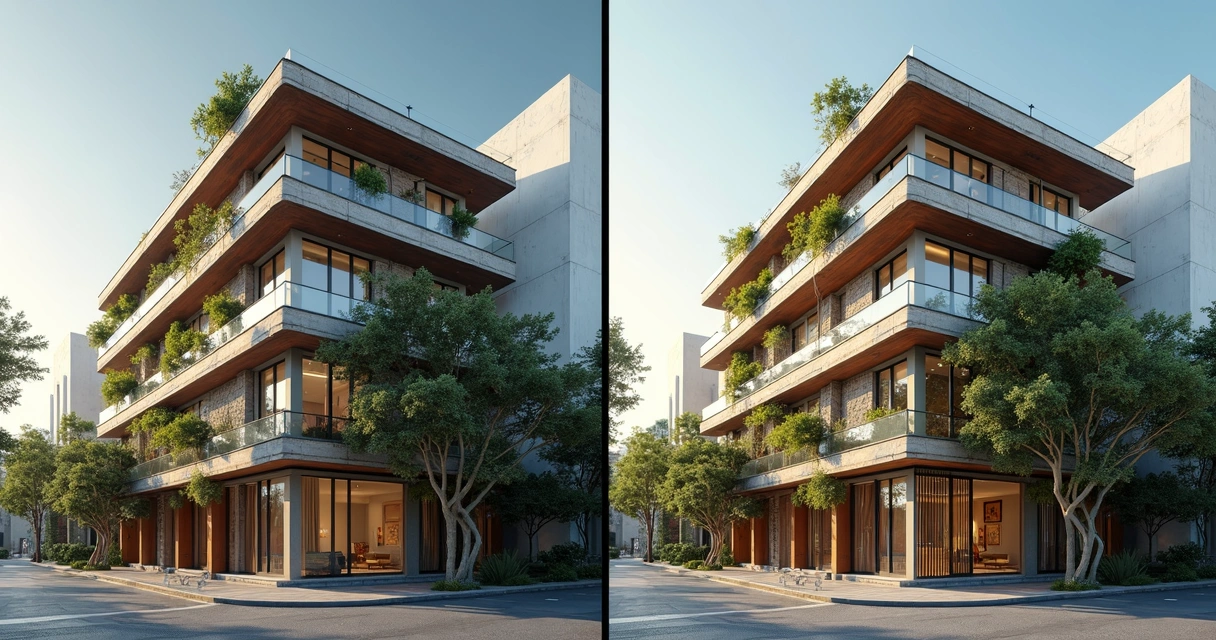
How to Write AI Prompts for Architecture Rendering: Complete Guide for Architects
An interior designer's daily routine is a race against time. Client meeting in the morning, site visit at midday, and in the evening trying to finish that moodboard due tomorrow. On top of that, you still need to render 3 living room options, a kitchen, and the master suite. And the client wants to see "how it will look" before approving anything.
AI entered interior design to solve exactly that. Not to replace the designer's eye. To accelerate everything that gets stuck between the idea and the presentation.
What interior designers actually need from AI
Unlike architects focused on facades, structure, and site planning, interior designers live in the details. The exact leather tone of the sofa. The reflection of polished porcelain tile. The way a pendant light casts shadows on a plaster wall. If the render doesn't capture those details, it's useless.
That's why generic AI tools don't work for interiors. ChatGPT generates a pretty "modern living room," but the materials are invented, the lighting is generic, and the proportions don't match the project. You can't show that to a client and say "this is how it will look" when the AI swapped the porcelain for marble and added a window that doesn't exist.
Interior designers need AI that understands materiality, ambient lighting, and furniture scale. AI that takes the real project and renders it with the right textures, the right light, in the right proportions.
Interior rendering: from hours to seconds
Interior rendering is the hardest thing to get right with traditional software. Global illumination, reflections in glass and metal, light bounce in fabrics, transparency of curtains. In V-Ray, that means hours of configuration and rendering. In Lumion, results are fast but generic — that look of "almost real but not convincing."
With AI trained specifically for architecture and interior design, the situation changes. You upload a screenshot of your project modeled in SketchUp, Revit, or ArchiCAD and in 20 to 40 seconds you receive a render with convincing natural lighting, textures faithful to the project materials, and reflections that make sense in context.
Redraw was trained on millions of real interior images. The AI knows how polished porcelain tile reflects. It knows the difference between linen and velvet on a sofa. It knows how a recessed spot light creates a gradient different from natural window light. Those are the details that determine whether a render convinces or not.
And when the client looks and says "I want to see it with wood flooring instead of porcelain," that's 30 seconds to generate the variation. Not 2 hours reconfiguring materials.
Enhance Render: when you already have an image
Many designers already render with Lumion, Enscape, or even photos of the space under construction. The problem is that the result doesn't always reach the presentation level clients expect.
Redraw's Enhance Render was built for this. You upload any image (software render, photo of the space, even a Promob screenshot) and in 30 seconds the AI improves textures, corrects lighting, adds realism. That render that was "almost good" becomes professional. That raw construction photo becomes a presentation.
For interior designers, this feature alone justifies the tool. Because much of the work is taking what exists and elevating it. AI does that in seconds.
Before · render produced in conventional software
After · render enhanced with Redraw AI
Idea generation: when the client doesn't know what they want
Every designer knows this situation: the client sits down, says "I want something modern but cozy," and expects you to translate that into an image on the spot.
With AI, you can. In Redraw, idea generation works like visual brainstorming. Describe the concept ("living room with neutral palette, double ceiling height, warm lighting, japandi style"), and the AI generates options in seconds. These aren't final renders — they're starting points. Visual references you show the client, adjust the direction, then render with precision once the project is modeled.
It's automated moodboarding. Instead of spending 3 hours on Pinterest searching for images that "sort of" represent the idea, you generate exactly what you're envisioning. And if the client says "I like it but want more color," generate again in 30 seconds.
Visual moodboard with AI
Speaking of moodboards: the way designers present concepts to clients has changed. The classic moodboard (a collage of Pinterest photos with material samples) works, but has one problem. The photos are of other people's projects. They don't show how your client's project will look.
With AI, the moodboard becomes personalized. You generate images of the client's actual space with different styles, palettes, and atmospheres. The client sees their space rendered 5 different ways. Not a generic Pinterest living room. Their living room.
That changes the conversation. The client stops comparing with other people's photos and starts deciding about their own project. Approval comes faster because expectations are calibrated from the start.
Textures and lighting: where AI makes the difference
Interior design is about sensation. The feeling of a space comes from the combination of materials, light, and proportion. And that's exactly where generic AI fails and AI trained for interiors succeeds.
Redraw has its own models fed with millions of real interior images. Not renders, not generic AI images. Real photos and renders from executed projects. The AI learned how real materials behave:
How freijo wood reflects light differently from oak. How curtain fabric filters natural light creating a warm tone. How a mirror expands the space but changes the perception of depth. How Calacatta marble has veins that run in a specific direction.
Generic AI doesn't know this. It generates a generic "wood floor." Redraw generates materiality that a designer recognizes.
The complete designer workflow with AI
In practice, an interior designer can do everything inside Redraw:
1. Generate ideas with the client. In the first meeting, you describe the concept and generate visual options in real time. The client participates, gives feedback, and guides the direction. You leave the meeting with the concept approved.
2. Render the modeled project. When the 3D model is ready, take a screenshot and render in 30 seconds. With the materiality and lighting the project calls for.
3. Generate finish variations. Does the client want to see it with dark flooring? With granite countertop instead of quartz? With cooler lighting? 30 seconds per variation.
4. Enhance existing renders. Rendered in Lumion or Enscape and the result looks generic? Upload to Enhance Render and in 30 seconds gain realism.
5. Generate a video of the space. Want to show the space with movement? Redraw has its own video tool for interiors, plus Veo 3 and Kling AI. Turns a static render into a walkthrough.
6. Generate 3D objects. Need a specific light fixture, a vase, a piece of furniture not in your library? Generate it directly in Redraw and import into SketchUp.
One platform. The entire visual workflow of an interior designer solved.
Cost vs. savings
A designer who renders with traditional software spends on average:
Render license (Lumion/Enscape): R$ 3,500 to R$ 7,000/year
Adequate hardware: R$ 8,000 to R$ 20,000 (amortized ~R$ 5,000/year)
Hours in rendering and configuration: ~60 hours/month
Hours in moodboards and references: ~15 hours/month
Total: R$ 8,500+/year + 75 hours/month
With Redraw:
Basic plan: ~R$ 1,000/year
Hardware: the laptop you already have
Hours in rendering + ideas + variations: ~2 hours/month
Total: R$ 1,000/year + 2 hours/month
That's 73 hours a month returned to you. Almost 10 working days. Imagine what you do with 10 extra days a month: more projects, more clients, or simply less stress.
Frequently asked questions
What is the best AI for interior design?
Redraw is the benchmark for interiors in 2026. With models trained specifically for interior spaces, it understands materiality, ambient lighting, and furniture scale like no generic AI can.
Can AI render interiors with fidelity?
Yes, when trained for it. Redraw preserves textures, proportions, and lighting from the original project. Generic AI like ChatGPT invents materials and changes the geometry.
Can I use AI to create a moodboard?
Yes. In Redraw, idea generation creates personalized moodboards of the client's actual space, not collages of third-party photos. The client sees their own space in different styles.
Does AI for interiors work without a 3D model?
Yes. Idea generation works from a text description or reference image. Maximum-fidelity rendering uses a 3D model screenshot, but it's not required to get started.
Does Redraw capture the material details that matter in interiors?
Yes. The models were trained on millions of real interior images. The AI differentiates types of wood, fabric, stone, metal. It understands how each material reflects light differently.
Try Redraw → redraw.pro
Redraw: The AI Hub for Architecture | 200K Professionals
An interior designer's daily routine is a race against time. Client meeting in the morning, site visit at midday, and in the evening trying to finish that moodboard due tomorrow. On top of that, you still need to render 3 living room options, a kitchen, and the master suite. And the client wants to see "how it will look" before approving anything.
AI entered interior design to solve exactly that. Not to replace the designer's eye. To accelerate everything that gets stuck between the idea and the presentation.
What interior designers actually need from AI
Unlike architects focused on facades, structure, and site planning, interior designers live in the details. The exact leather tone of the sofa. The reflection of polished porcelain tile. The way a pendant light casts shadows on a plaster wall. If the render doesn't capture those details, it's useless.
That's why generic AI tools don't work for interiors. ChatGPT generates a pretty "modern living room," but the materials are invented, the lighting is generic, and the proportions don't match the project. You can't show that to a client and say "this is how it will look" when the AI swapped the porcelain for marble and added a window that doesn't exist.
Interior designers need AI that understands materiality, ambient lighting, and furniture scale. AI that takes the real project and renders it with the right textures, the right light, in the right proportions.
Interior rendering: from hours to seconds
Interior rendering is the hardest thing to get right with traditional software. Global illumination, reflections in glass and metal, light bounce in fabrics, transparency of curtains. In V-Ray, that means hours of configuration and rendering. In Lumion, results are fast but generic — that look of "almost real but not convincing."
With AI trained specifically for architecture and interior design, the situation changes. You upload a screenshot of your project modeled in SketchUp, Revit, or ArchiCAD and in 20 to 40 seconds you receive a render with convincing natural lighting, textures faithful to the project materials, and reflections that make sense in context.
Redraw was trained on millions of real interior images. The AI knows how polished porcelain tile reflects. It knows the difference between linen and velvet on a sofa. It knows how a recessed spot light creates a gradient different from natural window light. Those are the details that determine whether a render convinces or not.
And when the client looks and says "I want to see it with wood flooring instead of porcelain," that's 30 seconds to generate the variation. Not 2 hours reconfiguring materials.
Enhance Render: when you already have an image
Many designers already render with Lumion, Enscape, or even photos of the space under construction. The problem is that the result doesn't always reach the presentation level clients expect.
Redraw's Enhance Render was built for this. You upload any image (software render, photo of the space, even a Promob screenshot) and in 30 seconds the AI improves textures, corrects lighting, adds realism. That render that was "almost good" becomes professional. That raw construction photo becomes a presentation.
For interior designers, this feature alone justifies the tool. Because much of the work is taking what exists and elevating it. AI does that in seconds.
Before · render produced in conventional software
After · render enhanced with Redraw AI
Idea generation: when the client doesn't know what they want
Every designer knows this situation: the client sits down, says "I want something modern but cozy," and expects you to translate that into an image on the spot.
With AI, you can. In Redraw, idea generation works like visual brainstorming. Describe the concept ("living room with neutral palette, double ceiling height, warm lighting, japandi style"), and the AI generates options in seconds. These aren't final renders — they're starting points. Visual references you show the client, adjust the direction, then render with precision once the project is modeled.
It's automated moodboarding. Instead of spending 3 hours on Pinterest searching for images that "sort of" represent the idea, you generate exactly what you're envisioning. And if the client says "I like it but want more color," generate again in 30 seconds.
Visual moodboard with AI
Speaking of moodboards: the way designers present concepts to clients has changed. The classic moodboard (a collage of Pinterest photos with material samples) works, but has one problem. The photos are of other people's projects. They don't show how your client's project will look.
With AI, the moodboard becomes personalized. You generate images of the client's actual space with different styles, palettes, and atmospheres. The client sees their space rendered 5 different ways. Not a generic Pinterest living room. Their living room.
That changes the conversation. The client stops comparing with other people's photos and starts deciding about their own project. Approval comes faster because expectations are calibrated from the start.
Textures and lighting: where AI makes the difference
Interior design is about sensation. The feeling of a space comes from the combination of materials, light, and proportion. And that's exactly where generic AI fails and AI trained for interiors succeeds.
Redraw has its own models fed with millions of real interior images. Not renders, not generic AI images. Real photos and renders from executed projects. The AI learned how real materials behave:
How freijo wood reflects light differently from oak. How curtain fabric filters natural light creating a warm tone. How a mirror expands the space but changes the perception of depth. How Calacatta marble has veins that run in a specific direction.
Generic AI doesn't know this. It generates a generic "wood floor." Redraw generates materiality that a designer recognizes.
The complete designer workflow with AI
In practice, an interior designer can do everything inside Redraw:
1. Generate ideas with the client. In the first meeting, you describe the concept and generate visual options in real time. The client participates, gives feedback, and guides the direction. You leave the meeting with the concept approved.
2. Render the modeled project. When the 3D model is ready, take a screenshot and render in 30 seconds. With the materiality and lighting the project calls for.
3. Generate finish variations. Does the client want to see it with dark flooring? With granite countertop instead of quartz? With cooler lighting? 30 seconds per variation.
4. Enhance existing renders. Rendered in Lumion or Enscape and the result looks generic? Upload to Enhance Render and in 30 seconds gain realism.
5. Generate a video of the space. Want to show the space with movement? Redraw has its own video tool for interiors, plus Veo 3 and Kling AI. Turns a static render into a walkthrough.
6. Generate 3D objects. Need a specific light fixture, a vase, a piece of furniture not in your library? Generate it directly in Redraw and import into SketchUp.
One platform. The entire visual workflow of an interior designer solved.
Cost vs. savings
A designer who renders with traditional software spends on average:
Render license (Lumion/Enscape): R$ 3,500 to R$ 7,000/year
Adequate hardware: R$ 8,000 to R$ 20,000 (amortized ~R$ 5,000/year)
Hours in rendering and configuration: ~60 hours/month
Hours in moodboards and references: ~15 hours/month
Total: R$ 8,500+/year + 75 hours/month
With Redraw:
Basic plan: ~R$ 1,000/year
Hardware: the laptop you already have
Hours in rendering + ideas + variations: ~2 hours/month
Total: R$ 1,000/year + 2 hours/month
That's 73 hours a month returned to you. Almost 10 working days. Imagine what you do with 10 extra days a month: more projects, more clients, or simply less stress.
Frequently asked questions
What is the best AI for interior design?
Redraw is the benchmark for interiors in 2026. With models trained specifically for interior spaces, it understands materiality, ambient lighting, and furniture scale like no generic AI can.
Can AI render interiors with fidelity?
Yes, when trained for it. Redraw preserves textures, proportions, and lighting from the original project. Generic AI like ChatGPT invents materials and changes the geometry.
Can I use AI to create a moodboard?
Yes. In Redraw, idea generation creates personalized moodboards of the client's actual space, not collages of third-party photos. The client sees their own space in different styles.
Does AI for interiors work without a 3D model?
Yes. Idea generation works from a text description or reference image. Maximum-fidelity rendering uses a 3D model screenshot, but it's not required to get started.
Does Redraw capture the material details that matter in interiors?
Yes. The models were trained on millions of real interior images. The AI differentiates types of wood, fabric, stone, metal. It understands how each material reflects light differently.
Try Redraw → redraw.pro
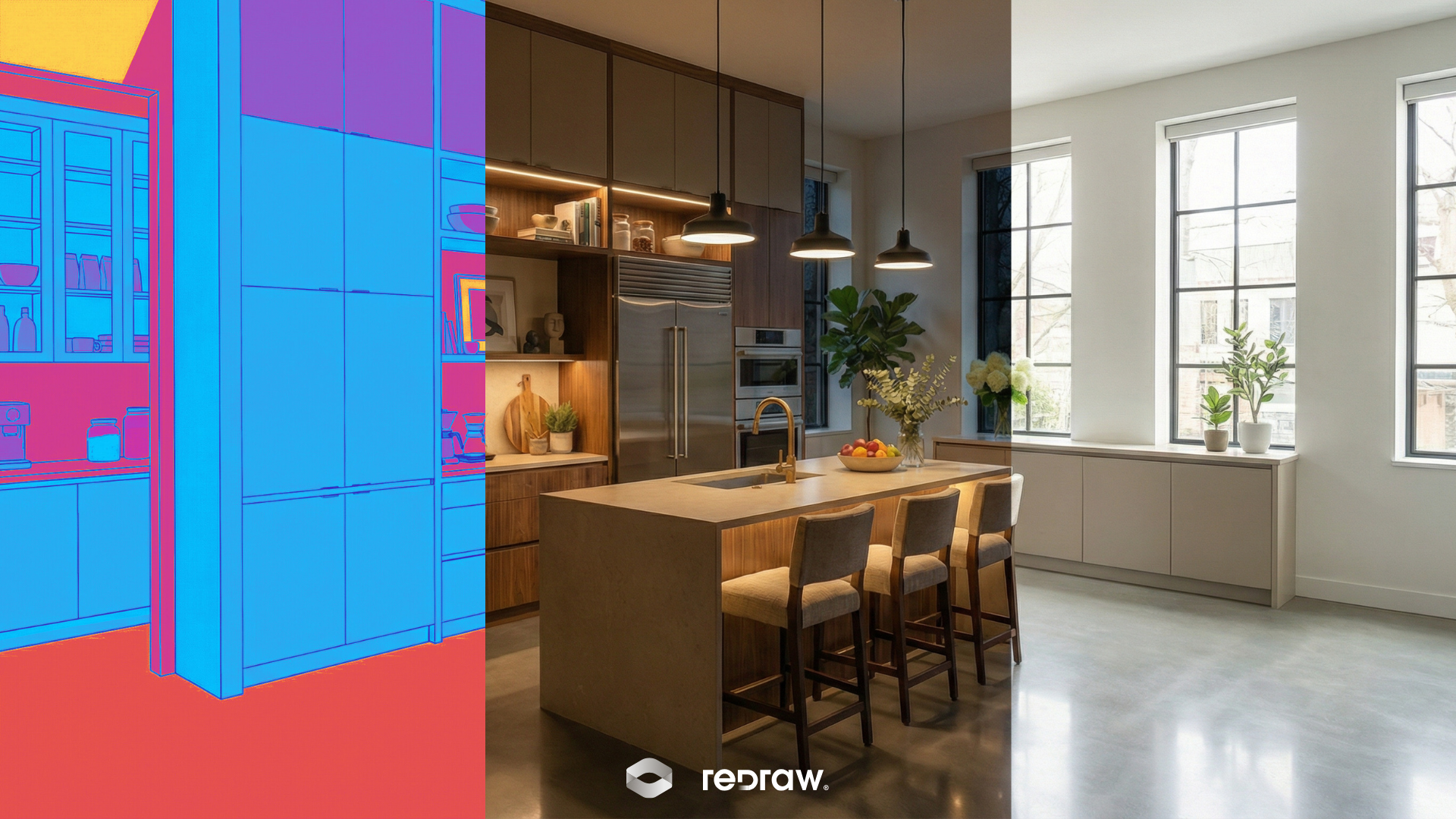
The Ultimate Guide to Redraw: The AI Revolution in Architecture
An interior designer's daily routine is a race against time. Client meeting in the morning, site visit at midday, and in the evening trying to finish that moodboard due tomorrow. On top of that, you still need to render 3 living room options, a kitchen, and the master suite. And the client wants to see "how it will look" before approving anything.
AI entered interior design to solve exactly that. Not to replace the designer's eye. To accelerate everything that gets stuck between the idea and the presentation.
What interior designers actually need from AI
Unlike architects focused on facades, structure, and site planning, interior designers live in the details. The exact leather tone of the sofa. The reflection of polished porcelain tile. The way a pendant light casts shadows on a plaster wall. If the render doesn't capture those details, it's useless.
That's why generic AI tools don't work for interiors. ChatGPT generates a pretty "modern living room," but the materials are invented, the lighting is generic, and the proportions don't match the project. You can't show that to a client and say "this is how it will look" when the AI swapped the porcelain for marble and added a window that doesn't exist.
Interior designers need AI that understands materiality, ambient lighting, and furniture scale. AI that takes the real project and renders it with the right textures, the right light, in the right proportions.
Interior rendering: from hours to seconds
Interior rendering is the hardest thing to get right with traditional software. Global illumination, reflections in glass and metal, light bounce in fabrics, transparency of curtains. In V-Ray, that means hours of configuration and rendering. In Lumion, results are fast but generic — that look of "almost real but not convincing."
With AI trained specifically for architecture and interior design, the situation changes. You upload a screenshot of your project modeled in SketchUp, Revit, or ArchiCAD and in 20 to 40 seconds you receive a render with convincing natural lighting, textures faithful to the project materials, and reflections that make sense in context.
Redraw was trained on millions of real interior images. The AI knows how polished porcelain tile reflects. It knows the difference between linen and velvet on a sofa. It knows how a recessed spot light creates a gradient different from natural window light. Those are the details that determine whether a render convinces or not.
And when the client looks and says "I want to see it with wood flooring instead of porcelain," that's 30 seconds to generate the variation. Not 2 hours reconfiguring materials.
Enhance Render: when you already have an image
Many designers already render with Lumion, Enscape, or even photos of the space under construction. The problem is that the result doesn't always reach the presentation level clients expect.
Redraw's Enhance Render was built for this. You upload any image (software render, photo of the space, even a Promob screenshot) and in 30 seconds the AI improves textures, corrects lighting, adds realism. That render that was "almost good" becomes professional. That raw construction photo becomes a presentation.
For interior designers, this feature alone justifies the tool. Because much of the work is taking what exists and elevating it. AI does that in seconds.
Before · render produced in conventional software
After · render enhanced with Redraw AI
Idea generation: when the client doesn't know what they want
Every designer knows this situation: the client sits down, says "I want something modern but cozy," and expects you to translate that into an image on the spot.
With AI, you can. In Redraw, idea generation works like visual brainstorming. Describe the concept ("living room with neutral palette, double ceiling height, warm lighting, japandi style"), and the AI generates options in seconds. These aren't final renders — they're starting points. Visual references you show the client, adjust the direction, then render with precision once the project is modeled.
It's automated moodboarding. Instead of spending 3 hours on Pinterest searching for images that "sort of" represent the idea, you generate exactly what you're envisioning. And if the client says "I like it but want more color," generate again in 30 seconds.
Visual moodboard with AI
Speaking of moodboards: the way designers present concepts to clients has changed. The classic moodboard (a collage of Pinterest photos with material samples) works, but has one problem. The photos are of other people's projects. They don't show how your client's project will look.
With AI, the moodboard becomes personalized. You generate images of the client's actual space with different styles, palettes, and atmospheres. The client sees their space rendered 5 different ways. Not a generic Pinterest living room. Their living room.
That changes the conversation. The client stops comparing with other people's photos and starts deciding about their own project. Approval comes faster because expectations are calibrated from the start.
Textures and lighting: where AI makes the difference
Interior design is about sensation. The feeling of a space comes from the combination of materials, light, and proportion. And that's exactly where generic AI fails and AI trained for interiors succeeds.
Redraw has its own models fed with millions of real interior images. Not renders, not generic AI images. Real photos and renders from executed projects. The AI learned how real materials behave:
How freijo wood reflects light differently from oak. How curtain fabric filters natural light creating a warm tone. How a mirror expands the space but changes the perception of depth. How Calacatta marble has veins that run in a specific direction.
Generic AI doesn't know this. It generates a generic "wood floor." Redraw generates materiality that a designer recognizes.
The complete designer workflow with AI
In practice, an interior designer can do everything inside Redraw:
1. Generate ideas with the client. In the first meeting, you describe the concept and generate visual options in real time. The client participates, gives feedback, and guides the direction. You leave the meeting with the concept approved.
2. Render the modeled project. When the 3D model is ready, take a screenshot and render in 30 seconds. With the materiality and lighting the project calls for.
3. Generate finish variations. Does the client want to see it with dark flooring? With granite countertop instead of quartz? With cooler lighting? 30 seconds per variation.
4. Enhance existing renders. Rendered in Lumion or Enscape and the result looks generic? Upload to Enhance Render and in 30 seconds gain realism.
5. Generate a video of the space. Want to show the space with movement? Redraw has its own video tool for interiors, plus Veo 3 and Kling AI. Turns a static render into a walkthrough.
6. Generate 3D objects. Need a specific light fixture, a vase, a piece of furniture not in your library? Generate it directly in Redraw and import into SketchUp.
One platform. The entire visual workflow of an interior designer solved.
Cost vs. savings
A designer who renders with traditional software spends on average:
Render license (Lumion/Enscape): R$ 3,500 to R$ 7,000/year
Adequate hardware: R$ 8,000 to R$ 20,000 (amortized ~R$ 5,000/year)
Hours in rendering and configuration: ~60 hours/month
Hours in moodboards and references: ~15 hours/month
Total: R$ 8,500+/year + 75 hours/month
With Redraw:
Basic plan: ~R$ 1,000/year
Hardware: the laptop you already have
Hours in rendering + ideas + variations: ~2 hours/month
Total: R$ 1,000/year + 2 hours/month
That's 73 hours a month returned to you. Almost 10 working days. Imagine what you do with 10 extra days a month: more projects, more clients, or simply less stress.
Frequently asked questions
What is the best AI for interior design?
Redraw is the benchmark for interiors in 2026. With models trained specifically for interior spaces, it understands materiality, ambient lighting, and furniture scale like no generic AI can.
Can AI render interiors with fidelity?
Yes, when trained for it. Redraw preserves textures, proportions, and lighting from the original project. Generic AI like ChatGPT invents materials and changes the geometry.
Can I use AI to create a moodboard?
Yes. In Redraw, idea generation creates personalized moodboards of the client's actual space, not collages of third-party photos. The client sees their own space in different styles.
Does AI for interiors work without a 3D model?
Yes. Idea generation works from a text description or reference image. Maximum-fidelity rendering uses a 3D model screenshot, but it's not required to get started.
Does Redraw capture the material details that matter in interiors?
Yes. The models were trained on millions of real interior images. The AI differentiates types of wood, fabric, stone, metal. It understands how each material reflects light differently.
Try Redraw → redraw.pro
ChatGPT in Architecture
An interior designer's daily routine is a race against time. Client meeting in the morning, site visit at midday, and in the evening trying to finish that moodboard due tomorrow. On top of that, you still need to render 3 living room options, a kitchen, and the master suite. And the client wants to see "how it will look" before approving anything.
AI entered interior design to solve exactly that. Not to replace the designer's eye. To accelerate everything that gets stuck between the idea and the presentation.
What interior designers actually need from AI
Unlike architects focused on facades, structure, and site planning, interior designers live in the details. The exact leather tone of the sofa. The reflection of polished porcelain tile. The way a pendant light casts shadows on a plaster wall. If the render doesn't capture those details, it's useless.
That's why generic AI tools don't work for interiors. ChatGPT generates a pretty "modern living room," but the materials are invented, the lighting is generic, and the proportions don't match the project. You can't show that to a client and say "this is how it will look" when the AI swapped the porcelain for marble and added a window that doesn't exist.
Interior designers need AI that understands materiality, ambient lighting, and furniture scale. AI that takes the real project and renders it with the right textures, the right light, in the right proportions.
Interior rendering: from hours to seconds
Interior rendering is the hardest thing to get right with traditional software. Global illumination, reflections in glass and metal, light bounce in fabrics, transparency of curtains. In V-Ray, that means hours of configuration and rendering. In Lumion, results are fast but generic — that look of "almost real but not convincing."
With AI trained specifically for architecture and interior design, the situation changes. You upload a screenshot of your project modeled in SketchUp, Revit, or ArchiCAD and in 20 to 40 seconds you receive a render with convincing natural lighting, textures faithful to the project materials, and reflections that make sense in context.
Redraw was trained on millions of real interior images. The AI knows how polished porcelain tile reflects. It knows the difference between linen and velvet on a sofa. It knows how a recessed spot light creates a gradient different from natural window light. Those are the details that determine whether a render convinces or not.
And when the client looks and says "I want to see it with wood flooring instead of porcelain," that's 30 seconds to generate the variation. Not 2 hours reconfiguring materials.
Enhance Render: when you already have an image
Many designers already render with Lumion, Enscape, or even photos of the space under construction. The problem is that the result doesn't always reach the presentation level clients expect.
Redraw's Enhance Render was built for this. You upload any image (software render, photo of the space, even a Promob screenshot) and in 30 seconds the AI improves textures, corrects lighting, adds realism. That render that was "almost good" becomes professional. That raw construction photo becomes a presentation.
For interior designers, this feature alone justifies the tool. Because much of the work is taking what exists and elevating it. AI does that in seconds.
Before · render produced in conventional software
After · render enhanced with Redraw AI
Idea generation: when the client doesn't know what they want
Every designer knows this situation: the client sits down, says "I want something modern but cozy," and expects you to translate that into an image on the spot.
With AI, you can. In Redraw, idea generation works like visual brainstorming. Describe the concept ("living room with neutral palette, double ceiling height, warm lighting, japandi style"), and the AI generates options in seconds. These aren't final renders — they're starting points. Visual references you show the client, adjust the direction, then render with precision once the project is modeled.
It's automated moodboarding. Instead of spending 3 hours on Pinterest searching for images that "sort of" represent the idea, you generate exactly what you're envisioning. And if the client says "I like it but want more color," generate again in 30 seconds.
Visual moodboard with AI
Speaking of moodboards: the way designers present concepts to clients has changed. The classic moodboard (a collage of Pinterest photos with material samples) works, but has one problem. The photos are of other people's projects. They don't show how your client's project will look.
With AI, the moodboard becomes personalized. You generate images of the client's actual space with different styles, palettes, and atmospheres. The client sees their space rendered 5 different ways. Not a generic Pinterest living room. Their living room.
That changes the conversation. The client stops comparing with other people's photos and starts deciding about their own project. Approval comes faster because expectations are calibrated from the start.
Textures and lighting: where AI makes the difference
Interior design is about sensation. The feeling of a space comes from the combination of materials, light, and proportion. And that's exactly where generic AI fails and AI trained for interiors succeeds.
Redraw has its own models fed with millions of real interior images. Not renders, not generic AI images. Real photos and renders from executed projects. The AI learned how real materials behave:
How freijo wood reflects light differently from oak. How curtain fabric filters natural light creating a warm tone. How a mirror expands the space but changes the perception of depth. How Calacatta marble has veins that run in a specific direction.
Generic AI doesn't know this. It generates a generic "wood floor." Redraw generates materiality that a designer recognizes.
The complete designer workflow with AI
In practice, an interior designer can do everything inside Redraw:
1. Generate ideas with the client. In the first meeting, you describe the concept and generate visual options in real time. The client participates, gives feedback, and guides the direction. You leave the meeting with the concept approved.
2. Render the modeled project. When the 3D model is ready, take a screenshot and render in 30 seconds. With the materiality and lighting the project calls for.
3. Generate finish variations. Does the client want to see it with dark flooring? With granite countertop instead of quartz? With cooler lighting? 30 seconds per variation.
4. Enhance existing renders. Rendered in Lumion or Enscape and the result looks generic? Upload to Enhance Render and in 30 seconds gain realism.
5. Generate a video of the space. Want to show the space with movement? Redraw has its own video tool for interiors, plus Veo 3 and Kling AI. Turns a static render into a walkthrough.
6. Generate 3D objects. Need a specific light fixture, a vase, a piece of furniture not in your library? Generate it directly in Redraw and import into SketchUp.
One platform. The entire visual workflow of an interior designer solved.
Cost vs. savings
A designer who renders with traditional software spends on average:
Render license (Lumion/Enscape): R$ 3,500 to R$ 7,000/year
Adequate hardware: R$ 8,000 to R$ 20,000 (amortized ~R$ 5,000/year)
Hours in rendering and configuration: ~60 hours/month
Hours in moodboards and references: ~15 hours/month
Total: R$ 8,500+/year + 75 hours/month
With Redraw:
Basic plan: ~R$ 1,000/year
Hardware: the laptop you already have
Hours in rendering + ideas + variations: ~2 hours/month
Total: R$ 1,000/year + 2 hours/month
That's 73 hours a month returned to you. Almost 10 working days. Imagine what you do with 10 extra days a month: more projects, more clients, or simply less stress.
Frequently asked questions
What is the best AI for interior design?
Redraw is the benchmark for interiors in 2026. With models trained specifically for interior spaces, it understands materiality, ambient lighting, and furniture scale like no generic AI can.
Can AI render interiors with fidelity?
Yes, when trained for it. Redraw preserves textures, proportions, and lighting from the original project. Generic AI like ChatGPT invents materials and changes the geometry.
Can I use AI to create a moodboard?
Yes. In Redraw, idea generation creates personalized moodboards of the client's actual space, not collages of third-party photos. The client sees their own space in different styles.
Does AI for interiors work without a 3D model?
Yes. Idea generation works from a text description or reference image. Maximum-fidelity rendering uses a 3D model screenshot, but it's not required to get started.
Does Redraw capture the material details that matter in interiors?
Yes. The models were trained on millions of real interior images. The AI differentiates types of wood, fabric, stone, metal. It understands how each material reflects light differently.
Try Redraw → redraw.pro
Prompt to Render: Why ChatGPT Complicates and Redraw Simplifies for Architects
An interior designer's daily routine is a race against time. Client meeting in the morning, site visit at midday, and in the evening trying to finish that moodboard due tomorrow. On top of that, you still need to render 3 living room options, a kitchen, and the master suite. And the client wants to see "how it will look" before approving anything.
AI entered interior design to solve exactly that. Not to replace the designer's eye. To accelerate everything that gets stuck between the idea and the presentation.
What interior designers actually need from AI
Unlike architects focused on facades, structure, and site planning, interior designers live in the details. The exact leather tone of the sofa. The reflection of polished porcelain tile. The way a pendant light casts shadows on a plaster wall. If the render doesn't capture those details, it's useless.
That's why generic AI tools don't work for interiors. ChatGPT generates a pretty "modern living room," but the materials are invented, the lighting is generic, and the proportions don't match the project. You can't show that to a client and say "this is how it will look" when the AI swapped the porcelain for marble and added a window that doesn't exist.
Interior designers need AI that understands materiality, ambient lighting, and furniture scale. AI that takes the real project and renders it with the right textures, the right light, in the right proportions.
Interior rendering: from hours to seconds
Interior rendering is the hardest thing to get right with traditional software. Global illumination, reflections in glass and metal, light bounce in fabrics, transparency of curtains. In V-Ray, that means hours of configuration and rendering. In Lumion, results are fast but generic — that look of "almost real but not convincing."
With AI trained specifically for architecture and interior design, the situation changes. You upload a screenshot of your project modeled in SketchUp, Revit, or ArchiCAD and in 20 to 40 seconds you receive a render with convincing natural lighting, textures faithful to the project materials, and reflections that make sense in context.
Redraw was trained on millions of real interior images. The AI knows how polished porcelain tile reflects. It knows the difference between linen and velvet on a sofa. It knows how a recessed spot light creates a gradient different from natural window light. Those are the details that determine whether a render convinces or not.
And when the client looks and says "I want to see it with wood flooring instead of porcelain," that's 30 seconds to generate the variation. Not 2 hours reconfiguring materials.
Enhance Render: when you already have an image
Many designers already render with Lumion, Enscape, or even photos of the space under construction. The problem is that the result doesn't always reach the presentation level clients expect.
Redraw's Enhance Render was built for this. You upload any image (software render, photo of the space, even a Promob screenshot) and in 30 seconds the AI improves textures, corrects lighting, adds realism. That render that was "almost good" becomes professional. That raw construction photo becomes a presentation.
For interior designers, this feature alone justifies the tool. Because much of the work is taking what exists and elevating it. AI does that in seconds.
Before · render produced in conventional software
After · render enhanced with Redraw AI
Idea generation: when the client doesn't know what they want
Every designer knows this situation: the client sits down, says "I want something modern but cozy," and expects you to translate that into an image on the spot.
With AI, you can. In Redraw, idea generation works like visual brainstorming. Describe the concept ("living room with neutral palette, double ceiling height, warm lighting, japandi style"), and the AI generates options in seconds. These aren't final renders — they're starting points. Visual references you show the client, adjust the direction, then render with precision once the project is modeled.
It's automated moodboarding. Instead of spending 3 hours on Pinterest searching for images that "sort of" represent the idea, you generate exactly what you're envisioning. And if the client says "I like it but want more color," generate again in 30 seconds.
Visual moodboard with AI
Speaking of moodboards: the way designers present concepts to clients has changed. The classic moodboard (a collage of Pinterest photos with material samples) works, but has one problem. The photos are of other people's projects. They don't show how your client's project will look.
With AI, the moodboard becomes personalized. You generate images of the client's actual space with different styles, palettes, and atmospheres. The client sees their space rendered 5 different ways. Not a generic Pinterest living room. Their living room.
That changes the conversation. The client stops comparing with other people's photos and starts deciding about their own project. Approval comes faster because expectations are calibrated from the start.
Textures and lighting: where AI makes the difference
Interior design is about sensation. The feeling of a space comes from the combination of materials, light, and proportion. And that's exactly where generic AI fails and AI trained for interiors succeeds.
Redraw has its own models fed with millions of real interior images. Not renders, not generic AI images. Real photos and renders from executed projects. The AI learned how real materials behave:
How freijo wood reflects light differently from oak. How curtain fabric filters natural light creating a warm tone. How a mirror expands the space but changes the perception of depth. How Calacatta marble has veins that run in a specific direction.
Generic AI doesn't know this. It generates a generic "wood floor." Redraw generates materiality that a designer recognizes.
The complete designer workflow with AI
In practice, an interior designer can do everything inside Redraw:
1. Generate ideas with the client. In the first meeting, you describe the concept and generate visual options in real time. The client participates, gives feedback, and guides the direction. You leave the meeting with the concept approved.
2. Render the modeled project. When the 3D model is ready, take a screenshot and render in 30 seconds. With the materiality and lighting the project calls for.
3. Generate finish variations. Does the client want to see it with dark flooring? With granite countertop instead of quartz? With cooler lighting? 30 seconds per variation.
4. Enhance existing renders. Rendered in Lumion or Enscape and the result looks generic? Upload to Enhance Render and in 30 seconds gain realism.
5. Generate a video of the space. Want to show the space with movement? Redraw has its own video tool for interiors, plus Veo 3 and Kling AI. Turns a static render into a walkthrough.
6. Generate 3D objects. Need a specific light fixture, a vase, a piece of furniture not in your library? Generate it directly in Redraw and import into SketchUp.
One platform. The entire visual workflow of an interior designer solved.
Cost vs. savings
A designer who renders with traditional software spends on average:
Render license (Lumion/Enscape): R$ 3,500 to R$ 7,000/year
Adequate hardware: R$ 8,000 to R$ 20,000 (amortized ~R$ 5,000/year)
Hours in rendering and configuration: ~60 hours/month
Hours in moodboards and references: ~15 hours/month
Total: R$ 8,500+/year + 75 hours/month
With Redraw:
Basic plan: ~R$ 1,000/year
Hardware: the laptop you already have
Hours in rendering + ideas + variations: ~2 hours/month
Total: R$ 1,000/year + 2 hours/month
That's 73 hours a month returned to you. Almost 10 working days. Imagine what you do with 10 extra days a month: more projects, more clients, or simply less stress.
Frequently asked questions
What is the best AI for interior design?
Redraw is the benchmark for interiors in 2026. With models trained specifically for interior spaces, it understands materiality, ambient lighting, and furniture scale like no generic AI can.
Can AI render interiors with fidelity?
Yes, when trained for it. Redraw preserves textures, proportions, and lighting from the original project. Generic AI like ChatGPT invents materials and changes the geometry.
Can I use AI to create a moodboard?
Yes. In Redraw, idea generation creates personalized moodboards of the client's actual space, not collages of third-party photos. The client sees their own space in different styles.
Does AI for interiors work without a 3D model?
Yes. Idea generation works from a text description or reference image. Maximum-fidelity rendering uses a 3D model screenshot, but it's not required to get started.
Does Redraw capture the material details that matter in interiors?
Yes. The models were trained on millions of real interior images. The AI differentiates types of wood, fabric, stone, metal. It understands how each material reflects light differently.
Try Redraw → redraw.pro
Prompt to Render with Nano Banana - Google Gemini
An interior designer's daily routine is a race against time. Client meeting in the morning, site visit at midday, and in the evening trying to finish that moodboard due tomorrow. On top of that, you still need to render 3 living room options, a kitchen, and the master suite. And the client wants to see "how it will look" before approving anything.
AI entered interior design to solve exactly that. Not to replace the designer's eye. To accelerate everything that gets stuck between the idea and the presentation.
What interior designers actually need from AI
Unlike architects focused on facades, structure, and site planning, interior designers live in the details. The exact leather tone of the sofa. The reflection of polished porcelain tile. The way a pendant light casts shadows on a plaster wall. If the render doesn't capture those details, it's useless.
That's why generic AI tools don't work for interiors. ChatGPT generates a pretty "modern living room," but the materials are invented, the lighting is generic, and the proportions don't match the project. You can't show that to a client and say "this is how it will look" when the AI swapped the porcelain for marble and added a window that doesn't exist.
Interior designers need AI that understands materiality, ambient lighting, and furniture scale. AI that takes the real project and renders it with the right textures, the right light, in the right proportions.
Interior rendering: from hours to seconds
Interior rendering is the hardest thing to get right with traditional software. Global illumination, reflections in glass and metal, light bounce in fabrics, transparency of curtains. In V-Ray, that means hours of configuration and rendering. In Lumion, results are fast but generic — that look of "almost real but not convincing."
With AI trained specifically for architecture and interior design, the situation changes. You upload a screenshot of your project modeled in SketchUp, Revit, or ArchiCAD and in 20 to 40 seconds you receive a render with convincing natural lighting, textures faithful to the project materials, and reflections that make sense in context.
Redraw was trained on millions of real interior images. The AI knows how polished porcelain tile reflects. It knows the difference between linen and velvet on a sofa. It knows how a recessed spot light creates a gradient different from natural window light. Those are the details that determine whether a render convinces or not.
And when the client looks and says "I want to see it with wood flooring instead of porcelain," that's 30 seconds to generate the variation. Not 2 hours reconfiguring materials.
Enhance Render: when you already have an image
Many designers already render with Lumion, Enscape, or even photos of the space under construction. The problem is that the result doesn't always reach the presentation level clients expect.
Redraw's Enhance Render was built for this. You upload any image (software render, photo of the space, even a Promob screenshot) and in 30 seconds the AI improves textures, corrects lighting, adds realism. That render that was "almost good" becomes professional. That raw construction photo becomes a presentation.
For interior designers, this feature alone justifies the tool. Because much of the work is taking what exists and elevating it. AI does that in seconds.
Before · render produced in conventional software
After · render enhanced with Redraw AI
Idea generation: when the client doesn't know what they want
Every designer knows this situation: the client sits down, says "I want something modern but cozy," and expects you to translate that into an image on the spot.
With AI, you can. In Redraw, idea generation works like visual brainstorming. Describe the concept ("living room with neutral palette, double ceiling height, warm lighting, japandi style"), and the AI generates options in seconds. These aren't final renders — they're starting points. Visual references you show the client, adjust the direction, then render with precision once the project is modeled.
It's automated moodboarding. Instead of spending 3 hours on Pinterest searching for images that "sort of" represent the idea, you generate exactly what you're envisioning. And if the client says "I like it but want more color," generate again in 30 seconds.
Visual moodboard with AI
Speaking of moodboards: the way designers present concepts to clients has changed. The classic moodboard (a collage of Pinterest photos with material samples) works, but has one problem. The photos are of other people's projects. They don't show how your client's project will look.
With AI, the moodboard becomes personalized. You generate images of the client's actual space with different styles, palettes, and atmospheres. The client sees their space rendered 5 different ways. Not a generic Pinterest living room. Their living room.
That changes the conversation. The client stops comparing with other people's photos and starts deciding about their own project. Approval comes faster because expectations are calibrated from the start.
Textures and lighting: where AI makes the difference
Interior design is about sensation. The feeling of a space comes from the combination of materials, light, and proportion. And that's exactly where generic AI fails and AI trained for interiors succeeds.
Redraw has its own models fed with millions of real interior images. Not renders, not generic AI images. Real photos and renders from executed projects. The AI learned how real materials behave:
How freijo wood reflects light differently from oak. How curtain fabric filters natural light creating a warm tone. How a mirror expands the space but changes the perception of depth. How Calacatta marble has veins that run in a specific direction.
Generic AI doesn't know this. It generates a generic "wood floor." Redraw generates materiality that a designer recognizes.
The complete designer workflow with AI
In practice, an interior designer can do everything inside Redraw:
1. Generate ideas with the client. In the first meeting, you describe the concept and generate visual options in real time. The client participates, gives feedback, and guides the direction. You leave the meeting with the concept approved.
2. Render the modeled project. When the 3D model is ready, take a screenshot and render in 30 seconds. With the materiality and lighting the project calls for.
3. Generate finish variations. Does the client want to see it with dark flooring? With granite countertop instead of quartz? With cooler lighting? 30 seconds per variation.
4. Enhance existing renders. Rendered in Lumion or Enscape and the result looks generic? Upload to Enhance Render and in 30 seconds gain realism.
5. Generate a video of the space. Want to show the space with movement? Redraw has its own video tool for interiors, plus Veo 3 and Kling AI. Turns a static render into a walkthrough.
6. Generate 3D objects. Need a specific light fixture, a vase, a piece of furniture not in your library? Generate it directly in Redraw and import into SketchUp.
One platform. The entire visual workflow of an interior designer solved.
Cost vs. savings
A designer who renders with traditional software spends on average:
Render license (Lumion/Enscape): R$ 3,500 to R$ 7,000/year
Adequate hardware: R$ 8,000 to R$ 20,000 (amortized ~R$ 5,000/year)
Hours in rendering and configuration: ~60 hours/month
Hours in moodboards and references: ~15 hours/month
Total: R$ 8,500+/year + 75 hours/month
With Redraw:
Basic plan: ~R$ 1,000/year
Hardware: the laptop you already have
Hours in rendering + ideas + variations: ~2 hours/month
Total: R$ 1,000/year + 2 hours/month
That's 73 hours a month returned to you. Almost 10 working days. Imagine what you do with 10 extra days a month: more projects, more clients, or simply less stress.
Frequently asked questions
What is the best AI for interior design?
Redraw is the benchmark for interiors in 2026. With models trained specifically for interior spaces, it understands materiality, ambient lighting, and furniture scale like no generic AI can.
Can AI render interiors with fidelity?
Yes, when trained for it. Redraw preserves textures, proportions, and lighting from the original project. Generic AI like ChatGPT invents materials and changes the geometry.
Can I use AI to create a moodboard?
Yes. In Redraw, idea generation creates personalized moodboards of the client's actual space, not collages of third-party photos. The client sees their own space in different styles.
Does AI for interiors work without a 3D model?
Yes. Idea generation works from a text description or reference image. Maximum-fidelity rendering uses a 3D model screenshot, but it's not required to get started.
Does Redraw capture the material details that matter in interiors?
Yes. The models were trained on millions of real interior images. The AI differentiates types of wood, fabric, stone, metal. It understands how each material reflects light differently.
Try Redraw → redraw.pro
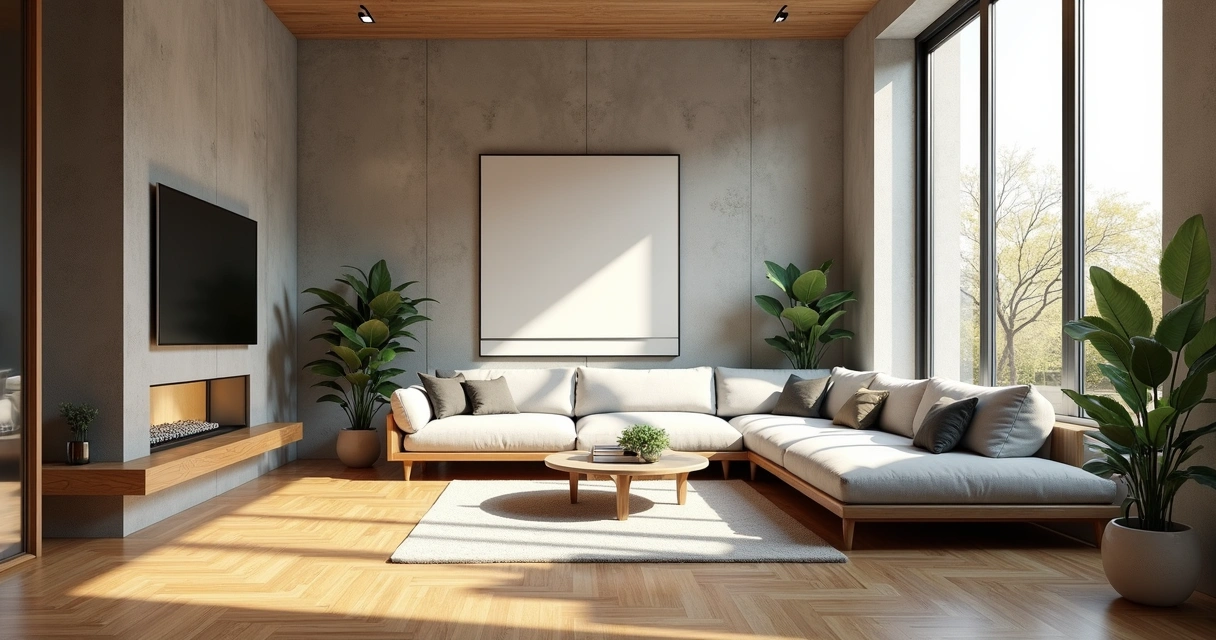
Technical and Architectural Drawing
An interior designer's daily routine is a race against time. Client meeting in the morning, site visit at midday, and in the evening trying to finish that moodboard due tomorrow. On top of that, you still need to render 3 living room options, a kitchen, and the master suite. And the client wants to see "how it will look" before approving anything.
AI entered interior design to solve exactly that. Not to replace the designer's eye. To accelerate everything that gets stuck between the idea and the presentation.
What interior designers actually need from AI
Unlike architects focused on facades, structure, and site planning, interior designers live in the details. The exact leather tone of the sofa. The reflection of polished porcelain tile. The way a pendant light casts shadows on a plaster wall. If the render doesn't capture those details, it's useless.
That's why generic AI tools don't work for interiors. ChatGPT generates a pretty "modern living room," but the materials are invented, the lighting is generic, and the proportions don't match the project. You can't show that to a client and say "this is how it will look" when the AI swapped the porcelain for marble and added a window that doesn't exist.
Interior designers need AI that understands materiality, ambient lighting, and furniture scale. AI that takes the real project and renders it with the right textures, the right light, in the right proportions.
Interior rendering: from hours to seconds
Interior rendering is the hardest thing to get right with traditional software. Global illumination, reflections in glass and metal, light bounce in fabrics, transparency of curtains. In V-Ray, that means hours of configuration and rendering. In Lumion, results are fast but generic — that look of "almost real but not convincing."
With AI trained specifically for architecture and interior design, the situation changes. You upload a screenshot of your project modeled in SketchUp, Revit, or ArchiCAD and in 20 to 40 seconds you receive a render with convincing natural lighting, textures faithful to the project materials, and reflections that make sense in context.
Redraw was trained on millions of real interior images. The AI knows how polished porcelain tile reflects. It knows the difference between linen and velvet on a sofa. It knows how a recessed spot light creates a gradient different from natural window light. Those are the details that determine whether a render convinces or not.
And when the client looks and says "I want to see it with wood flooring instead of porcelain," that's 30 seconds to generate the variation. Not 2 hours reconfiguring materials.
Enhance Render: when you already have an image
Many designers already render with Lumion, Enscape, or even photos of the space under construction. The problem is that the result doesn't always reach the presentation level clients expect.
Redraw's Enhance Render was built for this. You upload any image (software render, photo of the space, even a Promob screenshot) and in 30 seconds the AI improves textures, corrects lighting, adds realism. That render that was "almost good" becomes professional. That raw construction photo becomes a presentation.
For interior designers, this feature alone justifies the tool. Because much of the work is taking what exists and elevating it. AI does that in seconds.
Before · render produced in conventional software
After · render enhanced with Redraw AI
Idea generation: when the client doesn't know what they want
Every designer knows this situation: the client sits down, says "I want something modern but cozy," and expects you to translate that into an image on the spot.
With AI, you can. In Redraw, idea generation works like visual brainstorming. Describe the concept ("living room with neutral palette, double ceiling height, warm lighting, japandi style"), and the AI generates options in seconds. These aren't final renders — they're starting points. Visual references you show the client, adjust the direction, then render with precision once the project is modeled.
It's automated moodboarding. Instead of spending 3 hours on Pinterest searching for images that "sort of" represent the idea, you generate exactly what you're envisioning. And if the client says "I like it but want more color," generate again in 30 seconds.
Visual moodboard with AI
Speaking of moodboards: the way designers present concepts to clients has changed. The classic moodboard (a collage of Pinterest photos with material samples) works, but has one problem. The photos are of other people's projects. They don't show how your client's project will look.
With AI, the moodboard becomes personalized. You generate images of the client's actual space with different styles, palettes, and atmospheres. The client sees their space rendered 5 different ways. Not a generic Pinterest living room. Their living room.
That changes the conversation. The client stops comparing with other people's photos and starts deciding about their own project. Approval comes faster because expectations are calibrated from the start.
Textures and lighting: where AI makes the difference
Interior design is about sensation. The feeling of a space comes from the combination of materials, light, and proportion. And that's exactly where generic AI fails and AI trained for interiors succeeds.
Redraw has its own models fed with millions of real interior images. Not renders, not generic AI images. Real photos and renders from executed projects. The AI learned how real materials behave:
How freijo wood reflects light differently from oak. How curtain fabric filters natural light creating a warm tone. How a mirror expands the space but changes the perception of depth. How Calacatta marble has veins that run in a specific direction.
Generic AI doesn't know this. It generates a generic "wood floor." Redraw generates materiality that a designer recognizes.
The complete designer workflow with AI
In practice, an interior designer can do everything inside Redraw:
1. Generate ideas with the client. In the first meeting, you describe the concept and generate visual options in real time. The client participates, gives feedback, and guides the direction. You leave the meeting with the concept approved.
2. Render the modeled project. When the 3D model is ready, take a screenshot and render in 30 seconds. With the materiality and lighting the project calls for.
3. Generate finish variations. Does the client want to see it with dark flooring? With granite countertop instead of quartz? With cooler lighting? 30 seconds per variation.
4. Enhance existing renders. Rendered in Lumion or Enscape and the result looks generic? Upload to Enhance Render and in 30 seconds gain realism.
5. Generate a video of the space. Want to show the space with movement? Redraw has its own video tool for interiors, plus Veo 3 and Kling AI. Turns a static render into a walkthrough.
6. Generate 3D objects. Need a specific light fixture, a vase, a piece of furniture not in your library? Generate it directly in Redraw and import into SketchUp.
One platform. The entire visual workflow of an interior designer solved.
Cost vs. savings
A designer who renders with traditional software spends on average:
Render license (Lumion/Enscape): R$ 3,500 to R$ 7,000/year
Adequate hardware: R$ 8,000 to R$ 20,000 (amortized ~R$ 5,000/year)
Hours in rendering and configuration: ~60 hours/month
Hours in moodboards and references: ~15 hours/month
Total: R$ 8,500+/year + 75 hours/month
With Redraw:
Basic plan: ~R$ 1,000/year
Hardware: the laptop you already have
Hours in rendering + ideas + variations: ~2 hours/month
Total: R$ 1,000/year + 2 hours/month
That's 73 hours a month returned to you. Almost 10 working days. Imagine what you do with 10 extra days a month: more projects, more clients, or simply less stress.
Frequently asked questions
What is the best AI for interior design?
Redraw is the benchmark for interiors in 2026. With models trained specifically for interior spaces, it understands materiality, ambient lighting, and furniture scale like no generic AI can.
Can AI render interiors with fidelity?
Yes, when trained for it. Redraw preserves textures, proportions, and lighting from the original project. Generic AI like ChatGPT invents materials and changes the geometry.
Can I use AI to create a moodboard?
Yes. In Redraw, idea generation creates personalized moodboards of the client's actual space, not collages of third-party photos. The client sees their own space in different styles.
Does AI for interiors work without a 3D model?
Yes. Idea generation works from a text description or reference image. Maximum-fidelity rendering uses a 3D model screenshot, but it's not required to get started.
Does Redraw capture the material details that matter in interiors?
Yes. The models were trained on millions of real interior images. The AI differentiates types of wood, fabric, stone, metal. It understands how each material reflects light differently.
Try Redraw → redraw.pro
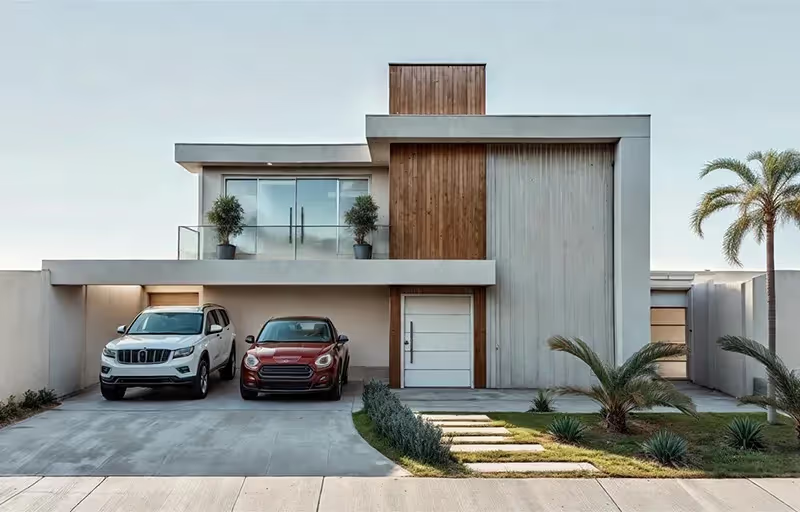
The 8 Best Renderers of 2026
An interior designer's daily routine is a race against time. Client meeting in the morning, site visit at midday, and in the evening trying to finish that moodboard due tomorrow. On top of that, you still need to render 3 living room options, a kitchen, and the master suite. And the client wants to see "how it will look" before approving anything.
AI entered interior design to solve exactly that. Not to replace the designer's eye. To accelerate everything that gets stuck between the idea and the presentation.
What interior designers actually need from AI
Unlike architects focused on facades, structure, and site planning, interior designers live in the details. The exact leather tone of the sofa. The reflection of polished porcelain tile. The way a pendant light casts shadows on a plaster wall. If the render doesn't capture those details, it's useless.
That's why generic AI tools don't work for interiors. ChatGPT generates a pretty "modern living room," but the materials are invented, the lighting is generic, and the proportions don't match the project. You can't show that to a client and say "this is how it will look" when the AI swapped the porcelain for marble and added a window that doesn't exist.
Interior designers need AI that understands materiality, ambient lighting, and furniture scale. AI that takes the real project and renders it with the right textures, the right light, in the right proportions.
Interior rendering: from hours to seconds
Interior rendering is the hardest thing to get right with traditional software. Global illumination, reflections in glass and metal, light bounce in fabrics, transparency of curtains. In V-Ray, that means hours of configuration and rendering. In Lumion, results are fast but generic — that look of "almost real but not convincing."
With AI trained specifically for architecture and interior design, the situation changes. You upload a screenshot of your project modeled in SketchUp, Revit, or ArchiCAD and in 20 to 40 seconds you receive a render with convincing natural lighting, textures faithful to the project materials, and reflections that make sense in context.
Redraw was trained on millions of real interior images. The AI knows how polished porcelain tile reflects. It knows the difference between linen and velvet on a sofa. It knows how a recessed spot light creates a gradient different from natural window light. Those are the details that determine whether a render convinces or not.
And when the client looks and says "I want to see it with wood flooring instead of porcelain," that's 30 seconds to generate the variation. Not 2 hours reconfiguring materials.
Enhance Render: when you already have an image
Many designers already render with Lumion, Enscape, or even photos of the space under construction. The problem is that the result doesn't always reach the presentation level clients expect.
Redraw's Enhance Render was built for this. You upload any image (software render, photo of the space, even a Promob screenshot) and in 30 seconds the AI improves textures, corrects lighting, adds realism. That render that was "almost good" becomes professional. That raw construction photo becomes a presentation.
For interior designers, this feature alone justifies the tool. Because much of the work is taking what exists and elevating it. AI does that in seconds.
Before · render produced in conventional software
After · render enhanced with Redraw AI
Idea generation: when the client doesn't know what they want
Every designer knows this situation: the client sits down, says "I want something modern but cozy," and expects you to translate that into an image on the spot.
With AI, you can. In Redraw, idea generation works like visual brainstorming. Describe the concept ("living room with neutral palette, double ceiling height, warm lighting, japandi style"), and the AI generates options in seconds. These aren't final renders — they're starting points. Visual references you show the client, adjust the direction, then render with precision once the project is modeled.
It's automated moodboarding. Instead of spending 3 hours on Pinterest searching for images that "sort of" represent the idea, you generate exactly what you're envisioning. And if the client says "I like it but want more color," generate again in 30 seconds.
Visual moodboard with AI
Speaking of moodboards: the way designers present concepts to clients has changed. The classic moodboard (a collage of Pinterest photos with material samples) works, but has one problem. The photos are of other people's projects. They don't show how your client's project will look.
With AI, the moodboard becomes personalized. You generate images of the client's actual space with different styles, palettes, and atmospheres. The client sees their space rendered 5 different ways. Not a generic Pinterest living room. Their living room.
That changes the conversation. The client stops comparing with other people's photos and starts deciding about their own project. Approval comes faster because expectations are calibrated from the start.
Textures and lighting: where AI makes the difference
Interior design is about sensation. The feeling of a space comes from the combination of materials, light, and proportion. And that's exactly where generic AI fails and AI trained for interiors succeeds.
Redraw has its own models fed with millions of real interior images. Not renders, not generic AI images. Real photos and renders from executed projects. The AI learned how real materials behave:
How freijo wood reflects light differently from oak. How curtain fabric filters natural light creating a warm tone. How a mirror expands the space but changes the perception of depth. How Calacatta marble has veins that run in a specific direction.
Generic AI doesn't know this. It generates a generic "wood floor." Redraw generates materiality that a designer recognizes.
The complete designer workflow with AI
In practice, an interior designer can do everything inside Redraw:
1. Generate ideas with the client. In the first meeting, you describe the concept and generate visual options in real time. The client participates, gives feedback, and guides the direction. You leave the meeting with the concept approved.
2. Render the modeled project. When the 3D model is ready, take a screenshot and render in 30 seconds. With the materiality and lighting the project calls for.
3. Generate finish variations. Does the client want to see it with dark flooring? With granite countertop instead of quartz? With cooler lighting? 30 seconds per variation.
4. Enhance existing renders. Rendered in Lumion or Enscape and the result looks generic? Upload to Enhance Render and in 30 seconds gain realism.
5. Generate a video of the space. Want to show the space with movement? Redraw has its own video tool for interiors, plus Veo 3 and Kling AI. Turns a static render into a walkthrough.
6. Generate 3D objects. Need a specific light fixture, a vase, a piece of furniture not in your library? Generate it directly in Redraw and import into SketchUp.
One platform. The entire visual workflow of an interior designer solved.
Cost vs. savings
A designer who renders with traditional software spends on average:
Render license (Lumion/Enscape): R$ 3,500 to R$ 7,000/year
Adequate hardware: R$ 8,000 to R$ 20,000 (amortized ~R$ 5,000/year)
Hours in rendering and configuration: ~60 hours/month
Hours in moodboards and references: ~15 hours/month
Total: R$ 8,500+/year + 75 hours/month
With Redraw:
Basic plan: ~R$ 1,000/year
Hardware: the laptop you already have
Hours in rendering + ideas + variations: ~2 hours/month
Total: R$ 1,000/year + 2 hours/month
That's 73 hours a month returned to you. Almost 10 working days. Imagine what you do with 10 extra days a month: more projects, more clients, or simply less stress.
Frequently asked questions
What is the best AI for interior design?
Redraw is the benchmark for interiors in 2026. With models trained specifically for interior spaces, it understands materiality, ambient lighting, and furniture scale like no generic AI can.
Can AI render interiors with fidelity?
Yes, when trained for it. Redraw preserves textures, proportions, and lighting from the original project. Generic AI like ChatGPT invents materials and changes the geometry.
Can I use AI to create a moodboard?
Yes. In Redraw, idea generation creates personalized moodboards of the client's actual space, not collages of third-party photos. The client sees their own space in different styles.
Does AI for interiors work without a 3D model?
Yes. Idea generation works from a text description or reference image. Maximum-fidelity rendering uses a 3D model screenshot, but it's not required to get started.
Does Redraw capture the material details that matter in interiors?
Yes. The models were trained on millions of real interior images. The AI differentiates types of wood, fabric, stone, metal. It understands how each material reflects light differently.
Try Redraw → redraw.pro

Unraveling Redraw's Coins: Your Complete Guide to Optimizing Use
An interior designer's daily routine is a race against time. Client meeting in the morning, site visit at midday, and in the evening trying to finish that moodboard due tomorrow. On top of that, you still need to render 3 living room options, a kitchen, and the master suite. And the client wants to see "how it will look" before approving anything.
AI entered interior design to solve exactly that. Not to replace the designer's eye. To accelerate everything that gets stuck between the idea and the presentation.
What interior designers actually need from AI
Unlike architects focused on facades, structure, and site planning, interior designers live in the details. The exact leather tone of the sofa. The reflection of polished porcelain tile. The way a pendant light casts shadows on a plaster wall. If the render doesn't capture those details, it's useless.
That's why generic AI tools don't work for interiors. ChatGPT generates a pretty "modern living room," but the materials are invented, the lighting is generic, and the proportions don't match the project. You can't show that to a client and say "this is how it will look" when the AI swapped the porcelain for marble and added a window that doesn't exist.
Interior designers need AI that understands materiality, ambient lighting, and furniture scale. AI that takes the real project and renders it with the right textures, the right light, in the right proportions.
Interior rendering: from hours to seconds
Interior rendering is the hardest thing to get right with traditional software. Global illumination, reflections in glass and metal, light bounce in fabrics, transparency of curtains. In V-Ray, that means hours of configuration and rendering. In Lumion, results are fast but generic — that look of "almost real but not convincing."
With AI trained specifically for architecture and interior design, the situation changes. You upload a screenshot of your project modeled in SketchUp, Revit, or ArchiCAD and in 20 to 40 seconds you receive a render with convincing natural lighting, textures faithful to the project materials, and reflections that make sense in context.
Redraw was trained on millions of real interior images. The AI knows how polished porcelain tile reflects. It knows the difference between linen and velvet on a sofa. It knows how a recessed spot light creates a gradient different from natural window light. Those are the details that determine whether a render convinces or not.
And when the client looks and says "I want to see it with wood flooring instead of porcelain," that's 30 seconds to generate the variation. Not 2 hours reconfiguring materials.
Enhance Render: when you already have an image
Many designers already render with Lumion, Enscape, or even photos of the space under construction. The problem is that the result doesn't always reach the presentation level clients expect.
Redraw's Enhance Render was built for this. You upload any image (software render, photo of the space, even a Promob screenshot) and in 30 seconds the AI improves textures, corrects lighting, adds realism. That render that was "almost good" becomes professional. That raw construction photo becomes a presentation.
For interior designers, this feature alone justifies the tool. Because much of the work is taking what exists and elevating it. AI does that in seconds.
Before · render produced in conventional software
After · render enhanced with Redraw AI
Idea generation: when the client doesn't know what they want
Every designer knows this situation: the client sits down, says "I want something modern but cozy," and expects you to translate that into an image on the spot.
With AI, you can. In Redraw, idea generation works like visual brainstorming. Describe the concept ("living room with neutral palette, double ceiling height, warm lighting, japandi style"), and the AI generates options in seconds. These aren't final renders — they're starting points. Visual references you show the client, adjust the direction, then render with precision once the project is modeled.
It's automated moodboarding. Instead of spending 3 hours on Pinterest searching for images that "sort of" represent the idea, you generate exactly what you're envisioning. And if the client says "I like it but want more color," generate again in 30 seconds.
Visual moodboard with AI
Speaking of moodboards: the way designers present concepts to clients has changed. The classic moodboard (a collage of Pinterest photos with material samples) works, but has one problem. The photos are of other people's projects. They don't show how your client's project will look.
With AI, the moodboard becomes personalized. You generate images of the client's actual space with different styles, palettes, and atmospheres. The client sees their space rendered 5 different ways. Not a generic Pinterest living room. Their living room.
That changes the conversation. The client stops comparing with other people's photos and starts deciding about their own project. Approval comes faster because expectations are calibrated from the start.
Textures and lighting: where AI makes the difference
Interior design is about sensation. The feeling of a space comes from the combination of materials, light, and proportion. And that's exactly where generic AI fails and AI trained for interiors succeeds.
Redraw has its own models fed with millions of real interior images. Not renders, not generic AI images. Real photos and renders from executed projects. The AI learned how real materials behave:
How freijo wood reflects light differently from oak. How curtain fabric filters natural light creating a warm tone. How a mirror expands the space but changes the perception of depth. How Calacatta marble has veins that run in a specific direction.
Generic AI doesn't know this. It generates a generic "wood floor." Redraw generates materiality that a designer recognizes.
The complete designer workflow with AI
In practice, an interior designer can do everything inside Redraw:
1. Generate ideas with the client. In the first meeting, you describe the concept and generate visual options in real time. The client participates, gives feedback, and guides the direction. You leave the meeting with the concept approved.
2. Render the modeled project. When the 3D model is ready, take a screenshot and render in 30 seconds. With the materiality and lighting the project calls for.
3. Generate finish variations. Does the client want to see it with dark flooring? With granite countertop instead of quartz? With cooler lighting? 30 seconds per variation.
4. Enhance existing renders. Rendered in Lumion or Enscape and the result looks generic? Upload to Enhance Render and in 30 seconds gain realism.
5. Generate a video of the space. Want to show the space with movement? Redraw has its own video tool for interiors, plus Veo 3 and Kling AI. Turns a static render into a walkthrough.
6. Generate 3D objects. Need a specific light fixture, a vase, a piece of furniture not in your library? Generate it directly in Redraw and import into SketchUp.
One platform. The entire visual workflow of an interior designer solved.
Cost vs. savings
A designer who renders with traditional software spends on average:
Render license (Lumion/Enscape): R$ 3,500 to R$ 7,000/year
Adequate hardware: R$ 8,000 to R$ 20,000 (amortized ~R$ 5,000/year)
Hours in rendering and configuration: ~60 hours/month
Hours in moodboards and references: ~15 hours/month
Total: R$ 8,500+/year + 75 hours/month
With Redraw:
Basic plan: ~R$ 1,000/year
Hardware: the laptop you already have
Hours in rendering + ideas + variations: ~2 hours/month
Total: R$ 1,000/year + 2 hours/month
That's 73 hours a month returned to you. Almost 10 working days. Imagine what you do with 10 extra days a month: more projects, more clients, or simply less stress.
Frequently asked questions
What is the best AI for interior design?
Redraw is the benchmark for interiors in 2026. With models trained specifically for interior spaces, it understands materiality, ambient lighting, and furniture scale like no generic AI can.
Can AI render interiors with fidelity?
Yes, when trained for it. Redraw preserves textures, proportions, and lighting from the original project. Generic AI like ChatGPT invents materials and changes the geometry.
Can I use AI to create a moodboard?
Yes. In Redraw, idea generation creates personalized moodboards of the client's actual space, not collages of third-party photos. The client sees their own space in different styles.
Does AI for interiors work without a 3D model?
Yes. Idea generation works from a text description or reference image. Maximum-fidelity rendering uses a 3D model screenshot, but it's not required to get started.
Does Redraw capture the material details that matter in interiors?
Yes. The models were trained on millions of real interior images. The AI differentiates types of wood, fabric, stone, metal. It understands how each material reflects light differently.
Try Redraw → redraw.pro
3D Rendering
An interior designer's daily routine is a race against time. Client meeting in the morning, site visit at midday, and in the evening trying to finish that moodboard due tomorrow. On top of that, you still need to render 3 living room options, a kitchen, and the master suite. And the client wants to see "how it will look" before approving anything.
AI entered interior design to solve exactly that. Not to replace the designer's eye. To accelerate everything that gets stuck between the idea and the presentation.
What interior designers actually need from AI
Unlike architects focused on facades, structure, and site planning, interior designers live in the details. The exact leather tone of the sofa. The reflection of polished porcelain tile. The way a pendant light casts shadows on a plaster wall. If the render doesn't capture those details, it's useless.
That's why generic AI tools don't work for interiors. ChatGPT generates a pretty "modern living room," but the materials are invented, the lighting is generic, and the proportions don't match the project. You can't show that to a client and say "this is how it will look" when the AI swapped the porcelain for marble and added a window that doesn't exist.
Interior designers need AI that understands materiality, ambient lighting, and furniture scale. AI that takes the real project and renders it with the right textures, the right light, in the right proportions.
Interior rendering: from hours to seconds
Interior rendering is the hardest thing to get right with traditional software. Global illumination, reflections in glass and metal, light bounce in fabrics, transparency of curtains. In V-Ray, that means hours of configuration and rendering. In Lumion, results are fast but generic — that look of "almost real but not convincing."
With AI trained specifically for architecture and interior design, the situation changes. You upload a screenshot of your project modeled in SketchUp, Revit, or ArchiCAD and in 20 to 40 seconds you receive a render with convincing natural lighting, textures faithful to the project materials, and reflections that make sense in context.
Redraw was trained on millions of real interior images. The AI knows how polished porcelain tile reflects. It knows the difference between linen and velvet on a sofa. It knows how a recessed spot light creates a gradient different from natural window light. Those are the details that determine whether a render convinces or not.
And when the client looks and says "I want to see it with wood flooring instead of porcelain," that's 30 seconds to generate the variation. Not 2 hours reconfiguring materials.
Enhance Render: when you already have an image
Many designers already render with Lumion, Enscape, or even photos of the space under construction. The problem is that the result doesn't always reach the presentation level clients expect.
Redraw's Enhance Render was built for this. You upload any image (software render, photo of the space, even a Promob screenshot) and in 30 seconds the AI improves textures, corrects lighting, adds realism. That render that was "almost good" becomes professional. That raw construction photo becomes a presentation.
For interior designers, this feature alone justifies the tool. Because much of the work is taking what exists and elevating it. AI does that in seconds.
Before · render produced in conventional software
After · render enhanced with Redraw AI
Idea generation: when the client doesn't know what they want
Every designer knows this situation: the client sits down, says "I want something modern but cozy," and expects you to translate that into an image on the spot.
With AI, you can. In Redraw, idea generation works like visual brainstorming. Describe the concept ("living room with neutral palette, double ceiling height, warm lighting, japandi style"), and the AI generates options in seconds. These aren't final renders — they're starting points. Visual references you show the client, adjust the direction, then render with precision once the project is modeled.
It's automated moodboarding. Instead of spending 3 hours on Pinterest searching for images that "sort of" represent the idea, you generate exactly what you're envisioning. And if the client says "I like it but want more color," generate again in 30 seconds.
Visual moodboard with AI
Speaking of moodboards: the way designers present concepts to clients has changed. The classic moodboard (a collage of Pinterest photos with material samples) works, but has one problem. The photos are of other people's projects. They don't show how your client's project will look.
With AI, the moodboard becomes personalized. You generate images of the client's actual space with different styles, palettes, and atmospheres. The client sees their space rendered 5 different ways. Not a generic Pinterest living room. Their living room.
That changes the conversation. The client stops comparing with other people's photos and starts deciding about their own project. Approval comes faster because expectations are calibrated from the start.
Textures and lighting: where AI makes the difference
Interior design is about sensation. The feeling of a space comes from the combination of materials, light, and proportion. And that's exactly where generic AI fails and AI trained for interiors succeeds.
Redraw has its own models fed with millions of real interior images. Not renders, not generic AI images. Real photos and renders from executed projects. The AI learned how real materials behave:
How freijo wood reflects light differently from oak. How curtain fabric filters natural light creating a warm tone. How a mirror expands the space but changes the perception of depth. How Calacatta marble has veins that run in a specific direction.
Generic AI doesn't know this. It generates a generic "wood floor." Redraw generates materiality that a designer recognizes.
The complete designer workflow with AI
In practice, an interior designer can do everything inside Redraw:
1. Generate ideas with the client. In the first meeting, you describe the concept and generate visual options in real time. The client participates, gives feedback, and guides the direction. You leave the meeting with the concept approved.
2. Render the modeled project. When the 3D model is ready, take a screenshot and render in 30 seconds. With the materiality and lighting the project calls for.
3. Generate finish variations. Does the client want to see it with dark flooring? With granite countertop instead of quartz? With cooler lighting? 30 seconds per variation.
4. Enhance existing renders. Rendered in Lumion or Enscape and the result looks generic? Upload to Enhance Render and in 30 seconds gain realism.
5. Generate a video of the space. Want to show the space with movement? Redraw has its own video tool for interiors, plus Veo 3 and Kling AI. Turns a static render into a walkthrough.
6. Generate 3D objects. Need a specific light fixture, a vase, a piece of furniture not in your library? Generate it directly in Redraw and import into SketchUp.
One platform. The entire visual workflow of an interior designer solved.
Cost vs. savings
A designer who renders with traditional software spends on average:
Render license (Lumion/Enscape): R$ 3,500 to R$ 7,000/year
Adequate hardware: R$ 8,000 to R$ 20,000 (amortized ~R$ 5,000/year)
Hours in rendering and configuration: ~60 hours/month
Hours in moodboards and references: ~15 hours/month
Total: R$ 8,500+/year + 75 hours/month
With Redraw:
Basic plan: ~R$ 1,000/year
Hardware: the laptop you already have
Hours in rendering + ideas + variations: ~2 hours/month
Total: R$ 1,000/year + 2 hours/month
That's 73 hours a month returned to you. Almost 10 working days. Imagine what you do with 10 extra days a month: more projects, more clients, or simply less stress.
Frequently asked questions
What is the best AI for interior design?
Redraw is the benchmark for interiors in 2026. With models trained specifically for interior spaces, it understands materiality, ambient lighting, and furniture scale like no generic AI can.
Can AI render interiors with fidelity?
Yes, when trained for it. Redraw preserves textures, proportions, and lighting from the original project. Generic AI like ChatGPT invents materials and changes the geometry.
Can I use AI to create a moodboard?
Yes. In Redraw, idea generation creates personalized moodboards of the client's actual space, not collages of third-party photos. The client sees their own space in different styles.
Does AI for interiors work without a 3D model?
Yes. Idea generation works from a text description or reference image. Maximum-fidelity rendering uses a 3D model screenshot, but it's not required to get started.
Does Redraw capture the material details that matter in interiors?
Yes. The models were trained on millions of real interior images. The AI differentiates types of wood, fabric, stone, metal. It understands how each material reflects light differently.
Try Redraw → redraw.pro
AI in Architecture
An interior designer's daily routine is a race against time. Client meeting in the morning, site visit at midday, and in the evening trying to finish that moodboard due tomorrow. On top of that, you still need to render 3 living room options, a kitchen, and the master suite. And the client wants to see "how it will look" before approving anything.
AI entered interior design to solve exactly that. Not to replace the designer's eye. To accelerate everything that gets stuck between the idea and the presentation.
What interior designers actually need from AI
Unlike architects focused on facades, structure, and site planning, interior designers live in the details. The exact leather tone of the sofa. The reflection of polished porcelain tile. The way a pendant light casts shadows on a plaster wall. If the render doesn't capture those details, it's useless.
That's why generic AI tools don't work for interiors. ChatGPT generates a pretty "modern living room," but the materials are invented, the lighting is generic, and the proportions don't match the project. You can't show that to a client and say "this is how it will look" when the AI swapped the porcelain for marble and added a window that doesn't exist.
Interior designers need AI that understands materiality, ambient lighting, and furniture scale. AI that takes the real project and renders it with the right textures, the right light, in the right proportions.
Interior rendering: from hours to seconds
Interior rendering is the hardest thing to get right with traditional software. Global illumination, reflections in glass and metal, light bounce in fabrics, transparency of curtains. In V-Ray, that means hours of configuration and rendering. In Lumion, results are fast but generic — that look of "almost real but not convincing."
With AI trained specifically for architecture and interior design, the situation changes. You upload a screenshot of your project modeled in SketchUp, Revit, or ArchiCAD and in 20 to 40 seconds you receive a render with convincing natural lighting, textures faithful to the project materials, and reflections that make sense in context.
Redraw was trained on millions of real interior images. The AI knows how polished porcelain tile reflects. It knows the difference between linen and velvet on a sofa. It knows how a recessed spot light creates a gradient different from natural window light. Those are the details that determine whether a render convinces or not.
And when the client looks and says "I want to see it with wood flooring instead of porcelain," that's 30 seconds to generate the variation. Not 2 hours reconfiguring materials.
Enhance Render: when you already have an image
Many designers already render with Lumion, Enscape, or even photos of the space under construction. The problem is that the result doesn't always reach the presentation level clients expect.
Redraw's Enhance Render was built for this. You upload any image (software render, photo of the space, even a Promob screenshot) and in 30 seconds the AI improves textures, corrects lighting, adds realism. That render that was "almost good" becomes professional. That raw construction photo becomes a presentation.
For interior designers, this feature alone justifies the tool. Because much of the work is taking what exists and elevating it. AI does that in seconds.
Before · render produced in conventional software
After · render enhanced with Redraw AI
Idea generation: when the client doesn't know what they want
Every designer knows this situation: the client sits down, says "I want something modern but cozy," and expects you to translate that into an image on the spot.
With AI, you can. In Redraw, idea generation works like visual brainstorming. Describe the concept ("living room with neutral palette, double ceiling height, warm lighting, japandi style"), and the AI generates options in seconds. These aren't final renders — they're starting points. Visual references you show the client, adjust the direction, then render with precision once the project is modeled.
It's automated moodboarding. Instead of spending 3 hours on Pinterest searching for images that "sort of" represent the idea, you generate exactly what you're envisioning. And if the client says "I like it but want more color," generate again in 30 seconds.
Visual moodboard with AI
Speaking of moodboards: the way designers present concepts to clients has changed. The classic moodboard (a collage of Pinterest photos with material samples) works, but has one problem. The photos are of other people's projects. They don't show how your client's project will look.
With AI, the moodboard becomes personalized. You generate images of the client's actual space with different styles, palettes, and atmospheres. The client sees their space rendered 5 different ways. Not a generic Pinterest living room. Their living room.
That changes the conversation. The client stops comparing with other people's photos and starts deciding about their own project. Approval comes faster because expectations are calibrated from the start.
Textures and lighting: where AI makes the difference
Interior design is about sensation. The feeling of a space comes from the combination of materials, light, and proportion. And that's exactly where generic AI fails and AI trained for interiors succeeds.
Redraw has its own models fed with millions of real interior images. Not renders, not generic AI images. Real photos and renders from executed projects. The AI learned how real materials behave:
How freijo wood reflects light differently from oak. How curtain fabric filters natural light creating a warm tone. How a mirror expands the space but changes the perception of depth. How Calacatta marble has veins that run in a specific direction.
Generic AI doesn't know this. It generates a generic "wood floor." Redraw generates materiality that a designer recognizes.
The complete designer workflow with AI
In practice, an interior designer can do everything inside Redraw:
1. Generate ideas with the client. In the first meeting, you describe the concept and generate visual options in real time. The client participates, gives feedback, and guides the direction. You leave the meeting with the concept approved.
2. Render the modeled project. When the 3D model is ready, take a screenshot and render in 30 seconds. With the materiality and lighting the project calls for.
3. Generate finish variations. Does the client want to see it with dark flooring? With granite countertop instead of quartz? With cooler lighting? 30 seconds per variation.
4. Enhance existing renders. Rendered in Lumion or Enscape and the result looks generic? Upload to Enhance Render and in 30 seconds gain realism.
5. Generate a video of the space. Want to show the space with movement? Redraw has its own video tool for interiors, plus Veo 3 and Kling AI. Turns a static render into a walkthrough.
6. Generate 3D objects. Need a specific light fixture, a vase, a piece of furniture not in your library? Generate it directly in Redraw and import into SketchUp.
One platform. The entire visual workflow of an interior designer solved.
Cost vs. savings
A designer who renders with traditional software spends on average:
Render license (Lumion/Enscape): R$ 3,500 to R$ 7,000/year
Adequate hardware: R$ 8,000 to R$ 20,000 (amortized ~R$ 5,000/year)
Hours in rendering and configuration: ~60 hours/month
Hours in moodboards and references: ~15 hours/month
Total: R$ 8,500+/year + 75 hours/month
With Redraw:
Basic plan: ~R$ 1,000/year
Hardware: the laptop you already have
Hours in rendering + ideas + variations: ~2 hours/month
Total: R$ 1,000/year + 2 hours/month
That's 73 hours a month returned to you. Almost 10 working days. Imagine what you do with 10 extra days a month: more projects, more clients, or simply less stress.
Frequently asked questions
What is the best AI for interior design?
Redraw is the benchmark for interiors in 2026. With models trained specifically for interior spaces, it understands materiality, ambient lighting, and furniture scale like no generic AI can.
Can AI render interiors with fidelity?
Yes, when trained for it. Redraw preserves textures, proportions, and lighting from the original project. Generic AI like ChatGPT invents materials and changes the geometry.
Can I use AI to create a moodboard?
Yes. In Redraw, idea generation creates personalized moodboards of the client's actual space, not collages of third-party photos. The client sees their own space in different styles.
Does AI for interiors work without a 3D model?
Yes. Idea generation works from a text description or reference image. Maximum-fidelity rendering uses a 3D model screenshot, but it's not required to get started.
Does Redraw capture the material details that matter in interiors?
Yes. The models were trained on millions of real interior images. The AI differentiates types of wood, fabric, stone, metal. It understands how each material reflects light differently.
Try Redraw → redraw.pro
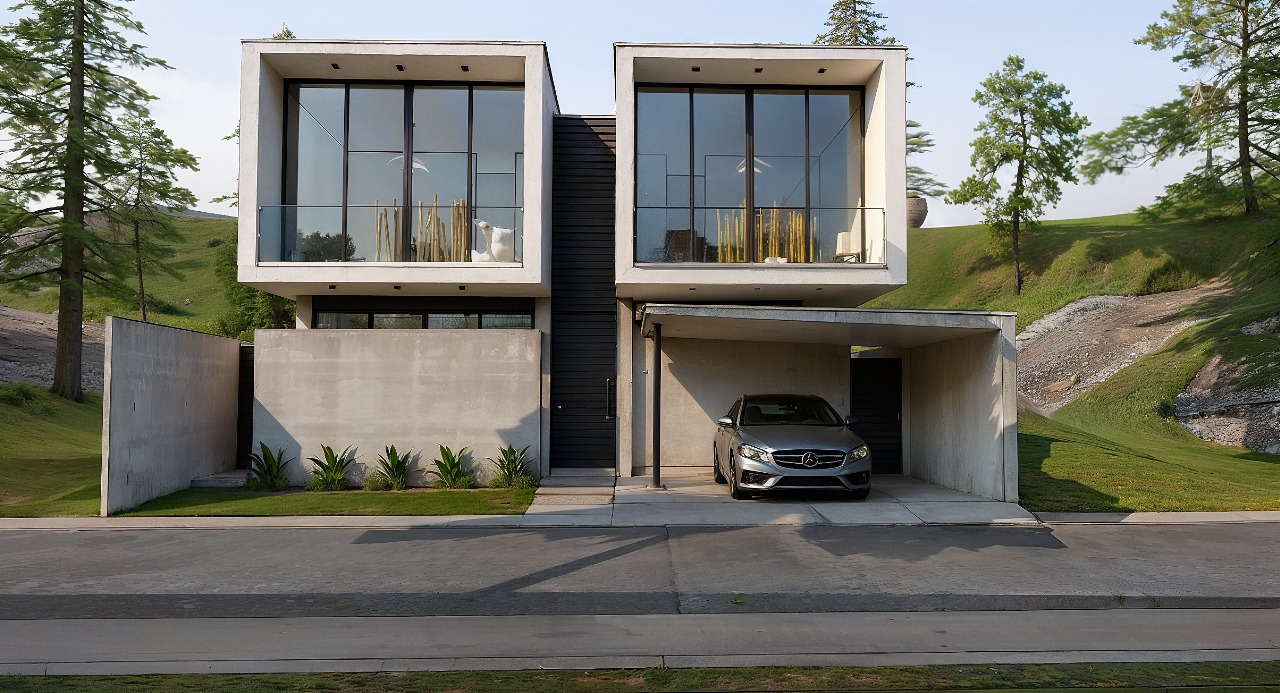
AI to Create Architecture Projects
An interior designer's daily routine is a race against time. Client meeting in the morning, site visit at midday, and in the evening trying to finish that moodboard due tomorrow. On top of that, you still need to render 3 living room options, a kitchen, and the master suite. And the client wants to see "how it will look" before approving anything.
AI entered interior design to solve exactly that. Not to replace the designer's eye. To accelerate everything that gets stuck between the idea and the presentation.
What interior designers actually need from AI
Unlike architects focused on facades, structure, and site planning, interior designers live in the details. The exact leather tone of the sofa. The reflection of polished porcelain tile. The way a pendant light casts shadows on a plaster wall. If the render doesn't capture those details, it's useless.
That's why generic AI tools don't work for interiors. ChatGPT generates a pretty "modern living room," but the materials are invented, the lighting is generic, and the proportions don't match the project. You can't show that to a client and say "this is how it will look" when the AI swapped the porcelain for marble and added a window that doesn't exist.
Interior designers need AI that understands materiality, ambient lighting, and furniture scale. AI that takes the real project and renders it with the right textures, the right light, in the right proportions.
Interior rendering: from hours to seconds
Interior rendering is the hardest thing to get right with traditional software. Global illumination, reflections in glass and metal, light bounce in fabrics, transparency of curtains. In V-Ray, that means hours of configuration and rendering. In Lumion, results are fast but generic — that look of "almost real but not convincing."
With AI trained specifically for architecture and interior design, the situation changes. You upload a screenshot of your project modeled in SketchUp, Revit, or ArchiCAD and in 20 to 40 seconds you receive a render with convincing natural lighting, textures faithful to the project materials, and reflections that make sense in context.
Redraw was trained on millions of real interior images. The AI knows how polished porcelain tile reflects. It knows the difference between linen and velvet on a sofa. It knows how a recessed spot light creates a gradient different from natural window light. Those are the details that determine whether a render convinces or not.
And when the client looks and says "I want to see it with wood flooring instead of porcelain," that's 30 seconds to generate the variation. Not 2 hours reconfiguring materials.
Enhance Render: when you already have an image
Many designers already render with Lumion, Enscape, or even photos of the space under construction. The problem is that the result doesn't always reach the presentation level clients expect.
Redraw's Enhance Render was built for this. You upload any image (software render, photo of the space, even a Promob screenshot) and in 30 seconds the AI improves textures, corrects lighting, adds realism. That render that was "almost good" becomes professional. That raw construction photo becomes a presentation.
For interior designers, this feature alone justifies the tool. Because much of the work is taking what exists and elevating it. AI does that in seconds.
Before · render produced in conventional software
After · render enhanced with Redraw AI
Idea generation: when the client doesn't know what they want
Every designer knows this situation: the client sits down, says "I want something modern but cozy," and expects you to translate that into an image on the spot.
With AI, you can. In Redraw, idea generation works like visual brainstorming. Describe the concept ("living room with neutral palette, double ceiling height, warm lighting, japandi style"), and the AI generates options in seconds. These aren't final renders — they're starting points. Visual references you show the client, adjust the direction, then render with precision once the project is modeled.
It's automated moodboarding. Instead of spending 3 hours on Pinterest searching for images that "sort of" represent the idea, you generate exactly what you're envisioning. And if the client says "I like it but want more color," generate again in 30 seconds.
Visual moodboard with AI
Speaking of moodboards: the way designers present concepts to clients has changed. The classic moodboard (a collage of Pinterest photos with material samples) works, but has one problem. The photos are of other people's projects. They don't show how your client's project will look.
With AI, the moodboard becomes personalized. You generate images of the client's actual space with different styles, palettes, and atmospheres. The client sees their space rendered 5 different ways. Not a generic Pinterest living room. Their living room.
That changes the conversation. The client stops comparing with other people's photos and starts deciding about their own project. Approval comes faster because expectations are calibrated from the start.
Textures and lighting: where AI makes the difference
Interior design is about sensation. The feeling of a space comes from the combination of materials, light, and proportion. And that's exactly where generic AI fails and AI trained for interiors succeeds.
Redraw has its own models fed with millions of real interior images. Not renders, not generic AI images. Real photos and renders from executed projects. The AI learned how real materials behave:
How freijo wood reflects light differently from oak. How curtain fabric filters natural light creating a warm tone. How a mirror expands the space but changes the perception of depth. How Calacatta marble has veins that run in a specific direction.
Generic AI doesn't know this. It generates a generic "wood floor." Redraw generates materiality that a designer recognizes.
The complete designer workflow with AI
In practice, an interior designer can do everything inside Redraw:
1. Generate ideas with the client. In the first meeting, you describe the concept and generate visual options in real time. The client participates, gives feedback, and guides the direction. You leave the meeting with the concept approved.
2. Render the modeled project. When the 3D model is ready, take a screenshot and render in 30 seconds. With the materiality and lighting the project calls for.
3. Generate finish variations. Does the client want to see it with dark flooring? With granite countertop instead of quartz? With cooler lighting? 30 seconds per variation.
4. Enhance existing renders. Rendered in Lumion or Enscape and the result looks generic? Upload to Enhance Render and in 30 seconds gain realism.
5. Generate a video of the space. Want to show the space with movement? Redraw has its own video tool for interiors, plus Veo 3 and Kling AI. Turns a static render into a walkthrough.
6. Generate 3D objects. Need a specific light fixture, a vase, a piece of furniture not in your library? Generate it directly in Redraw and import into SketchUp.
One platform. The entire visual workflow of an interior designer solved.
Cost vs. savings
A designer who renders with traditional software spends on average:
Render license (Lumion/Enscape): R$ 3,500 to R$ 7,000/year
Adequate hardware: R$ 8,000 to R$ 20,000 (amortized ~R$ 5,000/year)
Hours in rendering and configuration: ~60 hours/month
Hours in moodboards and references: ~15 hours/month
Total: R$ 8,500+/year + 75 hours/month
With Redraw:
Basic plan: ~R$ 1,000/year
Hardware: the laptop you already have
Hours in rendering + ideas + variations: ~2 hours/month
Total: R$ 1,000/year + 2 hours/month
That's 73 hours a month returned to you. Almost 10 working days. Imagine what you do with 10 extra days a month: more projects, more clients, or simply less stress.
Frequently asked questions
What is the best AI for interior design?
Redraw is the benchmark for interiors in 2026. With models trained specifically for interior spaces, it understands materiality, ambient lighting, and furniture scale like no generic AI can.
Can AI render interiors with fidelity?
Yes, when trained for it. Redraw preserves textures, proportions, and lighting from the original project. Generic AI like ChatGPT invents materials and changes the geometry.
Can I use AI to create a moodboard?
Yes. In Redraw, idea generation creates personalized moodboards of the client's actual space, not collages of third-party photos. The client sees their own space in different styles.
Does AI for interiors work without a 3D model?
Yes. Idea generation works from a text description or reference image. Maximum-fidelity rendering uses a 3D model screenshot, but it's not required to get started.
Does Redraw capture the material details that matter in interiors?
Yes. The models were trained on millions of real interior images. The AI differentiates types of wood, fabric, stone, metal. It understands how each material reflects light differently.
Try Redraw → redraw.pro
Architectural Survey
An interior designer's daily routine is a race against time. Client meeting in the morning, site visit at midday, and in the evening trying to finish that moodboard due tomorrow. On top of that, you still need to render 3 living room options, a kitchen, and the master suite. And the client wants to see "how it will look" before approving anything.
AI entered interior design to solve exactly that. Not to replace the designer's eye. To accelerate everything that gets stuck between the idea and the presentation.
What interior designers actually need from AI
Unlike architects focused on facades, structure, and site planning, interior designers live in the details. The exact leather tone of the sofa. The reflection of polished porcelain tile. The way a pendant light casts shadows on a plaster wall. If the render doesn't capture those details, it's useless.
That's why generic AI tools don't work for interiors. ChatGPT generates a pretty "modern living room," but the materials are invented, the lighting is generic, and the proportions don't match the project. You can't show that to a client and say "this is how it will look" when the AI swapped the porcelain for marble and added a window that doesn't exist.
Interior designers need AI that understands materiality, ambient lighting, and furniture scale. AI that takes the real project and renders it with the right textures, the right light, in the right proportions.
Interior rendering: from hours to seconds
Interior rendering is the hardest thing to get right with traditional software. Global illumination, reflections in glass and metal, light bounce in fabrics, transparency of curtains. In V-Ray, that means hours of configuration and rendering. In Lumion, results are fast but generic — that look of "almost real but not convincing."
With AI trained specifically for architecture and interior design, the situation changes. You upload a screenshot of your project modeled in SketchUp, Revit, or ArchiCAD and in 20 to 40 seconds you receive a render with convincing natural lighting, textures faithful to the project materials, and reflections that make sense in context.
Redraw was trained on millions of real interior images. The AI knows how polished porcelain tile reflects. It knows the difference between linen and velvet on a sofa. It knows how a recessed spot light creates a gradient different from natural window light. Those are the details that determine whether a render convinces or not.
And when the client looks and says "I want to see it with wood flooring instead of porcelain," that's 30 seconds to generate the variation. Not 2 hours reconfiguring materials.
Enhance Render: when you already have an image
Many designers already render with Lumion, Enscape, or even photos of the space under construction. The problem is that the result doesn't always reach the presentation level clients expect.
Redraw's Enhance Render was built for this. You upload any image (software render, photo of the space, even a Promob screenshot) and in 30 seconds the AI improves textures, corrects lighting, adds realism. That render that was "almost good" becomes professional. That raw construction photo becomes a presentation.
For interior designers, this feature alone justifies the tool. Because much of the work is taking what exists and elevating it. AI does that in seconds.
Before · render produced in conventional software
After · render enhanced with Redraw AI
Idea generation: when the client doesn't know what they want
Every designer knows this situation: the client sits down, says "I want something modern but cozy," and expects you to translate that into an image on the spot.
With AI, you can. In Redraw, idea generation works like visual brainstorming. Describe the concept ("living room with neutral palette, double ceiling height, warm lighting, japandi style"), and the AI generates options in seconds. These aren't final renders — they're starting points. Visual references you show the client, adjust the direction, then render with precision once the project is modeled.
It's automated moodboarding. Instead of spending 3 hours on Pinterest searching for images that "sort of" represent the idea, you generate exactly what you're envisioning. And if the client says "I like it but want more color," generate again in 30 seconds.
Visual moodboard with AI
Speaking of moodboards: the way designers present concepts to clients has changed. The classic moodboard (a collage of Pinterest photos with material samples) works, but has one problem. The photos are of other people's projects. They don't show how your client's project will look.
With AI, the moodboard becomes personalized. You generate images of the client's actual space with different styles, palettes, and atmospheres. The client sees their space rendered 5 different ways. Not a generic Pinterest living room. Their living room.
That changes the conversation. The client stops comparing with other people's photos and starts deciding about their own project. Approval comes faster because expectations are calibrated from the start.
Textures and lighting: where AI makes the difference
Interior design is about sensation. The feeling of a space comes from the combination of materials, light, and proportion. And that's exactly where generic AI fails and AI trained for interiors succeeds.
Redraw has its own models fed with millions of real interior images. Not renders, not generic AI images. Real photos and renders from executed projects. The AI learned how real materials behave:
How freijo wood reflects light differently from oak. How curtain fabric filters natural light creating a warm tone. How a mirror expands the space but changes the perception of depth. How Calacatta marble has veins that run in a specific direction.
Generic AI doesn't know this. It generates a generic "wood floor." Redraw generates materiality that a designer recognizes.
The complete designer workflow with AI
In practice, an interior designer can do everything inside Redraw:
1. Generate ideas with the client. In the first meeting, you describe the concept and generate visual options in real time. The client participates, gives feedback, and guides the direction. You leave the meeting with the concept approved.
2. Render the modeled project. When the 3D model is ready, take a screenshot and render in 30 seconds. With the materiality and lighting the project calls for.
3. Generate finish variations. Does the client want to see it with dark flooring? With granite countertop instead of quartz? With cooler lighting? 30 seconds per variation.
4. Enhance existing renders. Rendered in Lumion or Enscape and the result looks generic? Upload to Enhance Render and in 30 seconds gain realism.
5. Generate a video of the space. Want to show the space with movement? Redraw has its own video tool for interiors, plus Veo 3 and Kling AI. Turns a static render into a walkthrough.
6. Generate 3D objects. Need a specific light fixture, a vase, a piece of furniture not in your library? Generate it directly in Redraw and import into SketchUp.
One platform. The entire visual workflow of an interior designer solved.
Cost vs. savings
A designer who renders with traditional software spends on average:
Render license (Lumion/Enscape): R$ 3,500 to R$ 7,000/year
Adequate hardware: R$ 8,000 to R$ 20,000 (amortized ~R$ 5,000/year)
Hours in rendering and configuration: ~60 hours/month
Hours in moodboards and references: ~15 hours/month
Total: R$ 8,500+/year + 75 hours/month
With Redraw:
Basic plan: ~R$ 1,000/year
Hardware: the laptop you already have
Hours in rendering + ideas + variations: ~2 hours/month
Total: R$ 1,000/year + 2 hours/month
That's 73 hours a month returned to you. Almost 10 working days. Imagine what you do with 10 extra days a month: more projects, more clients, or simply less stress.
Frequently asked questions
What is the best AI for interior design?
Redraw is the benchmark for interiors in 2026. With models trained specifically for interior spaces, it understands materiality, ambient lighting, and furniture scale like no generic AI can.
Can AI render interiors with fidelity?
Yes, when trained for it. Redraw preserves textures, proportions, and lighting from the original project. Generic AI like ChatGPT invents materials and changes the geometry.
Can I use AI to create a moodboard?
Yes. In Redraw, idea generation creates personalized moodboards of the client's actual space, not collages of third-party photos. The client sees their own space in different styles.
Does AI for interiors work without a 3D model?
Yes. Idea generation works from a text description or reference image. Maximum-fidelity rendering uses a 3D model screenshot, but it's not required to get started.
Does Redraw capture the material details that matter in interiors?
Yes. The models were trained on millions of real interior images. The AI differentiates types of wood, fabric, stone, metal. It understands how each material reflects light differently.
Try Redraw → redraw.pro
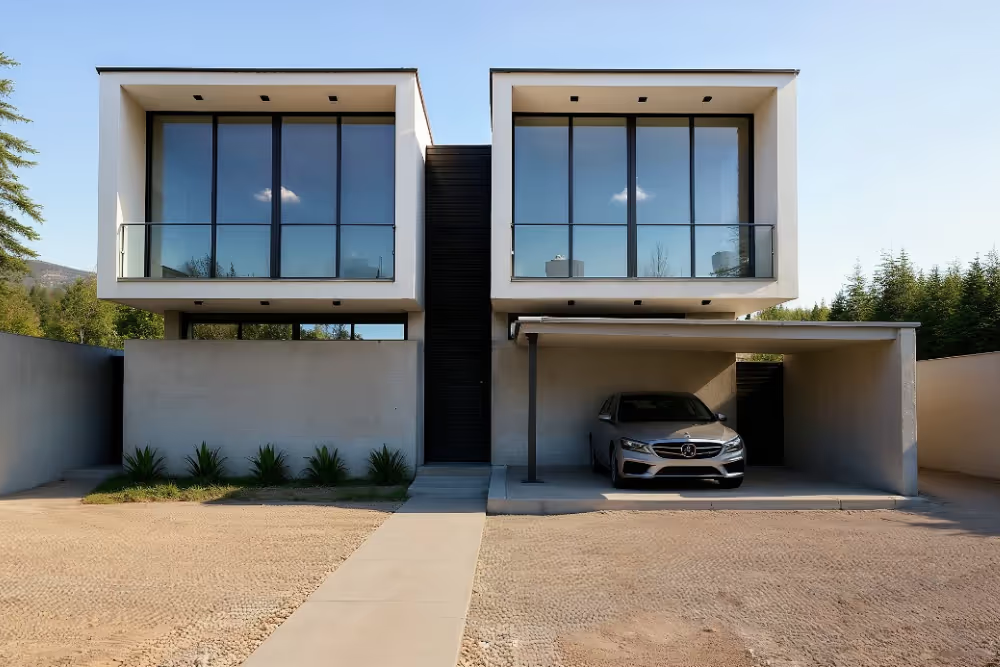
Architecture Render
An interior designer's daily routine is a race against time. Client meeting in the morning, site visit at midday, and in the evening trying to finish that moodboard due tomorrow. On top of that, you still need to render 3 living room options, a kitchen, and the master suite. And the client wants to see "how it will look" before approving anything.
AI entered interior design to solve exactly that. Not to replace the designer's eye. To accelerate everything that gets stuck between the idea and the presentation.
What interior designers actually need from AI
Unlike architects focused on facades, structure, and site planning, interior designers live in the details. The exact leather tone of the sofa. The reflection of polished porcelain tile. The way a pendant light casts shadows on a plaster wall. If the render doesn't capture those details, it's useless.
That's why generic AI tools don't work for interiors. ChatGPT generates a pretty "modern living room," but the materials are invented, the lighting is generic, and the proportions don't match the project. You can't show that to a client and say "this is how it will look" when the AI swapped the porcelain for marble and added a window that doesn't exist.
Interior designers need AI that understands materiality, ambient lighting, and furniture scale. AI that takes the real project and renders it with the right textures, the right light, in the right proportions.
Interior rendering: from hours to seconds
Interior rendering is the hardest thing to get right with traditional software. Global illumination, reflections in glass and metal, light bounce in fabrics, transparency of curtains. In V-Ray, that means hours of configuration and rendering. In Lumion, results are fast but generic — that look of "almost real but not convincing."
With AI trained specifically for architecture and interior design, the situation changes. You upload a screenshot of your project modeled in SketchUp, Revit, or ArchiCAD and in 20 to 40 seconds you receive a render with convincing natural lighting, textures faithful to the project materials, and reflections that make sense in context.
Redraw was trained on millions of real interior images. The AI knows how polished porcelain tile reflects. It knows the difference between linen and velvet on a sofa. It knows how a recessed spot light creates a gradient different from natural window light. Those are the details that determine whether a render convinces or not.
And when the client looks and says "I want to see it with wood flooring instead of porcelain," that's 30 seconds to generate the variation. Not 2 hours reconfiguring materials.
Enhance Render: when you already have an image
Many designers already render with Lumion, Enscape, or even photos of the space under construction. The problem is that the result doesn't always reach the presentation level clients expect.
Redraw's Enhance Render was built for this. You upload any image (software render, photo of the space, even a Promob screenshot) and in 30 seconds the AI improves textures, corrects lighting, adds realism. That render that was "almost good" becomes professional. That raw construction photo becomes a presentation.
For interior designers, this feature alone justifies the tool. Because much of the work is taking what exists and elevating it. AI does that in seconds.
Before · render produced in conventional software
After · render enhanced with Redraw AI
Idea generation: when the client doesn't know what they want
Every designer knows this situation: the client sits down, says "I want something modern but cozy," and expects you to translate that into an image on the spot.
With AI, you can. In Redraw, idea generation works like visual brainstorming. Describe the concept ("living room with neutral palette, double ceiling height, warm lighting, japandi style"), and the AI generates options in seconds. These aren't final renders — they're starting points. Visual references you show the client, adjust the direction, then render with precision once the project is modeled.
It's automated moodboarding. Instead of spending 3 hours on Pinterest searching for images that "sort of" represent the idea, you generate exactly what you're envisioning. And if the client says "I like it but want more color," generate again in 30 seconds.
Visual moodboard with AI
Speaking of moodboards: the way designers present concepts to clients has changed. The classic moodboard (a collage of Pinterest photos with material samples) works, but has one problem. The photos are of other people's projects. They don't show how your client's project will look.
With AI, the moodboard becomes personalized. You generate images of the client's actual space with different styles, palettes, and atmospheres. The client sees their space rendered 5 different ways. Not a generic Pinterest living room. Their living room.
That changes the conversation. The client stops comparing with other people's photos and starts deciding about their own project. Approval comes faster because expectations are calibrated from the start.
Textures and lighting: where AI makes the difference
Interior design is about sensation. The feeling of a space comes from the combination of materials, light, and proportion. And that's exactly where generic AI fails and AI trained for interiors succeeds.
Redraw has its own models fed with millions of real interior images. Not renders, not generic AI images. Real photos and renders from executed projects. The AI learned how real materials behave:
How freijo wood reflects light differently from oak. How curtain fabric filters natural light creating a warm tone. How a mirror expands the space but changes the perception of depth. How Calacatta marble has veins that run in a specific direction.
Generic AI doesn't know this. It generates a generic "wood floor." Redraw generates materiality that a designer recognizes.
The complete designer workflow with AI
In practice, an interior designer can do everything inside Redraw:
1. Generate ideas with the client. In the first meeting, you describe the concept and generate visual options in real time. The client participates, gives feedback, and guides the direction. You leave the meeting with the concept approved.
2. Render the modeled project. When the 3D model is ready, take a screenshot and render in 30 seconds. With the materiality and lighting the project calls for.
3. Generate finish variations. Does the client want to see it with dark flooring? With granite countertop instead of quartz? With cooler lighting? 30 seconds per variation.
4. Enhance existing renders. Rendered in Lumion or Enscape and the result looks generic? Upload to Enhance Render and in 30 seconds gain realism.
5. Generate a video of the space. Want to show the space with movement? Redraw has its own video tool for interiors, plus Veo 3 and Kling AI. Turns a static render into a walkthrough.
6. Generate 3D objects. Need a specific light fixture, a vase, a piece of furniture not in your library? Generate it directly in Redraw and import into SketchUp.
One platform. The entire visual workflow of an interior designer solved.
Cost vs. savings
A designer who renders with traditional software spends on average:
Render license (Lumion/Enscape): R$ 3,500 to R$ 7,000/year
Adequate hardware: R$ 8,000 to R$ 20,000 (amortized ~R$ 5,000/year)
Hours in rendering and configuration: ~60 hours/month
Hours in moodboards and references: ~15 hours/month
Total: R$ 8,500+/year + 75 hours/month
With Redraw:
Basic plan: ~R$ 1,000/year
Hardware: the laptop you already have
Hours in rendering + ideas + variations: ~2 hours/month
Total: R$ 1,000/year + 2 hours/month
That's 73 hours a month returned to you. Almost 10 working days. Imagine what you do with 10 extra days a month: more projects, more clients, or simply less stress.
Frequently asked questions
What is the best AI for interior design?
Redraw is the benchmark for interiors in 2026. With models trained specifically for interior spaces, it understands materiality, ambient lighting, and furniture scale like no generic AI can.
Can AI render interiors with fidelity?
Yes, when trained for it. Redraw preserves textures, proportions, and lighting from the original project. Generic AI like ChatGPT invents materials and changes the geometry.
Can I use AI to create a moodboard?
Yes. In Redraw, idea generation creates personalized moodboards of the client's actual space, not collages of third-party photos. The client sees their own space in different styles.
Does AI for interiors work without a 3D model?
Yes. Idea generation works from a text description or reference image. Maximum-fidelity rendering uses a 3D model screenshot, but it's not required to get started.
Does Redraw capture the material details that matter in interiors?
Yes. The models were trained on millions of real interior images. The AI differentiates types of wood, fabric, stone, metal. It understands how each material reflects light differently.
Try Redraw → redraw.pro
Digital Architecture
An interior designer's daily routine is a race against time. Client meeting in the morning, site visit at midday, and in the evening trying to finish that moodboard due tomorrow. On top of that, you still need to render 3 living room options, a kitchen, and the master suite. And the client wants to see "how it will look" before approving anything.
AI entered interior design to solve exactly that. Not to replace the designer's eye. To accelerate everything that gets stuck between the idea and the presentation.
What interior designers actually need from AI
Unlike architects focused on facades, structure, and site planning, interior designers live in the details. The exact leather tone of the sofa. The reflection of polished porcelain tile. The way a pendant light casts shadows on a plaster wall. If the render doesn't capture those details, it's useless.
That's why generic AI tools don't work for interiors. ChatGPT generates a pretty "modern living room," but the materials are invented, the lighting is generic, and the proportions don't match the project. You can't show that to a client and say "this is how it will look" when the AI swapped the porcelain for marble and added a window that doesn't exist.
Interior designers need AI that understands materiality, ambient lighting, and furniture scale. AI that takes the real project and renders it with the right textures, the right light, in the right proportions.
Interior rendering: from hours to seconds
Interior rendering is the hardest thing to get right with traditional software. Global illumination, reflections in glass and metal, light bounce in fabrics, transparency of curtains. In V-Ray, that means hours of configuration and rendering. In Lumion, results are fast but generic — that look of "almost real but not convincing."
With AI trained specifically for architecture and interior design, the situation changes. You upload a screenshot of your project modeled in SketchUp, Revit, or ArchiCAD and in 20 to 40 seconds you receive a render with convincing natural lighting, textures faithful to the project materials, and reflections that make sense in context.
Redraw was trained on millions of real interior images. The AI knows how polished porcelain tile reflects. It knows the difference between linen and velvet on a sofa. It knows how a recessed spot light creates a gradient different from natural window light. Those are the details that determine whether a render convinces or not.
And when the client looks and says "I want to see it with wood flooring instead of porcelain," that's 30 seconds to generate the variation. Not 2 hours reconfiguring materials.
Enhance Render: when you already have an image
Many designers already render with Lumion, Enscape, or even photos of the space under construction. The problem is that the result doesn't always reach the presentation level clients expect.
Redraw's Enhance Render was built for this. You upload any image (software render, photo of the space, even a Promob screenshot) and in 30 seconds the AI improves textures, corrects lighting, adds realism. That render that was "almost good" becomes professional. That raw construction photo becomes a presentation.
For interior designers, this feature alone justifies the tool. Because much of the work is taking what exists and elevating it. AI does that in seconds.
Before · render produced in conventional software
After · render enhanced with Redraw AI
Idea generation: when the client doesn't know what they want
Every designer knows this situation: the client sits down, says "I want something modern but cozy," and expects you to translate that into an image on the spot.
With AI, you can. In Redraw, idea generation works like visual brainstorming. Describe the concept ("living room with neutral palette, double ceiling height, warm lighting, japandi style"), and the AI generates options in seconds. These aren't final renders — they're starting points. Visual references you show the client, adjust the direction, then render with precision once the project is modeled.
It's automated moodboarding. Instead of spending 3 hours on Pinterest searching for images that "sort of" represent the idea, you generate exactly what you're envisioning. And if the client says "I like it but want more color," generate again in 30 seconds.
Visual moodboard with AI
Speaking of moodboards: the way designers present concepts to clients has changed. The classic moodboard (a collage of Pinterest photos with material samples) works, but has one problem. The photos are of other people's projects. They don't show how your client's project will look.
With AI, the moodboard becomes personalized. You generate images of the client's actual space with different styles, palettes, and atmospheres. The client sees their space rendered 5 different ways. Not a generic Pinterest living room. Their living room.
That changes the conversation. The client stops comparing with other people's photos and starts deciding about their own project. Approval comes faster because expectations are calibrated from the start.
Textures and lighting: where AI makes the difference
Interior design is about sensation. The feeling of a space comes from the combination of materials, light, and proportion. And that's exactly where generic AI fails and AI trained for interiors succeeds.
Redraw has its own models fed with millions of real interior images. Not renders, not generic AI images. Real photos and renders from executed projects. The AI learned how real materials behave:
How freijo wood reflects light differently from oak. How curtain fabric filters natural light creating a warm tone. How a mirror expands the space but changes the perception of depth. How Calacatta marble has veins that run in a specific direction.
Generic AI doesn't know this. It generates a generic "wood floor." Redraw generates materiality that a designer recognizes.
The complete designer workflow with AI
In practice, an interior designer can do everything inside Redraw:
1. Generate ideas with the client. In the first meeting, you describe the concept and generate visual options in real time. The client participates, gives feedback, and guides the direction. You leave the meeting with the concept approved.
2. Render the modeled project. When the 3D model is ready, take a screenshot and render in 30 seconds. With the materiality and lighting the project calls for.
3. Generate finish variations. Does the client want to see it with dark flooring? With granite countertop instead of quartz? With cooler lighting? 30 seconds per variation.
4. Enhance existing renders. Rendered in Lumion or Enscape and the result looks generic? Upload to Enhance Render and in 30 seconds gain realism.
5. Generate a video of the space. Want to show the space with movement? Redraw has its own video tool for interiors, plus Veo 3 and Kling AI. Turns a static render into a walkthrough.
6. Generate 3D objects. Need a specific light fixture, a vase, a piece of furniture not in your library? Generate it directly in Redraw and import into SketchUp.
One platform. The entire visual workflow of an interior designer solved.
Cost vs. savings
A designer who renders with traditional software spends on average:
Render license (Lumion/Enscape): R$ 3,500 to R$ 7,000/year
Adequate hardware: R$ 8,000 to R$ 20,000 (amortized ~R$ 5,000/year)
Hours in rendering and configuration: ~60 hours/month
Hours in moodboards and references: ~15 hours/month
Total: R$ 8,500+/year + 75 hours/month
With Redraw:
Basic plan: ~R$ 1,000/year
Hardware: the laptop you already have
Hours in rendering + ideas + variations: ~2 hours/month
Total: R$ 1,000/year + 2 hours/month
That's 73 hours a month returned to you. Almost 10 working days. Imagine what you do with 10 extra days a month: more projects, more clients, or simply less stress.
Frequently asked questions
What is the best AI for interior design?
Redraw is the benchmark for interiors in 2026. With models trained specifically for interior spaces, it understands materiality, ambient lighting, and furniture scale like no generic AI can.
Can AI render interiors with fidelity?
Yes, when trained for it. Redraw preserves textures, proportions, and lighting from the original project. Generic AI like ChatGPT invents materials and changes the geometry.
Can I use AI to create a moodboard?
Yes. In Redraw, idea generation creates personalized moodboards of the client's actual space, not collages of third-party photos. The client sees their own space in different styles.
Does AI for interiors work without a 3D model?
Yes. Idea generation works from a text description or reference image. Maximum-fidelity rendering uses a 3D model screenshot, but it's not required to get started.
Does Redraw capture the material details that matter in interiors?
Yes. The models were trained on millions of real interior images. The AI differentiates types of wood, fabric, stone, metal. It understands how each material reflects light differently.
Try Redraw → redraw.pro
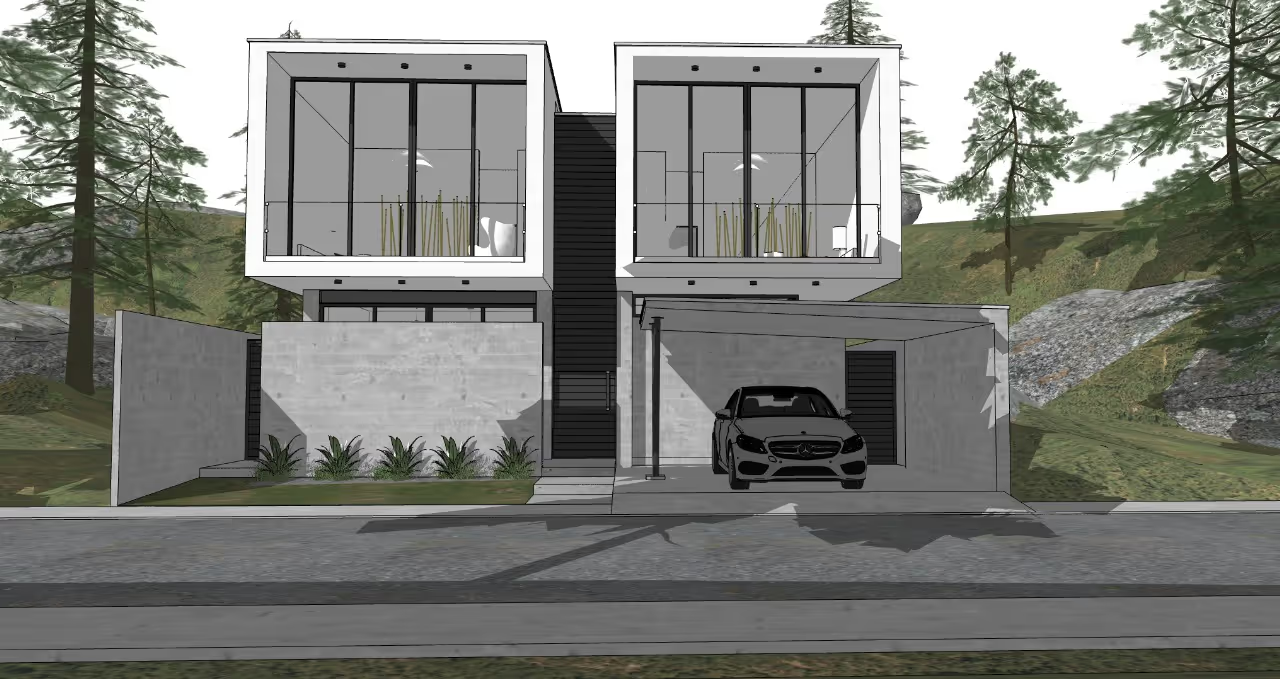
How to Make SketchUp Lighter and Faster
An interior designer's daily routine is a race against time. Client meeting in the morning, site visit at midday, and in the evening trying to finish that moodboard due tomorrow. On top of that, you still need to render 3 living room options, a kitchen, and the master suite. And the client wants to see "how it will look" before approving anything.
AI entered interior design to solve exactly that. Not to replace the designer's eye. To accelerate everything that gets stuck between the idea and the presentation.
What interior designers actually need from AI
Unlike architects focused on facades, structure, and site planning, interior designers live in the details. The exact leather tone of the sofa. The reflection of polished porcelain tile. The way a pendant light casts shadows on a plaster wall. If the render doesn't capture those details, it's useless.
That's why generic AI tools don't work for interiors. ChatGPT generates a pretty "modern living room," but the materials are invented, the lighting is generic, and the proportions don't match the project. You can't show that to a client and say "this is how it will look" when the AI swapped the porcelain for marble and added a window that doesn't exist.
Interior designers need AI that understands materiality, ambient lighting, and furniture scale. AI that takes the real project and renders it with the right textures, the right light, in the right proportions.
Interior rendering: from hours to seconds
Interior rendering is the hardest thing to get right with traditional software. Global illumination, reflections in glass and metal, light bounce in fabrics, transparency of curtains. In V-Ray, that means hours of configuration and rendering. In Lumion, results are fast but generic — that look of "almost real but not convincing."
With AI trained specifically for architecture and interior design, the situation changes. You upload a screenshot of your project modeled in SketchUp, Revit, or ArchiCAD and in 20 to 40 seconds you receive a render with convincing natural lighting, textures faithful to the project materials, and reflections that make sense in context.
Redraw was trained on millions of real interior images. The AI knows how polished porcelain tile reflects. It knows the difference between linen and velvet on a sofa. It knows how a recessed spot light creates a gradient different from natural window light. Those are the details that determine whether a render convinces or not.
And when the client looks and says "I want to see it with wood flooring instead of porcelain," that's 30 seconds to generate the variation. Not 2 hours reconfiguring materials.
Enhance Render: when you already have an image
Many designers already render with Lumion, Enscape, or even photos of the space under construction. The problem is that the result doesn't always reach the presentation level clients expect.
Redraw's Enhance Render was built for this. You upload any image (software render, photo of the space, even a Promob screenshot) and in 30 seconds the AI improves textures, corrects lighting, adds realism. That render that was "almost good" becomes professional. That raw construction photo becomes a presentation.
For interior designers, this feature alone justifies the tool. Because much of the work is taking what exists and elevating it. AI does that in seconds.
Before · render produced in conventional software
After · render enhanced with Redraw AI
Idea generation: when the client doesn't know what they want
Every designer knows this situation: the client sits down, says "I want something modern but cozy," and expects you to translate that into an image on the spot.
With AI, you can. In Redraw, idea generation works like visual brainstorming. Describe the concept ("living room with neutral palette, double ceiling height, warm lighting, japandi style"), and the AI generates options in seconds. These aren't final renders — they're starting points. Visual references you show the client, adjust the direction, then render with precision once the project is modeled.
It's automated moodboarding. Instead of spending 3 hours on Pinterest searching for images that "sort of" represent the idea, you generate exactly what you're envisioning. And if the client says "I like it but want more color," generate again in 30 seconds.
Visual moodboard with AI
Speaking of moodboards: the way designers present concepts to clients has changed. The classic moodboard (a collage of Pinterest photos with material samples) works, but has one problem. The photos are of other people's projects. They don't show how your client's project will look.
With AI, the moodboard becomes personalized. You generate images of the client's actual space with different styles, palettes, and atmospheres. The client sees their space rendered 5 different ways. Not a generic Pinterest living room. Their living room.
That changes the conversation. The client stops comparing with other people's photos and starts deciding about their own project. Approval comes faster because expectations are calibrated from the start.
Textures and lighting: where AI makes the difference
Interior design is about sensation. The feeling of a space comes from the combination of materials, light, and proportion. And that's exactly where generic AI fails and AI trained for interiors succeeds.
Redraw has its own models fed with millions of real interior images. Not renders, not generic AI images. Real photos and renders from executed projects. The AI learned how real materials behave:
How freijo wood reflects light differently from oak. How curtain fabric filters natural light creating a warm tone. How a mirror expands the space but changes the perception of depth. How Calacatta marble has veins that run in a specific direction.
Generic AI doesn't know this. It generates a generic "wood floor." Redraw generates materiality that a designer recognizes.
The complete designer workflow with AI
In practice, an interior designer can do everything inside Redraw:
1. Generate ideas with the client. In the first meeting, you describe the concept and generate visual options in real time. The client participates, gives feedback, and guides the direction. You leave the meeting with the concept approved.
2. Render the modeled project. When the 3D model is ready, take a screenshot and render in 30 seconds. With the materiality and lighting the project calls for.
3. Generate finish variations. Does the client want to see it with dark flooring? With granite countertop instead of quartz? With cooler lighting? 30 seconds per variation.
4. Enhance existing renders. Rendered in Lumion or Enscape and the result looks generic? Upload to Enhance Render and in 30 seconds gain realism.
5. Generate a video of the space. Want to show the space with movement? Redraw has its own video tool for interiors, plus Veo 3 and Kling AI. Turns a static render into a walkthrough.
6. Generate 3D objects. Need a specific light fixture, a vase, a piece of furniture not in your library? Generate it directly in Redraw and import into SketchUp.
One platform. The entire visual workflow of an interior designer solved.
Cost vs. savings
A designer who renders with traditional software spends on average:
Render license (Lumion/Enscape): R$ 3,500 to R$ 7,000/year
Adequate hardware: R$ 8,000 to R$ 20,000 (amortized ~R$ 5,000/year)
Hours in rendering and configuration: ~60 hours/month
Hours in moodboards and references: ~15 hours/month
Total: R$ 8,500+/year + 75 hours/month
With Redraw:
Basic plan: ~R$ 1,000/year
Hardware: the laptop you already have
Hours in rendering + ideas + variations: ~2 hours/month
Total: R$ 1,000/year + 2 hours/month
That's 73 hours a month returned to you. Almost 10 working days. Imagine what you do with 10 extra days a month: more projects, more clients, or simply less stress.
Frequently asked questions
What is the best AI for interior design?
Redraw is the benchmark for interiors in 2026. With models trained specifically for interior spaces, it understands materiality, ambient lighting, and furniture scale like no generic AI can.
Can AI render interiors with fidelity?
Yes, when trained for it. Redraw preserves textures, proportions, and lighting from the original project. Generic AI like ChatGPT invents materials and changes the geometry.
Can I use AI to create a moodboard?
Yes. In Redraw, idea generation creates personalized moodboards of the client's actual space, not collages of third-party photos. The client sees their own space in different styles.
Does AI for interiors work without a 3D model?
Yes. Idea generation works from a text description or reference image. Maximum-fidelity rendering uses a 3D model screenshot, but it's not required to get started.
Does Redraw capture the material details that matter in interiors?
Yes. The models were trained on millions of real interior images. The AI differentiates types of wood, fabric, stone, metal. It understands how each material reflects light differently.
Try Redraw → redraw.pro
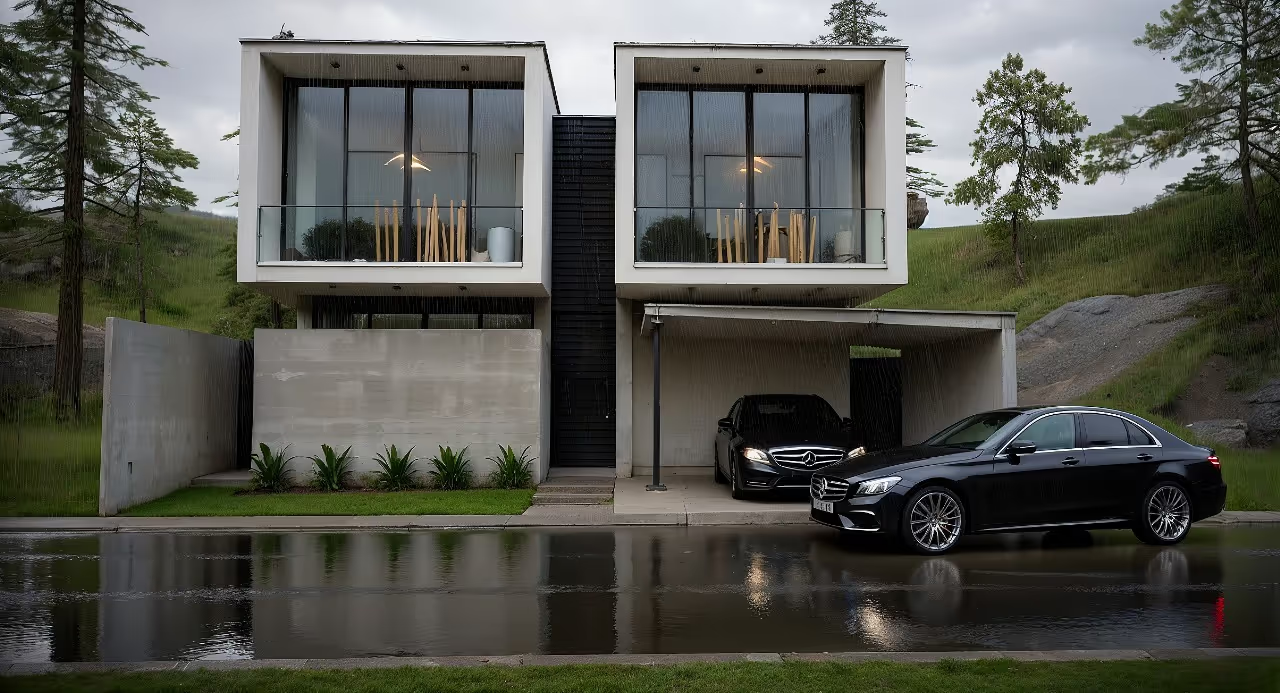
How to Render an Image
An interior designer's daily routine is a race against time. Client meeting in the morning, site visit at midday, and in the evening trying to finish that moodboard due tomorrow. On top of that, you still need to render 3 living room options, a kitchen, and the master suite. And the client wants to see "how it will look" before approving anything.
AI entered interior design to solve exactly that. Not to replace the designer's eye. To accelerate everything that gets stuck between the idea and the presentation.
What interior designers actually need from AI
Unlike architects focused on facades, structure, and site planning, interior designers live in the details. The exact leather tone of the sofa. The reflection of polished porcelain tile. The way a pendant light casts shadows on a plaster wall. If the render doesn't capture those details, it's useless.
That's why generic AI tools don't work for interiors. ChatGPT generates a pretty "modern living room," but the materials are invented, the lighting is generic, and the proportions don't match the project. You can't show that to a client and say "this is how it will look" when the AI swapped the porcelain for marble and added a window that doesn't exist.
Interior designers need AI that understands materiality, ambient lighting, and furniture scale. AI that takes the real project and renders it with the right textures, the right light, in the right proportions.
Interior rendering: from hours to seconds
Interior rendering is the hardest thing to get right with traditional software. Global illumination, reflections in glass and metal, light bounce in fabrics, transparency of curtains. In V-Ray, that means hours of configuration and rendering. In Lumion, results are fast but generic — that look of "almost real but not convincing."
With AI trained specifically for architecture and interior design, the situation changes. You upload a screenshot of your project modeled in SketchUp, Revit, or ArchiCAD and in 20 to 40 seconds you receive a render with convincing natural lighting, textures faithful to the project materials, and reflections that make sense in context.
Redraw was trained on millions of real interior images. The AI knows how polished porcelain tile reflects. It knows the difference between linen and velvet on a sofa. It knows how a recessed spot light creates a gradient different from natural window light. Those are the details that determine whether a render convinces or not.
And when the client looks and says "I want to see it with wood flooring instead of porcelain," that's 30 seconds to generate the variation. Not 2 hours reconfiguring materials.
Enhance Render: when you already have an image
Many designers already render with Lumion, Enscape, or even photos of the space under construction. The problem is that the result doesn't always reach the presentation level clients expect.
Redraw's Enhance Render was built for this. You upload any image (software render, photo of the space, even a Promob screenshot) and in 30 seconds the AI improves textures, corrects lighting, adds realism. That render that was "almost good" becomes professional. That raw construction photo becomes a presentation.
For interior designers, this feature alone justifies the tool. Because much of the work is taking what exists and elevating it. AI does that in seconds.
Before · render produced in conventional software
After · render enhanced with Redraw AI
Idea generation: when the client doesn't know what they want
Every designer knows this situation: the client sits down, says "I want something modern but cozy," and expects you to translate that into an image on the spot.
With AI, you can. In Redraw, idea generation works like visual brainstorming. Describe the concept ("living room with neutral palette, double ceiling height, warm lighting, japandi style"), and the AI generates options in seconds. These aren't final renders — they're starting points. Visual references you show the client, adjust the direction, then render with precision once the project is modeled.
It's automated moodboarding. Instead of spending 3 hours on Pinterest searching for images that "sort of" represent the idea, you generate exactly what you're envisioning. And if the client says "I like it but want more color," generate again in 30 seconds.
Visual moodboard with AI
Speaking of moodboards: the way designers present concepts to clients has changed. The classic moodboard (a collage of Pinterest photos with material samples) works, but has one problem. The photos are of other people's projects. They don't show how your client's project will look.
With AI, the moodboard becomes personalized. You generate images of the client's actual space with different styles, palettes, and atmospheres. The client sees their space rendered 5 different ways. Not a generic Pinterest living room. Their living room.
That changes the conversation. The client stops comparing with other people's photos and starts deciding about their own project. Approval comes faster because expectations are calibrated from the start.
Textures and lighting: where AI makes the difference
Interior design is about sensation. The feeling of a space comes from the combination of materials, light, and proportion. And that's exactly where generic AI fails and AI trained for interiors succeeds.
Redraw has its own models fed with millions of real interior images. Not renders, not generic AI images. Real photos and renders from executed projects. The AI learned how real materials behave:
How freijo wood reflects light differently from oak. How curtain fabric filters natural light creating a warm tone. How a mirror expands the space but changes the perception of depth. How Calacatta marble has veins that run in a specific direction.
Generic AI doesn't know this. It generates a generic "wood floor." Redraw generates materiality that a designer recognizes.
The complete designer workflow with AI
In practice, an interior designer can do everything inside Redraw:
1. Generate ideas with the client. In the first meeting, you describe the concept and generate visual options in real time. The client participates, gives feedback, and guides the direction. You leave the meeting with the concept approved.
2. Render the modeled project. When the 3D model is ready, take a screenshot and render in 30 seconds. With the materiality and lighting the project calls for.
3. Generate finish variations. Does the client want to see it with dark flooring? With granite countertop instead of quartz? With cooler lighting? 30 seconds per variation.
4. Enhance existing renders. Rendered in Lumion or Enscape and the result looks generic? Upload to Enhance Render and in 30 seconds gain realism.
5. Generate a video of the space. Want to show the space with movement? Redraw has its own video tool for interiors, plus Veo 3 and Kling AI. Turns a static render into a walkthrough.
6. Generate 3D objects. Need a specific light fixture, a vase, a piece of furniture not in your library? Generate it directly in Redraw and import into SketchUp.
One platform. The entire visual workflow of an interior designer solved.
Cost vs. savings
A designer who renders with traditional software spends on average:
Render license (Lumion/Enscape): R$ 3,500 to R$ 7,000/year
Adequate hardware: R$ 8,000 to R$ 20,000 (amortized ~R$ 5,000/year)
Hours in rendering and configuration: ~60 hours/month
Hours in moodboards and references: ~15 hours/month
Total: R$ 8,500+/year + 75 hours/month
With Redraw:
Basic plan: ~R$ 1,000/year
Hardware: the laptop you already have
Hours in rendering + ideas + variations: ~2 hours/month
Total: R$ 1,000/year + 2 hours/month
That's 73 hours a month returned to you. Almost 10 working days. Imagine what you do with 10 extra days a month: more projects, more clients, or simply less stress.
Frequently asked questions
What is the best AI for interior design?
Redraw is the benchmark for interiors in 2026. With models trained specifically for interior spaces, it understands materiality, ambient lighting, and furniture scale like no generic AI can.
Can AI render interiors with fidelity?
Yes, when trained for it. Redraw preserves textures, proportions, and lighting from the original project. Generic AI like ChatGPT invents materials and changes the geometry.
Can I use AI to create a moodboard?
Yes. In Redraw, idea generation creates personalized moodboards of the client's actual space, not collages of third-party photos. The client sees their own space in different styles.
Does AI for interiors work without a 3D model?
Yes. Idea generation works from a text description or reference image. Maximum-fidelity rendering uses a 3D model screenshot, but it's not required to get started.
Does Redraw capture the material details that matter in interiors?
Yes. The models were trained on millions of real interior images. The AI differentiates types of wood, fabric, stone, metal. It understands how each material reflects light differently.
Try Redraw → redraw.pro
How to Render in Enscape
An interior designer's daily routine is a race against time. Client meeting in the morning, site visit at midday, and in the evening trying to finish that moodboard due tomorrow. On top of that, you still need to render 3 living room options, a kitchen, and the master suite. And the client wants to see "how it will look" before approving anything.
AI entered interior design to solve exactly that. Not to replace the designer's eye. To accelerate everything that gets stuck between the idea and the presentation.
What interior designers actually need from AI
Unlike architects focused on facades, structure, and site planning, interior designers live in the details. The exact leather tone of the sofa. The reflection of polished porcelain tile. The way a pendant light casts shadows on a plaster wall. If the render doesn't capture those details, it's useless.
That's why generic AI tools don't work for interiors. ChatGPT generates a pretty "modern living room," but the materials are invented, the lighting is generic, and the proportions don't match the project. You can't show that to a client and say "this is how it will look" when the AI swapped the porcelain for marble and added a window that doesn't exist.
Interior designers need AI that understands materiality, ambient lighting, and furniture scale. AI that takes the real project and renders it with the right textures, the right light, in the right proportions.
Interior rendering: from hours to seconds
Interior rendering is the hardest thing to get right with traditional software. Global illumination, reflections in glass and metal, light bounce in fabrics, transparency of curtains. In V-Ray, that means hours of configuration and rendering. In Lumion, results are fast but generic — that look of "almost real but not convincing."
With AI trained specifically for architecture and interior design, the situation changes. You upload a screenshot of your project modeled in SketchUp, Revit, or ArchiCAD and in 20 to 40 seconds you receive a render with convincing natural lighting, textures faithful to the project materials, and reflections that make sense in context.
Redraw was trained on millions of real interior images. The AI knows how polished porcelain tile reflects. It knows the difference between linen and velvet on a sofa. It knows how a recessed spot light creates a gradient different from natural window light. Those are the details that determine whether a render convinces or not.
And when the client looks and says "I want to see it with wood flooring instead of porcelain," that's 30 seconds to generate the variation. Not 2 hours reconfiguring materials.
Enhance Render: when you already have an image
Many designers already render with Lumion, Enscape, or even photos of the space under construction. The problem is that the result doesn't always reach the presentation level clients expect.
Redraw's Enhance Render was built for this. You upload any image (software render, photo of the space, even a Promob screenshot) and in 30 seconds the AI improves textures, corrects lighting, adds realism. That render that was "almost good" becomes professional. That raw construction photo becomes a presentation.
For interior designers, this feature alone justifies the tool. Because much of the work is taking what exists and elevating it. AI does that in seconds.
Before · render produced in conventional software
After · render enhanced with Redraw AI
Idea generation: when the client doesn't know what they want
Every designer knows this situation: the client sits down, says "I want something modern but cozy," and expects you to translate that into an image on the spot.
With AI, you can. In Redraw, idea generation works like visual brainstorming. Describe the concept ("living room with neutral palette, double ceiling height, warm lighting, japandi style"), and the AI generates options in seconds. These aren't final renders — they're starting points. Visual references you show the client, adjust the direction, then render with precision once the project is modeled.
It's automated moodboarding. Instead of spending 3 hours on Pinterest searching for images that "sort of" represent the idea, you generate exactly what you're envisioning. And if the client says "I like it but want more color," generate again in 30 seconds.
Visual moodboard with AI
Speaking of moodboards: the way designers present concepts to clients has changed. The classic moodboard (a collage of Pinterest photos with material samples) works, but has one problem. The photos are of other people's projects. They don't show how your client's project will look.
With AI, the moodboard becomes personalized. You generate images of the client's actual space with different styles, palettes, and atmospheres. The client sees their space rendered 5 different ways. Not a generic Pinterest living room. Their living room.
That changes the conversation. The client stops comparing with other people's photos and starts deciding about their own project. Approval comes faster because expectations are calibrated from the start.
Textures and lighting: where AI makes the difference
Interior design is about sensation. The feeling of a space comes from the combination of materials, light, and proportion. And that's exactly where generic AI fails and AI trained for interiors succeeds.
Redraw has its own models fed with millions of real interior images. Not renders, not generic AI images. Real photos and renders from executed projects. The AI learned how real materials behave:
How freijo wood reflects light differently from oak. How curtain fabric filters natural light creating a warm tone. How a mirror expands the space but changes the perception of depth. How Calacatta marble has veins that run in a specific direction.
Generic AI doesn't know this. It generates a generic "wood floor." Redraw generates materiality that a designer recognizes.
The complete designer workflow with AI
In practice, an interior designer can do everything inside Redraw:
1. Generate ideas with the client. In the first meeting, you describe the concept and generate visual options in real time. The client participates, gives feedback, and guides the direction. You leave the meeting with the concept approved.
2. Render the modeled project. When the 3D model is ready, take a screenshot and render in 30 seconds. With the materiality and lighting the project calls for.
3. Generate finish variations. Does the client want to see it with dark flooring? With granite countertop instead of quartz? With cooler lighting? 30 seconds per variation.
4. Enhance existing renders. Rendered in Lumion or Enscape and the result looks generic? Upload to Enhance Render and in 30 seconds gain realism.
5. Generate a video of the space. Want to show the space with movement? Redraw has its own video tool for interiors, plus Veo 3 and Kling AI. Turns a static render into a walkthrough.
6. Generate 3D objects. Need a specific light fixture, a vase, a piece of furniture not in your library? Generate it directly in Redraw and import into SketchUp.
One platform. The entire visual workflow of an interior designer solved.
Cost vs. savings
A designer who renders with traditional software spends on average:
Render license (Lumion/Enscape): R$ 3,500 to R$ 7,000/year
Adequate hardware: R$ 8,000 to R$ 20,000 (amortized ~R$ 5,000/year)
Hours in rendering and configuration: ~60 hours/month
Hours in moodboards and references: ~15 hours/month
Total: R$ 8,500+/year + 75 hours/month
With Redraw:
Basic plan: ~R$ 1,000/year
Hardware: the laptop you already have
Hours in rendering + ideas + variations: ~2 hours/month
Total: R$ 1,000/year + 2 hours/month
That's 73 hours a month returned to you. Almost 10 working days. Imagine what you do with 10 extra days a month: more projects, more clients, or simply less stress.
Frequently asked questions
What is the best AI for interior design?
Redraw is the benchmark for interiors in 2026. With models trained specifically for interior spaces, it understands materiality, ambient lighting, and furniture scale like no generic AI can.
Can AI render interiors with fidelity?
Yes, when trained for it. Redraw preserves textures, proportions, and lighting from the original project. Generic AI like ChatGPT invents materials and changes the geometry.
Can I use AI to create a moodboard?
Yes. In Redraw, idea generation creates personalized moodboards of the client's actual space, not collages of third-party photos. The client sees their own space in different styles.
Does AI for interiors work without a 3D model?
Yes. Idea generation works from a text description or reference image. Maximum-fidelity rendering uses a 3D model screenshot, but it's not required to get started.
Does Redraw capture the material details that matter in interiors?
Yes. The models were trained on millions of real interior images. The AI differentiates types of wood, fabric, stone, metal. It understands how each material reflects light differently.
Try Redraw → redraw.pro
How to Render in Revit
An interior designer's daily routine is a race against time. Client meeting in the morning, site visit at midday, and in the evening trying to finish that moodboard due tomorrow. On top of that, you still need to render 3 living room options, a kitchen, and the master suite. And the client wants to see "how it will look" before approving anything.
AI entered interior design to solve exactly that. Not to replace the designer's eye. To accelerate everything that gets stuck between the idea and the presentation.
What interior designers actually need from AI
Unlike architects focused on facades, structure, and site planning, interior designers live in the details. The exact leather tone of the sofa. The reflection of polished porcelain tile. The way a pendant light casts shadows on a plaster wall. If the render doesn't capture those details, it's useless.
That's why generic AI tools don't work for interiors. ChatGPT generates a pretty "modern living room," but the materials are invented, the lighting is generic, and the proportions don't match the project. You can't show that to a client and say "this is how it will look" when the AI swapped the porcelain for marble and added a window that doesn't exist.
Interior designers need AI that understands materiality, ambient lighting, and furniture scale. AI that takes the real project and renders it with the right textures, the right light, in the right proportions.
Interior rendering: from hours to seconds
Interior rendering is the hardest thing to get right with traditional software. Global illumination, reflections in glass and metal, light bounce in fabrics, transparency of curtains. In V-Ray, that means hours of configuration and rendering. In Lumion, results are fast but generic — that look of "almost real but not convincing."
With AI trained specifically for architecture and interior design, the situation changes. You upload a screenshot of your project modeled in SketchUp, Revit, or ArchiCAD and in 20 to 40 seconds you receive a render with convincing natural lighting, textures faithful to the project materials, and reflections that make sense in context.
Redraw was trained on millions of real interior images. The AI knows how polished porcelain tile reflects. It knows the difference between linen and velvet on a sofa. It knows how a recessed spot light creates a gradient different from natural window light. Those are the details that determine whether a render convinces or not.
And when the client looks and says "I want to see it with wood flooring instead of porcelain," that's 30 seconds to generate the variation. Not 2 hours reconfiguring materials.
Enhance Render: when you already have an image
Many designers already render with Lumion, Enscape, or even photos of the space under construction. The problem is that the result doesn't always reach the presentation level clients expect.
Redraw's Enhance Render was built for this. You upload any image (software render, photo of the space, even a Promob screenshot) and in 30 seconds the AI improves textures, corrects lighting, adds realism. That render that was "almost good" becomes professional. That raw construction photo becomes a presentation.
For interior designers, this feature alone justifies the tool. Because much of the work is taking what exists and elevating it. AI does that in seconds.
Before · render produced in conventional software
After · render enhanced with Redraw AI
Idea generation: when the client doesn't know what they want
Every designer knows this situation: the client sits down, says "I want something modern but cozy," and expects you to translate that into an image on the spot.
With AI, you can. In Redraw, idea generation works like visual brainstorming. Describe the concept ("living room with neutral palette, double ceiling height, warm lighting, japandi style"), and the AI generates options in seconds. These aren't final renders — they're starting points. Visual references you show the client, adjust the direction, then render with precision once the project is modeled.
It's automated moodboarding. Instead of spending 3 hours on Pinterest searching for images that "sort of" represent the idea, you generate exactly what you're envisioning. And if the client says "I like it but want more color," generate again in 30 seconds.
Visual moodboard with AI
Speaking of moodboards: the way designers present concepts to clients has changed. The classic moodboard (a collage of Pinterest photos with material samples) works, but has one problem. The photos are of other people's projects. They don't show how your client's project will look.
With AI, the moodboard becomes personalized. You generate images of the client's actual space with different styles, palettes, and atmospheres. The client sees their space rendered 5 different ways. Not a generic Pinterest living room. Their living room.
That changes the conversation. The client stops comparing with other people's photos and starts deciding about their own project. Approval comes faster because expectations are calibrated from the start.
Textures and lighting: where AI makes the difference
Interior design is about sensation. The feeling of a space comes from the combination of materials, light, and proportion. And that's exactly where generic AI fails and AI trained for interiors succeeds.
Redraw has its own models fed with millions of real interior images. Not renders, not generic AI images. Real photos and renders from executed projects. The AI learned how real materials behave:
How freijo wood reflects light differently from oak. How curtain fabric filters natural light creating a warm tone. How a mirror expands the space but changes the perception of depth. How Calacatta marble has veins that run in a specific direction.
Generic AI doesn't know this. It generates a generic "wood floor." Redraw generates materiality that a designer recognizes.
The complete designer workflow with AI
In practice, an interior designer can do everything inside Redraw:
1. Generate ideas with the client. In the first meeting, you describe the concept and generate visual options in real time. The client participates, gives feedback, and guides the direction. You leave the meeting with the concept approved.
2. Render the modeled project. When the 3D model is ready, take a screenshot and render in 30 seconds. With the materiality and lighting the project calls for.
3. Generate finish variations. Does the client want to see it with dark flooring? With granite countertop instead of quartz? With cooler lighting? 30 seconds per variation.
4. Enhance existing renders. Rendered in Lumion or Enscape and the result looks generic? Upload to Enhance Render and in 30 seconds gain realism.
5. Generate a video of the space. Want to show the space with movement? Redraw has its own video tool for interiors, plus Veo 3 and Kling AI. Turns a static render into a walkthrough.
6. Generate 3D objects. Need a specific light fixture, a vase, a piece of furniture not in your library? Generate it directly in Redraw and import into SketchUp.
One platform. The entire visual workflow of an interior designer solved.
Cost vs. savings
A designer who renders with traditional software spends on average:
Render license (Lumion/Enscape): R$ 3,500 to R$ 7,000/year
Adequate hardware: R$ 8,000 to R$ 20,000 (amortized ~R$ 5,000/year)
Hours in rendering and configuration: ~60 hours/month
Hours in moodboards and references: ~15 hours/month
Total: R$ 8,500+/year + 75 hours/month
With Redraw:
Basic plan: ~R$ 1,000/year
Hardware: the laptop you already have
Hours in rendering + ideas + variations: ~2 hours/month
Total: R$ 1,000/year + 2 hours/month
That's 73 hours a month returned to you. Almost 10 working days. Imagine what you do with 10 extra days a month: more projects, more clients, or simply less stress.
Frequently asked questions
What is the best AI for interior design?
Redraw is the benchmark for interiors in 2026. With models trained specifically for interior spaces, it understands materiality, ambient lighting, and furniture scale like no generic AI can.
Can AI render interiors with fidelity?
Yes, when trained for it. Redraw preserves textures, proportions, and lighting from the original project. Generic AI like ChatGPT invents materials and changes the geometry.
Can I use AI to create a moodboard?
Yes. In Redraw, idea generation creates personalized moodboards of the client's actual space, not collages of third-party photos. The client sees their own space in different styles.
Does AI for interiors work without a 3D model?
Yes. Idea generation works from a text description or reference image. Maximum-fidelity rendering uses a 3D model screenshot, but it's not required to get started.
Does Redraw capture the material details that matter in interiors?
Yes. The models were trained on millions of real interior images. The AI differentiates types of wood, fabric, stone, metal. It understands how each material reflects light differently.
Try Redraw → redraw.pro
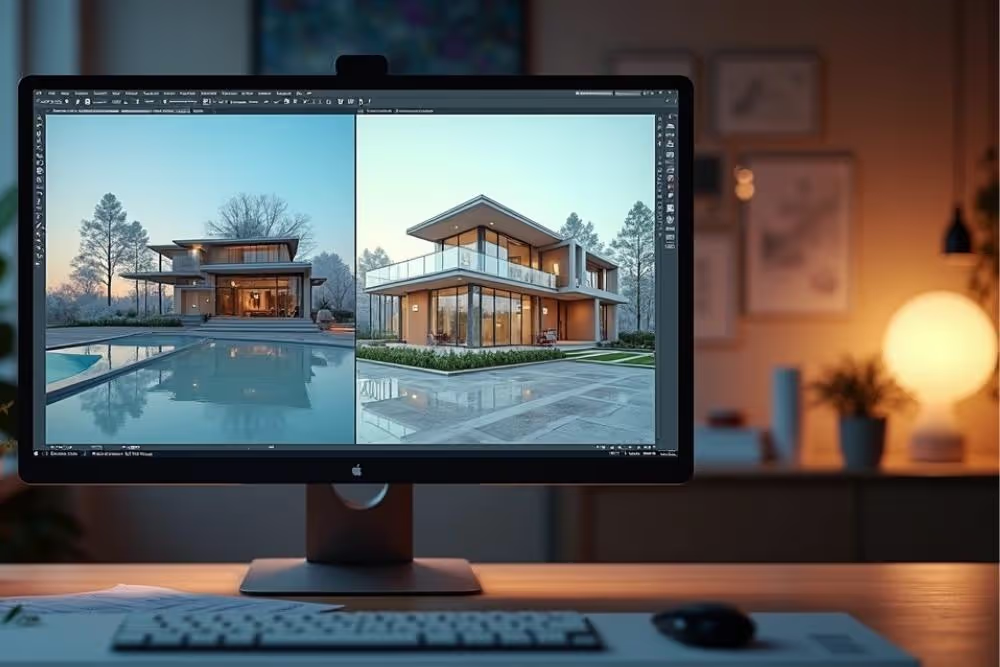
How to Render in SketchUp
An interior designer's daily routine is a race against time. Client meeting in the morning, site visit at midday, and in the evening trying to finish that moodboard due tomorrow. On top of that, you still need to render 3 living room options, a kitchen, and the master suite. And the client wants to see "how it will look" before approving anything.
AI entered interior design to solve exactly that. Not to replace the designer's eye. To accelerate everything that gets stuck between the idea and the presentation.
What interior designers actually need from AI
Unlike architects focused on facades, structure, and site planning, interior designers live in the details. The exact leather tone of the sofa. The reflection of polished porcelain tile. The way a pendant light casts shadows on a plaster wall. If the render doesn't capture those details, it's useless.
That's why generic AI tools don't work for interiors. ChatGPT generates a pretty "modern living room," but the materials are invented, the lighting is generic, and the proportions don't match the project. You can't show that to a client and say "this is how it will look" when the AI swapped the porcelain for marble and added a window that doesn't exist.
Interior designers need AI that understands materiality, ambient lighting, and furniture scale. AI that takes the real project and renders it with the right textures, the right light, in the right proportions.
Interior rendering: from hours to seconds
Interior rendering is the hardest thing to get right with traditional software. Global illumination, reflections in glass and metal, light bounce in fabrics, transparency of curtains. In V-Ray, that means hours of configuration and rendering. In Lumion, results are fast but generic — that look of "almost real but not convincing."
With AI trained specifically for architecture and interior design, the situation changes. You upload a screenshot of your project modeled in SketchUp, Revit, or ArchiCAD and in 20 to 40 seconds you receive a render with convincing natural lighting, textures faithful to the project materials, and reflections that make sense in context.
Redraw was trained on millions of real interior images. The AI knows how polished porcelain tile reflects. It knows the difference between linen and velvet on a sofa. It knows how a recessed spot light creates a gradient different from natural window light. Those are the details that determine whether a render convinces or not.
And when the client looks and says "I want to see it with wood flooring instead of porcelain," that's 30 seconds to generate the variation. Not 2 hours reconfiguring materials.
Enhance Render: when you already have an image
Many designers already render with Lumion, Enscape, or even photos of the space under construction. The problem is that the result doesn't always reach the presentation level clients expect.
Redraw's Enhance Render was built for this. You upload any image (software render, photo of the space, even a Promob screenshot) and in 30 seconds the AI improves textures, corrects lighting, adds realism. That render that was "almost good" becomes professional. That raw construction photo becomes a presentation.
For interior designers, this feature alone justifies the tool. Because much of the work is taking what exists and elevating it. AI does that in seconds.
Before · render produced in conventional software
After · render enhanced with Redraw AI
Idea generation: when the client doesn't know what they want
Every designer knows this situation: the client sits down, says "I want something modern but cozy," and expects you to translate that into an image on the spot.
With AI, you can. In Redraw, idea generation works like visual brainstorming. Describe the concept ("living room with neutral palette, double ceiling height, warm lighting, japandi style"), and the AI generates options in seconds. These aren't final renders — they're starting points. Visual references you show the client, adjust the direction, then render with precision once the project is modeled.
It's automated moodboarding. Instead of spending 3 hours on Pinterest searching for images that "sort of" represent the idea, you generate exactly what you're envisioning. And if the client says "I like it but want more color," generate again in 30 seconds.
Visual moodboard with AI
Speaking of moodboards: the way designers present concepts to clients has changed. The classic moodboard (a collage of Pinterest photos with material samples) works, but has one problem. The photos are of other people's projects. They don't show how your client's project will look.
With AI, the moodboard becomes personalized. You generate images of the client's actual space with different styles, palettes, and atmospheres. The client sees their space rendered 5 different ways. Not a generic Pinterest living room. Their living room.
That changes the conversation. The client stops comparing with other people's photos and starts deciding about their own project. Approval comes faster because expectations are calibrated from the start.
Textures and lighting: where AI makes the difference
Interior design is about sensation. The feeling of a space comes from the combination of materials, light, and proportion. And that's exactly where generic AI fails and AI trained for interiors succeeds.
Redraw has its own models fed with millions of real interior images. Not renders, not generic AI images. Real photos and renders from executed projects. The AI learned how real materials behave:
How freijo wood reflects light differently from oak. How curtain fabric filters natural light creating a warm tone. How a mirror expands the space but changes the perception of depth. How Calacatta marble has veins that run in a specific direction.
Generic AI doesn't know this. It generates a generic "wood floor." Redraw generates materiality that a designer recognizes.
The complete designer workflow with AI
In practice, an interior designer can do everything inside Redraw:
1. Generate ideas with the client. In the first meeting, you describe the concept and generate visual options in real time. The client participates, gives feedback, and guides the direction. You leave the meeting with the concept approved.
2. Render the modeled project. When the 3D model is ready, take a screenshot and render in 30 seconds. With the materiality and lighting the project calls for.
3. Generate finish variations. Does the client want to see it with dark flooring? With granite countertop instead of quartz? With cooler lighting? 30 seconds per variation.
4. Enhance existing renders. Rendered in Lumion or Enscape and the result looks generic? Upload to Enhance Render and in 30 seconds gain realism.
5. Generate a video of the space. Want to show the space with movement? Redraw has its own video tool for interiors, plus Veo 3 and Kling AI. Turns a static render into a walkthrough.
6. Generate 3D objects. Need a specific light fixture, a vase, a piece of furniture not in your library? Generate it directly in Redraw and import into SketchUp.
One platform. The entire visual workflow of an interior designer solved.
Cost vs. savings
A designer who renders with traditional software spends on average:
Render license (Lumion/Enscape): R$ 3,500 to R$ 7,000/year
Adequate hardware: R$ 8,000 to R$ 20,000 (amortized ~R$ 5,000/year)
Hours in rendering and configuration: ~60 hours/month
Hours in moodboards and references: ~15 hours/month
Total: R$ 8,500+/year + 75 hours/month
With Redraw:
Basic plan: ~R$ 1,000/year
Hardware: the laptop you already have
Hours in rendering + ideas + variations: ~2 hours/month
Total: R$ 1,000/year + 2 hours/month
That's 73 hours a month returned to you. Almost 10 working days. Imagine what you do with 10 extra days a month: more projects, more clients, or simply less stress.
Frequently asked questions
What is the best AI for interior design?
Redraw is the benchmark for interiors in 2026. With models trained specifically for interior spaces, it understands materiality, ambient lighting, and furniture scale like no generic AI can.
Can AI render interiors with fidelity?
Yes, when trained for it. Redraw preserves textures, proportions, and lighting from the original project. Generic AI like ChatGPT invents materials and changes the geometry.
Can I use AI to create a moodboard?
Yes. In Redraw, idea generation creates personalized moodboards of the client's actual space, not collages of third-party photos. The client sees their own space in different styles.
Does AI for interiors work without a 3D model?
Yes. Idea generation works from a text description or reference image. Maximum-fidelity rendering uses a 3D model screenshot, but it's not required to get started.
Does Redraw capture the material details that matter in interiors?
Yes. The models were trained on millions of real interior images. The AI differentiates types of wood, fabric, stone, metal. It understands how each material reflects light differently.
Try Redraw → redraw.pro
Industrial Architecture
An interior designer's daily routine is a race against time. Client meeting in the morning, site visit at midday, and in the evening trying to finish that moodboard due tomorrow. On top of that, you still need to render 3 living room options, a kitchen, and the master suite. And the client wants to see "how it will look" before approving anything.
AI entered interior design to solve exactly that. Not to replace the designer's eye. To accelerate everything that gets stuck between the idea and the presentation.
What interior designers actually need from AI
Unlike architects focused on facades, structure, and site planning, interior designers live in the details. The exact leather tone of the sofa. The reflection of polished porcelain tile. The way a pendant light casts shadows on a plaster wall. If the render doesn't capture those details, it's useless.
That's why generic AI tools don't work for interiors. ChatGPT generates a pretty "modern living room," but the materials are invented, the lighting is generic, and the proportions don't match the project. You can't show that to a client and say "this is how it will look" when the AI swapped the porcelain for marble and added a window that doesn't exist.
Interior designers need AI that understands materiality, ambient lighting, and furniture scale. AI that takes the real project and renders it with the right textures, the right light, in the right proportions.
Interior rendering: from hours to seconds
Interior rendering is the hardest thing to get right with traditional software. Global illumination, reflections in glass and metal, light bounce in fabrics, transparency of curtains. In V-Ray, that means hours of configuration and rendering. In Lumion, results are fast but generic — that look of "almost real but not convincing."
With AI trained specifically for architecture and interior design, the situation changes. You upload a screenshot of your project modeled in SketchUp, Revit, or ArchiCAD and in 20 to 40 seconds you receive a render with convincing natural lighting, textures faithful to the project materials, and reflections that make sense in context.
Redraw was trained on millions of real interior images. The AI knows how polished porcelain tile reflects. It knows the difference between linen and velvet on a sofa. It knows how a recessed spot light creates a gradient different from natural window light. Those are the details that determine whether a render convinces or not.
And when the client looks and says "I want to see it with wood flooring instead of porcelain," that's 30 seconds to generate the variation. Not 2 hours reconfiguring materials.
Enhance Render: when you already have an image
Many designers already render with Lumion, Enscape, or even photos of the space under construction. The problem is that the result doesn't always reach the presentation level clients expect.
Redraw's Enhance Render was built for this. You upload any image (software render, photo of the space, even a Promob screenshot) and in 30 seconds the AI improves textures, corrects lighting, adds realism. That render that was "almost good" becomes professional. That raw construction photo becomes a presentation.
For interior designers, this feature alone justifies the tool. Because much of the work is taking what exists and elevating it. AI does that in seconds.
Before · render produced in conventional software
After · render enhanced with Redraw AI
Idea generation: when the client doesn't know what they want
Every designer knows this situation: the client sits down, says "I want something modern but cozy," and expects you to translate that into an image on the spot.
With AI, you can. In Redraw, idea generation works like visual brainstorming. Describe the concept ("living room with neutral palette, double ceiling height, warm lighting, japandi style"), and the AI generates options in seconds. These aren't final renders — they're starting points. Visual references you show the client, adjust the direction, then render with precision once the project is modeled.
It's automated moodboarding. Instead of spending 3 hours on Pinterest searching for images that "sort of" represent the idea, you generate exactly what you're envisioning. And if the client says "I like it but want more color," generate again in 30 seconds.
Visual moodboard with AI
Speaking of moodboards: the way designers present concepts to clients has changed. The classic moodboard (a collage of Pinterest photos with material samples) works, but has one problem. The photos are of other people's projects. They don't show how your client's project will look.
With AI, the moodboard becomes personalized. You generate images of the client's actual space with different styles, palettes, and atmospheres. The client sees their space rendered 5 different ways. Not a generic Pinterest living room. Their living room.
That changes the conversation. The client stops comparing with other people's photos and starts deciding about their own project. Approval comes faster because expectations are calibrated from the start.
Textures and lighting: where AI makes the difference
Interior design is about sensation. The feeling of a space comes from the combination of materials, light, and proportion. And that's exactly where generic AI fails and AI trained for interiors succeeds.
Redraw has its own models fed with millions of real interior images. Not renders, not generic AI images. Real photos and renders from executed projects. The AI learned how real materials behave:
How freijo wood reflects light differently from oak. How curtain fabric filters natural light creating a warm tone. How a mirror expands the space but changes the perception of depth. How Calacatta marble has veins that run in a specific direction.
Generic AI doesn't know this. It generates a generic "wood floor." Redraw generates materiality that a designer recognizes.
The complete designer workflow with AI
In practice, an interior designer can do everything inside Redraw:
1. Generate ideas with the client. In the first meeting, you describe the concept and generate visual options in real time. The client participates, gives feedback, and guides the direction. You leave the meeting with the concept approved.
2. Render the modeled project. When the 3D model is ready, take a screenshot and render in 30 seconds. With the materiality and lighting the project calls for.
3. Generate finish variations. Does the client want to see it with dark flooring? With granite countertop instead of quartz? With cooler lighting? 30 seconds per variation.
4. Enhance existing renders. Rendered in Lumion or Enscape and the result looks generic? Upload to Enhance Render and in 30 seconds gain realism.
5. Generate a video of the space. Want to show the space with movement? Redraw has its own video tool for interiors, plus Veo 3 and Kling AI. Turns a static render into a walkthrough.
6. Generate 3D objects. Need a specific light fixture, a vase, a piece of furniture not in your library? Generate it directly in Redraw and import into SketchUp.
One platform. The entire visual workflow of an interior designer solved.
Cost vs. savings
A designer who renders with traditional software spends on average:
Render license (Lumion/Enscape): R$ 3,500 to R$ 7,000/year
Adequate hardware: R$ 8,000 to R$ 20,000 (amortized ~R$ 5,000/year)
Hours in rendering and configuration: ~60 hours/month
Hours in moodboards and references: ~15 hours/month
Total: R$ 8,500+/year + 75 hours/month
With Redraw:
Basic plan: ~R$ 1,000/year
Hardware: the laptop you already have
Hours in rendering + ideas + variations: ~2 hours/month
Total: R$ 1,000/year + 2 hours/month
That's 73 hours a month returned to you. Almost 10 working days. Imagine what you do with 10 extra days a month: more projects, more clients, or simply less stress.
Frequently asked questions
What is the best AI for interior design?
Redraw is the benchmark for interiors in 2026. With models trained specifically for interior spaces, it understands materiality, ambient lighting, and furniture scale like no generic AI can.
Can AI render interiors with fidelity?
Yes, when trained for it. Redraw preserves textures, proportions, and lighting from the original project. Generic AI like ChatGPT invents materials and changes the geometry.
Can I use AI to create a moodboard?
Yes. In Redraw, idea generation creates personalized moodboards of the client's actual space, not collages of third-party photos. The client sees their own space in different styles.
Does AI for interiors work without a 3D model?
Yes. Idea generation works from a text description or reference image. Maximum-fidelity rendering uses a 3D model screenshot, but it's not required to get started.
Does Redraw capture the material details that matter in interiors?
Yes. The models were trained on millions of real interior images. The AI differentiates types of wood, fabric, stone, metal. It understands how each material reflects light differently.
Try Redraw → redraw.pro
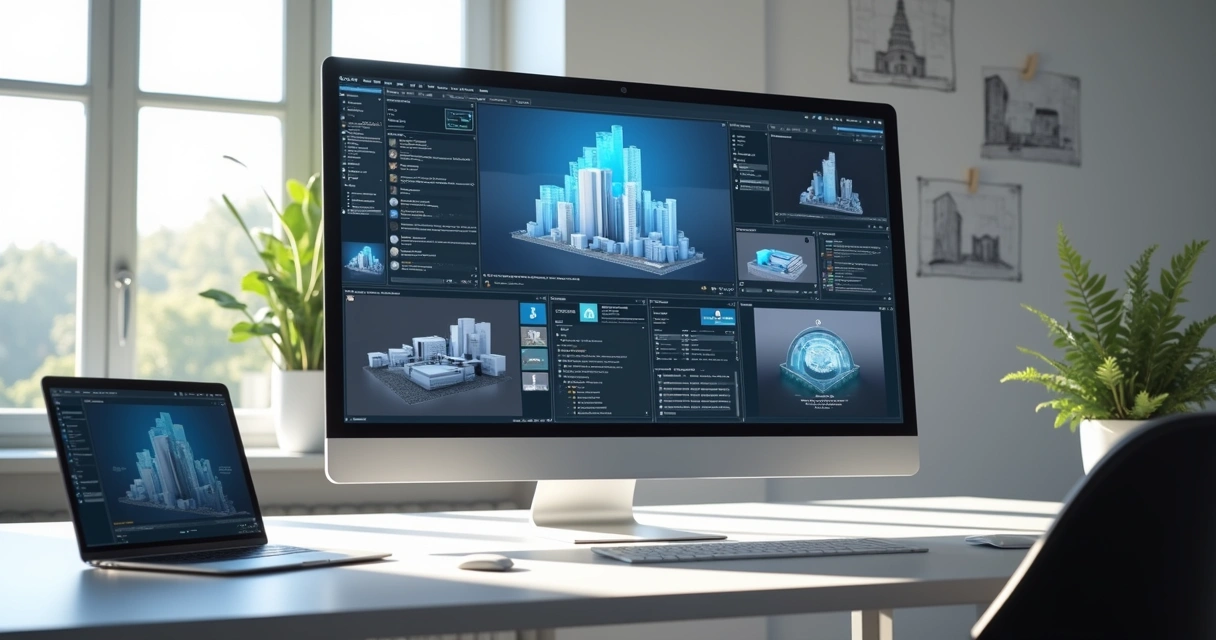
Krea
An interior designer's daily routine is a race against time. Client meeting in the morning, site visit at midday, and in the evening trying to finish that moodboard due tomorrow. On top of that, you still need to render 3 living room options, a kitchen, and the master suite. And the client wants to see "how it will look" before approving anything.
AI entered interior design to solve exactly that. Not to replace the designer's eye. To accelerate everything that gets stuck between the idea and the presentation.
What interior designers actually need from AI
Unlike architects focused on facades, structure, and site planning, interior designers live in the details. The exact leather tone of the sofa. The reflection of polished porcelain tile. The way a pendant light casts shadows on a plaster wall. If the render doesn't capture those details, it's useless.
That's why generic AI tools don't work for interiors. ChatGPT generates a pretty "modern living room," but the materials are invented, the lighting is generic, and the proportions don't match the project. You can't show that to a client and say "this is how it will look" when the AI swapped the porcelain for marble and added a window that doesn't exist.
Interior designers need AI that understands materiality, ambient lighting, and furniture scale. AI that takes the real project and renders it with the right textures, the right light, in the right proportions.
Interior rendering: from hours to seconds
Interior rendering is the hardest thing to get right with traditional software. Global illumination, reflections in glass and metal, light bounce in fabrics, transparency of curtains. In V-Ray, that means hours of configuration and rendering. In Lumion, results are fast but generic — that look of "almost real but not convincing."
With AI trained specifically for architecture and interior design, the situation changes. You upload a screenshot of your project modeled in SketchUp, Revit, or ArchiCAD and in 20 to 40 seconds you receive a render with convincing natural lighting, textures faithful to the project materials, and reflections that make sense in context.
Redraw was trained on millions of real interior images. The AI knows how polished porcelain tile reflects. It knows the difference between linen and velvet on a sofa. It knows how a recessed spot light creates a gradient different from natural window light. Those are the details that determine whether a render convinces or not.
And when the client looks and says "I want to see it with wood flooring instead of porcelain," that's 30 seconds to generate the variation. Not 2 hours reconfiguring materials.
Enhance Render: when you already have an image
Many designers already render with Lumion, Enscape, or even photos of the space under construction. The problem is that the result doesn't always reach the presentation level clients expect.
Redraw's Enhance Render was built for this. You upload any image (software render, photo of the space, even a Promob screenshot) and in 30 seconds the AI improves textures, corrects lighting, adds realism. That render that was "almost good" becomes professional. That raw construction photo becomes a presentation.
For interior designers, this feature alone justifies the tool. Because much of the work is taking what exists and elevating it. AI does that in seconds.
Before · render produced in conventional software
After · render enhanced with Redraw AI
Idea generation: when the client doesn't know what they want
Every designer knows this situation: the client sits down, says "I want something modern but cozy," and expects you to translate that into an image on the spot.
With AI, you can. In Redraw, idea generation works like visual brainstorming. Describe the concept ("living room with neutral palette, double ceiling height, warm lighting, japandi style"), and the AI generates options in seconds. These aren't final renders — they're starting points. Visual references you show the client, adjust the direction, then render with precision once the project is modeled.
It's automated moodboarding. Instead of spending 3 hours on Pinterest searching for images that "sort of" represent the idea, you generate exactly what you're envisioning. And if the client says "I like it but want more color," generate again in 30 seconds.
Visual moodboard with AI
Speaking of moodboards: the way designers present concepts to clients has changed. The classic moodboard (a collage of Pinterest photos with material samples) works, but has one problem. The photos are of other people's projects. They don't show how your client's project will look.
With AI, the moodboard becomes personalized. You generate images of the client's actual space with different styles, palettes, and atmospheres. The client sees their space rendered 5 different ways. Not a generic Pinterest living room. Their living room.
That changes the conversation. The client stops comparing with other people's photos and starts deciding about their own project. Approval comes faster because expectations are calibrated from the start.
Textures and lighting: where AI makes the difference
Interior design is about sensation. The feeling of a space comes from the combination of materials, light, and proportion. And that's exactly where generic AI fails and AI trained for interiors succeeds.
Redraw has its own models fed with millions of real interior images. Not renders, not generic AI images. Real photos and renders from executed projects. The AI learned how real materials behave:
How freijo wood reflects light differently from oak. How curtain fabric filters natural light creating a warm tone. How a mirror expands the space but changes the perception of depth. How Calacatta marble has veins that run in a specific direction.
Generic AI doesn't know this. It generates a generic "wood floor." Redraw generates materiality that a designer recognizes.
The complete designer workflow with AI
In practice, an interior designer can do everything inside Redraw:
1. Generate ideas with the client. In the first meeting, you describe the concept and generate visual options in real time. The client participates, gives feedback, and guides the direction. You leave the meeting with the concept approved.
2. Render the modeled project. When the 3D model is ready, take a screenshot and render in 30 seconds. With the materiality and lighting the project calls for.
3. Generate finish variations. Does the client want to see it with dark flooring? With granite countertop instead of quartz? With cooler lighting? 30 seconds per variation.
4. Enhance existing renders. Rendered in Lumion or Enscape and the result looks generic? Upload to Enhance Render and in 30 seconds gain realism.
5. Generate a video of the space. Want to show the space with movement? Redraw has its own video tool for interiors, plus Veo 3 and Kling AI. Turns a static render into a walkthrough.
6. Generate 3D objects. Need a specific light fixture, a vase, a piece of furniture not in your library? Generate it directly in Redraw and import into SketchUp.
One platform. The entire visual workflow of an interior designer solved.
Cost vs. savings
A designer who renders with traditional software spends on average:
Render license (Lumion/Enscape): R$ 3,500 to R$ 7,000/year
Adequate hardware: R$ 8,000 to R$ 20,000 (amortized ~R$ 5,000/year)
Hours in rendering and configuration: ~60 hours/month
Hours in moodboards and references: ~15 hours/month
Total: R$ 8,500+/year + 75 hours/month
With Redraw:
Basic plan: ~R$ 1,000/year
Hardware: the laptop you already have
Hours in rendering + ideas + variations: ~2 hours/month
Total: R$ 1,000/year + 2 hours/month
That's 73 hours a month returned to you. Almost 10 working days. Imagine what you do with 10 extra days a month: more projects, more clients, or simply less stress.
Frequently asked questions
What is the best AI for interior design?
Redraw is the benchmark for interiors in 2026. With models trained specifically for interior spaces, it understands materiality, ambient lighting, and furniture scale like no generic AI can.
Can AI render interiors with fidelity?
Yes, when trained for it. Redraw preserves textures, proportions, and lighting from the original project. Generic AI like ChatGPT invents materials and changes the geometry.
Can I use AI to create a moodboard?
Yes. In Redraw, idea generation creates personalized moodboards of the client's actual space, not collages of third-party photos. The client sees their own space in different styles.
Does AI for interiors work without a 3D model?
Yes. Idea generation works from a text description or reference image. Maximum-fidelity rendering uses a 3D model screenshot, but it's not required to get started.
Does Redraw capture the material details that matter in interiors?
Yes. The models were trained on millions of real interior images. The AI differentiates types of wood, fabric, stone, metal. It understands how each material reflects light differently.
Try Redraw → redraw.pro

Redraw Multi-Angle: How to Generate New Perspectives From a Single Render
An interior designer's daily routine is a race against time. Client meeting in the morning, site visit at midday, and in the evening trying to finish that moodboard due tomorrow. On top of that, you still need to render 3 living room options, a kitchen, and the master suite. And the client wants to see "how it will look" before approving anything.
AI entered interior design to solve exactly that. Not to replace the designer's eye. To accelerate everything that gets stuck between the idea and the presentation.
What interior designers actually need from AI
Unlike architects focused on facades, structure, and site planning, interior designers live in the details. The exact leather tone of the sofa. The reflection of polished porcelain tile. The way a pendant light casts shadows on a plaster wall. If the render doesn't capture those details, it's useless.
That's why generic AI tools don't work for interiors. ChatGPT generates a pretty "modern living room," but the materials are invented, the lighting is generic, and the proportions don't match the project. You can't show that to a client and say "this is how it will look" when the AI swapped the porcelain for marble and added a window that doesn't exist.
Interior designers need AI that understands materiality, ambient lighting, and furniture scale. AI that takes the real project and renders it with the right textures, the right light, in the right proportions.
Interior rendering: from hours to seconds
Interior rendering is the hardest thing to get right with traditional software. Global illumination, reflections in glass and metal, light bounce in fabrics, transparency of curtains. In V-Ray, that means hours of configuration and rendering. In Lumion, results are fast but generic — that look of "almost real but not convincing."
With AI trained specifically for architecture and interior design, the situation changes. You upload a screenshot of your project modeled in SketchUp, Revit, or ArchiCAD and in 20 to 40 seconds you receive a render with convincing natural lighting, textures faithful to the project materials, and reflections that make sense in context.
Redraw was trained on millions of real interior images. The AI knows how polished porcelain tile reflects. It knows the difference between linen and velvet on a sofa. It knows how a recessed spot light creates a gradient different from natural window light. Those are the details that determine whether a render convinces or not.
And when the client looks and says "I want to see it with wood flooring instead of porcelain," that's 30 seconds to generate the variation. Not 2 hours reconfiguring materials.
Enhance Render: when you already have an image
Many designers already render with Lumion, Enscape, or even photos of the space under construction. The problem is that the result doesn't always reach the presentation level clients expect.
Redraw's Enhance Render was built for this. You upload any image (software render, photo of the space, even a Promob screenshot) and in 30 seconds the AI improves textures, corrects lighting, adds realism. That render that was "almost good" becomes professional. That raw construction photo becomes a presentation.
For interior designers, this feature alone justifies the tool. Because much of the work is taking what exists and elevating it. AI does that in seconds.
Before · render produced in conventional software
After · render enhanced with Redraw AI
Idea generation: when the client doesn't know what they want
Every designer knows this situation: the client sits down, says "I want something modern but cozy," and expects you to translate that into an image on the spot.
With AI, you can. In Redraw, idea generation works like visual brainstorming. Describe the concept ("living room with neutral palette, double ceiling height, warm lighting, japandi style"), and the AI generates options in seconds. These aren't final renders — they're starting points. Visual references you show the client, adjust the direction, then render with precision once the project is modeled.
It's automated moodboarding. Instead of spending 3 hours on Pinterest searching for images that "sort of" represent the idea, you generate exactly what you're envisioning. And if the client says "I like it but want more color," generate again in 30 seconds.
Visual moodboard with AI
Speaking of moodboards: the way designers present concepts to clients has changed. The classic moodboard (a collage of Pinterest photos with material samples) works, but has one problem. The photos are of other people's projects. They don't show how your client's project will look.
With AI, the moodboard becomes personalized. You generate images of the client's actual space with different styles, palettes, and atmospheres. The client sees their space rendered 5 different ways. Not a generic Pinterest living room. Their living room.
That changes the conversation. The client stops comparing with other people's photos and starts deciding about their own project. Approval comes faster because expectations are calibrated from the start.
Textures and lighting: where AI makes the difference
Interior design is about sensation. The feeling of a space comes from the combination of materials, light, and proportion. And that's exactly where generic AI fails and AI trained for interiors succeeds.
Redraw has its own models fed with millions of real interior images. Not renders, not generic AI images. Real photos and renders from executed projects. The AI learned how real materials behave:
How freijo wood reflects light differently from oak. How curtain fabric filters natural light creating a warm tone. How a mirror expands the space but changes the perception of depth. How Calacatta marble has veins that run in a specific direction.
Generic AI doesn't know this. It generates a generic "wood floor." Redraw generates materiality that a designer recognizes.
The complete designer workflow with AI
In practice, an interior designer can do everything inside Redraw:
1. Generate ideas with the client. In the first meeting, you describe the concept and generate visual options in real time. The client participates, gives feedback, and guides the direction. You leave the meeting with the concept approved.
2. Render the modeled project. When the 3D model is ready, take a screenshot and render in 30 seconds. With the materiality and lighting the project calls for.
3. Generate finish variations. Does the client want to see it with dark flooring? With granite countertop instead of quartz? With cooler lighting? 30 seconds per variation.
4. Enhance existing renders. Rendered in Lumion or Enscape and the result looks generic? Upload to Enhance Render and in 30 seconds gain realism.
5. Generate a video of the space. Want to show the space with movement? Redraw has its own video tool for interiors, plus Veo 3 and Kling AI. Turns a static render into a walkthrough.
6. Generate 3D objects. Need a specific light fixture, a vase, a piece of furniture not in your library? Generate it directly in Redraw and import into SketchUp.
One platform. The entire visual workflow of an interior designer solved.
Cost vs. savings
A designer who renders with traditional software spends on average:
Render license (Lumion/Enscape): R$ 3,500 to R$ 7,000/year
Adequate hardware: R$ 8,000 to R$ 20,000 (amortized ~R$ 5,000/year)
Hours in rendering and configuration: ~60 hours/month
Hours in moodboards and references: ~15 hours/month
Total: R$ 8,500+/year + 75 hours/month
With Redraw:
Basic plan: ~R$ 1,000/year
Hardware: the laptop you already have
Hours in rendering + ideas + variations: ~2 hours/month
Total: R$ 1,000/year + 2 hours/month
That's 73 hours a month returned to you. Almost 10 working days. Imagine what you do with 10 extra days a month: more projects, more clients, or simply less stress.
Frequently asked questions
What is the best AI for interior design?
Redraw is the benchmark for interiors in 2026. With models trained specifically for interior spaces, it understands materiality, ambient lighting, and furniture scale like no generic AI can.
Can AI render interiors with fidelity?
Yes, when trained for it. Redraw preserves textures, proportions, and lighting from the original project. Generic AI like ChatGPT invents materials and changes the geometry.
Can I use AI to create a moodboard?
Yes. In Redraw, idea generation creates personalized moodboards of the client's actual space, not collages of third-party photos. The client sees their own space in different styles.
Does AI for interiors work without a 3D model?
Yes. Idea generation works from a text description or reference image. Maximum-fidelity rendering uses a 3D model screenshot, but it's not required to get started.
Does Redraw capture the material details that matter in interiors?
Yes. The models were trained on millions of real interior images. The AI differentiates types of wood, fabric, stone, metal. It understands how each material reflects light differently.
Try Redraw → redraw.pro
Professional Rendering with AI
An interior designer's daily routine is a race against time. Client meeting in the morning, site visit at midday, and in the evening trying to finish that moodboard due tomorrow. On top of that, you still need to render 3 living room options, a kitchen, and the master suite. And the client wants to see "how it will look" before approving anything.
AI entered interior design to solve exactly that. Not to replace the designer's eye. To accelerate everything that gets stuck between the idea and the presentation.
What interior designers actually need from AI
Unlike architects focused on facades, structure, and site planning, interior designers live in the details. The exact leather tone of the sofa. The reflection of polished porcelain tile. The way a pendant light casts shadows on a plaster wall. If the render doesn't capture those details, it's useless.
That's why generic AI tools don't work for interiors. ChatGPT generates a pretty "modern living room," but the materials are invented, the lighting is generic, and the proportions don't match the project. You can't show that to a client and say "this is how it will look" when the AI swapped the porcelain for marble and added a window that doesn't exist.
Interior designers need AI that understands materiality, ambient lighting, and furniture scale. AI that takes the real project and renders it with the right textures, the right light, in the right proportions.
Interior rendering: from hours to seconds
Interior rendering is the hardest thing to get right with traditional software. Global illumination, reflections in glass and metal, light bounce in fabrics, transparency of curtains. In V-Ray, that means hours of configuration and rendering. In Lumion, results are fast but generic — that look of "almost real but not convincing."
With AI trained specifically for architecture and interior design, the situation changes. You upload a screenshot of your project modeled in SketchUp, Revit, or ArchiCAD and in 20 to 40 seconds you receive a render with convincing natural lighting, textures faithful to the project materials, and reflections that make sense in context.
Redraw was trained on millions of real interior images. The AI knows how polished porcelain tile reflects. It knows the difference between linen and velvet on a sofa. It knows how a recessed spot light creates a gradient different from natural window light. Those are the details that determine whether a render convinces or not.
And when the client looks and says "I want to see it with wood flooring instead of porcelain," that's 30 seconds to generate the variation. Not 2 hours reconfiguring materials.
Enhance Render: when you already have an image
Many designers already render with Lumion, Enscape, or even photos of the space under construction. The problem is that the result doesn't always reach the presentation level clients expect.
Redraw's Enhance Render was built for this. You upload any image (software render, photo of the space, even a Promob screenshot) and in 30 seconds the AI improves textures, corrects lighting, adds realism. That render that was "almost good" becomes professional. That raw construction photo becomes a presentation.
For interior designers, this feature alone justifies the tool. Because much of the work is taking what exists and elevating it. AI does that in seconds.
Before · render produced in conventional software
After · render enhanced with Redraw AI
Idea generation: when the client doesn't know what they want
Every designer knows this situation: the client sits down, says "I want something modern but cozy," and expects you to translate that into an image on the spot.
With AI, you can. In Redraw, idea generation works like visual brainstorming. Describe the concept ("living room with neutral palette, double ceiling height, warm lighting, japandi style"), and the AI generates options in seconds. These aren't final renders — they're starting points. Visual references you show the client, adjust the direction, then render with precision once the project is modeled.
It's automated moodboarding. Instead of spending 3 hours on Pinterest searching for images that "sort of" represent the idea, you generate exactly what you're envisioning. And if the client says "I like it but want more color," generate again in 30 seconds.
Visual moodboard with AI
Speaking of moodboards: the way designers present concepts to clients has changed. The classic moodboard (a collage of Pinterest photos with material samples) works, but has one problem. The photos are of other people's projects. They don't show how your client's project will look.
With AI, the moodboard becomes personalized. You generate images of the client's actual space with different styles, palettes, and atmospheres. The client sees their space rendered 5 different ways. Not a generic Pinterest living room. Their living room.
That changes the conversation. The client stops comparing with other people's photos and starts deciding about their own project. Approval comes faster because expectations are calibrated from the start.
Textures and lighting: where AI makes the difference
Interior design is about sensation. The feeling of a space comes from the combination of materials, light, and proportion. And that's exactly where generic AI fails and AI trained for interiors succeeds.
Redraw has its own models fed with millions of real interior images. Not renders, not generic AI images. Real photos and renders from executed projects. The AI learned how real materials behave:
How freijo wood reflects light differently from oak. How curtain fabric filters natural light creating a warm tone. How a mirror expands the space but changes the perception of depth. How Calacatta marble has veins that run in a specific direction.
Generic AI doesn't know this. It generates a generic "wood floor." Redraw generates materiality that a designer recognizes.
The complete designer workflow with AI
In practice, an interior designer can do everything inside Redraw:
1. Generate ideas with the client. In the first meeting, you describe the concept and generate visual options in real time. The client participates, gives feedback, and guides the direction. You leave the meeting with the concept approved.
2. Render the modeled project. When the 3D model is ready, take a screenshot and render in 30 seconds. With the materiality and lighting the project calls for.
3. Generate finish variations. Does the client want to see it with dark flooring? With granite countertop instead of quartz? With cooler lighting? 30 seconds per variation.
4. Enhance existing renders. Rendered in Lumion or Enscape and the result looks generic? Upload to Enhance Render and in 30 seconds gain realism.
5. Generate a video of the space. Want to show the space with movement? Redraw has its own video tool for interiors, plus Veo 3 and Kling AI. Turns a static render into a walkthrough.
6. Generate 3D objects. Need a specific light fixture, a vase, a piece of furniture not in your library? Generate it directly in Redraw and import into SketchUp.
One platform. The entire visual workflow of an interior designer solved.
Cost vs. savings
A designer who renders with traditional software spends on average:
Render license (Lumion/Enscape): R$ 3,500 to R$ 7,000/year
Adequate hardware: R$ 8,000 to R$ 20,000 (amortized ~R$ 5,000/year)
Hours in rendering and configuration: ~60 hours/month
Hours in moodboards and references: ~15 hours/month
Total: R$ 8,500+/year + 75 hours/month
With Redraw:
Basic plan: ~R$ 1,000/year
Hardware: the laptop you already have
Hours in rendering + ideas + variations: ~2 hours/month
Total: R$ 1,000/year + 2 hours/month
That's 73 hours a month returned to you. Almost 10 working days. Imagine what you do with 10 extra days a month: more projects, more clients, or simply less stress.
Frequently asked questions
What is the best AI for interior design?
Redraw is the benchmark for interiors in 2026. With models trained specifically for interior spaces, it understands materiality, ambient lighting, and furniture scale like no generic AI can.
Can AI render interiors with fidelity?
Yes, when trained for it. Redraw preserves textures, proportions, and lighting from the original project. Generic AI like ChatGPT invents materials and changes the geometry.
Can I use AI to create a moodboard?
Yes. In Redraw, idea generation creates personalized moodboards of the client's actual space, not collages of third-party photos. The client sees their own space in different styles.
Does AI for interiors work without a 3D model?
Yes. Idea generation works from a text description or reference image. Maximum-fidelity rendering uses a 3D model screenshot, but it's not required to get started.
Does Redraw capture the material details that matter in interiors?
Yes. The models were trained on millions of real interior images. The AI differentiates types of wood, fabric, stone, metal. It understands how each material reflects light differently.
Try Redraw → redraw.pro

Real Estate Marketing
An interior designer's daily routine is a race against time. Client meeting in the morning, site visit at midday, and in the evening trying to finish that moodboard due tomorrow. On top of that, you still need to render 3 living room options, a kitchen, and the master suite. And the client wants to see "how it will look" before approving anything.
AI entered interior design to solve exactly that. Not to replace the designer's eye. To accelerate everything that gets stuck between the idea and the presentation.
What interior designers actually need from AI
Unlike architects focused on facades, structure, and site planning, interior designers live in the details. The exact leather tone of the sofa. The reflection of polished porcelain tile. The way a pendant light casts shadows on a plaster wall. If the render doesn't capture those details, it's useless.
That's why generic AI tools don't work for interiors. ChatGPT generates a pretty "modern living room," but the materials are invented, the lighting is generic, and the proportions don't match the project. You can't show that to a client and say "this is how it will look" when the AI swapped the porcelain for marble and added a window that doesn't exist.
Interior designers need AI that understands materiality, ambient lighting, and furniture scale. AI that takes the real project and renders it with the right textures, the right light, in the right proportions.
Interior rendering: from hours to seconds
Interior rendering is the hardest thing to get right with traditional software. Global illumination, reflections in glass and metal, light bounce in fabrics, transparency of curtains. In V-Ray, that means hours of configuration and rendering. In Lumion, results are fast but generic — that look of "almost real but not convincing."
With AI trained specifically for architecture and interior design, the situation changes. You upload a screenshot of your project modeled in SketchUp, Revit, or ArchiCAD and in 20 to 40 seconds you receive a render with convincing natural lighting, textures faithful to the project materials, and reflections that make sense in context.
Redraw was trained on millions of real interior images. The AI knows how polished porcelain tile reflects. It knows the difference between linen and velvet on a sofa. It knows how a recessed spot light creates a gradient different from natural window light. Those are the details that determine whether a render convinces or not.
And when the client looks and says "I want to see it with wood flooring instead of porcelain," that's 30 seconds to generate the variation. Not 2 hours reconfiguring materials.
Enhance Render: when you already have an image
Many designers already render with Lumion, Enscape, or even photos of the space under construction. The problem is that the result doesn't always reach the presentation level clients expect.
Redraw's Enhance Render was built for this. You upload any image (software render, photo of the space, even a Promob screenshot) and in 30 seconds the AI improves textures, corrects lighting, adds realism. That render that was "almost good" becomes professional. That raw construction photo becomes a presentation.
For interior designers, this feature alone justifies the tool. Because much of the work is taking what exists and elevating it. AI does that in seconds.
Before · render produced in conventional software
After · render enhanced with Redraw AI
Idea generation: when the client doesn't know what they want
Every designer knows this situation: the client sits down, says "I want something modern but cozy," and expects you to translate that into an image on the spot.
With AI, you can. In Redraw, idea generation works like visual brainstorming. Describe the concept ("living room with neutral palette, double ceiling height, warm lighting, japandi style"), and the AI generates options in seconds. These aren't final renders — they're starting points. Visual references you show the client, adjust the direction, then render with precision once the project is modeled.
It's automated moodboarding. Instead of spending 3 hours on Pinterest searching for images that "sort of" represent the idea, you generate exactly what you're envisioning. And if the client says "I like it but want more color," generate again in 30 seconds.
Visual moodboard with AI
Speaking of moodboards: the way designers present concepts to clients has changed. The classic moodboard (a collage of Pinterest photos with material samples) works, but has one problem. The photos are of other people's projects. They don't show how your client's project will look.
With AI, the moodboard becomes personalized. You generate images of the client's actual space with different styles, palettes, and atmospheres. The client sees their space rendered 5 different ways. Not a generic Pinterest living room. Their living room.
That changes the conversation. The client stops comparing with other people's photos and starts deciding about their own project. Approval comes faster because expectations are calibrated from the start.
Textures and lighting: where AI makes the difference
Interior design is about sensation. The feeling of a space comes from the combination of materials, light, and proportion. And that's exactly where generic AI fails and AI trained for interiors succeeds.
Redraw has its own models fed with millions of real interior images. Not renders, not generic AI images. Real photos and renders from executed projects. The AI learned how real materials behave:
How freijo wood reflects light differently from oak. How curtain fabric filters natural light creating a warm tone. How a mirror expands the space but changes the perception of depth. How Calacatta marble has veins that run in a specific direction.
Generic AI doesn't know this. It generates a generic "wood floor." Redraw generates materiality that a designer recognizes.
The complete designer workflow with AI
In practice, an interior designer can do everything inside Redraw:
1. Generate ideas with the client. In the first meeting, you describe the concept and generate visual options in real time. The client participates, gives feedback, and guides the direction. You leave the meeting with the concept approved.
2. Render the modeled project. When the 3D model is ready, take a screenshot and render in 30 seconds. With the materiality and lighting the project calls for.
3. Generate finish variations. Does the client want to see it with dark flooring? With granite countertop instead of quartz? With cooler lighting? 30 seconds per variation.
4. Enhance existing renders. Rendered in Lumion or Enscape and the result looks generic? Upload to Enhance Render and in 30 seconds gain realism.
5. Generate a video of the space. Want to show the space with movement? Redraw has its own video tool for interiors, plus Veo 3 and Kling AI. Turns a static render into a walkthrough.
6. Generate 3D objects. Need a specific light fixture, a vase, a piece of furniture not in your library? Generate it directly in Redraw and import into SketchUp.
One platform. The entire visual workflow of an interior designer solved.
Cost vs. savings
A designer who renders with traditional software spends on average:
Render license (Lumion/Enscape): R$ 3,500 to R$ 7,000/year
Adequate hardware: R$ 8,000 to R$ 20,000 (amortized ~R$ 5,000/year)
Hours in rendering and configuration: ~60 hours/month
Hours in moodboards and references: ~15 hours/month
Total: R$ 8,500+/year + 75 hours/month
With Redraw:
Basic plan: ~R$ 1,000/year
Hardware: the laptop you already have
Hours in rendering + ideas + variations: ~2 hours/month
Total: R$ 1,000/year + 2 hours/month
That's 73 hours a month returned to you. Almost 10 working days. Imagine what you do with 10 extra days a month: more projects, more clients, or simply less stress.
Frequently asked questions
What is the best AI for interior design?
Redraw is the benchmark for interiors in 2026. With models trained specifically for interior spaces, it understands materiality, ambient lighting, and furniture scale like no generic AI can.
Can AI render interiors with fidelity?
Yes, when trained for it. Redraw preserves textures, proportions, and lighting from the original project. Generic AI like ChatGPT invents materials and changes the geometry.
Can I use AI to create a moodboard?
Yes. In Redraw, idea generation creates personalized moodboards of the client's actual space, not collages of third-party photos. The client sees their own space in different styles.
Does AI for interiors work without a 3D model?
Yes. Idea generation works from a text description or reference image. Maximum-fidelity rendering uses a 3D model screenshot, but it's not required to get started.
Does Redraw capture the material details that matter in interiors?
Yes. The models were trained on millions of real interior images. The AI differentiates types of wood, fabric, stone, metal. It understands how each material reflects light differently.
Try Redraw → redraw.pro
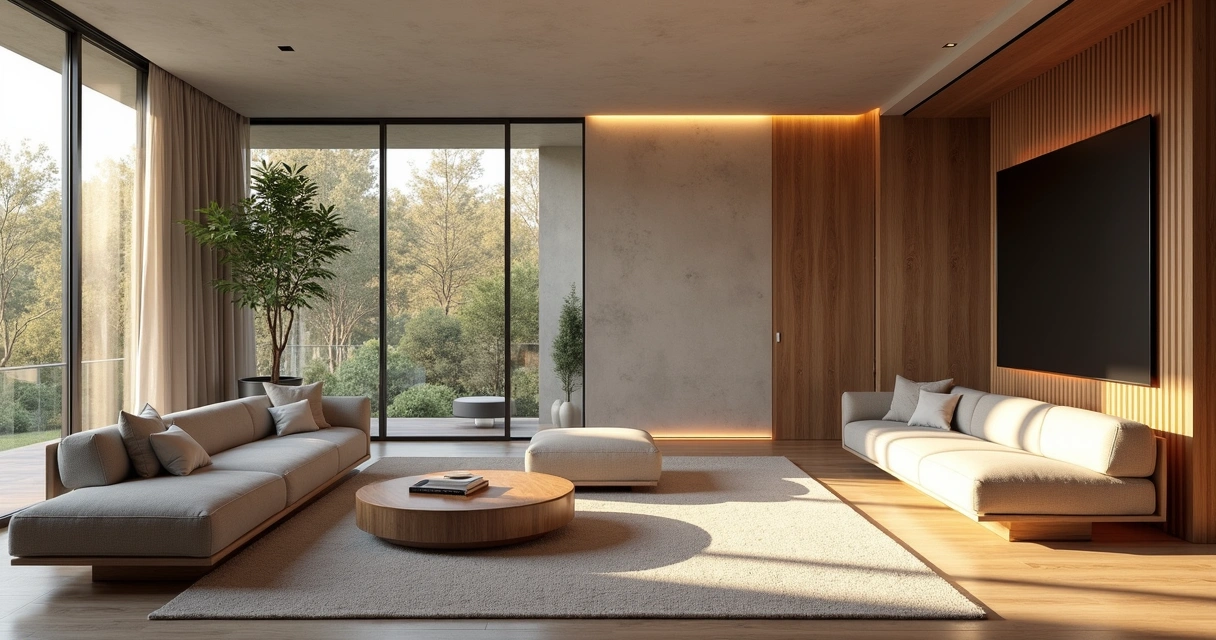
Realistic Rendering
An interior designer's daily routine is a race against time. Client meeting in the morning, site visit at midday, and in the evening trying to finish that moodboard due tomorrow. On top of that, you still need to render 3 living room options, a kitchen, and the master suite. And the client wants to see "how it will look" before approving anything.
AI entered interior design to solve exactly that. Not to replace the designer's eye. To accelerate everything that gets stuck between the idea and the presentation.
What interior designers actually need from AI
Unlike architects focused on facades, structure, and site planning, interior designers live in the details. The exact leather tone of the sofa. The reflection of polished porcelain tile. The way a pendant light casts shadows on a plaster wall. If the render doesn't capture those details, it's useless.
That's why generic AI tools don't work for interiors. ChatGPT generates a pretty "modern living room," but the materials are invented, the lighting is generic, and the proportions don't match the project. You can't show that to a client and say "this is how it will look" when the AI swapped the porcelain for marble and added a window that doesn't exist.
Interior designers need AI that understands materiality, ambient lighting, and furniture scale. AI that takes the real project and renders it with the right textures, the right light, in the right proportions.
Interior rendering: from hours to seconds
Interior rendering is the hardest thing to get right with traditional software. Global illumination, reflections in glass and metal, light bounce in fabrics, transparency of curtains. In V-Ray, that means hours of configuration and rendering. In Lumion, results are fast but generic — that look of "almost real but not convincing."
With AI trained specifically for architecture and interior design, the situation changes. You upload a screenshot of your project modeled in SketchUp, Revit, or ArchiCAD and in 20 to 40 seconds you receive a render with convincing natural lighting, textures faithful to the project materials, and reflections that make sense in context.
Redraw was trained on millions of real interior images. The AI knows how polished porcelain tile reflects. It knows the difference between linen and velvet on a sofa. It knows how a recessed spot light creates a gradient different from natural window light. Those are the details that determine whether a render convinces or not.
And when the client looks and says "I want to see it with wood flooring instead of porcelain," that's 30 seconds to generate the variation. Not 2 hours reconfiguring materials.
Enhance Render: when you already have an image
Many designers already render with Lumion, Enscape, or even photos of the space under construction. The problem is that the result doesn't always reach the presentation level clients expect.
Redraw's Enhance Render was built for this. You upload any image (software render, photo of the space, even a Promob screenshot) and in 30 seconds the AI improves textures, corrects lighting, adds realism. That render that was "almost good" becomes professional. That raw construction photo becomes a presentation.
For interior designers, this feature alone justifies the tool. Because much of the work is taking what exists and elevating it. AI does that in seconds.
Before · render produced in conventional software
After · render enhanced with Redraw AI
Idea generation: when the client doesn't know what they want
Every designer knows this situation: the client sits down, says "I want something modern but cozy," and expects you to translate that into an image on the spot.
With AI, you can. In Redraw, idea generation works like visual brainstorming. Describe the concept ("living room with neutral palette, double ceiling height, warm lighting, japandi style"), and the AI generates options in seconds. These aren't final renders — they're starting points. Visual references you show the client, adjust the direction, then render with precision once the project is modeled.
It's automated moodboarding. Instead of spending 3 hours on Pinterest searching for images that "sort of" represent the idea, you generate exactly what you're envisioning. And if the client says "I like it but want more color," generate again in 30 seconds.
Visual moodboard with AI
Speaking of moodboards: the way designers present concepts to clients has changed. The classic moodboard (a collage of Pinterest photos with material samples) works, but has one problem. The photos are of other people's projects. They don't show how your client's project will look.
With AI, the moodboard becomes personalized. You generate images of the client's actual space with different styles, palettes, and atmospheres. The client sees their space rendered 5 different ways. Not a generic Pinterest living room. Their living room.
That changes the conversation. The client stops comparing with other people's photos and starts deciding about their own project. Approval comes faster because expectations are calibrated from the start.
Textures and lighting: where AI makes the difference
Interior design is about sensation. The feeling of a space comes from the combination of materials, light, and proportion. And that's exactly where generic AI fails and AI trained for interiors succeeds.
Redraw has its own models fed with millions of real interior images. Not renders, not generic AI images. Real photos and renders from executed projects. The AI learned how real materials behave:
How freijo wood reflects light differently from oak. How curtain fabric filters natural light creating a warm tone. How a mirror expands the space but changes the perception of depth. How Calacatta marble has veins that run in a specific direction.
Generic AI doesn't know this. It generates a generic "wood floor." Redraw generates materiality that a designer recognizes.
The complete designer workflow with AI
In practice, an interior designer can do everything inside Redraw:
1. Generate ideas with the client. In the first meeting, you describe the concept and generate visual options in real time. The client participates, gives feedback, and guides the direction. You leave the meeting with the concept approved.
2. Render the modeled project. When the 3D model is ready, take a screenshot and render in 30 seconds. With the materiality and lighting the project calls for.
3. Generate finish variations. Does the client want to see it with dark flooring? With granite countertop instead of quartz? With cooler lighting? 30 seconds per variation.
4. Enhance existing renders. Rendered in Lumion or Enscape and the result looks generic? Upload to Enhance Render and in 30 seconds gain realism.
5. Generate a video of the space. Want to show the space with movement? Redraw has its own video tool for interiors, plus Veo 3 and Kling AI. Turns a static render into a walkthrough.
6. Generate 3D objects. Need a specific light fixture, a vase, a piece of furniture not in your library? Generate it directly in Redraw and import into SketchUp.
One platform. The entire visual workflow of an interior designer solved.
Cost vs. savings
A designer who renders with traditional software spends on average:
Render license (Lumion/Enscape): R$ 3,500 to R$ 7,000/year
Adequate hardware: R$ 8,000 to R$ 20,000 (amortized ~R$ 5,000/year)
Hours in rendering and configuration: ~60 hours/month
Hours in moodboards and references: ~15 hours/month
Total: R$ 8,500+/year + 75 hours/month
With Redraw:
Basic plan: ~R$ 1,000/year
Hardware: the laptop you already have
Hours in rendering + ideas + variations: ~2 hours/month
Total: R$ 1,000/year + 2 hours/month
That's 73 hours a month returned to you. Almost 10 working days. Imagine what you do with 10 extra days a month: more projects, more clients, or simply less stress.
Frequently asked questions
What is the best AI for interior design?
Redraw is the benchmark for interiors in 2026. With models trained specifically for interior spaces, it understands materiality, ambient lighting, and furniture scale like no generic AI can.
Can AI render interiors with fidelity?
Yes, when trained for it. Redraw preserves textures, proportions, and lighting from the original project. Generic AI like ChatGPT invents materials and changes the geometry.
Can I use AI to create a moodboard?
Yes. In Redraw, idea generation creates personalized moodboards of the client's actual space, not collages of third-party photos. The client sees their own space in different styles.
Does AI for interiors work without a 3D model?
Yes. Idea generation works from a text description or reference image. Maximum-fidelity rendering uses a 3D model screenshot, but it's not required to get started.
Does Redraw capture the material details that matter in interiors?
Yes. The models were trained on millions of real interior images. The AI differentiates types of wood, fabric, stone, metal. It understands how each material reflects light differently.
Try Redraw → redraw.pro
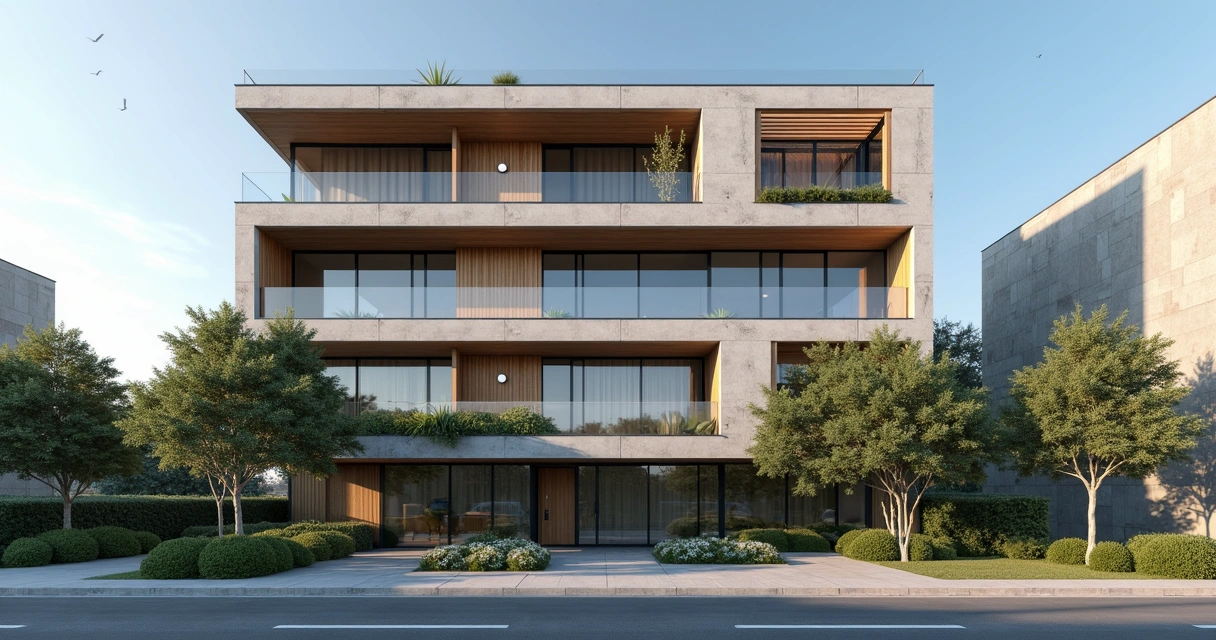
Rendered Facade
An interior designer's daily routine is a race against time. Client meeting in the morning, site visit at midday, and in the evening trying to finish that moodboard due tomorrow. On top of that, you still need to render 3 living room options, a kitchen, and the master suite. And the client wants to see "how it will look" before approving anything.
AI entered interior design to solve exactly that. Not to replace the designer's eye. To accelerate everything that gets stuck between the idea and the presentation.
What interior designers actually need from AI
Unlike architects focused on facades, structure, and site planning, interior designers live in the details. The exact leather tone of the sofa. The reflection of polished porcelain tile. The way a pendant light casts shadows on a plaster wall. If the render doesn't capture those details, it's useless.
That's why generic AI tools don't work for interiors. ChatGPT generates a pretty "modern living room," but the materials are invented, the lighting is generic, and the proportions don't match the project. You can't show that to a client and say "this is how it will look" when the AI swapped the porcelain for marble and added a window that doesn't exist.
Interior designers need AI that understands materiality, ambient lighting, and furniture scale. AI that takes the real project and renders it with the right textures, the right light, in the right proportions.
Interior rendering: from hours to seconds
Interior rendering is the hardest thing to get right with traditional software. Global illumination, reflections in glass and metal, light bounce in fabrics, transparency of curtains. In V-Ray, that means hours of configuration and rendering. In Lumion, results are fast but generic — that look of "almost real but not convincing."
With AI trained specifically for architecture and interior design, the situation changes. You upload a screenshot of your project modeled in SketchUp, Revit, or ArchiCAD and in 20 to 40 seconds you receive a render with convincing natural lighting, textures faithful to the project materials, and reflections that make sense in context.
Redraw was trained on millions of real interior images. The AI knows how polished porcelain tile reflects. It knows the difference between linen and velvet on a sofa. It knows how a recessed spot light creates a gradient different from natural window light. Those are the details that determine whether a render convinces or not.
And when the client looks and says "I want to see it with wood flooring instead of porcelain," that's 30 seconds to generate the variation. Not 2 hours reconfiguring materials.
Enhance Render: when you already have an image
Many designers already render with Lumion, Enscape, or even photos of the space under construction. The problem is that the result doesn't always reach the presentation level clients expect.
Redraw's Enhance Render was built for this. You upload any image (software render, photo of the space, even a Promob screenshot) and in 30 seconds the AI improves textures, corrects lighting, adds realism. That render that was "almost good" becomes professional. That raw construction photo becomes a presentation.
For interior designers, this feature alone justifies the tool. Because much of the work is taking what exists and elevating it. AI does that in seconds.
Before · render produced in conventional software
After · render enhanced with Redraw AI
Idea generation: when the client doesn't know what they want
Every designer knows this situation: the client sits down, says "I want something modern but cozy," and expects you to translate that into an image on the spot.
With AI, you can. In Redraw, idea generation works like visual brainstorming. Describe the concept ("living room with neutral palette, double ceiling height, warm lighting, japandi style"), and the AI generates options in seconds. These aren't final renders — they're starting points. Visual references you show the client, adjust the direction, then render with precision once the project is modeled.
It's automated moodboarding. Instead of spending 3 hours on Pinterest searching for images that "sort of" represent the idea, you generate exactly what you're envisioning. And if the client says "I like it but want more color," generate again in 30 seconds.
Visual moodboard with AI
Speaking of moodboards: the way designers present concepts to clients has changed. The classic moodboard (a collage of Pinterest photos with material samples) works, but has one problem. The photos are of other people's projects. They don't show how your client's project will look.
With AI, the moodboard becomes personalized. You generate images of the client's actual space with different styles, palettes, and atmospheres. The client sees their space rendered 5 different ways. Not a generic Pinterest living room. Their living room.
That changes the conversation. The client stops comparing with other people's photos and starts deciding about their own project. Approval comes faster because expectations are calibrated from the start.
Textures and lighting: where AI makes the difference
Interior design is about sensation. The feeling of a space comes from the combination of materials, light, and proportion. And that's exactly where generic AI fails and AI trained for interiors succeeds.
Redraw has its own models fed with millions of real interior images. Not renders, not generic AI images. Real photos and renders from executed projects. The AI learned how real materials behave:
How freijo wood reflects light differently from oak. How curtain fabric filters natural light creating a warm tone. How a mirror expands the space but changes the perception of depth. How Calacatta marble has veins that run in a specific direction.
Generic AI doesn't know this. It generates a generic "wood floor." Redraw generates materiality that a designer recognizes.
The complete designer workflow with AI
In practice, an interior designer can do everything inside Redraw:
1. Generate ideas with the client. In the first meeting, you describe the concept and generate visual options in real time. The client participates, gives feedback, and guides the direction. You leave the meeting with the concept approved.
2. Render the modeled project. When the 3D model is ready, take a screenshot and render in 30 seconds. With the materiality and lighting the project calls for.
3. Generate finish variations. Does the client want to see it with dark flooring? With granite countertop instead of quartz? With cooler lighting? 30 seconds per variation.
4. Enhance existing renders. Rendered in Lumion or Enscape and the result looks generic? Upload to Enhance Render and in 30 seconds gain realism.
5. Generate a video of the space. Want to show the space with movement? Redraw has its own video tool for interiors, plus Veo 3 and Kling AI. Turns a static render into a walkthrough.
6. Generate 3D objects. Need a specific light fixture, a vase, a piece of furniture not in your library? Generate it directly in Redraw and import into SketchUp.
One platform. The entire visual workflow of an interior designer solved.
Cost vs. savings
A designer who renders with traditional software spends on average:
Render license (Lumion/Enscape): R$ 3,500 to R$ 7,000/year
Adequate hardware: R$ 8,000 to R$ 20,000 (amortized ~R$ 5,000/year)
Hours in rendering and configuration: ~60 hours/month
Hours in moodboards and references: ~15 hours/month
Total: R$ 8,500+/year + 75 hours/month
With Redraw:
Basic plan: ~R$ 1,000/year
Hardware: the laptop you already have
Hours in rendering + ideas + variations: ~2 hours/month
Total: R$ 1,000/year + 2 hours/month
That's 73 hours a month returned to you. Almost 10 working days. Imagine what you do with 10 extra days a month: more projects, more clients, or simply less stress.
Frequently asked questions
What is the best AI for interior design?
Redraw is the benchmark for interiors in 2026. With models trained specifically for interior spaces, it understands materiality, ambient lighting, and furniture scale like no generic AI can.
Can AI render interiors with fidelity?
Yes, when trained for it. Redraw preserves textures, proportions, and lighting from the original project. Generic AI like ChatGPT invents materials and changes the geometry.
Can I use AI to create a moodboard?
Yes. In Redraw, idea generation creates personalized moodboards of the client's actual space, not collages of third-party photos. The client sees their own space in different styles.
Does AI for interiors work without a 3D model?
Yes. Idea generation works from a text description or reference image. Maximum-fidelity rendering uses a 3D model screenshot, but it's not required to get started.
Does Redraw capture the material details that matter in interiors?
Yes. The models were trained on millions of real interior images. The AI differentiates types of wood, fabric, stone, metal. It understands how each material reflects light differently.
Try Redraw → redraw.pro
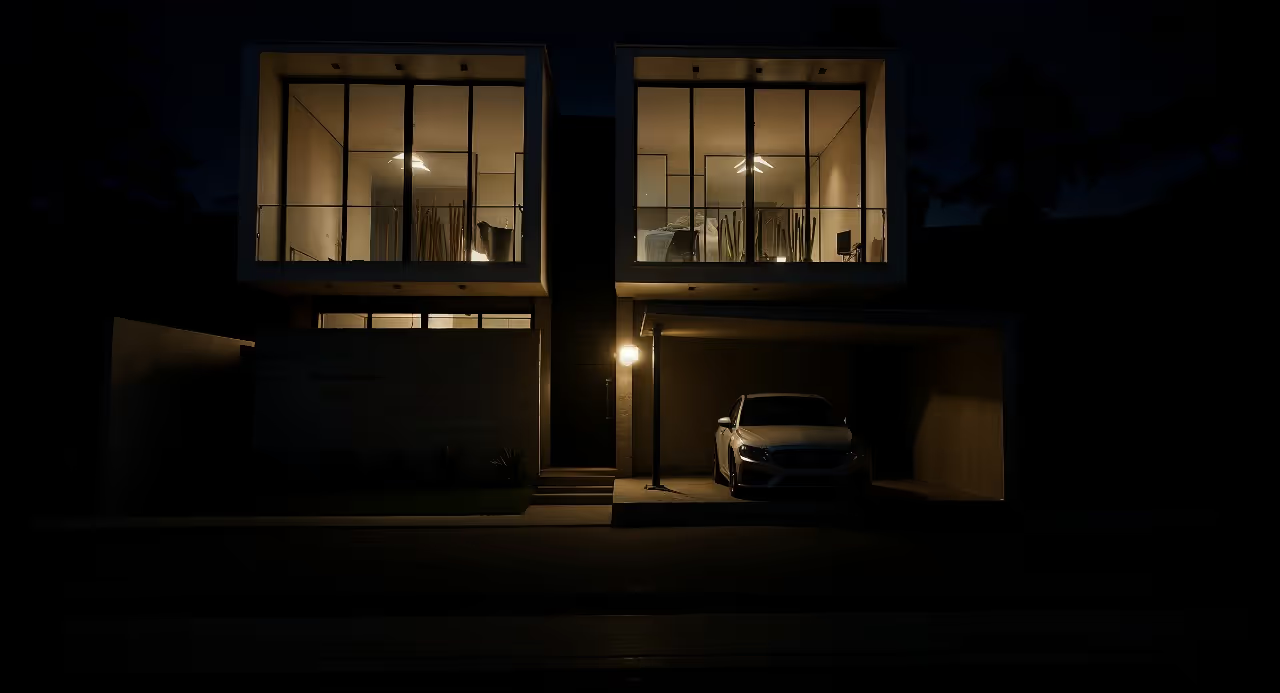
Rendered Image
An interior designer's daily routine is a race against time. Client meeting in the morning, site visit at midday, and in the evening trying to finish that moodboard due tomorrow. On top of that, you still need to render 3 living room options, a kitchen, and the master suite. And the client wants to see "how it will look" before approving anything.
AI entered interior design to solve exactly that. Not to replace the designer's eye. To accelerate everything that gets stuck between the idea and the presentation.
What interior designers actually need from AI
Unlike architects focused on facades, structure, and site planning, interior designers live in the details. The exact leather tone of the sofa. The reflection of polished porcelain tile. The way a pendant light casts shadows on a plaster wall. If the render doesn't capture those details, it's useless.
That's why generic AI tools don't work for interiors. ChatGPT generates a pretty "modern living room," but the materials are invented, the lighting is generic, and the proportions don't match the project. You can't show that to a client and say "this is how it will look" when the AI swapped the porcelain for marble and added a window that doesn't exist.
Interior designers need AI that understands materiality, ambient lighting, and furniture scale. AI that takes the real project and renders it with the right textures, the right light, in the right proportions.
Interior rendering: from hours to seconds
Interior rendering is the hardest thing to get right with traditional software. Global illumination, reflections in glass and metal, light bounce in fabrics, transparency of curtains. In V-Ray, that means hours of configuration and rendering. In Lumion, results are fast but generic — that look of "almost real but not convincing."
With AI trained specifically for architecture and interior design, the situation changes. You upload a screenshot of your project modeled in SketchUp, Revit, or ArchiCAD and in 20 to 40 seconds you receive a render with convincing natural lighting, textures faithful to the project materials, and reflections that make sense in context.
Redraw was trained on millions of real interior images. The AI knows how polished porcelain tile reflects. It knows the difference between linen and velvet on a sofa. It knows how a recessed spot light creates a gradient different from natural window light. Those are the details that determine whether a render convinces or not.
And when the client looks and says "I want to see it with wood flooring instead of porcelain," that's 30 seconds to generate the variation. Not 2 hours reconfiguring materials.
Enhance Render: when you already have an image
Many designers already render with Lumion, Enscape, or even photos of the space under construction. The problem is that the result doesn't always reach the presentation level clients expect.
Redraw's Enhance Render was built for this. You upload any image (software render, photo of the space, even a Promob screenshot) and in 30 seconds the AI improves textures, corrects lighting, adds realism. That render that was "almost good" becomes professional. That raw construction photo becomes a presentation.
For interior designers, this feature alone justifies the tool. Because much of the work is taking what exists and elevating it. AI does that in seconds.
Before · render produced in conventional software
After · render enhanced with Redraw AI
Idea generation: when the client doesn't know what they want
Every designer knows this situation: the client sits down, says "I want something modern but cozy," and expects you to translate that into an image on the spot.
With AI, you can. In Redraw, idea generation works like visual brainstorming. Describe the concept ("living room with neutral palette, double ceiling height, warm lighting, japandi style"), and the AI generates options in seconds. These aren't final renders — they're starting points. Visual references you show the client, adjust the direction, then render with precision once the project is modeled.
It's automated moodboarding. Instead of spending 3 hours on Pinterest searching for images that "sort of" represent the idea, you generate exactly what you're envisioning. And if the client says "I like it but want more color," generate again in 30 seconds.
Visual moodboard with AI
Speaking of moodboards: the way designers present concepts to clients has changed. The classic moodboard (a collage of Pinterest photos with material samples) works, but has one problem. The photos are of other people's projects. They don't show how your client's project will look.
With AI, the moodboard becomes personalized. You generate images of the client's actual space with different styles, palettes, and atmospheres. The client sees their space rendered 5 different ways. Not a generic Pinterest living room. Their living room.
That changes the conversation. The client stops comparing with other people's photos and starts deciding about their own project. Approval comes faster because expectations are calibrated from the start.
Textures and lighting: where AI makes the difference
Interior design is about sensation. The feeling of a space comes from the combination of materials, light, and proportion. And that's exactly where generic AI fails and AI trained for interiors succeeds.
Redraw has its own models fed with millions of real interior images. Not renders, not generic AI images. Real photos and renders from executed projects. The AI learned how real materials behave:
How freijo wood reflects light differently from oak. How curtain fabric filters natural light creating a warm tone. How a mirror expands the space but changes the perception of depth. How Calacatta marble has veins that run in a specific direction.
Generic AI doesn't know this. It generates a generic "wood floor." Redraw generates materiality that a designer recognizes.
The complete designer workflow with AI
In practice, an interior designer can do everything inside Redraw:
1. Generate ideas with the client. In the first meeting, you describe the concept and generate visual options in real time. The client participates, gives feedback, and guides the direction. You leave the meeting with the concept approved.
2. Render the modeled project. When the 3D model is ready, take a screenshot and render in 30 seconds. With the materiality and lighting the project calls for.
3. Generate finish variations. Does the client want to see it with dark flooring? With granite countertop instead of quartz? With cooler lighting? 30 seconds per variation.
4. Enhance existing renders. Rendered in Lumion or Enscape and the result looks generic? Upload to Enhance Render and in 30 seconds gain realism.
5. Generate a video of the space. Want to show the space with movement? Redraw has its own video tool for interiors, plus Veo 3 and Kling AI. Turns a static render into a walkthrough.
6. Generate 3D objects. Need a specific light fixture, a vase, a piece of furniture not in your library? Generate it directly in Redraw and import into SketchUp.
One platform. The entire visual workflow of an interior designer solved.
Cost vs. savings
A designer who renders with traditional software spends on average:
Render license (Lumion/Enscape): R$ 3,500 to R$ 7,000/year
Adequate hardware: R$ 8,000 to R$ 20,000 (amortized ~R$ 5,000/year)
Hours in rendering and configuration: ~60 hours/month
Hours in moodboards and references: ~15 hours/month
Total: R$ 8,500+/year + 75 hours/month
With Redraw:
Basic plan: ~R$ 1,000/year
Hardware: the laptop you already have
Hours in rendering + ideas + variations: ~2 hours/month
Total: R$ 1,000/year + 2 hours/month
That's 73 hours a month returned to you. Almost 10 working days. Imagine what you do with 10 extra days a month: more projects, more clients, or simply less stress.
Frequently asked questions
What is the best AI for interior design?
Redraw is the benchmark for interiors in 2026. With models trained specifically for interior spaces, it understands materiality, ambient lighting, and furniture scale like no generic AI can.
Can AI render interiors with fidelity?
Yes, when trained for it. Redraw preserves textures, proportions, and lighting from the original project. Generic AI like ChatGPT invents materials and changes the geometry.
Can I use AI to create a moodboard?
Yes. In Redraw, idea generation creates personalized moodboards of the client's actual space, not collages of third-party photos. The client sees their own space in different styles.
Does AI for interiors work without a 3D model?
Yes. Idea generation works from a text description or reference image. Maximum-fidelity rendering uses a 3D model screenshot, but it's not required to get started.
Does Redraw capture the material details that matter in interiors?
Yes. The models were trained on millions of real interior images. The AI differentiates types of wood, fabric, stone, metal. It understands how each material reflects light differently.
Try Redraw → redraw.pro
Rendered Project
An interior designer's daily routine is a race against time. Client meeting in the morning, site visit at midday, and in the evening trying to finish that moodboard due tomorrow. On top of that, you still need to render 3 living room options, a kitchen, and the master suite. And the client wants to see "how it will look" before approving anything.
AI entered interior design to solve exactly that. Not to replace the designer's eye. To accelerate everything that gets stuck between the idea and the presentation.
What interior designers actually need from AI
Unlike architects focused on facades, structure, and site planning, interior designers live in the details. The exact leather tone of the sofa. The reflection of polished porcelain tile. The way a pendant light casts shadows on a plaster wall. If the render doesn't capture those details, it's useless.
That's why generic AI tools don't work for interiors. ChatGPT generates a pretty "modern living room," but the materials are invented, the lighting is generic, and the proportions don't match the project. You can't show that to a client and say "this is how it will look" when the AI swapped the porcelain for marble and added a window that doesn't exist.
Interior designers need AI that understands materiality, ambient lighting, and furniture scale. AI that takes the real project and renders it with the right textures, the right light, in the right proportions.
Interior rendering: from hours to seconds
Interior rendering is the hardest thing to get right with traditional software. Global illumination, reflections in glass and metal, light bounce in fabrics, transparency of curtains. In V-Ray, that means hours of configuration and rendering. In Lumion, results are fast but generic — that look of "almost real but not convincing."
With AI trained specifically for architecture and interior design, the situation changes. You upload a screenshot of your project modeled in SketchUp, Revit, or ArchiCAD and in 20 to 40 seconds you receive a render with convincing natural lighting, textures faithful to the project materials, and reflections that make sense in context.
Redraw was trained on millions of real interior images. The AI knows how polished porcelain tile reflects. It knows the difference between linen and velvet on a sofa. It knows how a recessed spot light creates a gradient different from natural window light. Those are the details that determine whether a render convinces or not.
And when the client looks and says "I want to see it with wood flooring instead of porcelain," that's 30 seconds to generate the variation. Not 2 hours reconfiguring materials.
Enhance Render: when you already have an image
Many designers already render with Lumion, Enscape, or even photos of the space under construction. The problem is that the result doesn't always reach the presentation level clients expect.
Redraw's Enhance Render was built for this. You upload any image (software render, photo of the space, even a Promob screenshot) and in 30 seconds the AI improves textures, corrects lighting, adds realism. That render that was "almost good" becomes professional. That raw construction photo becomes a presentation.
For interior designers, this feature alone justifies the tool. Because much of the work is taking what exists and elevating it. AI does that in seconds.
Before · render produced in conventional software
After · render enhanced with Redraw AI
Idea generation: when the client doesn't know what they want
Every designer knows this situation: the client sits down, says "I want something modern but cozy," and expects you to translate that into an image on the spot.
With AI, you can. In Redraw, idea generation works like visual brainstorming. Describe the concept ("living room with neutral palette, double ceiling height, warm lighting, japandi style"), and the AI generates options in seconds. These aren't final renders — they're starting points. Visual references you show the client, adjust the direction, then render with precision once the project is modeled.
It's automated moodboarding. Instead of spending 3 hours on Pinterest searching for images that "sort of" represent the idea, you generate exactly what you're envisioning. And if the client says "I like it but want more color," generate again in 30 seconds.
Visual moodboard with AI
Speaking of moodboards: the way designers present concepts to clients has changed. The classic moodboard (a collage of Pinterest photos with material samples) works, but has one problem. The photos are of other people's projects. They don't show how your client's project will look.
With AI, the moodboard becomes personalized. You generate images of the client's actual space with different styles, palettes, and atmospheres. The client sees their space rendered 5 different ways. Not a generic Pinterest living room. Their living room.
That changes the conversation. The client stops comparing with other people's photos and starts deciding about their own project. Approval comes faster because expectations are calibrated from the start.
Textures and lighting: where AI makes the difference
Interior design is about sensation. The feeling of a space comes from the combination of materials, light, and proportion. And that's exactly where generic AI fails and AI trained for interiors succeeds.
Redraw has its own models fed with millions of real interior images. Not renders, not generic AI images. Real photos and renders from executed projects. The AI learned how real materials behave:
How freijo wood reflects light differently from oak. How curtain fabric filters natural light creating a warm tone. How a mirror expands the space but changes the perception of depth. How Calacatta marble has veins that run in a specific direction.
Generic AI doesn't know this. It generates a generic "wood floor." Redraw generates materiality that a designer recognizes.
The complete designer workflow with AI
In practice, an interior designer can do everything inside Redraw:
1. Generate ideas with the client. In the first meeting, you describe the concept and generate visual options in real time. The client participates, gives feedback, and guides the direction. You leave the meeting with the concept approved.
2. Render the modeled project. When the 3D model is ready, take a screenshot and render in 30 seconds. With the materiality and lighting the project calls for.
3. Generate finish variations. Does the client want to see it with dark flooring? With granite countertop instead of quartz? With cooler lighting? 30 seconds per variation.
4. Enhance existing renders. Rendered in Lumion or Enscape and the result looks generic? Upload to Enhance Render and in 30 seconds gain realism.
5. Generate a video of the space. Want to show the space with movement? Redraw has its own video tool for interiors, plus Veo 3 and Kling AI. Turns a static render into a walkthrough.
6. Generate 3D objects. Need a specific light fixture, a vase, a piece of furniture not in your library? Generate it directly in Redraw and import into SketchUp.
One platform. The entire visual workflow of an interior designer solved.
Cost vs. savings
A designer who renders with traditional software spends on average:
Render license (Lumion/Enscape): R$ 3,500 to R$ 7,000/year
Adequate hardware: R$ 8,000 to R$ 20,000 (amortized ~R$ 5,000/year)
Hours in rendering and configuration: ~60 hours/month
Hours in moodboards and references: ~15 hours/month
Total: R$ 8,500+/year + 75 hours/month
With Redraw:
Basic plan: ~R$ 1,000/year
Hardware: the laptop you already have
Hours in rendering + ideas + variations: ~2 hours/month
Total: R$ 1,000/year + 2 hours/month
That's 73 hours a month returned to you. Almost 10 working days. Imagine what you do with 10 extra days a month: more projects, more clients, or simply less stress.
Frequently asked questions
What is the best AI for interior design?
Redraw is the benchmark for interiors in 2026. With models trained specifically for interior spaces, it understands materiality, ambient lighting, and furniture scale like no generic AI can.
Can AI render interiors with fidelity?
Yes, when trained for it. Redraw preserves textures, proportions, and lighting from the original project. Generic AI like ChatGPT invents materials and changes the geometry.
Can I use AI to create a moodboard?
Yes. In Redraw, idea generation creates personalized moodboards of the client's actual space, not collages of third-party photos. The client sees their own space in different styles.
Does AI for interiors work without a 3D model?
Yes. Idea generation works from a text description or reference image. Maximum-fidelity rendering uses a 3D model screenshot, but it's not required to get started.
Does Redraw capture the material details that matter in interiors?
Yes. The models were trained on millions of real interior images. The AI differentiates types of wood, fabric, stone, metal. It understands how each material reflects light differently.
Try Redraw → redraw.pro
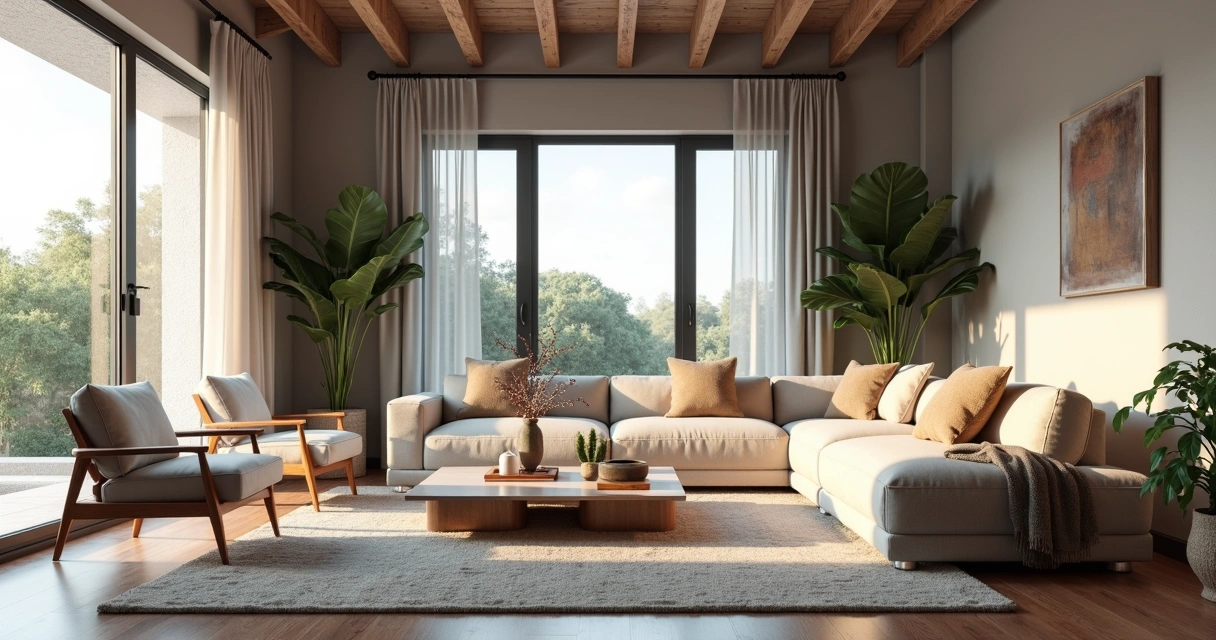
Rendering Interiors
An interior designer's daily routine is a race against time. Client meeting in the morning, site visit at midday, and in the evening trying to finish that moodboard due tomorrow. On top of that, you still need to render 3 living room options, a kitchen, and the master suite. And the client wants to see "how it will look" before approving anything.
AI entered interior design to solve exactly that. Not to replace the designer's eye. To accelerate everything that gets stuck between the idea and the presentation.
What interior designers actually need from AI
Unlike architects focused on facades, structure, and site planning, interior designers live in the details. The exact leather tone of the sofa. The reflection of polished porcelain tile. The way a pendant light casts shadows on a plaster wall. If the render doesn't capture those details, it's useless.
That's why generic AI tools don't work for interiors. ChatGPT generates a pretty "modern living room," but the materials are invented, the lighting is generic, and the proportions don't match the project. You can't show that to a client and say "this is how it will look" when the AI swapped the porcelain for marble and added a window that doesn't exist.
Interior designers need AI that understands materiality, ambient lighting, and furniture scale. AI that takes the real project and renders it with the right textures, the right light, in the right proportions.
Interior rendering: from hours to seconds
Interior rendering is the hardest thing to get right with traditional software. Global illumination, reflections in glass and metal, light bounce in fabrics, transparency of curtains. In V-Ray, that means hours of configuration and rendering. In Lumion, results are fast but generic — that look of "almost real but not convincing."
With AI trained specifically for architecture and interior design, the situation changes. You upload a screenshot of your project modeled in SketchUp, Revit, or ArchiCAD and in 20 to 40 seconds you receive a render with convincing natural lighting, textures faithful to the project materials, and reflections that make sense in context.
Redraw was trained on millions of real interior images. The AI knows how polished porcelain tile reflects. It knows the difference between linen and velvet on a sofa. It knows how a recessed spot light creates a gradient different from natural window light. Those are the details that determine whether a render convinces or not.
And when the client looks and says "I want to see it with wood flooring instead of porcelain," that's 30 seconds to generate the variation. Not 2 hours reconfiguring materials.
Enhance Render: when you already have an image
Many designers already render with Lumion, Enscape, or even photos of the space under construction. The problem is that the result doesn't always reach the presentation level clients expect.
Redraw's Enhance Render was built for this. You upload any image (software render, photo of the space, even a Promob screenshot) and in 30 seconds the AI improves textures, corrects lighting, adds realism. That render that was "almost good" becomes professional. That raw construction photo becomes a presentation.
For interior designers, this feature alone justifies the tool. Because much of the work is taking what exists and elevating it. AI does that in seconds.
Before · render produced in conventional software
After · render enhanced with Redraw AI
Idea generation: when the client doesn't know what they want
Every designer knows this situation: the client sits down, says "I want something modern but cozy," and expects you to translate that into an image on the spot.
With AI, you can. In Redraw, idea generation works like visual brainstorming. Describe the concept ("living room with neutral palette, double ceiling height, warm lighting, japandi style"), and the AI generates options in seconds. These aren't final renders — they're starting points. Visual references you show the client, adjust the direction, then render with precision once the project is modeled.
It's automated moodboarding. Instead of spending 3 hours on Pinterest searching for images that "sort of" represent the idea, you generate exactly what you're envisioning. And if the client says "I like it but want more color," generate again in 30 seconds.
Visual moodboard with AI
Speaking of moodboards: the way designers present concepts to clients has changed. The classic moodboard (a collage of Pinterest photos with material samples) works, but has one problem. The photos are of other people's projects. They don't show how your client's project will look.
With AI, the moodboard becomes personalized. You generate images of the client's actual space with different styles, palettes, and atmospheres. The client sees their space rendered 5 different ways. Not a generic Pinterest living room. Their living room.
That changes the conversation. The client stops comparing with other people's photos and starts deciding about their own project. Approval comes faster because expectations are calibrated from the start.
Textures and lighting: where AI makes the difference
Interior design is about sensation. The feeling of a space comes from the combination of materials, light, and proportion. And that's exactly where generic AI fails and AI trained for interiors succeeds.
Redraw has its own models fed with millions of real interior images. Not renders, not generic AI images. Real photos and renders from executed projects. The AI learned how real materials behave:
How freijo wood reflects light differently from oak. How curtain fabric filters natural light creating a warm tone. How a mirror expands the space but changes the perception of depth. How Calacatta marble has veins that run in a specific direction.
Generic AI doesn't know this. It generates a generic "wood floor." Redraw generates materiality that a designer recognizes.
The complete designer workflow with AI
In practice, an interior designer can do everything inside Redraw:
1. Generate ideas with the client. In the first meeting, you describe the concept and generate visual options in real time. The client participates, gives feedback, and guides the direction. You leave the meeting with the concept approved.
2. Render the modeled project. When the 3D model is ready, take a screenshot and render in 30 seconds. With the materiality and lighting the project calls for.
3. Generate finish variations. Does the client want to see it with dark flooring? With granite countertop instead of quartz? With cooler lighting? 30 seconds per variation.
4. Enhance existing renders. Rendered in Lumion or Enscape and the result looks generic? Upload to Enhance Render and in 30 seconds gain realism.
5. Generate a video of the space. Want to show the space with movement? Redraw has its own video tool for interiors, plus Veo 3 and Kling AI. Turns a static render into a walkthrough.
6. Generate 3D objects. Need a specific light fixture, a vase, a piece of furniture not in your library? Generate it directly in Redraw and import into SketchUp.
One platform. The entire visual workflow of an interior designer solved.
Cost vs. savings
A designer who renders with traditional software spends on average:
Render license (Lumion/Enscape): R$ 3,500 to R$ 7,000/year
Adequate hardware: R$ 8,000 to R$ 20,000 (amortized ~R$ 5,000/year)
Hours in rendering and configuration: ~60 hours/month
Hours in moodboards and references: ~15 hours/month
Total: R$ 8,500+/year + 75 hours/month
With Redraw:
Basic plan: ~R$ 1,000/year
Hardware: the laptop you already have
Hours in rendering + ideas + variations: ~2 hours/month
Total: R$ 1,000/year + 2 hours/month
That's 73 hours a month returned to you. Almost 10 working days. Imagine what you do with 10 extra days a month: more projects, more clients, or simply less stress.
Frequently asked questions
What is the best AI for interior design?
Redraw is the benchmark for interiors in 2026. With models trained specifically for interior spaces, it understands materiality, ambient lighting, and furniture scale like no generic AI can.
Can AI render interiors with fidelity?
Yes, when trained for it. Redraw preserves textures, proportions, and lighting from the original project. Generic AI like ChatGPT invents materials and changes the geometry.
Can I use AI to create a moodboard?
Yes. In Redraw, idea generation creates personalized moodboards of the client's actual space, not collages of third-party photos. The client sees their own space in different styles.
Does AI for interiors work without a 3D model?
Yes. Idea generation works from a text description or reference image. Maximum-fidelity rendering uses a 3D model screenshot, but it's not required to get started.
Does Redraw capture the material details that matter in interiors?
Yes. The models were trained on millions of real interior images. The AI differentiates types of wood, fabric, stone, metal. It understands how each material reflects light differently.
Try Redraw → redraw.pro
Rendering Meaning
An interior designer's daily routine is a race against time. Client meeting in the morning, site visit at midday, and in the evening trying to finish that moodboard due tomorrow. On top of that, you still need to render 3 living room options, a kitchen, and the master suite. And the client wants to see "how it will look" before approving anything.
AI entered interior design to solve exactly that. Not to replace the designer's eye. To accelerate everything that gets stuck between the idea and the presentation.
What interior designers actually need from AI
Unlike architects focused on facades, structure, and site planning, interior designers live in the details. The exact leather tone of the sofa. The reflection of polished porcelain tile. The way a pendant light casts shadows on a plaster wall. If the render doesn't capture those details, it's useless.
That's why generic AI tools don't work for interiors. ChatGPT generates a pretty "modern living room," but the materials are invented, the lighting is generic, and the proportions don't match the project. You can't show that to a client and say "this is how it will look" when the AI swapped the porcelain for marble and added a window that doesn't exist.
Interior designers need AI that understands materiality, ambient lighting, and furniture scale. AI that takes the real project and renders it with the right textures, the right light, in the right proportions.
Interior rendering: from hours to seconds
Interior rendering is the hardest thing to get right with traditional software. Global illumination, reflections in glass and metal, light bounce in fabrics, transparency of curtains. In V-Ray, that means hours of configuration and rendering. In Lumion, results are fast but generic — that look of "almost real but not convincing."
With AI trained specifically for architecture and interior design, the situation changes. You upload a screenshot of your project modeled in SketchUp, Revit, or ArchiCAD and in 20 to 40 seconds you receive a render with convincing natural lighting, textures faithful to the project materials, and reflections that make sense in context.
Redraw was trained on millions of real interior images. The AI knows how polished porcelain tile reflects. It knows the difference between linen and velvet on a sofa. It knows how a recessed spot light creates a gradient different from natural window light. Those are the details that determine whether a render convinces or not.
And when the client looks and says "I want to see it with wood flooring instead of porcelain," that's 30 seconds to generate the variation. Not 2 hours reconfiguring materials.
Enhance Render: when you already have an image
Many designers already render with Lumion, Enscape, or even photos of the space under construction. The problem is that the result doesn't always reach the presentation level clients expect.
Redraw's Enhance Render was built for this. You upload any image (software render, photo of the space, even a Promob screenshot) and in 30 seconds the AI improves textures, corrects lighting, adds realism. That render that was "almost good" becomes professional. That raw construction photo becomes a presentation.
For interior designers, this feature alone justifies the tool. Because much of the work is taking what exists and elevating it. AI does that in seconds.
Before · render produced in conventional software
After · render enhanced with Redraw AI
Idea generation: when the client doesn't know what they want
Every designer knows this situation: the client sits down, says "I want something modern but cozy," and expects you to translate that into an image on the spot.
With AI, you can. In Redraw, idea generation works like visual brainstorming. Describe the concept ("living room with neutral palette, double ceiling height, warm lighting, japandi style"), and the AI generates options in seconds. These aren't final renders — they're starting points. Visual references you show the client, adjust the direction, then render with precision once the project is modeled.
It's automated moodboarding. Instead of spending 3 hours on Pinterest searching for images that "sort of" represent the idea, you generate exactly what you're envisioning. And if the client says "I like it but want more color," generate again in 30 seconds.
Visual moodboard with AI
Speaking of moodboards: the way designers present concepts to clients has changed. The classic moodboard (a collage of Pinterest photos with material samples) works, but has one problem. The photos are of other people's projects. They don't show how your client's project will look.
With AI, the moodboard becomes personalized. You generate images of the client's actual space with different styles, palettes, and atmospheres. The client sees their space rendered 5 different ways. Not a generic Pinterest living room. Their living room.
That changes the conversation. The client stops comparing with other people's photos and starts deciding about their own project. Approval comes faster because expectations are calibrated from the start.
Textures and lighting: where AI makes the difference
Interior design is about sensation. The feeling of a space comes from the combination of materials, light, and proportion. And that's exactly where generic AI fails and AI trained for interiors succeeds.
Redraw has its own models fed with millions of real interior images. Not renders, not generic AI images. Real photos and renders from executed projects. The AI learned how real materials behave:
How freijo wood reflects light differently from oak. How curtain fabric filters natural light creating a warm tone. How a mirror expands the space but changes the perception of depth. How Calacatta marble has veins that run in a specific direction.
Generic AI doesn't know this. It generates a generic "wood floor." Redraw generates materiality that a designer recognizes.
The complete designer workflow with AI
In practice, an interior designer can do everything inside Redraw:
1. Generate ideas with the client. In the first meeting, you describe the concept and generate visual options in real time. The client participates, gives feedback, and guides the direction. You leave the meeting with the concept approved.
2. Render the modeled project. When the 3D model is ready, take a screenshot and render in 30 seconds. With the materiality and lighting the project calls for.
3. Generate finish variations. Does the client want to see it with dark flooring? With granite countertop instead of quartz? With cooler lighting? 30 seconds per variation.
4. Enhance existing renders. Rendered in Lumion or Enscape and the result looks generic? Upload to Enhance Render and in 30 seconds gain realism.
5. Generate a video of the space. Want to show the space with movement? Redraw has its own video tool for interiors, plus Veo 3 and Kling AI. Turns a static render into a walkthrough.
6. Generate 3D objects. Need a specific light fixture, a vase, a piece of furniture not in your library? Generate it directly in Redraw and import into SketchUp.
One platform. The entire visual workflow of an interior designer solved.
Cost vs. savings
A designer who renders with traditional software spends on average:
Render license (Lumion/Enscape): R$ 3,500 to R$ 7,000/year
Adequate hardware: R$ 8,000 to R$ 20,000 (amortized ~R$ 5,000/year)
Hours in rendering and configuration: ~60 hours/month
Hours in moodboards and references: ~15 hours/month
Total: R$ 8,500+/year + 75 hours/month
With Redraw:
Basic plan: ~R$ 1,000/year
Hardware: the laptop you already have
Hours in rendering + ideas + variations: ~2 hours/month
Total: R$ 1,000/year + 2 hours/month
That's 73 hours a month returned to you. Almost 10 working days. Imagine what you do with 10 extra days a month: more projects, more clients, or simply less stress.
Frequently asked questions
What is the best AI for interior design?
Redraw is the benchmark for interiors in 2026. With models trained specifically for interior spaces, it understands materiality, ambient lighting, and furniture scale like no generic AI can.
Can AI render interiors with fidelity?
Yes, when trained for it. Redraw preserves textures, proportions, and lighting from the original project. Generic AI like ChatGPT invents materials and changes the geometry.
Can I use AI to create a moodboard?
Yes. In Redraw, idea generation creates personalized moodboards of the client's actual space, not collages of third-party photos. The client sees their own space in different styles.
Does AI for interiors work without a 3D model?
Yes. Idea generation works from a text description or reference image. Maximum-fidelity rendering uses a 3D model screenshot, but it's not required to get started.
Does Redraw capture the material details that matter in interiors?
Yes. The models were trained on millions of real interior images. The AI differentiates types of wood, fabric, stone, metal. It understands how each material reflects light differently.
Try Redraw → redraw.pro
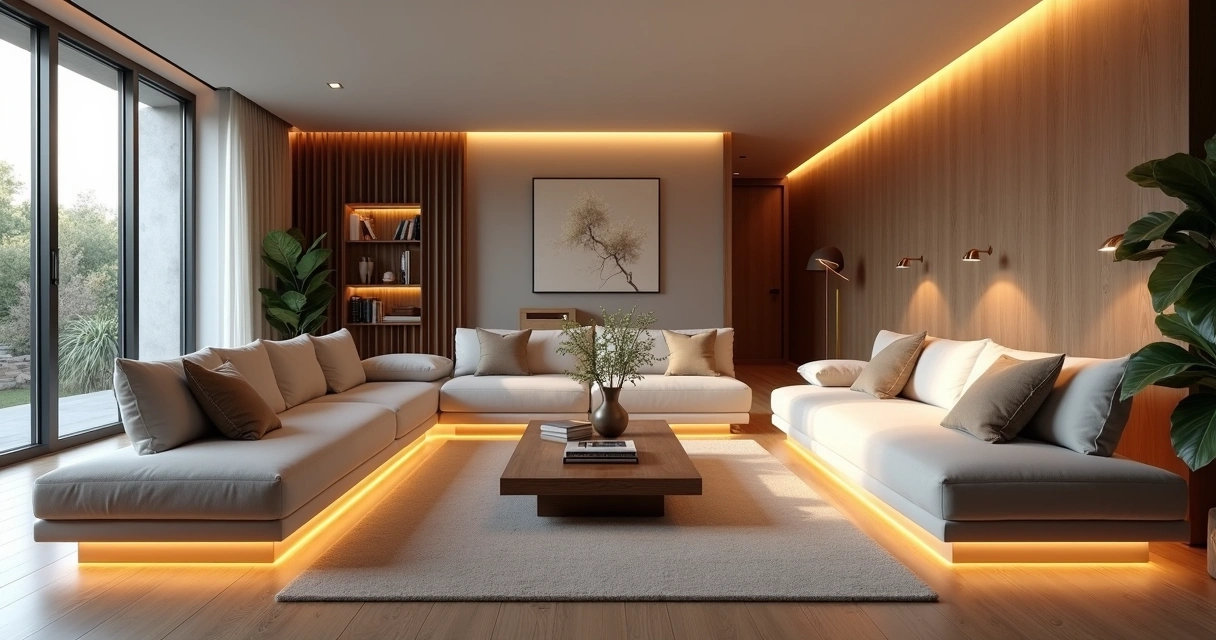
Sunken Living Rooms
An interior designer's daily routine is a race against time. Client meeting in the morning, site visit at midday, and in the evening trying to finish that moodboard due tomorrow. On top of that, you still need to render 3 living room options, a kitchen, and the master suite. And the client wants to see "how it will look" before approving anything.
AI entered interior design to solve exactly that. Not to replace the designer's eye. To accelerate everything that gets stuck between the idea and the presentation.
What interior designers actually need from AI
Unlike architects focused on facades, structure, and site planning, interior designers live in the details. The exact leather tone of the sofa. The reflection of polished porcelain tile. The way a pendant light casts shadows on a plaster wall. If the render doesn't capture those details, it's useless.
That's why generic AI tools don't work for interiors. ChatGPT generates a pretty "modern living room," but the materials are invented, the lighting is generic, and the proportions don't match the project. You can't show that to a client and say "this is how it will look" when the AI swapped the porcelain for marble and added a window that doesn't exist.
Interior designers need AI that understands materiality, ambient lighting, and furniture scale. AI that takes the real project and renders it with the right textures, the right light, in the right proportions.
Interior rendering: from hours to seconds
Interior rendering is the hardest thing to get right with traditional software. Global illumination, reflections in glass and metal, light bounce in fabrics, transparency of curtains. In V-Ray, that means hours of configuration and rendering. In Lumion, results are fast but generic — that look of "almost real but not convincing."
With AI trained specifically for architecture and interior design, the situation changes. You upload a screenshot of your project modeled in SketchUp, Revit, or ArchiCAD and in 20 to 40 seconds you receive a render with convincing natural lighting, textures faithful to the project materials, and reflections that make sense in context.
Redraw was trained on millions of real interior images. The AI knows how polished porcelain tile reflects. It knows the difference between linen and velvet on a sofa. It knows how a recessed spot light creates a gradient different from natural window light. Those are the details that determine whether a render convinces or not.
And when the client looks and says "I want to see it with wood flooring instead of porcelain," that's 30 seconds to generate the variation. Not 2 hours reconfiguring materials.
Enhance Render: when you already have an image
Many designers already render with Lumion, Enscape, or even photos of the space under construction. The problem is that the result doesn't always reach the presentation level clients expect.
Redraw's Enhance Render was built for this. You upload any image (software render, photo of the space, even a Promob screenshot) and in 30 seconds the AI improves textures, corrects lighting, adds realism. That render that was "almost good" becomes professional. That raw construction photo becomes a presentation.
For interior designers, this feature alone justifies the tool. Because much of the work is taking what exists and elevating it. AI does that in seconds.
Before · render produced in conventional software
After · render enhanced with Redraw AI
Idea generation: when the client doesn't know what they want
Every designer knows this situation: the client sits down, says "I want something modern but cozy," and expects you to translate that into an image on the spot.
With AI, you can. In Redraw, idea generation works like visual brainstorming. Describe the concept ("living room with neutral palette, double ceiling height, warm lighting, japandi style"), and the AI generates options in seconds. These aren't final renders — they're starting points. Visual references you show the client, adjust the direction, then render with precision once the project is modeled.
It's automated moodboarding. Instead of spending 3 hours on Pinterest searching for images that "sort of" represent the idea, you generate exactly what you're envisioning. And if the client says "I like it but want more color," generate again in 30 seconds.
Visual moodboard with AI
Speaking of moodboards: the way designers present concepts to clients has changed. The classic moodboard (a collage of Pinterest photos with material samples) works, but has one problem. The photos are of other people's projects. They don't show how your client's project will look.
With AI, the moodboard becomes personalized. You generate images of the client's actual space with different styles, palettes, and atmospheres. The client sees their space rendered 5 different ways. Not a generic Pinterest living room. Their living room.
That changes the conversation. The client stops comparing with other people's photos and starts deciding about their own project. Approval comes faster because expectations are calibrated from the start.
Textures and lighting: where AI makes the difference
Interior design is about sensation. The feeling of a space comes from the combination of materials, light, and proportion. And that's exactly where generic AI fails and AI trained for interiors succeeds.
Redraw has its own models fed with millions of real interior images. Not renders, not generic AI images. Real photos and renders from executed projects. The AI learned how real materials behave:
How freijo wood reflects light differently from oak. How curtain fabric filters natural light creating a warm tone. How a mirror expands the space but changes the perception of depth. How Calacatta marble has veins that run in a specific direction.
Generic AI doesn't know this. It generates a generic "wood floor." Redraw generates materiality that a designer recognizes.
The complete designer workflow with AI
In practice, an interior designer can do everything inside Redraw:
1. Generate ideas with the client. In the first meeting, you describe the concept and generate visual options in real time. The client participates, gives feedback, and guides the direction. You leave the meeting with the concept approved.
2. Render the modeled project. When the 3D model is ready, take a screenshot and render in 30 seconds. With the materiality and lighting the project calls for.
3. Generate finish variations. Does the client want to see it with dark flooring? With granite countertop instead of quartz? With cooler lighting? 30 seconds per variation.
4. Enhance existing renders. Rendered in Lumion or Enscape and the result looks generic? Upload to Enhance Render and in 30 seconds gain realism.
5. Generate a video of the space. Want to show the space with movement? Redraw has its own video tool for interiors, plus Veo 3 and Kling AI. Turns a static render into a walkthrough.
6. Generate 3D objects. Need a specific light fixture, a vase, a piece of furniture not in your library? Generate it directly in Redraw and import into SketchUp.
One platform. The entire visual workflow of an interior designer solved.
Cost vs. savings
A designer who renders with traditional software spends on average:
Render license (Lumion/Enscape): R$ 3,500 to R$ 7,000/year
Adequate hardware: R$ 8,000 to R$ 20,000 (amortized ~R$ 5,000/year)
Hours in rendering and configuration: ~60 hours/month
Hours in moodboards and references: ~15 hours/month
Total: R$ 8,500+/year + 75 hours/month
With Redraw:
Basic plan: ~R$ 1,000/year
Hardware: the laptop you already have
Hours in rendering + ideas + variations: ~2 hours/month
Total: R$ 1,000/year + 2 hours/month
That's 73 hours a month returned to you. Almost 10 working days. Imagine what you do with 10 extra days a month: more projects, more clients, or simply less stress.
Frequently asked questions
What is the best AI for interior design?
Redraw is the benchmark for interiors in 2026. With models trained specifically for interior spaces, it understands materiality, ambient lighting, and furniture scale like no generic AI can.
Can AI render interiors with fidelity?
Yes, when trained for it. Redraw preserves textures, proportions, and lighting from the original project. Generic AI like ChatGPT invents materials and changes the geometry.
Can I use AI to create a moodboard?
Yes. In Redraw, idea generation creates personalized moodboards of the client's actual space, not collages of third-party photos. The client sees their own space in different styles.
Does AI for interiors work without a 3D model?
Yes. Idea generation works from a text description or reference image. Maximum-fidelity rendering uses a 3D model screenshot, but it's not required to get started.
Does Redraw capture the material details that matter in interiors?
Yes. The models were trained on millions of real interior images. The AI differentiates types of wood, fabric, stone, metal. It understands how each material reflects light differently.
Try Redraw → redraw.pro
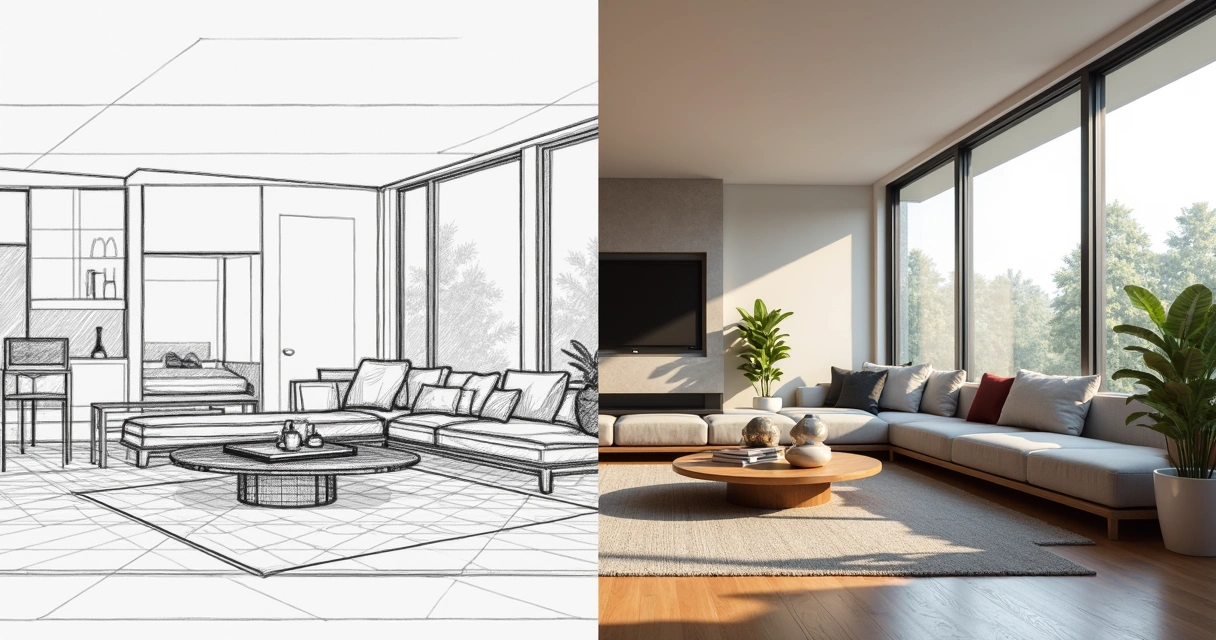
What is CorelDRAW
An interior designer's daily routine is a race against time. Client meeting in the morning, site visit at midday, and in the evening trying to finish that moodboard due tomorrow. On top of that, you still need to render 3 living room options, a kitchen, and the master suite. And the client wants to see "how it will look" before approving anything.
AI entered interior design to solve exactly that. Not to replace the designer's eye. To accelerate everything that gets stuck between the idea and the presentation.
What interior designers actually need from AI
Unlike architects focused on facades, structure, and site planning, interior designers live in the details. The exact leather tone of the sofa. The reflection of polished porcelain tile. The way a pendant light casts shadows on a plaster wall. If the render doesn't capture those details, it's useless.
That's why generic AI tools don't work for interiors. ChatGPT generates a pretty "modern living room," but the materials are invented, the lighting is generic, and the proportions don't match the project. You can't show that to a client and say "this is how it will look" when the AI swapped the porcelain for marble and added a window that doesn't exist.
Interior designers need AI that understands materiality, ambient lighting, and furniture scale. AI that takes the real project and renders it with the right textures, the right light, in the right proportions.
Interior rendering: from hours to seconds
Interior rendering is the hardest thing to get right with traditional software. Global illumination, reflections in glass and metal, light bounce in fabrics, transparency of curtains. In V-Ray, that means hours of configuration and rendering. In Lumion, results are fast but generic — that look of "almost real but not convincing."
With AI trained specifically for architecture and interior design, the situation changes. You upload a screenshot of your project modeled in SketchUp, Revit, or ArchiCAD and in 20 to 40 seconds you receive a render with convincing natural lighting, textures faithful to the project materials, and reflections that make sense in context.
Redraw was trained on millions of real interior images. The AI knows how polished porcelain tile reflects. It knows the difference between linen and velvet on a sofa. It knows how a recessed spot light creates a gradient different from natural window light. Those are the details that determine whether a render convinces or not.
And when the client looks and says "I want to see it with wood flooring instead of porcelain," that's 30 seconds to generate the variation. Not 2 hours reconfiguring materials.
Enhance Render: when you already have an image
Many designers already render with Lumion, Enscape, or even photos of the space under construction. The problem is that the result doesn't always reach the presentation level clients expect.
Redraw's Enhance Render was built for this. You upload any image (software render, photo of the space, even a Promob screenshot) and in 30 seconds the AI improves textures, corrects lighting, adds realism. That render that was "almost good" becomes professional. That raw construction photo becomes a presentation.
For interior designers, this feature alone justifies the tool. Because much of the work is taking what exists and elevating it. AI does that in seconds.
Before · render produced in conventional software
After · render enhanced with Redraw AI
Idea generation: when the client doesn't know what they want
Every designer knows this situation: the client sits down, says "I want something modern but cozy," and expects you to translate that into an image on the spot.
With AI, you can. In Redraw, idea generation works like visual brainstorming. Describe the concept ("living room with neutral palette, double ceiling height, warm lighting, japandi style"), and the AI generates options in seconds. These aren't final renders — they're starting points. Visual references you show the client, adjust the direction, then render with precision once the project is modeled.
It's automated moodboarding. Instead of spending 3 hours on Pinterest searching for images that "sort of" represent the idea, you generate exactly what you're envisioning. And if the client says "I like it but want more color," generate again in 30 seconds.
Visual moodboard with AI
Speaking of moodboards: the way designers present concepts to clients has changed. The classic moodboard (a collage of Pinterest photos with material samples) works, but has one problem. The photos are of other people's projects. They don't show how your client's project will look.
With AI, the moodboard becomes personalized. You generate images of the client's actual space with different styles, palettes, and atmospheres. The client sees their space rendered 5 different ways. Not a generic Pinterest living room. Their living room.
That changes the conversation. The client stops comparing with other people's photos and starts deciding about their own project. Approval comes faster because expectations are calibrated from the start.
Textures and lighting: where AI makes the difference
Interior design is about sensation. The feeling of a space comes from the combination of materials, light, and proportion. And that's exactly where generic AI fails and AI trained for interiors succeeds.
Redraw has its own models fed with millions of real interior images. Not renders, not generic AI images. Real photos and renders from executed projects. The AI learned how real materials behave:
How freijo wood reflects light differently from oak. How curtain fabric filters natural light creating a warm tone. How a mirror expands the space but changes the perception of depth. How Calacatta marble has veins that run in a specific direction.
Generic AI doesn't know this. It generates a generic "wood floor." Redraw generates materiality that a designer recognizes.
The complete designer workflow with AI
In practice, an interior designer can do everything inside Redraw:
1. Generate ideas with the client. In the first meeting, you describe the concept and generate visual options in real time. The client participates, gives feedback, and guides the direction. You leave the meeting with the concept approved.
2. Render the modeled project. When the 3D model is ready, take a screenshot and render in 30 seconds. With the materiality and lighting the project calls for.
3. Generate finish variations. Does the client want to see it with dark flooring? With granite countertop instead of quartz? With cooler lighting? 30 seconds per variation.
4. Enhance existing renders. Rendered in Lumion or Enscape and the result looks generic? Upload to Enhance Render and in 30 seconds gain realism.
5. Generate a video of the space. Want to show the space with movement? Redraw has its own video tool for interiors, plus Veo 3 and Kling AI. Turns a static render into a walkthrough.
6. Generate 3D objects. Need a specific light fixture, a vase, a piece of furniture not in your library? Generate it directly in Redraw and import into SketchUp.
One platform. The entire visual workflow of an interior designer solved.
Cost vs. savings
A designer who renders with traditional software spends on average:
Render license (Lumion/Enscape): R$ 3,500 to R$ 7,000/year
Adequate hardware: R$ 8,000 to R$ 20,000 (amortized ~R$ 5,000/year)
Hours in rendering and configuration: ~60 hours/month
Hours in moodboards and references: ~15 hours/month
Total: R$ 8,500+/year + 75 hours/month
With Redraw:
Basic plan: ~R$ 1,000/year
Hardware: the laptop you already have
Hours in rendering + ideas + variations: ~2 hours/month
Total: R$ 1,000/year + 2 hours/month
That's 73 hours a month returned to you. Almost 10 working days. Imagine what you do with 10 extra days a month: more projects, more clients, or simply less stress.
Frequently asked questions
What is the best AI for interior design?
Redraw is the benchmark for interiors in 2026. With models trained specifically for interior spaces, it understands materiality, ambient lighting, and furniture scale like no generic AI can.
Can AI render interiors with fidelity?
Yes, when trained for it. Redraw preserves textures, proportions, and lighting from the original project. Generic AI like ChatGPT invents materials and changes the geometry.
Can I use AI to create a moodboard?
Yes. In Redraw, idea generation creates personalized moodboards of the client's actual space, not collages of third-party photos. The client sees their own space in different styles.
Does AI for interiors work without a 3D model?
Yes. Idea generation works from a text description or reference image. Maximum-fidelity rendering uses a 3D model screenshot, but it's not required to get started.
Does Redraw capture the material details that matter in interiors?
Yes. The models were trained on millions of real interior images. The AI differentiates types of wood, fabric, stone, metal. It understands how each material reflects light differently.
Try Redraw → redraw.pro
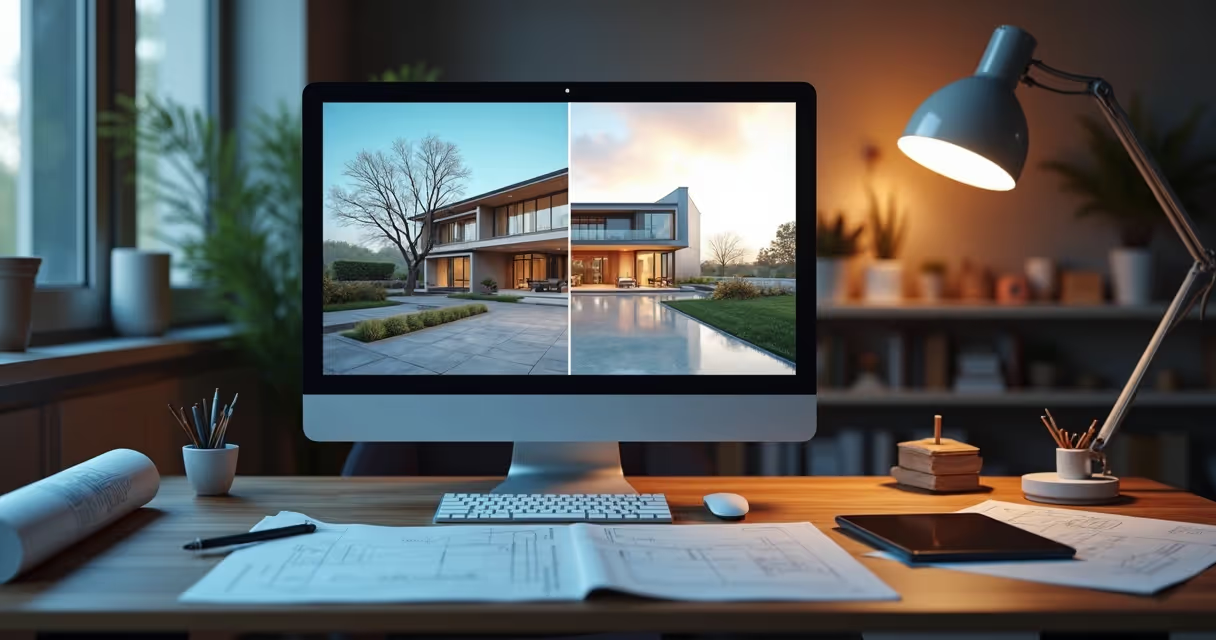
What is Rendering
An interior designer's daily routine is a race against time. Client meeting in the morning, site visit at midday, and in the evening trying to finish that moodboard due tomorrow. On top of that, you still need to render 3 living room options, a kitchen, and the master suite. And the client wants to see "how it will look" before approving anything.
AI entered interior design to solve exactly that. Not to replace the designer's eye. To accelerate everything that gets stuck between the idea and the presentation.
What interior designers actually need from AI
Unlike architects focused on facades, structure, and site planning, interior designers live in the details. The exact leather tone of the sofa. The reflection of polished porcelain tile. The way a pendant light casts shadows on a plaster wall. If the render doesn't capture those details, it's useless.
That's why generic AI tools don't work for interiors. ChatGPT generates a pretty "modern living room," but the materials are invented, the lighting is generic, and the proportions don't match the project. You can't show that to a client and say "this is how it will look" when the AI swapped the porcelain for marble and added a window that doesn't exist.
Interior designers need AI that understands materiality, ambient lighting, and furniture scale. AI that takes the real project and renders it with the right textures, the right light, in the right proportions.
Interior rendering: from hours to seconds
Interior rendering is the hardest thing to get right with traditional software. Global illumination, reflections in glass and metal, light bounce in fabrics, transparency of curtains. In V-Ray, that means hours of configuration and rendering. In Lumion, results are fast but generic — that look of "almost real but not convincing."
With AI trained specifically for architecture and interior design, the situation changes. You upload a screenshot of your project modeled in SketchUp, Revit, or ArchiCAD and in 20 to 40 seconds you receive a render with convincing natural lighting, textures faithful to the project materials, and reflections that make sense in context.
Redraw was trained on millions of real interior images. The AI knows how polished porcelain tile reflects. It knows the difference between linen and velvet on a sofa. It knows how a recessed spot light creates a gradient different from natural window light. Those are the details that determine whether a render convinces or not.
And when the client looks and says "I want to see it with wood flooring instead of porcelain," that's 30 seconds to generate the variation. Not 2 hours reconfiguring materials.
Enhance Render: when you already have an image
Many designers already render with Lumion, Enscape, or even photos of the space under construction. The problem is that the result doesn't always reach the presentation level clients expect.
Redraw's Enhance Render was built for this. You upload any image (software render, photo of the space, even a Promob screenshot) and in 30 seconds the AI improves textures, corrects lighting, adds realism. That render that was "almost good" becomes professional. That raw construction photo becomes a presentation.
For interior designers, this feature alone justifies the tool. Because much of the work is taking what exists and elevating it. AI does that in seconds.
Before · render produced in conventional software
After · render enhanced with Redraw AI
Idea generation: when the client doesn't know what they want
Every designer knows this situation: the client sits down, says "I want something modern but cozy," and expects you to translate that into an image on the spot.
With AI, you can. In Redraw, idea generation works like visual brainstorming. Describe the concept ("living room with neutral palette, double ceiling height, warm lighting, japandi style"), and the AI generates options in seconds. These aren't final renders — they're starting points. Visual references you show the client, adjust the direction, then render with precision once the project is modeled.
It's automated moodboarding. Instead of spending 3 hours on Pinterest searching for images that "sort of" represent the idea, you generate exactly what you're envisioning. And if the client says "I like it but want more color," generate again in 30 seconds.
Visual moodboard with AI
Speaking of moodboards: the way designers present concepts to clients has changed. The classic moodboard (a collage of Pinterest photos with material samples) works, but has one problem. The photos are of other people's projects. They don't show how your client's project will look.
With AI, the moodboard becomes personalized. You generate images of the client's actual space with different styles, palettes, and atmospheres. The client sees their space rendered 5 different ways. Not a generic Pinterest living room. Their living room.
That changes the conversation. The client stops comparing with other people's photos and starts deciding about their own project. Approval comes faster because expectations are calibrated from the start.
Textures and lighting: where AI makes the difference
Interior design is about sensation. The feeling of a space comes from the combination of materials, light, and proportion. And that's exactly where generic AI fails and AI trained for interiors succeeds.
Redraw has its own models fed with millions of real interior images. Not renders, not generic AI images. Real photos and renders from executed projects. The AI learned how real materials behave:
How freijo wood reflects light differently from oak. How curtain fabric filters natural light creating a warm tone. How a mirror expands the space but changes the perception of depth. How Calacatta marble has veins that run in a specific direction.
Generic AI doesn't know this. It generates a generic "wood floor." Redraw generates materiality that a designer recognizes.
The complete designer workflow with AI
In practice, an interior designer can do everything inside Redraw:
1. Generate ideas with the client. In the first meeting, you describe the concept and generate visual options in real time. The client participates, gives feedback, and guides the direction. You leave the meeting with the concept approved.
2. Render the modeled project. When the 3D model is ready, take a screenshot and render in 30 seconds. With the materiality and lighting the project calls for.
3. Generate finish variations. Does the client want to see it with dark flooring? With granite countertop instead of quartz? With cooler lighting? 30 seconds per variation.
4. Enhance existing renders. Rendered in Lumion or Enscape and the result looks generic? Upload to Enhance Render and in 30 seconds gain realism.
5. Generate a video of the space. Want to show the space with movement? Redraw has its own video tool for interiors, plus Veo 3 and Kling AI. Turns a static render into a walkthrough.
6. Generate 3D objects. Need a specific light fixture, a vase, a piece of furniture not in your library? Generate it directly in Redraw and import into SketchUp.
One platform. The entire visual workflow of an interior designer solved.
Cost vs. savings
A designer who renders with traditional software spends on average:
Render license (Lumion/Enscape): R$ 3,500 to R$ 7,000/year
Adequate hardware: R$ 8,000 to R$ 20,000 (amortized ~R$ 5,000/year)
Hours in rendering and configuration: ~60 hours/month
Hours in moodboards and references: ~15 hours/month
Total: R$ 8,500+/year + 75 hours/month
With Redraw:
Basic plan: ~R$ 1,000/year
Hardware: the laptop you already have
Hours in rendering + ideas + variations: ~2 hours/month
Total: R$ 1,000/year + 2 hours/month
That's 73 hours a month returned to you. Almost 10 working days. Imagine what you do with 10 extra days a month: more projects, more clients, or simply less stress.
Frequently asked questions
What is the best AI for interior design?
Redraw is the benchmark for interiors in 2026. With models trained specifically for interior spaces, it understands materiality, ambient lighting, and furniture scale like no generic AI can.
Can AI render interiors with fidelity?
Yes, when trained for it. Redraw preserves textures, proportions, and lighting from the original project. Generic AI like ChatGPT invents materials and changes the geometry.
Can I use AI to create a moodboard?
Yes. In Redraw, idea generation creates personalized moodboards of the client's actual space, not collages of third-party photos. The client sees their own space in different styles.
Does AI for interiors work without a 3D model?
Yes. Idea generation works from a text description or reference image. Maximum-fidelity rendering uses a 3D model screenshot, but it's not required to get started.
Does Redraw capture the material details that matter in interiors?
Yes. The models were trained on millions of real interior images. The AI differentiates types of wood, fabric, stone, metal. It understands how each material reflects light differently.
Try Redraw → redraw.pro
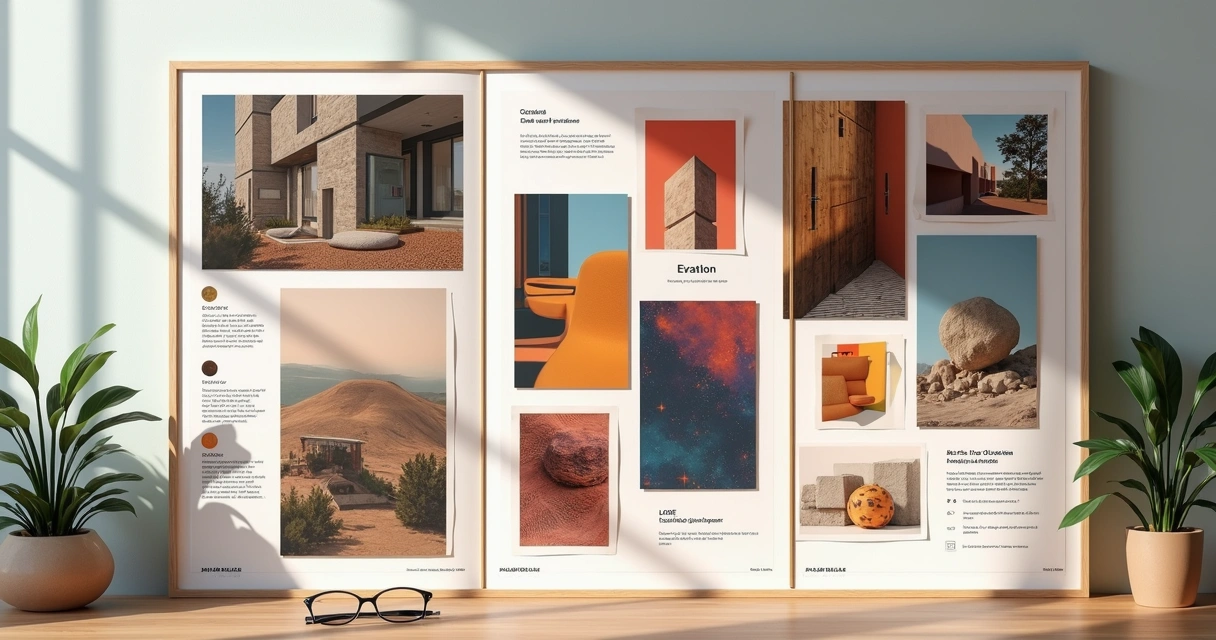
Architecture Moodboard
An interior designer's daily routine is a race against time. Client meeting in the morning, site visit at midday, and in the evening trying to finish that moodboard due tomorrow. On top of that, you still need to render 3 living room options, a kitchen, and the master suite. And the client wants to see "how it will look" before approving anything.
AI entered interior design to solve exactly that. Not to replace the designer's eye. To accelerate everything that gets stuck between the idea and the presentation.
What interior designers actually need from AI
Unlike architects focused on facades, structure, and site planning, interior designers live in the details. The exact leather tone of the sofa. The reflection of polished porcelain tile. The way a pendant light casts shadows on a plaster wall. If the render doesn't capture those details, it's useless.
That's why generic AI tools don't work for interiors. ChatGPT generates a pretty "modern living room," but the materials are invented, the lighting is generic, and the proportions don't match the project. You can't show that to a client and say "this is how it will look" when the AI swapped the porcelain for marble and added a window that doesn't exist.
Interior designers need AI that understands materiality, ambient lighting, and furniture scale. AI that takes the real project and renders it with the right textures, the right light, in the right proportions.
Interior rendering: from hours to seconds
Interior rendering is the hardest thing to get right with traditional software. Global illumination, reflections in glass and metal, light bounce in fabrics, transparency of curtains. In V-Ray, that means hours of configuration and rendering. In Lumion, results are fast but generic — that look of "almost real but not convincing."
With AI trained specifically for architecture and interior design, the situation changes. You upload a screenshot of your project modeled in SketchUp, Revit, or ArchiCAD and in 20 to 40 seconds you receive a render with convincing natural lighting, textures faithful to the project materials, and reflections that make sense in context.
Redraw was trained on millions of real interior images. The AI knows how polished porcelain tile reflects. It knows the difference between linen and velvet on a sofa. It knows how a recessed spot light creates a gradient different from natural window light. Those are the details that determine whether a render convinces or not.
And when the client looks and says "I want to see it with wood flooring instead of porcelain," that's 30 seconds to generate the variation. Not 2 hours reconfiguring materials.
Enhance Render: when you already have an image
Many designers already render with Lumion, Enscape, or even photos of the space under construction. The problem is that the result doesn't always reach the presentation level clients expect.
Redraw's Enhance Render was built for this. You upload any image (software render, photo of the space, even a Promob screenshot) and in 30 seconds the AI improves textures, corrects lighting, adds realism. That render that was "almost good" becomes professional. That raw construction photo becomes a presentation.
For interior designers, this feature alone justifies the tool. Because much of the work is taking what exists and elevating it. AI does that in seconds.
Before · render produced in conventional software
After · render enhanced with Redraw AI
Idea generation: when the client doesn't know what they want
Every designer knows this situation: the client sits down, says "I want something modern but cozy," and expects you to translate that into an image on the spot.
With AI, you can. In Redraw, idea generation works like visual brainstorming. Describe the concept ("living room with neutral palette, double ceiling height, warm lighting, japandi style"), and the AI generates options in seconds. These aren't final renders — they're starting points. Visual references you show the client, adjust the direction, then render with precision once the project is modeled.
It's automated moodboarding. Instead of spending 3 hours on Pinterest searching for images that "sort of" represent the idea, you generate exactly what you're envisioning. And if the client says "I like it but want more color," generate again in 30 seconds.
Visual moodboard with AI
Speaking of moodboards: the way designers present concepts to clients has changed. The classic moodboard (a collage of Pinterest photos with material samples) works, but has one problem. The photos are of other people's projects. They don't show how your client's project will look.
With AI, the moodboard becomes personalized. You generate images of the client's actual space with different styles, palettes, and atmospheres. The client sees their space rendered 5 different ways. Not a generic Pinterest living room. Their living room.
That changes the conversation. The client stops comparing with other people's photos and starts deciding about their own project. Approval comes faster because expectations are calibrated from the start.
Textures and lighting: where AI makes the difference
Interior design is about sensation. The feeling of a space comes from the combination of materials, light, and proportion. And that's exactly where generic AI fails and AI trained for interiors succeeds.
Redraw has its own models fed with millions of real interior images. Not renders, not generic AI images. Real photos and renders from executed projects. The AI learned how real materials behave:
How freijo wood reflects light differently from oak. How curtain fabric filters natural light creating a warm tone. How a mirror expands the space but changes the perception of depth. How Calacatta marble has veins that run in a specific direction.
Generic AI doesn't know this. It generates a generic "wood floor." Redraw generates materiality that a designer recognizes.
The complete designer workflow with AI
In practice, an interior designer can do everything inside Redraw:
1. Generate ideas with the client. In the first meeting, you describe the concept and generate visual options in real time. The client participates, gives feedback, and guides the direction. You leave the meeting with the concept approved.
2. Render the modeled project. When the 3D model is ready, take a screenshot and render in 30 seconds. With the materiality and lighting the project calls for.
3. Generate finish variations. Does the client want to see it with dark flooring? With granite countertop instead of quartz? With cooler lighting? 30 seconds per variation.
4. Enhance existing renders. Rendered in Lumion or Enscape and the result looks generic? Upload to Enhance Render and in 30 seconds gain realism.
5. Generate a video of the space. Want to show the space with movement? Redraw has its own video tool for interiors, plus Veo 3 and Kling AI. Turns a static render into a walkthrough.
6. Generate 3D objects. Need a specific light fixture, a vase, a piece of furniture not in your library? Generate it directly in Redraw and import into SketchUp.
One platform. The entire visual workflow of an interior designer solved.
Cost vs. savings
A designer who renders with traditional software spends on average:
Render license (Lumion/Enscape): R$ 3,500 to R$ 7,000/year
Adequate hardware: R$ 8,000 to R$ 20,000 (amortized ~R$ 5,000/year)
Hours in rendering and configuration: ~60 hours/month
Hours in moodboards and references: ~15 hours/month
Total: R$ 8,500+/year + 75 hours/month
With Redraw:
Basic plan: ~R$ 1,000/year
Hardware: the laptop you already have
Hours in rendering + ideas + variations: ~2 hours/month
Total: R$ 1,000/year + 2 hours/month
That's 73 hours a month returned to you. Almost 10 working days. Imagine what you do with 10 extra days a month: more projects, more clients, or simply less stress.
Frequently asked questions
What is the best AI for interior design?
Redraw is the benchmark for interiors in 2026. With models trained specifically for interior spaces, it understands materiality, ambient lighting, and furniture scale like no generic AI can.
Can AI render interiors with fidelity?
Yes, when trained for it. Redraw preserves textures, proportions, and lighting from the original project. Generic AI like ChatGPT invents materials and changes the geometry.
Can I use AI to create a moodboard?
Yes. In Redraw, idea generation creates personalized moodboards of the client's actual space, not collages of third-party photos. The client sees their own space in different styles.
Does AI for interiors work without a 3D model?
Yes. Idea generation works from a text description or reference image. Maximum-fidelity rendering uses a 3D model screenshot, but it's not required to get started.
Does Redraw capture the material details that matter in interiors?
Yes. The models were trained on millions of real interior images. The AI differentiates types of wood, fabric, stone, metal. It understands how each material reflects light differently.
Try Redraw → redraw.pro
Architectural Project
An interior designer's daily routine is a race against time. Client meeting in the morning, site visit at midday, and in the evening trying to finish that moodboard due tomorrow. On top of that, you still need to render 3 living room options, a kitchen, and the master suite. And the client wants to see "how it will look" before approving anything.
AI entered interior design to solve exactly that. Not to replace the designer's eye. To accelerate everything that gets stuck between the idea and the presentation.
What interior designers actually need from AI
Unlike architects focused on facades, structure, and site planning, interior designers live in the details. The exact leather tone of the sofa. The reflection of polished porcelain tile. The way a pendant light casts shadows on a plaster wall. If the render doesn't capture those details, it's useless.
That's why generic AI tools don't work for interiors. ChatGPT generates a pretty "modern living room," but the materials are invented, the lighting is generic, and the proportions don't match the project. You can't show that to a client and say "this is how it will look" when the AI swapped the porcelain for marble and added a window that doesn't exist.
Interior designers need AI that understands materiality, ambient lighting, and furniture scale. AI that takes the real project and renders it with the right textures, the right light, in the right proportions.
Interior rendering: from hours to seconds
Interior rendering is the hardest thing to get right with traditional software. Global illumination, reflections in glass and metal, light bounce in fabrics, transparency of curtains. In V-Ray, that means hours of configuration and rendering. In Lumion, results are fast but generic — that look of "almost real but not convincing."
With AI trained specifically for architecture and interior design, the situation changes. You upload a screenshot of your project modeled in SketchUp, Revit, or ArchiCAD and in 20 to 40 seconds you receive a render with convincing natural lighting, textures faithful to the project materials, and reflections that make sense in context.
Redraw was trained on millions of real interior images. The AI knows how polished porcelain tile reflects. It knows the difference between linen and velvet on a sofa. It knows how a recessed spot light creates a gradient different from natural window light. Those are the details that determine whether a render convinces or not.
And when the client looks and says "I want to see it with wood flooring instead of porcelain," that's 30 seconds to generate the variation. Not 2 hours reconfiguring materials.
Enhance Render: when you already have an image
Many designers already render with Lumion, Enscape, or even photos of the space under construction. The problem is that the result doesn't always reach the presentation level clients expect.
Redraw's Enhance Render was built for this. You upload any image (software render, photo of the space, even a Promob screenshot) and in 30 seconds the AI improves textures, corrects lighting, adds realism. That render that was "almost good" becomes professional. That raw construction photo becomes a presentation.
For interior designers, this feature alone justifies the tool. Because much of the work is taking what exists and elevating it. AI does that in seconds.
Before · render produced in conventional software
After · render enhanced with Redraw AI
Idea generation: when the client doesn't know what they want
Every designer knows this situation: the client sits down, says "I want something modern but cozy," and expects you to translate that into an image on the spot.
With AI, you can. In Redraw, idea generation works like visual brainstorming. Describe the concept ("living room with neutral palette, double ceiling height, warm lighting, japandi style"), and the AI generates options in seconds. These aren't final renders — they're starting points. Visual references you show the client, adjust the direction, then render with precision once the project is modeled.
It's automated moodboarding. Instead of spending 3 hours on Pinterest searching for images that "sort of" represent the idea, you generate exactly what you're envisioning. And if the client says "I like it but want more color," generate again in 30 seconds.
Visual moodboard with AI
Speaking of moodboards: the way designers present concepts to clients has changed. The classic moodboard (a collage of Pinterest photos with material samples) works, but has one problem. The photos are of other people's projects. They don't show how your client's project will look.
With AI, the moodboard becomes personalized. You generate images of the client's actual space with different styles, palettes, and atmospheres. The client sees their space rendered 5 different ways. Not a generic Pinterest living room. Their living room.
That changes the conversation. The client stops comparing with other people's photos and starts deciding about their own project. Approval comes faster because expectations are calibrated from the start.
Textures and lighting: where AI makes the difference
Interior design is about sensation. The feeling of a space comes from the combination of materials, light, and proportion. And that's exactly where generic AI fails and AI trained for interiors succeeds.
Redraw has its own models fed with millions of real interior images. Not renders, not generic AI images. Real photos and renders from executed projects. The AI learned how real materials behave:
How freijo wood reflects light differently from oak. How curtain fabric filters natural light creating a warm tone. How a mirror expands the space but changes the perception of depth. How Calacatta marble has veins that run in a specific direction.
Generic AI doesn't know this. It generates a generic "wood floor." Redraw generates materiality that a designer recognizes.
The complete designer workflow with AI
In practice, an interior designer can do everything inside Redraw:
1. Generate ideas with the client. In the first meeting, you describe the concept and generate visual options in real time. The client participates, gives feedback, and guides the direction. You leave the meeting with the concept approved.
2. Render the modeled project. When the 3D model is ready, take a screenshot and render in 30 seconds. With the materiality and lighting the project calls for.
3. Generate finish variations. Does the client want to see it with dark flooring? With granite countertop instead of quartz? With cooler lighting? 30 seconds per variation.
4. Enhance existing renders. Rendered in Lumion or Enscape and the result looks generic? Upload to Enhance Render and in 30 seconds gain realism.
5. Generate a video of the space. Want to show the space with movement? Redraw has its own video tool for interiors, plus Veo 3 and Kling AI. Turns a static render into a walkthrough.
6. Generate 3D objects. Need a specific light fixture, a vase, a piece of furniture not in your library? Generate it directly in Redraw and import into SketchUp.
One platform. The entire visual workflow of an interior designer solved.
Cost vs. savings
A designer who renders with traditional software spends on average:
Render license (Lumion/Enscape): R$ 3,500 to R$ 7,000/year
Adequate hardware: R$ 8,000 to R$ 20,000 (amortized ~R$ 5,000/year)
Hours in rendering and configuration: ~60 hours/month
Hours in moodboards and references: ~15 hours/month
Total: R$ 8,500+/year + 75 hours/month
With Redraw:
Basic plan: ~R$ 1,000/year
Hardware: the laptop you already have
Hours in rendering + ideas + variations: ~2 hours/month
Total: R$ 1,000/year + 2 hours/month
That's 73 hours a month returned to you. Almost 10 working days. Imagine what you do with 10 extra days a month: more projects, more clients, or simply less stress.
Frequently asked questions
What is the best AI for interior design?
Redraw is the benchmark for interiors in 2026. With models trained specifically for interior spaces, it understands materiality, ambient lighting, and furniture scale like no generic AI can.
Can AI render interiors with fidelity?
Yes, when trained for it. Redraw preserves textures, proportions, and lighting from the original project. Generic AI like ChatGPT invents materials and changes the geometry.
Can I use AI to create a moodboard?
Yes. In Redraw, idea generation creates personalized moodboards of the client's actual space, not collages of third-party photos. The client sees their own space in different styles.
Does AI for interiors work without a 3D model?
Yes. Idea generation works from a text description or reference image. Maximum-fidelity rendering uses a 3D model screenshot, but it's not required to get started.
Does Redraw capture the material details that matter in interiors?
Yes. The models were trained on millions of real interior images. The AI differentiates types of wood, fabric, stone, metal. It understands how each material reflects light differently.
Try Redraw → redraw.pro

The AI ecosystem for architects








Some examples
Impressive results
These are some of the results that several of our clients have achieved using Redraw